Free trial
Sign-up includes free credits, enough to animate a first logo without a credit card. The free result is a watermarked preview, so a clean file needs a paid plan.
Learn moreTurn the logo you already have into short cinematic motion clips.
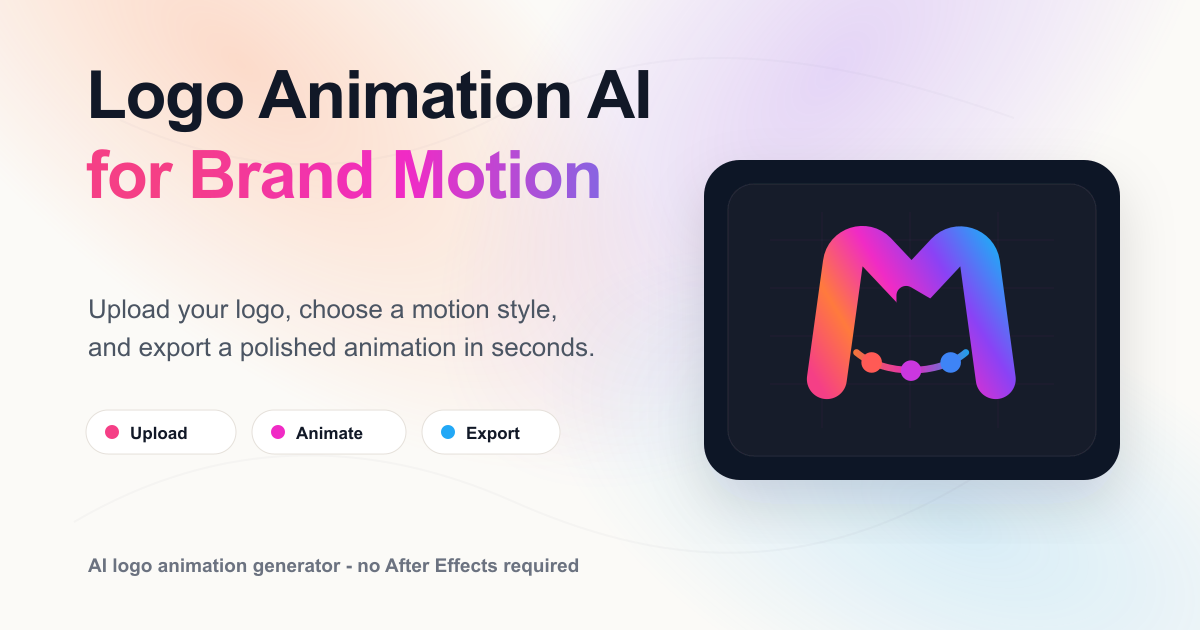
MorphLogo is an icon animation tool that turns the logo you already have into short cinematic motion clips. MorphLogo animates a logo file you upload, using curated motion styles and optional text prompts to produce 4 to 10 second clips in about a minute.
MorphLogo is a web app that animates an existing logo file rather than generating a new mark from a text prompt. You upload a PNG, JPG, WebP or SVG (up to 24MB), pick one of the built-in motion styles, and the service renders a short clip of roughly four to ten seconds in about a minute. The uploaded artwork serves as the first frame, so the animation is built around your real shapes and colors instead of a redraw that drifts away from your brand. The styles divide into two families. Cinematic, Neon and 3D Orbit keep the logo intact and add movement, lighting or rotation around it. Liquid, Particles and Glitch instead assemble the mark on screen, which means the clip may open on an empty stage before your logo lands. The results page is candid about this: in one published test, a thin line mark rendered with particle assembly kept its drawing but shifted from dark teal on light to glowing cyan on navy. Small text and fine strokes are the fragile cases, and writing a prompt that describes the reveal, lighting and camera gives more control over the outcome. Exports cover MP4, WebM, animated GIF and animated WebP in 16:9, 4:3, 1:1, 3:4 and 9:16, at resolutions up to 4K on supported models. Paid plans unlock transparent background renders, which are produced on a green screen and keyed out for WebM, WebP, GIF and MOV (ProRes 4444); MP4 keeps the green for manual keying, and glow effects around the logo do not survive the process. The tool suits founders, small marketing teams and freelancers who need a moving logo for a site header, social intro or ad without opening After Effects. Against template libraries like Canva or Renderforest, the trade is less frame-level control for motion that is generated for your specific mark; against general video models, it is less flexibility for a workflow already tuned to logos.
Sign-up includes free credits, enough to animate a first logo without a credit card. The free result is a watermarked preview, so a clean file needs a paid plan.
Learn moreThe pricing page is the only place with full plan detail; the homepage states that sign-up includes 40 free credits with no card required, that the free output is watermarked, and that clean downloads and transparent background exports require a paid option.
Learn moreUploads PNG, JPG, WebP or SVG (24MB cap); motion generated from your file as the first frame; curated styles plus a prompt box for reveal, lighting and camera; renders in about a minute; exports MP4, WebM, animated WebP and GIF in five aspect ratios; up to 4K on supported models; transparent background and MOV (ProRes 4444) exports on paid plans.
Learn more AI Angels400+ customizable AI girlfriends for NSFW chat, voice calls, and roleplay
 Candy AIExperience the future of companionship with AI friends who chat, role-play, and connect with you on a human level.
 ourdream.aiA vast AI roleplay platform with millions of characters for chat, images, video and voiceAI Angels400+ customizable AI girlfriends for NSFW chat, voice calls, and roleplayCandy AIExperience the future of companionship with AI friends who chat, role-play, and connect with you on a human level.ourdream.aiA vast AI roleplay platform with millions of characters for chat, images, video and voice