LogoGen

Describe your brand, get hundreds of logo options in seconds

Beginner
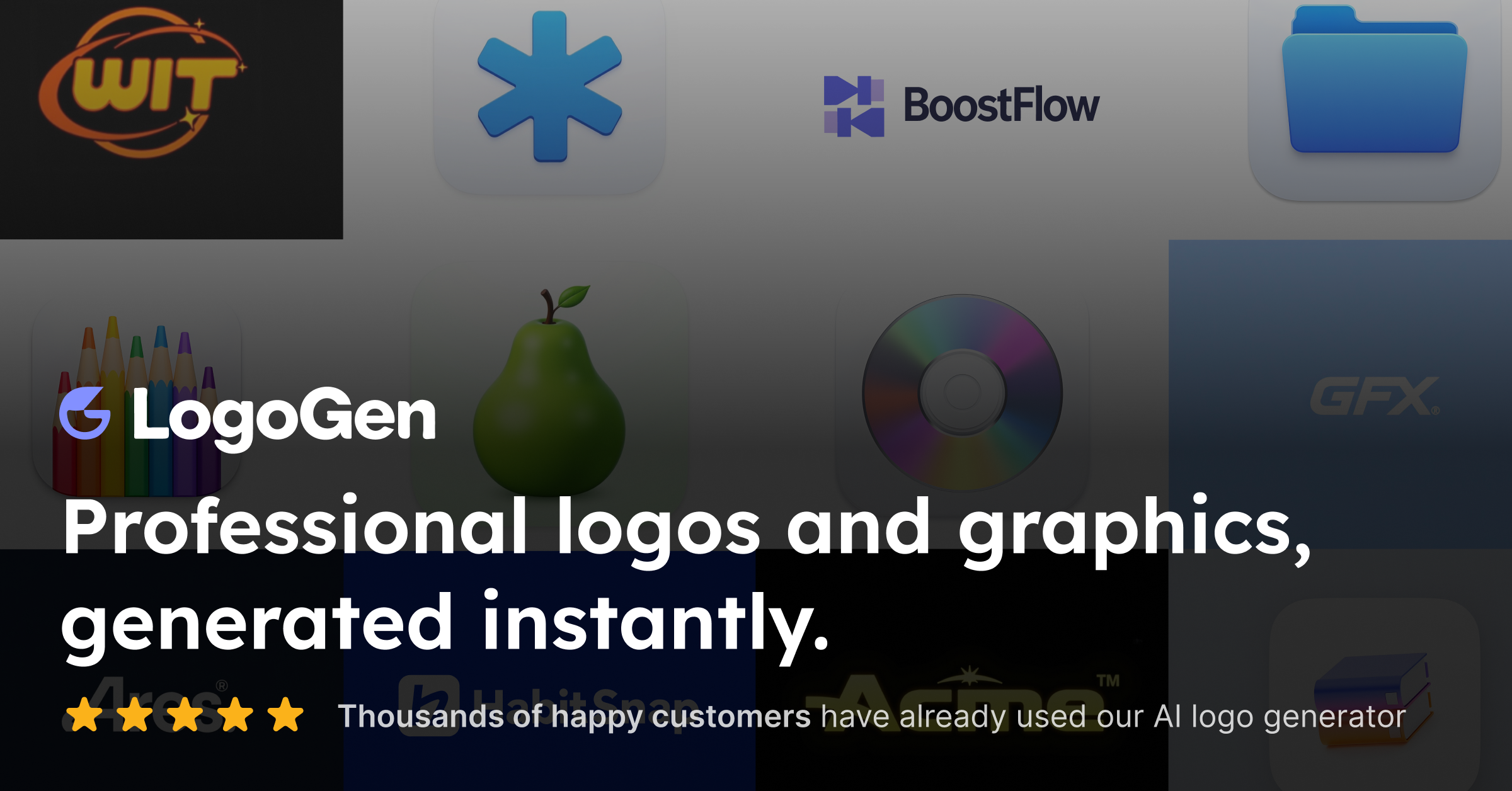
Screenshot of LogoGen, Describe your brand, get hundreds of logo options in seconds

What is LogoGen?

LogoGen is a generative image tool. AI logo generator that turns a brand description into hundreds of logo and graphic concepts in seconds, aimed at founders, small businesses and freelancers who need a fast first draft without design skills.

LogoGen is an AI logo generator built around a single promise: type a description of your brand and receive hundreds of logo and graphic options within seconds. The homepage positions the whole workflow as finishable in under three minutes, which puts it in the same bracket as other prompt-driven identity tools rather than full design suites. The gallery on the site shows the range it aims for, including mascot characters, retro badges, modern marks and pure wordmarks, so the output is not locked into one house style. The audience is broad by design. The testimonials on the page come from startup founders, small business owners, freelancers, nonprofits with tight budgets and at least one professional graphic designer who wanted a starting point rather than a finished file. Several reviews mention color theory, typography and negative space, which suggests the value sits in fast, varied first drafts that a person can react to. Accessibility gets a specific mention too: one reviewer with colorblindness credits the tool with producing workable color combinations, and another praises monochrome performance. In practice the loop is prompt, review, refine. You describe the brand, the AI returns a batch of candidates, and you iterate by adjusting the brief or picking alternatives until something fits. Reviewers describe a suggestion feature that offers directions they had not considered, and one notes the tool appears to adapt to stated preferences across sessions. The homepage does not document export formats, vector output, brand guideline generation or third-party design tool integrations, so anyone needing a layered source file should confirm that before committing. Against alternatives, LogoGen competes on volume and speed rather than on hand-crafted customization. It suits people who need a credible mark today and can accept AI-generated artwork as the foundation, and it is a poor fit for teams that require a designer-led process or guaranteed trademark clearance. The site's own framing is time saved, not craft replaced.

How do you use LogoGen?

  1. 1Create an account
    Sign up on the LogoGen site to unlock the generator. Registration is the entry point to every generation feature shown on the homepage.
  2. 2Describe your brand
    Write a short brief covering what the business does, the audience and the feeling you want the mark to carry. Clearer descriptions give the AI more to work with.
  3. 3Pick a style direction
    Choose between directions such as mascot, retro, modern or wordmark, using the sample gallery as a reference for what each looks like.
  4. 4Generate and review the batch
    Run the generator and scan the returned options. Expect hundreds of candidates, so shortlist quickly rather than studying every result.
  5. 5Refine with suggestions
    Use the suggestion feature to explore alternatives when a direction stalls, adjusting the brief or the chosen style between rounds.
  6. 6Finalize your pick
    Settle on the mark that reads well at small sizes and in monochrome, then confirm export options inside the app before using it on live brand material.

Pros and cons

Pros

  • Generates hundreds of logo candidates from a single brand description, which makes comparison fastAI
  • Covers several distinct styles on the homepage, including mascot, retro, modern and wordmarkAI
  • Workflow is pitched as under three minutes from start to finishAI
  • Reviewers highlight accessible color combinations and strong monochrome resultsAI
  • Low barrier for non-designers: no design skills required to startAI

Cons

  • Homepage gives no detail on export formats, so vector or layered source files are unconfirmedAI
  • No published pricing tiers or plan limits on the page, which makes budgeting hardAI
  • AI output still needs human judgment on trademark clearance and originalityAI
  • Testimonial-heavy page offers little technical depth about the underlying modelAI
  • Style range is broad but fine-grained brand system work is not addressedAI

How much does LogoGen cost?

Features

Prompt-based logo generation that returns hundreds of concepts in seconds, with style directions spanning mascot characters, retro badges, modern marks and wordmarks. The tool also produces app icons and general brand graphics, offers suggestion-driven alternatives when a direction stalls, and is built for users with no design background.

Frequently asked questions about LogoGen

  • How do you use LogoGen?
    The walkthrough on this page covers 6 steps: 1. Create an account 2. Describe your brand 3. Pick a style direction 4. Generate and review the batch 5. Refine with suggestions 6. Finalize your pick.
  • What platforms does LogoGen support?
    LogoGen is available on Web App.
  • What are the limitations of LogoGen?
    Homepage gives no detail on export formats, so vector or layered source files are unconfirmed. No published pricing tiers or plan limits on the page, which makes budgeting hard. AI output still needs human judgment on trademark clearance and originality.

Status

StatusActive
Views0
Outbound clicks0
Added10/21/2026

Platforms

Web App

Pricing

Freemium