Integrations
The homepage names Square, Toast, SpotOn, and Clover for POS syncing, and mentions reservation system syncing without listing specific providers.
24/7 AI phone answering that takes restaurant orders and reservations

Loman is a 24/7 voice AI phone agent for restaurants that takes pickup and delivery orders, books reservations, answers FAQs, and captures card payments, with tickets synced to POS systems and a dashboard for live calls, transcripts, and revenue metrics.
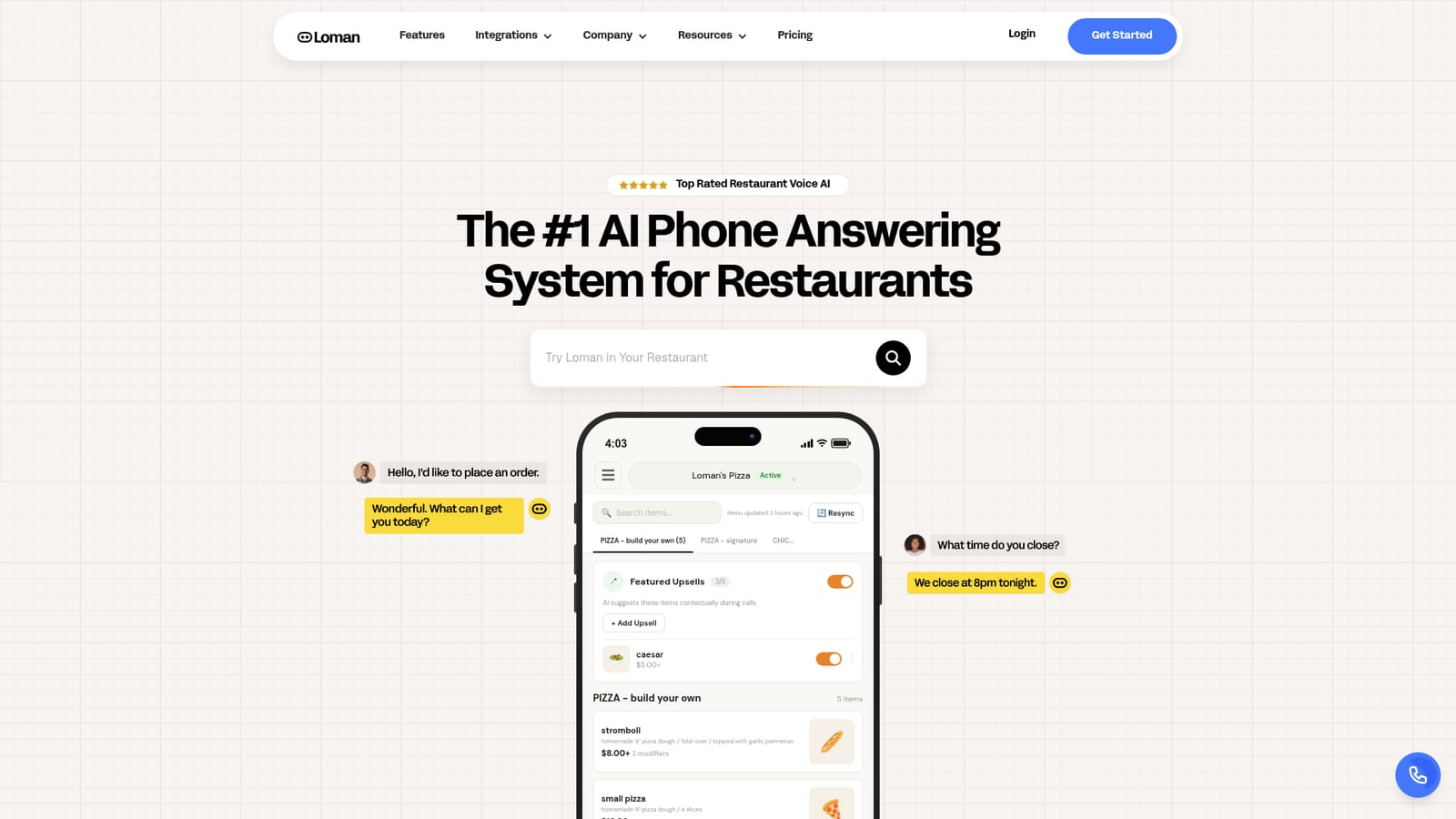
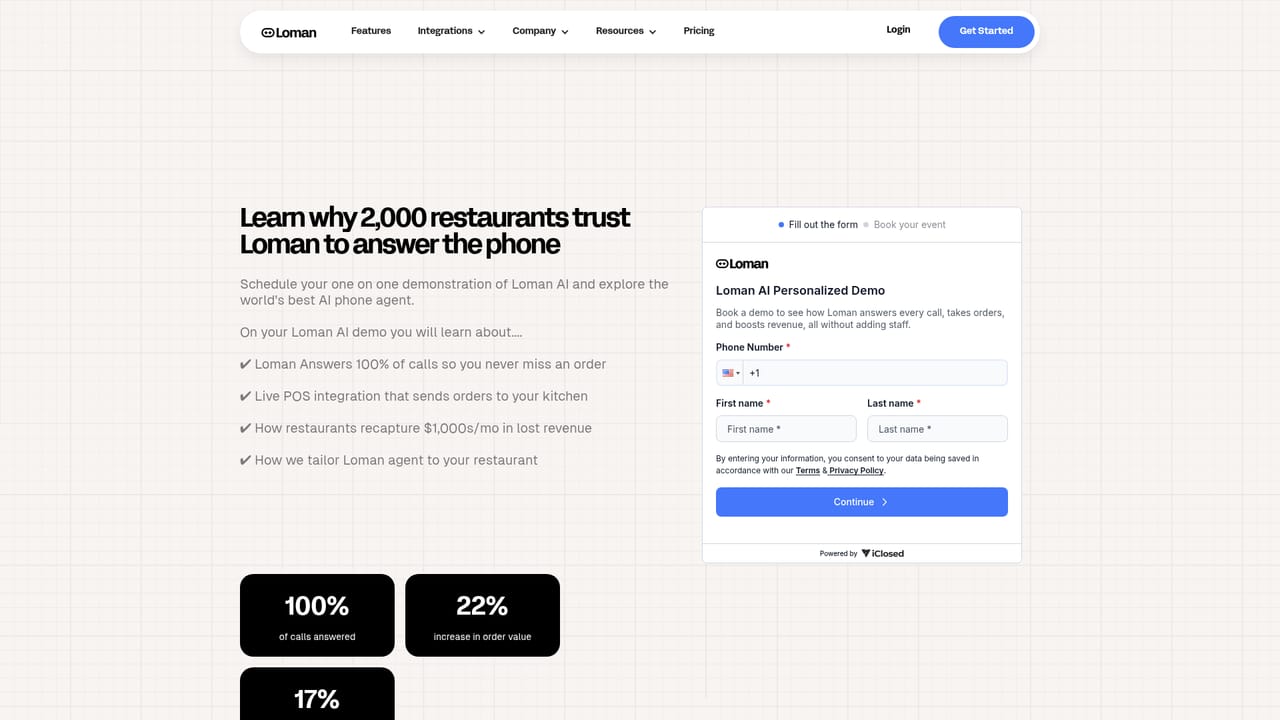
Loman is a voice AI receptionist built specifically for restaurants. It answers the phone around the clock, takes pickup and delivery orders, books reservations, answers common questions about the business, and processes credit card payments over the phone. The product is positioned for independent single locations, multi unit groups, and enterprise brands, and the site reports thousands of operators using it. The practical appeal is coverage. Calls that arrive during a rush, after close, or while staff are on the floor get handled by an agent that knows the menu, hours, and business details. Order tickets and reservation bookings are pushed into the systems the restaurant already runs, so the front of house sees them in the same place as everything else. Loman also upsells during calls and can recapture missed orders, which is where the vendor's customer stories concentrate their claims about added revenue. Behind the voice agent sits a dashboard that acts as a command center. Operators can watch live calls and read transcripts, review orders and their outcomes, and update menu items, hours, and business information in seconds. Payments and earnings metrics are tracked there too, along with peak call times, which gives managers something concrete to staff against. Setup is handled through a scheduled demo rather than a self serve signup, and the homepage invites visitors to place a live test call to the agent across a range of cuisines before committing. Against generic AI phone tools, Loman's advantage is vertical depth: POS syncing, reservation booking, and payment capture are restaurant specific rather than bolted on. Against human answering services, the tradeoff is that a scripted agent has to be configured carefully, and the homepage does not publish pricing, contract terms, or a full integration list, so buyers should expect to get those details during the demo.
The homepage names Square, Toast, SpotOn, and Clover for POS syncing, and mentions reservation system syncing without listing specific providers.
Voice AI answering for pickup and delivery orders, 24/7 reservation booking, FAQ answering based on your business details, secure card payments by phone, POS ticket syncing, built in upselling and missed order recapture, plus a dashboard with live calls, transcripts, payment tracking, revenue metrics, and peak call time reporting.
 AI Angels400+ customizable AI girlfriends for NSFW chat, voice calls, and roleplay
 Candy AIExperience the future of companionship with AI friends who chat, role-play, and connect with you on a human level.
 ourdream.aiA vast AI roleplay platform with millions of characters for chat, images, video and voiceAI Angels400+ customizable AI girlfriends for NSFW chat, voice calls, and roleplayCandy AIExperience the future of companionship with AI friends who chat, role-play, and connect with you on a human level.ourdream.aiA vast AI roleplay platform with millions of characters for chat, images, video and voice


