Free trial
A 14 day free trial of the Business + AI plan is available when you sign up for Loom.
Learn moreRecord a video once, let AI title it, chapter it and turn it into a doc.

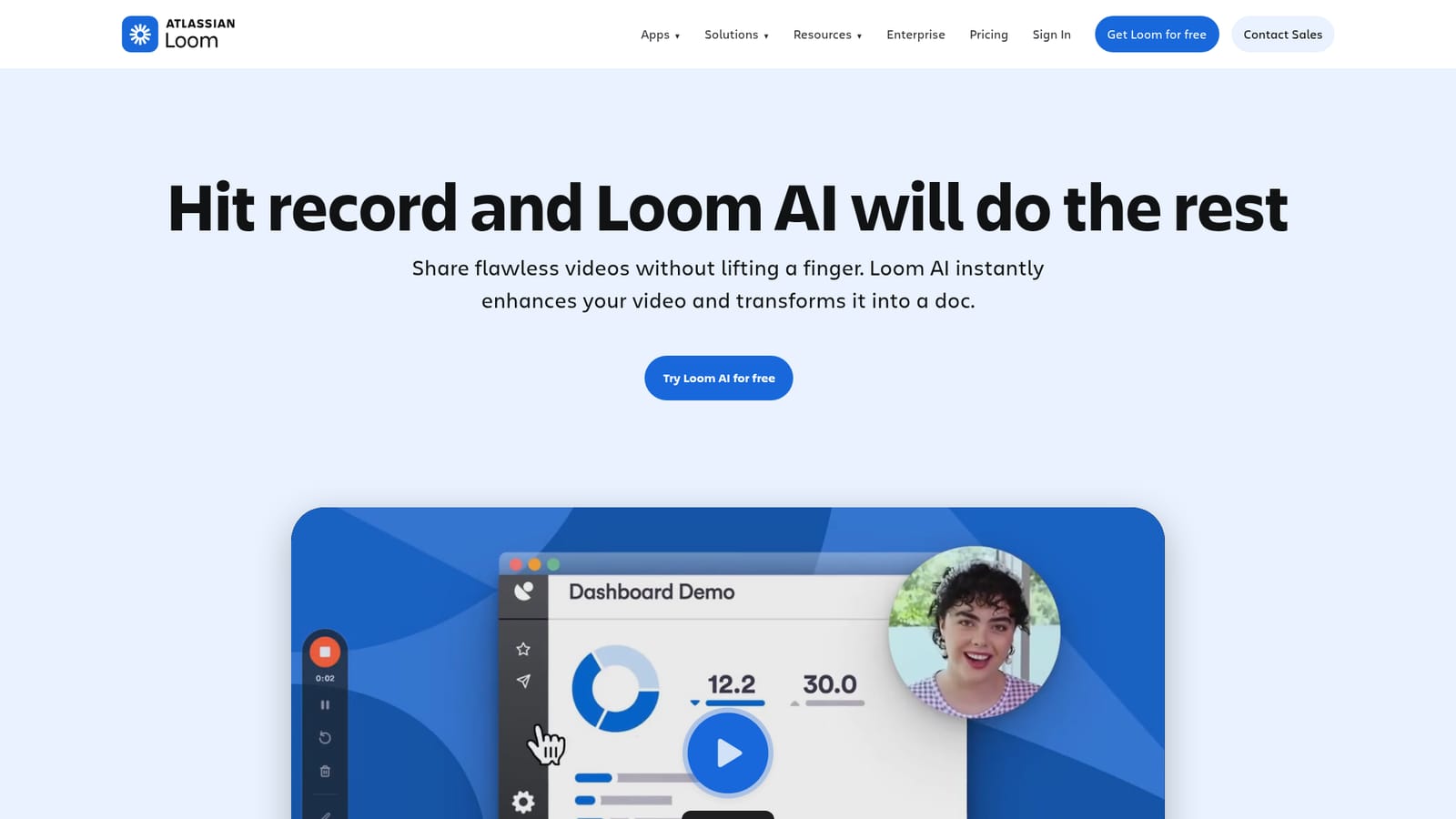
Loom AI is an AI task generator tool that records a video once, let AI title it, chapter it and turn it into a doc. Loom AI adds automatic titles, summaries, chapters and filler word removal to Loom recordings, then converts videos into documents, Jira or Linear issues and email drafts.
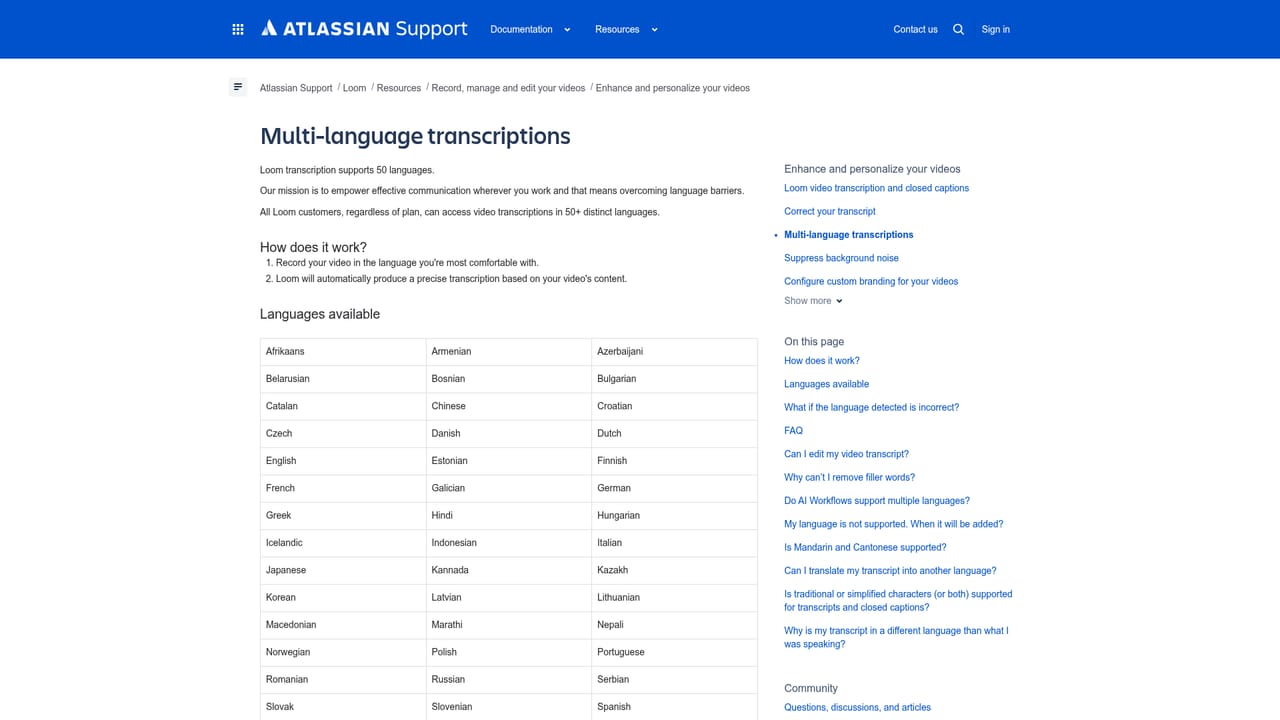
Loom AI is the artificial intelligence layer built into the Loom video messaging platform. It runs automatically after a recording is captured, generating a title, a written summary, chapter markers and a call to action link so that a raw screen recording arrives ready to watch. The same pass strips filler words and silences from the audio, which means a presenter can speak naturally on a first take and still ship something tight. The more distinctive part is what Loom calls AI workflows. Instead of stopping at a summary, the tool can convert a recorded walkthrough into a written document, a Jira or Linear issue, or a message and email draft. A support agent demoing a bug, a developer explaining a regression or a manager narrating a process can record once and get a structured artifact out of it. The auto-enhancement side (titles, summaries, chapters and the CTA link) works in more than 50 languages, while the documentation workflows currently output English only. Teams that already use Loom for asynchronous updates are the obvious audience, and the product is aimed at both individual presenters and workspace admins who manage seats. Because the AI features sit on top of the existing recorder rather than in a separate app, adoption is mostly a question of plan tier rather than new tooling. Viewer-side benefits matter too: the generated context appears before playback, and Loom reports 18 percent higher viewer engagement on AI-enhanced videos, alongside its own survey figures showing 67 percent of users leave the auto title unchanged. Data handling is worth noting. Transcripts are sent to OpenAI as text files to produce titles and summaries; full video and audio do not leave Loom for that purpose. The category is crowded with standalone video enhancers and AI note takers, but Loom AI differentiates by living inside the recording and sharing flow, so the output is a shareable link plus a document or ticket rather than a separate export.
A 14 day free trial of the Business + AI plan is available when you sign up for Loom.
Learn moreLoom AI is not sold on its own: it comes with the Business + AI or Enterprise plan, and a workspace admin upgrades from the Plan and Billing tab. The page gives no per-seat prices.
Learn moreUpgrades are handled by the workspace admin under Plan and Billing. Loom publishes AI terms, a sub-processor list and help articles covering multilingual transcription.
Learn moreWorkflows output directly to Jira and Linear issues, and transcripts are processed by OpenAI. Full video and audio are not shared with OpenAI.
Automatic titles, summaries, chapters and CTA links are generated for every recording, with filler word and silence removal to tighten playback. AI workflows turn a video into a written document, a Jira or Linear issue, or a message and email draft. Auto-enhancement works in 50+ languages.
 AI Angels400+ customizable AI girlfriends for NSFW chat, voice calls, and roleplay
 Candy AIExperience the future of companionship with AI friends who chat, role-play, and connect with you on a human level.
 ourdream.aiA vast AI roleplay platform with millions of characters for chat, images, video and voiceAI Angels400+ customizable AI girlfriends for NSFW chat, voice calls, and roleplayCandy AIExperience the future of companionship with AI friends who chat, role-play, and connect with you on a human level.ourdream.aiA vast AI roleplay platform with millions of characters for chat, images, video and voice


