Free trial
The homepage offers a Try Looppanel Free entry point alongside a demo booking option, but it does not state a trial length or which plan features are included in the free access.
Learn moreAI analysis and a searchable repository for UX research teams

LoopPanel is a UX research tool that transcribes interviews, auto-generates notes and tags, clusters qualitative findings, and stores everything in a searchable repository with shareable video clips. Suited to research and product teams with steady study volume.
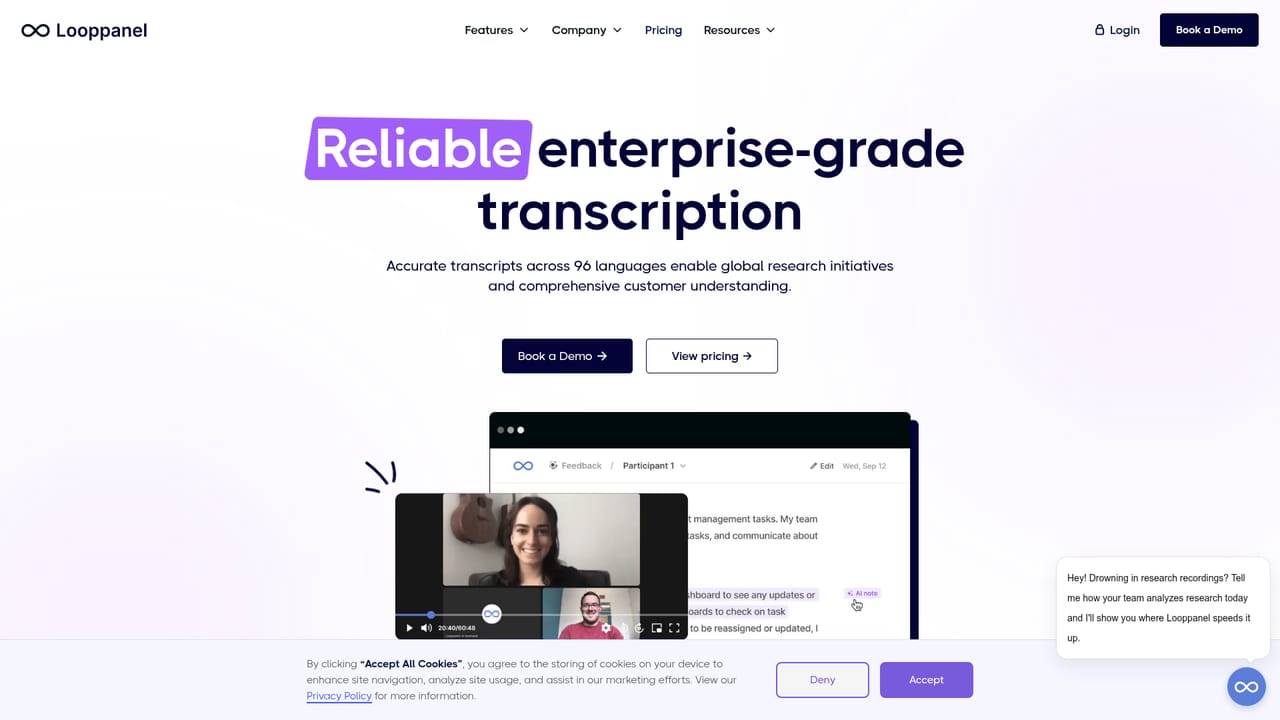
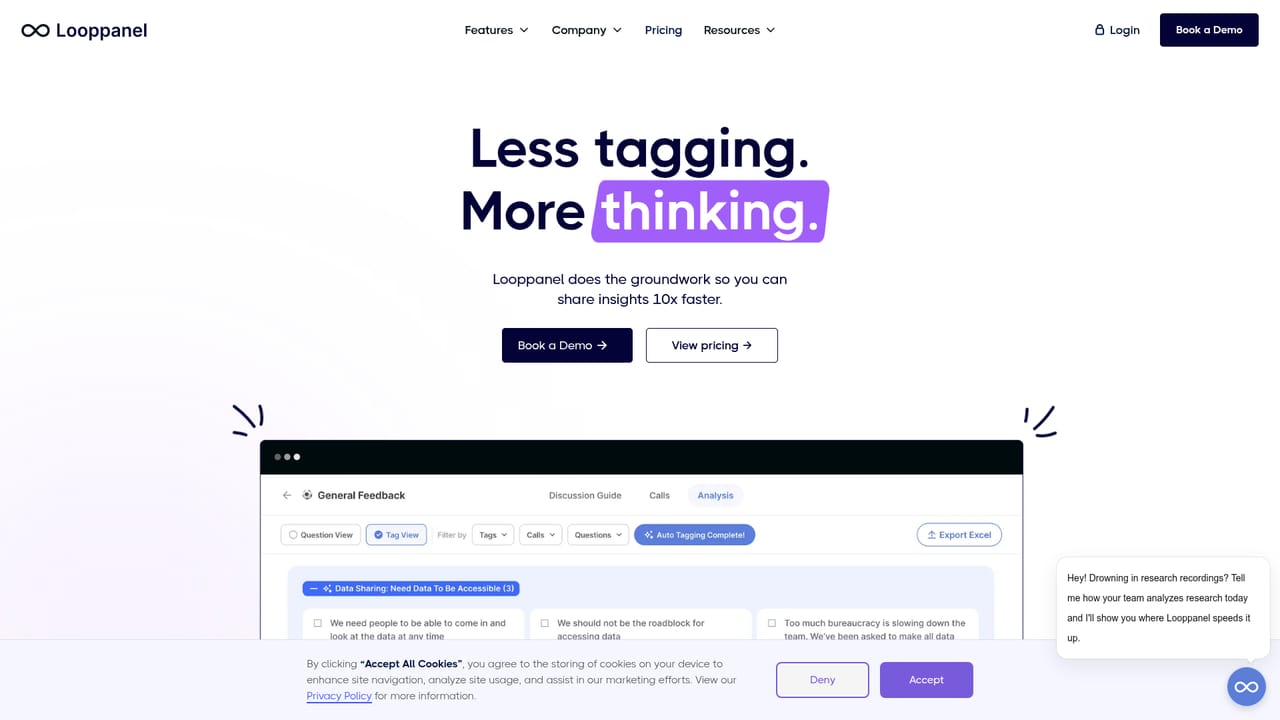
LoopPanel is a UX research platform that handles the unglamorous middle of qualitative work: turning recorded interviews into transcripts, notes, tagged themes and shareable evidence. The product is built around three connected pieces. A transcription and analysis workspace converts sessions into high quality transcripts with automatic notes and an AI research assistant that suggests tags; a repository layer stores findings so the whole organization can search across past studies the way it would search the web; and a sharing layer turns key moments into video clips and reports that product teams will actually open. The approach is deliberately collaborative rather than fully automated. The AI proposes clusters and themes, but researchers keep control of what gets applied, which matters for teams who need defensible evidence behind product decisions. Live note-taking during sessions and an analysis board for grouping observations support the same principle: speed up the sorting work, leave judgment with the researcher. LoopPanel suits UX researchers, product designers, and insights teams inside mid sized to large organizations, particularly where research is spread across many studies and stakeholders cannot easily find prior findings. It is less obviously aimed at solo founders or teams that only run occasional interviews, since the value compounds with volume and shared use. Compared with general purpose transcription tools, it adds synthesis and retrieval; compared with enterprise research repositories, it leans harder on AI assisted analysis inside the session workflow. A beta MCP connection lets teams query research from Claude and ChatGPT, extending the repository beyond the app itself. The customer list includes Miro, PandaDoc, Accenture, Freshworks, Airtel and Thumbtack, which signals an enterprise leaning roadmap.
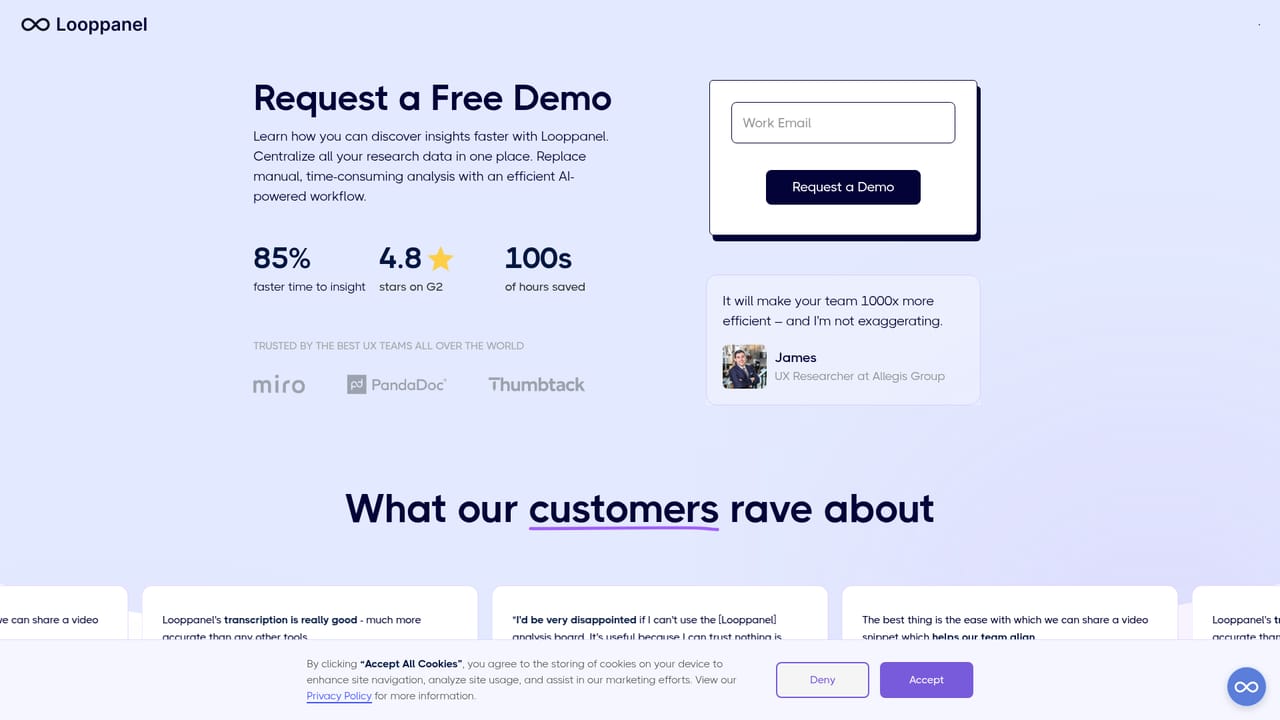
The homepage offers a Try Looppanel Free entry point alongside a demo booking option, but it does not state a trial length or which plan features are included in the free access.
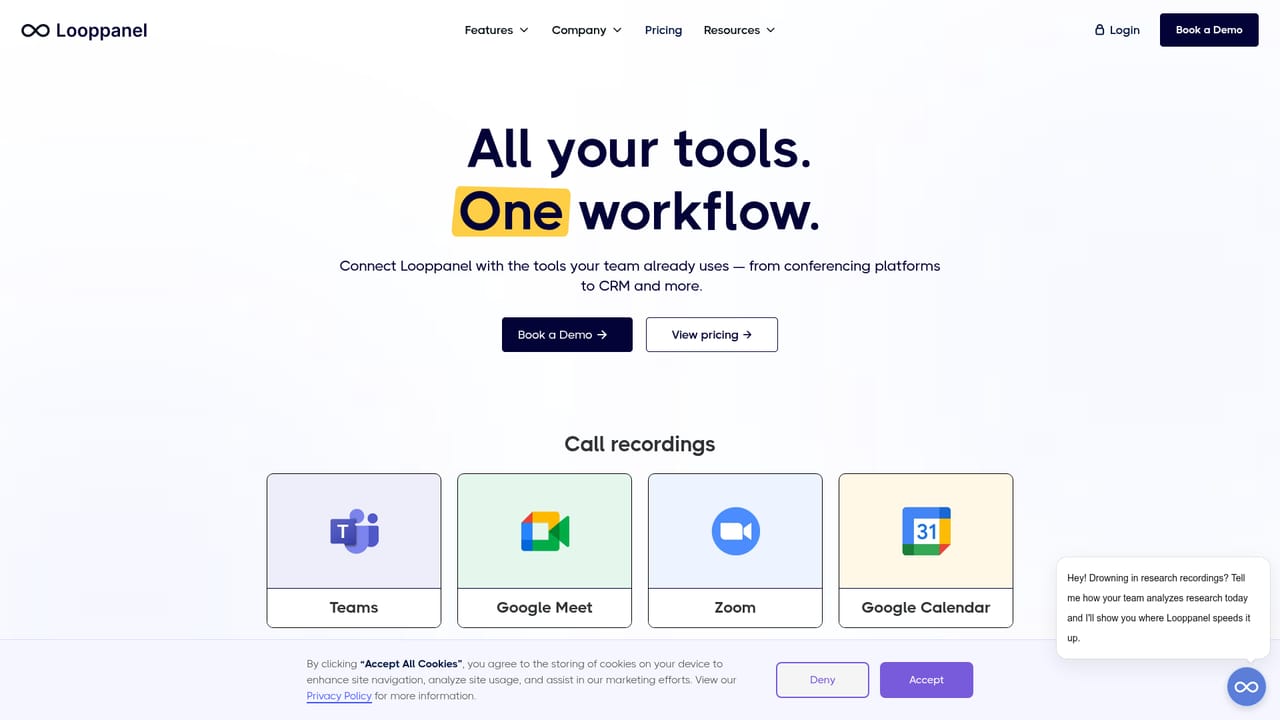
Learn moreThe homepage shows connectors for Google Meet, Microsoft Teams, video call recording, Google Sheets and document export, and a beta MCP link that brings research into Claude and ChatGPT.
Learn moreCore features include high quality transcription, automatic notes, live note-taking during sessions, AI suggested tags and clustering, an analysis board for synthesis, a searchable research repository with AI summaries, shareable video clips and reports, panel management, and a beta MCP connection for querying research from Claude and ChatGPT.
Learn more AI Angels400+ customizable AI girlfriends for NSFW chat, voice calls, and roleplay
 Candy AIExperience the future of companionship with AI friends who chat, role-play, and connect with you on a human level.
 ourdream.aiA vast AI roleplay platform with millions of characters for chat, images, video and voiceAI Angels400+ customizable AI girlfriends for NSFW chat, voice calls, and roleplayCandy AIExperience the future of companionship with AI friends who chat, role-play, and connect with you on a human level.ourdream.aiA vast AI roleplay platform with millions of characters for chat, images, video and voice


