Free trial
The homepage promotes the tools as free to start, with a Get started button and a free signup, but it does not detail what the free tier includes or how it differs from paid use.
Learn moreAI interior and exterior design renders from a single photo

Luw AI turns photos of interiors, exteriors and commercial spaces into styled design renders in seconds, with a supporting suite for sketches, object removal, mood boards, 3D export and design chat advice.
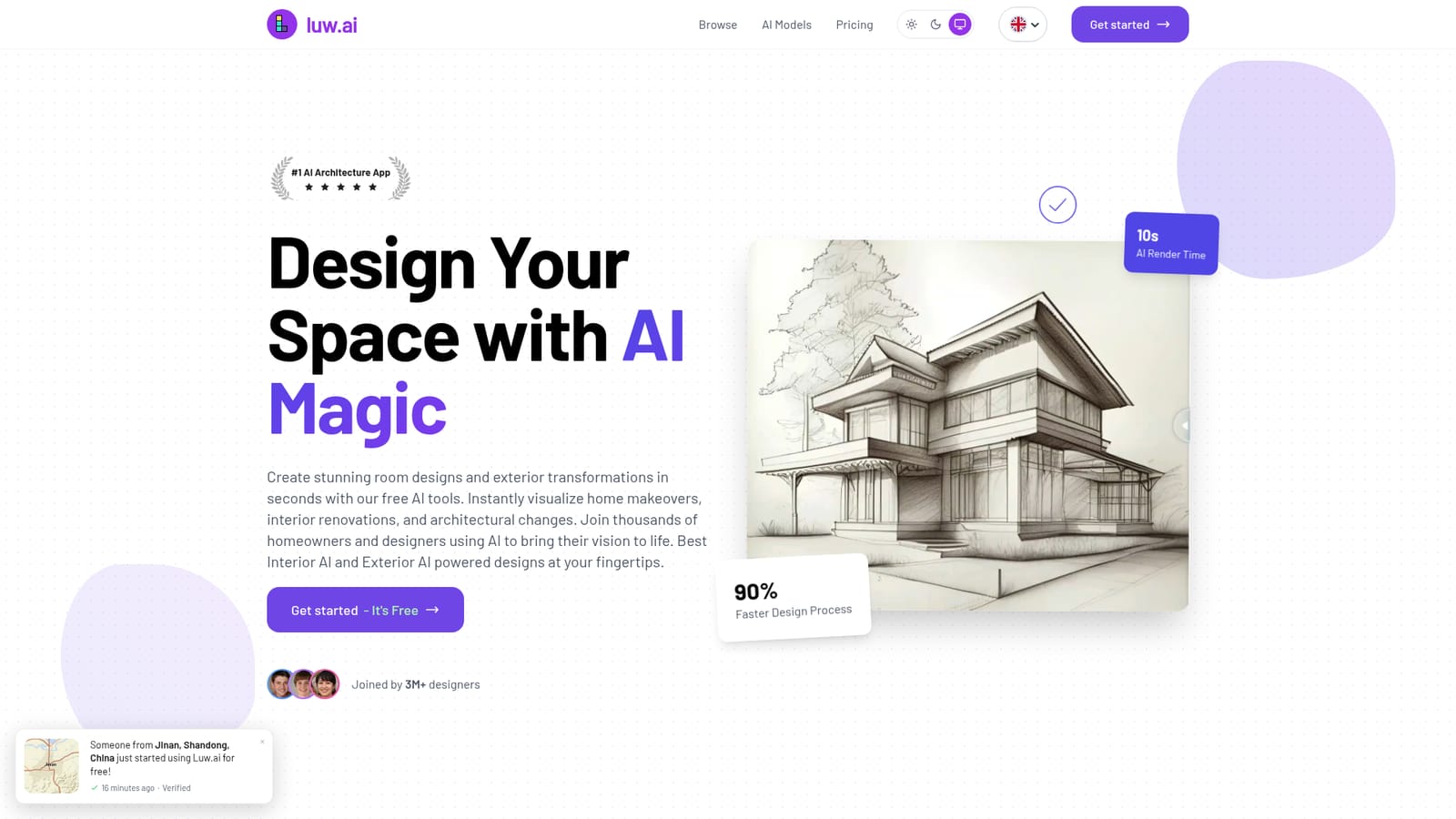
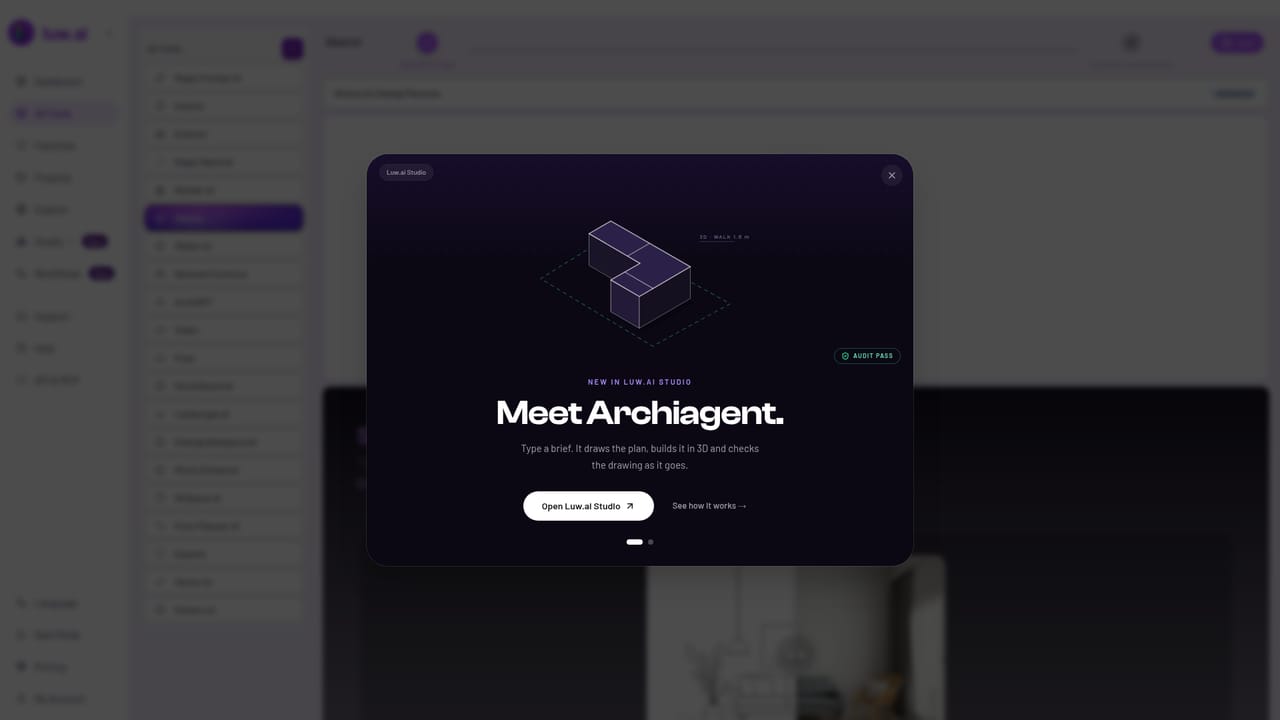
Luw AI is a design platform built around one core promise: turn an ordinary photograph of a room, a facade or a commercial space into a styled visual in roughly ten seconds. The workflow starts by uploading or capturing an image, picking a design intent from a preset list (a luxury hotel room, a spa bathroom, a workspace conversion) and letting the model redraw the scene while keeping the underlying geometry. A before and after slider shows the transformation side by side, which makes the output easy to judge rather than guess at. The suite is wider than the two headline tools. Interior AI and Exterior AI handle the core redesign tasks, Sketch AI converts drawings and drafts into rendered visuals, Magic Prompt edits an image from a short text description, and Magic Wand adds, removes or replaces objects with a generated fill. Beyond that sit a mood board generator, a resizer and noise cleaner, a furniture remover, a pattern generator for tileable textures, a product advertising image generator, a video mode that turns a still design into a 3D style flythrough, and 3DGen for exporting generated models as 3D files. ArchiGPT is a chat assistant layered on top for advice on layout, usability and design recommendations. The audience splits into three rough groups. Homeowners and renters use it to preview renovations before committing money. Real estate agents and stagers use it for virtual staging and listing visuals, which is a plausible read of the property brand logos on the homepage. Designers and architects use it for fast concept variations, client mood boards and early massing. The numbers cited on the site (3M+ joined designers, 250M+ designs generated) point to a consumer-heavy base rather than a purely professional one. Against dedicated rendering engines, Luw AI trades photoreal precision for speed and breadth of small utilities. It is closer to a design swiss army knife than a production pipeline tool: strong for ideation, mood boards and quick client-facing visuals, less suited to work that needs measured drawings, material specifications or a documented revision history.
The homepage promotes the tools as free to start, with a Get started button and a free signup, but it does not detail what the free tier includes or how it differs from paid use.
Learn moreCore tools are Interior AI and Exterior AI for photo based redesign, Sketch AI for rendering drafts, Magic Prompt for text based image edits, and Magic Wand for object add, remove and replace. Supporting tools include Mood Board AI, Resizer AI for upscaling and noise reduction, Remove Furniture, Pattern AI for tileable textures, a product advertising image generator, Video AI for motion flythroughs, 3DGen for 3D model export, and ArchiGPT for design chat advice.
Learn more AI Angels400+ customizable AI girlfriends for NSFW chat, voice calls, and roleplay
 Candy AIExperience the future of companionship with AI friends who chat, role-play, and connect with you on a human level.
 ourdream.aiA vast AI roleplay platform with millions of characters for chat, images, video and voiceAI Angels400+ customizable AI girlfriends for NSFW chat, voice calls, and roleplayCandy AIExperience the future of companionship with AI friends who chat, role-play, and connect with you on a human level.ourdream.aiA vast AI roleplay platform with millions of characters for chat, images, video and voice


