Free trial
The free plan is available without a card and covers 0.5 credits, roughly five minutes of translation or five faceless videos, plus three auto-published posts a month with a watermark. Starter also offers a 7-day trial.
Learn moreTranslate short videos into 78 languages and auto-publish on schedule.
Lyndium is a dubbing tool that translates short videos into 78 languages and auto-publish on schedule. Lyndium translates short videos (up to 5 minutes) into 78 languages with AI voice-over, generates faceless videos from a written idea, and auto-publishes both to TikTok, YouTube and LinkedIn on a schedule.
Lyndium is a browser-based content studio built around three connected tasks: making short faceless videos, translating existing clips, and scheduling the results to social channels. The translation tool takes a video of up to five minutes, converts the speech into a different language with a natural-sounding AI voice-over, and syncs the new audio to the original footage. The library covers 78 languages, from Spanish, French and German through to Hindi, Arabic, Japanese and Vietnamese, with a choice of voice for each one. The second pillar is faceless video production. A creator describes an idea in plain text, the system writes a script, generates five scenes, lays narration and music over the top, and returns a finished clip. Because the narration language can be swapped, the same idea can be reworked for several audiences. Videos built this way generally run to about a minute and a half, and the exact length shifts with the language, since some are spoken faster than others. That ceiling makes Lyndium a short-form tool first, which suits TikTok, YouTube Shorts and LinkedIn rather than long-form channel content. Auto-publishing ties the two together. TikTok, YouTube and LinkedIn accounts are connected once, a single caption is written, and each video is queued for a chosen time slot. Instagram is listed as coming soon. Scheduling depth depends on the plan, ranging from a few posts a month on the free tier to a hundred scheduled up to 30 days ahead on Creator. All of this runs on one credit balance, where a credit buys either ten minutes of translation or ten faceless videos, and publishing consumes nothing. Around the core sits a wider toolbox on the same account: image generation, 4K images, image mixing, marketing videos, AI avatars and headshots, text to speech, 3D models, a clip editor, a marketplace and a REST API for developers. It is aimed at solo creators and small marketing teams publishing in several languages at once, and it competes with dedicated dubbing services and schedulers by bundling both. Anyone working with footage longer than five minutes, or needing frame-accurate subtitle control, will find the limits tight.
The free plan is available without a card and covers 0.5 credits, roughly five minutes of translation or five faceless videos, plus three auto-published posts a month with a watermark. Starter also offers a 7-day trial.
Learn moreFree plan at A$0 with 0.5 credits, watermarked videos and three auto-published posts a month. Paid tiers: Starter A$2, Beginner A$5 and Creator A$10 per month, with 2, 5 and 10 credits, no watermark, and 10, 25 and 100 scheduled posts. One credit equals 10 minutes of translation or 10 faceless videos.
Learn moreCreator plans include priority support, and a live chat widget sits on the site. An FAQ and contact page are published for general enquiries.
Learn morePublishing connects to TikTok, YouTube and LinkedIn, with Instagram announced as coming soon. A REST API is available for developers who want to automate the tools.
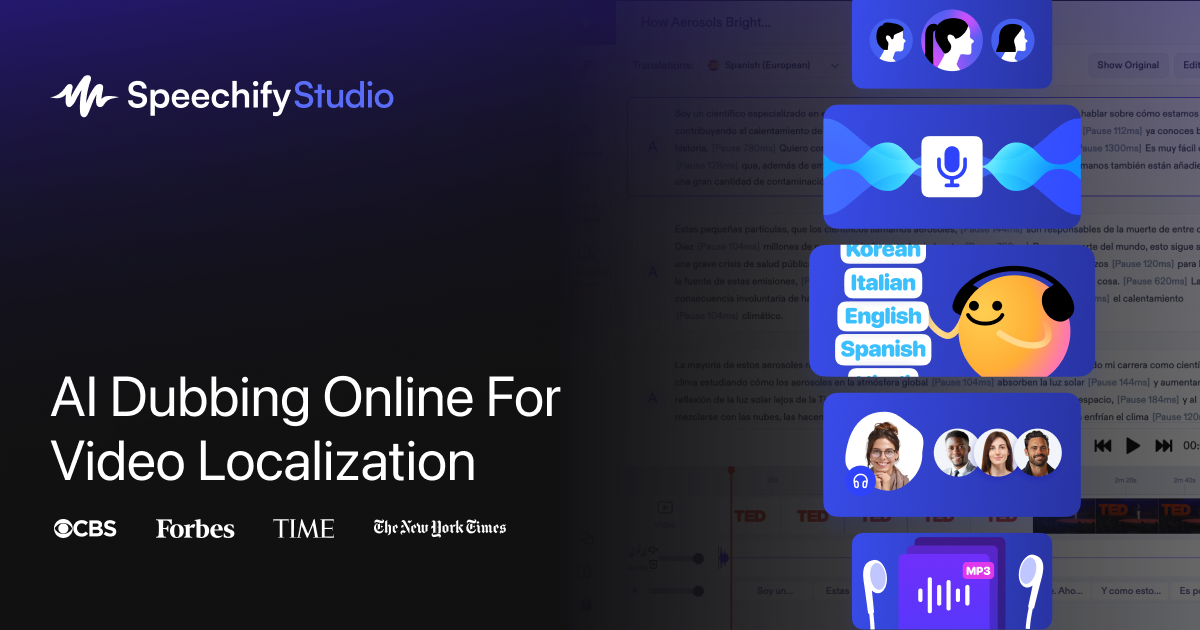
Learn moreVideo translation into 78 languages with natural AI voice-over for clips up to five minutes; faceless video generation from a text idea with script, five scenes, narration and music; scheduled auto-publishing to TikTok, YouTube and LinkedIn; plus image generation, 4K images, image mixing, marketing videos, AI avatars and headshots, text to speech, 3D models, a video editor, a marketplace, an AI chat assistant and a developer API.
Learn more AI Angels400+ customizable AI girlfriends for NSFW chat, voice calls, and roleplay
 Candy AIExperience the future of companionship with AI friends who chat, role-play, and connect with you on a human level.
 ourdream.aiA vast AI roleplay platform with millions of characters for chat, images, video and voiceAI Angels400+ customizable AI girlfriends for NSFW chat, voice calls, and roleplayCandy AIExperience the future of companionship with AI friends who chat, role-play, and connect with you on a human level.ourdream.aiA vast AI roleplay platform with millions of characters for chat, images, video and voice