Free trial
The page invites users to try AI Dubbing for free, but it does not spell out trial length, language limits or export restrictions.
Learn moreDub videos into 60+ languages with AI, no voice actors needed.
Own Speechify AI Dubbing? Verify ownership to get a dofollow link
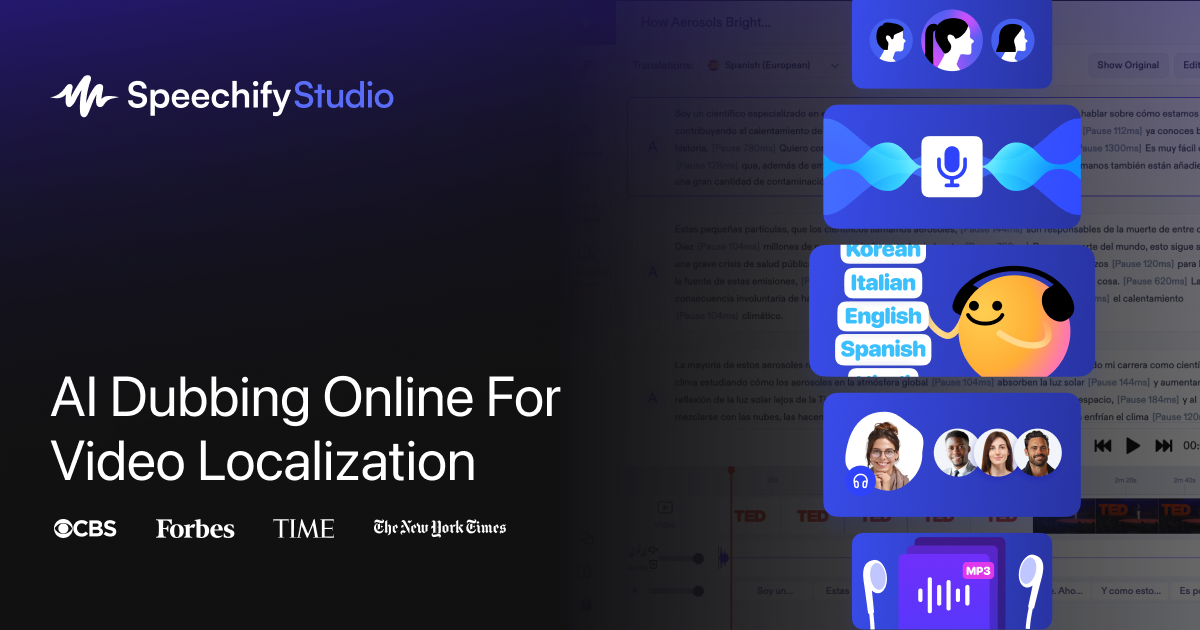
Speechify AI Dubbing translates and voices video content into 60+ languages inside Speechify Studio. It targets creators and teams that want fast, browser-based localization with humanlike synthetic voices and a simple upload, pick voice, choose language workflow.
Speechify AI Dubbing is a browser-based tool that translates video audio into more than 60 languages and accents using synthetic voices. It sits inside Speechify Studio, the company's broader audio and voice platform, and is aimed at creators, educators, marketers and media teams who want to localize existing footage without booking a studio or hiring voice talent. The workflow is intentionally simple: you supply a script or upload video, pick a target language and a voice, and the system generates a translated voice track that aims to match the emotion and pacing of the source. The core appeal is reach. A single YouTube video, documentary, training module or social clip can be repackaged for Spanish, French, German, Portuguese, Chinese, Japanese, Hindi, Arabic and dozens of other markets listed on the site. Speechify positions the output as humanlike, with voices that capture the tone of the original performance rather than reading in a flat monotone. The company says the tool runs entirely in your browser, so there is no software to install and no dedicated hardware required. In practice, Speechify AI Dubbing is a fit for teams that already produce video content and want a fast first pass at localization. It is less suited to projects where frame-accurate lip sync or celebrity voice cloning is mandatory, since the public page focuses on voice replacement and translation rather than visual alignment. Compared with hiring a localization agency, the trade-off is speed and cost against the nuance that human directors and native voice actors bring to comedy, slang and culturally specific references. Compared with standalone dubbing startups, its advantage is being bundled into Speechify Studio, which also handles text to speech and AI voice generation, so a single subscription can cover several audio tasks. The tool is beginner-friendly. The site promises a zero learning curve: upload, choose a voice, select a language, and the translation is generated. Users who need granular control over pronunciation, timing or multiple speakers will likely want to review output track by track before publishing.
The page invites users to try AI Dubbing for free, but it does not spell out trial length, language limits or export restrictions.
Learn moreDubbing in 60+ languages and accents, humanlike synthetic voices that aim to match original emotion and pacing, browser-based operation with no extra equipment, and a simple upload, choose voice, choose language workflow. The tool also sits alongside Speechify Studio's text to speech and AI voice generation features.
 AI Angels400+ customizable AI girlfriends for NSFW chat, voice calls, and roleplay
 Candy AIExperience the future of companionship with AI friends who chat, role-play, and connect with you on a human level.
 ourdream.aiA vast AI roleplay platform with millions of characters for chat, images, video and voiceAI Angels400+ customizable AI girlfriends for NSFW chat, voice calls, and roleplayCandy AIExperience the future of companionship with AI friends who chat, role-play, and connect with you on a human level.ourdream.aiA vast AI roleplay platform with millions of characters for chat, images, video and voice