Free trial
The Basic plan includes 15 minutes of free credit with no credit card required. It covers 40+ languages, background music and emotion support, and 10-day file retention.
Learn moreDub videos into 40+ languages with expressive AI voices.

UniDub is a dubbing tool. UniDub dubs videos into 40+ languages with emotional AI voices, background music support, and a subtitle editor. It also generates character-voiced audiobooks from story files and builds custom avatar videos from webcam recordings, all through a no-code web interface with free credits and pay-as-you-go pricing.
UniDub is a browser-based AI dubbing platform that turns existing videos into multilingual versions with synthesized speech, preserved background music, and optional subtitle burn-in. The workflow is built around three moves: upload a video and its subtitles, adjust the transcript in an editor that previews changes against the video player, then pick from a library of AI voices and tune tone, pitch, and speed before export. Source files can arrive as MP4, MOV, or AVI, with SRT and VTT accepted for subtitles or generated automatically when none are supplied. The same engine extends beyond straight dubbing. Story files in TXT, PDF, or DOCX can be converted into audiobooks, where the system separates dialogue by character and lets you assign a distinct AI voice to each speaker or accept automatic selection. A custom avatar module records your webcam and microphone, then generates a lip-synced presenter video from a written or uploaded script. Outputs download as MP4 for dubbed videos and avatars, and MP3 for audiobooks. UniDub suits content creators, educators, and localization teams that need multilingual versions of existing footage without booking voice actors or studio time. OTT platforms and businesses with recurring volume are addressed by the Enterprise tier, which adds unlimited voices and avatars plus extended file retention. Small teams can start on the free allowance and move to pay-as-you-go billing. The platform is a no-code web app, and the homepage states it needs no technical skills. It competes with dedicated dubbing services and general video editors that have added voice synthesis, though its combination of dubbing, audiobook narration, and avatar generation in one place is broader than most single-purpose tools. Video creation is listed as coming soon, so the current product centers on dubbing and repurposing existing media rather than generating original footage.
The Basic plan includes 15 minutes of free credit with no credit card required. It covers 40+ languages, background music and emotion support, and 10-day file retention.
Learn moreBasic is free with 15 minutes of credit and no credit card. Pro is pay-as-you-go at 1.5 rupees per second with custom voices and avatars, 30-day retention, and 24/7 support. Enterprise uses custom pricing with additional languages, unlimited voices and avatars, and 60-day retention. All tiers state no upfront cost.
Learn moreEmail support and help center access on all tiers. Basic includes 24/5 customer support; Pro and Enterprise include 24/7 support, with Enterprise adding dedicated customer support.
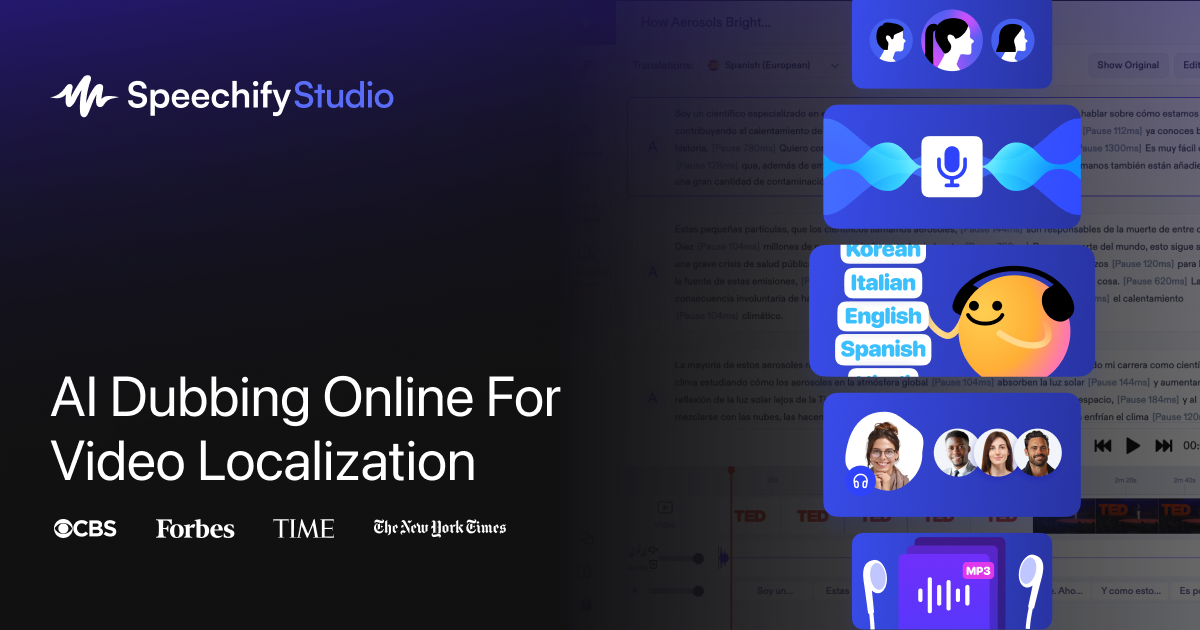
Dubbing in 40+ languages with emotion, style, and background music support; subtitle upload or auto-generation with a timing editor; AI voice selection with tone, pitch, and speed controls. Also includes character-wise audiobook generation from TXT, PDF, or DOCX files and custom avatar creation from webcam recording. Output is MP4 for videos and avatars, MP3 for audiobooks.
 AI Angels400+ customizable AI girlfriends for NSFW chat, voice calls, and roleplay
 Candy AIExperience the future of companionship with AI friends who chat, role-play, and connect with you on a human level.
 ourdream.aiA vast AI roleplay platform with millions of characters for chat, images, video and voiceAI Angels400+ customizable AI girlfriends for NSFW chat, voice calls, and roleplayCandy AIExperience the future of companionship with AI friends who chat, role-play, and connect with you on a human level.ourdream.aiA vast AI roleplay platform with millions of characters for chat, images, video and voice