Free trial
Maestra Live can be tried for free before choosing a plan. Rehearsal mode allows unlimited practice until the event ends, with one room and up to 5 test viewers, watermarked and not recorded.
Learn moreLive AI interpretation for events, plus on-demand dubbing and subtitles
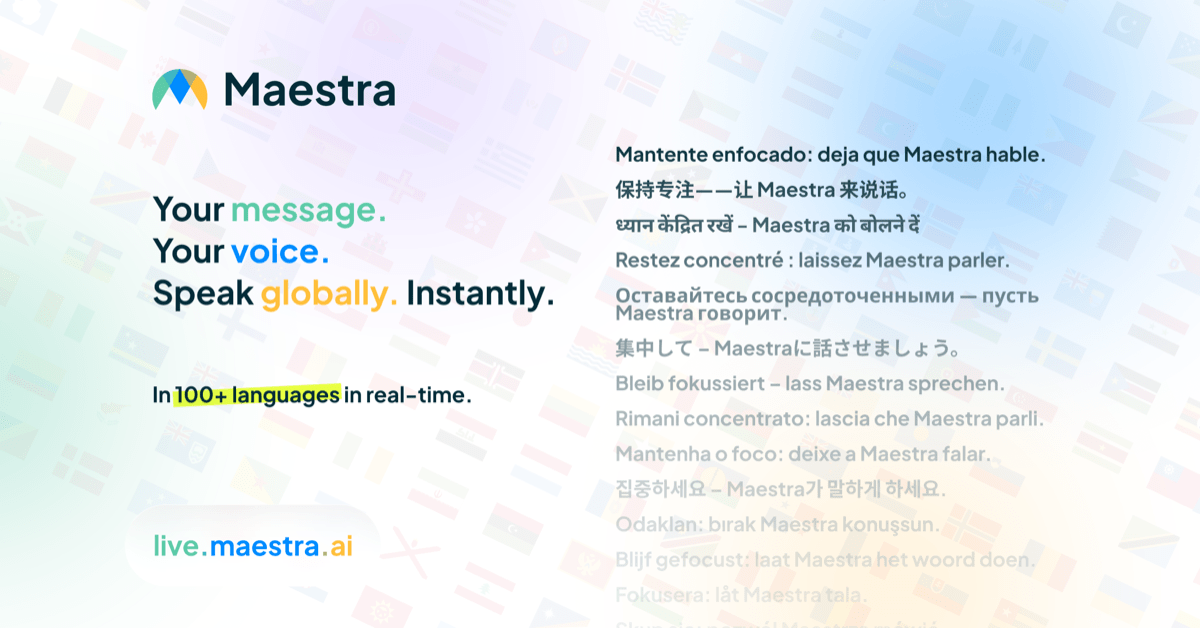
Maestra is a dubbing tool. Maestra offers live AI interpretation for events and meetings (QR code, browser-based captions and AI voice in many languages) and a Studio for subtitling, translating and dubbing recorded audio and video.
Maestra is a language platform split into two products. Maestra Live handles real-time interpretation for conferences, meetings, webinars, press events, livestreams and church services. Maestra Studio handles on-demand work on recorded audio and video: subtitles, transcripts, translation and dubbing. Both rely on speech recognition and machine translation, and the difference is timing. Live works while a speaker talks, Studio works on files uploaded afterward. In practice, an organizer names a session, picks the speaker language and the audience languages, and feeds in audio from a room microphone, a venue AV mixer, Zoom, Microsoft Teams, Google Meet, OBS or vMix. Attendees scan a QR code or open a link, choose a language in the browser and either read live captions or listen to an AI voice. No app, headsets or interpreter booths are involved. Languages and speakers can be changed during the event, a custom dictionary helps with names and specialist terms, and a reusable branded room link avoids issuing a new URL for every event. Captions typically trail the speaker by a few seconds, depending on language pair, audio quality and connection. Studio covers the follow-up work. Users upload a file, generate editable subtitles or a transcript, translate into 125+ languages, or dub with AI voices or a cloned voice, then edit and export. Separate tools cover subtitle translation for SRT and VTT files, audio translation, video-to-text, audio-to-text and text-to-speech. Running Live during an event and then processing the recording in Studio is a workflow the vendor describes directly. The product suits event organizers, AV teams, churches, internal communications groups and broadcasters who want multilingual access without booking human interpreters for each language. The vendor itself notes that legal, medical and diplomatic settings needing certified interpreters usually still call for people. Compared with traditional interpretation services, the pitch is self-serve: a free trial, online purchase and a rehearsal mode, with a demo available for teams that prefer talking to sales.
Maestra Live can be tried for free before choosing a plan. Rehearsal mode allows unlimited practice until the event ends, with one room and up to 5 test viewers, watermarked and not recorded.
Learn morePlans are purchased online, with unlimited sessions and clear per-session limits. Specific prices are not stated on the homepage; see the pricing page for details.
Learn moreHelp guides cover Zoom, Teams, Google Meet, OBS and session sharing. Organizers can book a 15-minute demo, and the vendor says it helps test setups in a rehearsal before an event.
Learn moreWorks with Zoom, Microsoft Teams, Google Meet, OBS and vMix, plus venue AV mixers and microphones for in-person events. Captions appear inside Zoom, Teams and Meet calls and as stream overlays in OBS and vMix.
Learn moreLive captions, translation and AI voice for events and meetings, QR code joining, two-way translation, custom dictionary, rehearsal mode, reusable branded rooms, plus Studio subtitles, transcripts, translation into 125+ languages, AI dubbing, voice cloning and text to speech.
Learn more AI Angels400+ customizable AI girlfriends for NSFW chat, voice calls, and roleplay
 Candy AIExperience the future of companionship with AI friends who chat, role-play, and connect with you on a human level.
 ourdream.aiA vast AI roleplay platform with millions of characters for chat, images, video and voiceAI Angels400+ customizable AI girlfriends for NSFW chat, voice calls, and roleplayCandy AIExperience the future of companionship with AI friends who chat, role-play, and connect with you on a human level.ourdream.aiA vast AI roleplay platform with millions of characters for chat, images, video and voice


