TranslateMom

Subtitle, translate and dub video into 100+ languages in seconds

Beginner
Screenshot of TranslateMom, Subtitle, translate and dub video into 100+ languages in seconds

What is TranslateMom?

TranslateMom transcribes, translates and dubs video and audio from uploads or links to YouTube, X and TikTok, with subtitles in 100+ languages, AI dubbing in 29 languages and SRT, VTT, TXT or ASS exports. Available as a web app plus Chrome, iPhone and Mac versions, with monthly minute based plans.

TranslateMom is a video translation and captioning service built around one workflow: bring a video or audio file, pick the languages you want, and get back subtitles, captions or a dubbed track. The homepage states support for more than 100 languages for subtitles and translation, with AI dubbing available in 29 languages, and the service reports over 5 million hours transcribed or translated to date. The input side is deliberately loose. Users can upload a file, or paste a link from YouTube, X, TikTok and other platforms, without a password. The platform transcribes the speech, translates it into the chosen languages, and then puts the result in an editor where individual lines can be corrected and captions styled before export. Exports include SRT, VTT, TXT and ASS subtitle files along with a captioned video, and the paid tiers remove the watermark. Per-plan limits cap files at 4.5 hours and 1GB, while AI dubbing is limited to 45 minutes per file. It suits creators repurposing YouTube or podcast material for other markets, interviewers and journalists working across languages, lecturers, and media teams that need fast turnaround subtitles. Reviewers quoted on the site single out accuracy on noisy or low quality audio and long video runs, which is the part of this category that most often falls down with general purpose transcription tools. Among alternatives, TranslateMom competes less on editing depth and more on language coverage plus dubbing at a low entry price. The credit model is simple: transcription and translation are charged as one combined service at one credit per minute, so a monthly plan reads as a monthly minutes allowance. Anyone weighing it against a pure subtitle editor should check the storage windows on each tier, since task storage is limited to 7 days on Plus and 30 days on Pro.

How do you use TranslateMom?

  1. 1Open the app and add a video
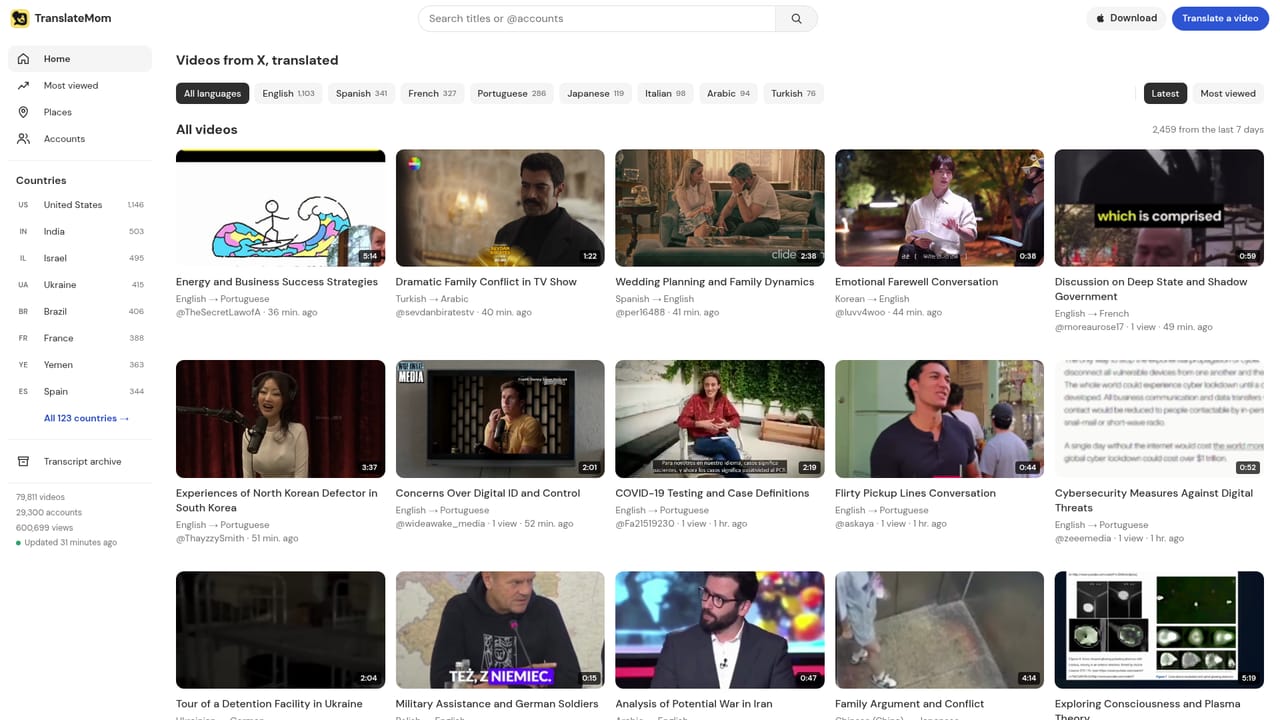
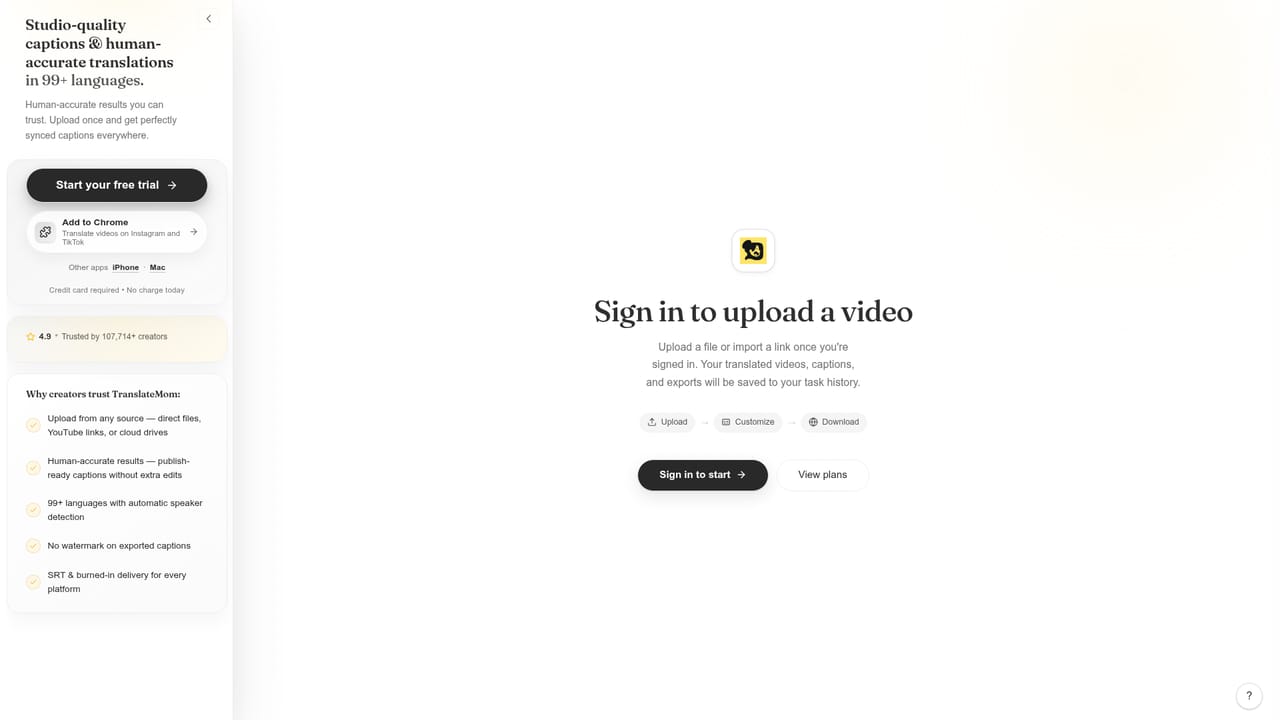
    Go to the web app and paste a link from YouTube, X, TikTok or another supported site, or upload a video or audio file directly. No password is needed to start.
    TranslateMom — Open the app and add a video
  2. 2Pick the languages
    Choose the languages you want the speech translated into. The platform transcribes the original audio and then translates it into each selected target language.
  3. 3Review the transcript
    Open the transcript view to read the generated text and check the lines the system produced before styling or exporting anything.
    TranslateMom — Review the transcript
  4. 4Fix lines and style captions
    Correct any mistranscribed or awkwardly translated lines in the editor, then apply caption styling. Pro users get the enhanced editor with advanced tools.
  5. 5Export subtitles or the captioned video
    Download the result as SRT, VTT, TXT or ASS, or export a captioned video. Watermarks are removed on paid plans.
  6. 6Check the FAQ for credit rules
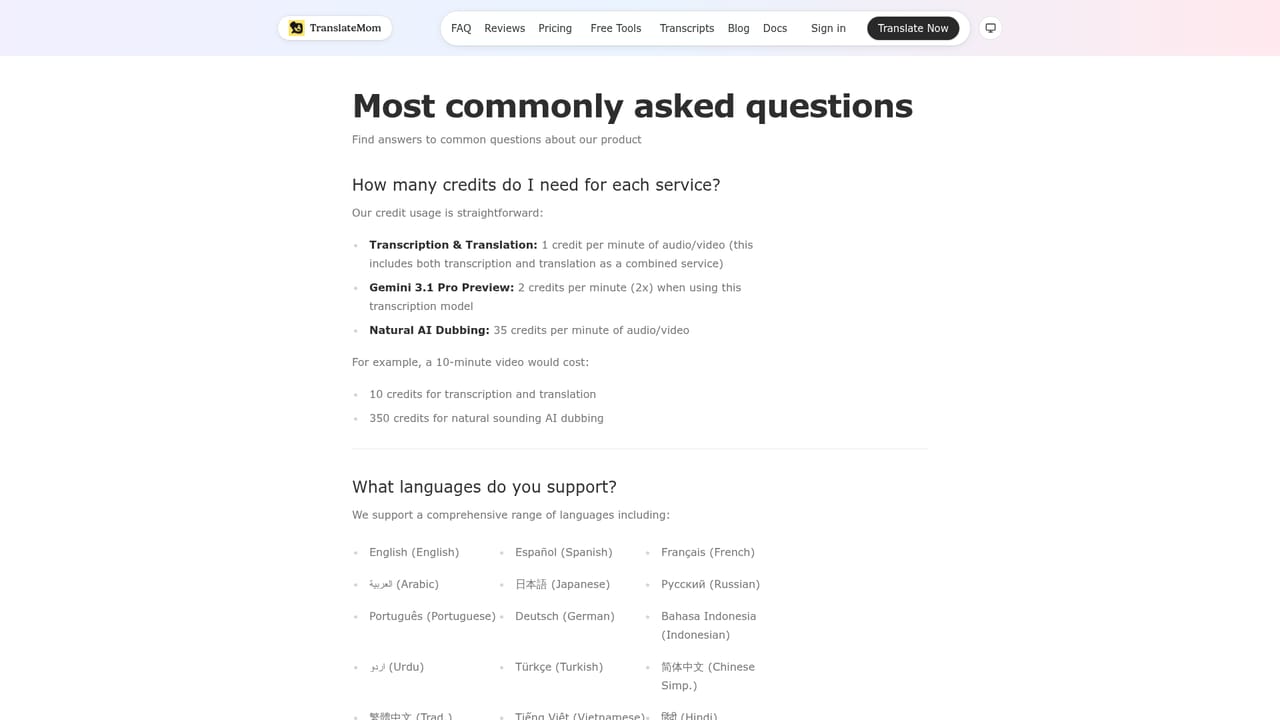
    The FAQ explains credit consumption, for example one credit per minute for combined transcription and translation and two credits per minute for the Gemini preview model.
    TranslateMom — Check the FAQ for credit rules

Pros and cons

Pros

  • Wide language coverage: subtitles and translation in 100+ languages, dubbing in 29AI
  • Accepts links from YouTube, X, TikTok and similar sites as well as uploads, with no password neededAI
  • Charges transcription and translation as one combined service at a single credit per minuteAI
  • Handles long files up to 4.5 hours and 1GB, with dubbing capped at 45 minutes per fileAI
  • Multiple subtitle export formats (SRT, VTT, TXT, ASS) plus a captioned video downloadAI

Cons

  • Dubbing is capped at 45 minutes per file, so long videos need splittingAI
  • Task storage is limited to 7 days on Plus and 30 days on Pro, so outputs are not kept long termAI
  • Entry plan only covers 200 minutes per month, which is tight for a regular posting scheduleAI
  • Advanced models such as GPT-4o and priority queues sit behind the Plus and Pro tiersAI
  • Per file size cap of 1GB rules out large HD source files unless on the Pro planAI

How much does TranslateMom cost?

Pricing

Monthly or yearly billing, with yearly saving up to 50%. Starter is $4.50/mo billed annually ($54/year) for 200 credits. Plus is $9.00/mo annually ($108/year) for 600 credits with priority queue and advanced models. Pro is $22.00/mo annually ($264/year) for 2000 credits, 30-day storage, HD import and priority support.

Learn more

Support

Priority customer support is listed on the Pro plan only. The homepage does not describe support channels, response times or service level commitments for the lower tiers.

Learn more

Integrations

No third party integrations are described. Input is handled by pasting links from video platforms such as YouTube, X and TikTok or by uploading files directly.

Features

Transcription and translation in 100+ languages, AI dubbing in 29 languages, smart voice detection, a subtitle editor with caption styling, exports in SRT, VTT, TXT and ASS plus captioned video, support for files up to 4.5 hours and 1GB, HD video import and custom branding on Pro, and access to advanced models such as GPT-4o on paid tiers.

Frequently asked questions about TranslateMom

  • How much does TranslateMom cost?
    Monthly or yearly billing, with yearly saving up to 50%. Starter is $4.50/mo billed annually ($54/year) for 200 credits. Plus is $9.00/mo annually ($108/year) for 600 credits with priority queue and advanced models. Pro is $22.00/mo annually ($264/year) for 2000 credits, 30-day storage, HD import and priority support.
  • How do you use TranslateMom?
    The walkthrough on this page covers 6 steps: 1. Open the app and add a video 2. Pick the languages 3. Review the transcript 4. Fix lines and style captions 5. Export subtitles or the captioned video 6. Check the FAQ for credit rules.
  • What platforms does TranslateMom support?
    TranslateMom is available on Web App, iOS, MacOS and Browser extension.
  • What does TranslateMom integrate with?
    No third party integrations are described. Input is handled by pasting links from video platforms such as YouTube, X and TikTok or by uploading files directly.
  • What are the limitations of TranslateMom?
    Dubbing is capped at 45 minutes per file, so long videos need splitting. Task storage is limited to 7 days on Plus and 30 days on Pro, so outputs are not kept long term. Entry plan only covers 200 minutes per month, which is tight for a regular posting schedule.

Status

StatusActive
Views0
Outbound clicks0
Added11/3/2026

Platforms

Web AppiOSMacOSBrowser extension

Pricing

FreemiumSubscription