Pricing
The homepage does not display specific pricing tiers or costs. A pricing page exists but details are not provided in the available content. Interested users should contact sales or visit the pricing page for more information.
Learn moreAI meeting assistant that turns conversations into action items and follow-ups.

Magical is an AI task generator tool. TimeOS (formerly Magical) is an AI meeting assistant that goes beyond transcription by executing follow-up tasks like sending emails, creating todos, generating clips, and building charts. It uses role-specific workflow templates and integrates with tools like Notion and monday.com.
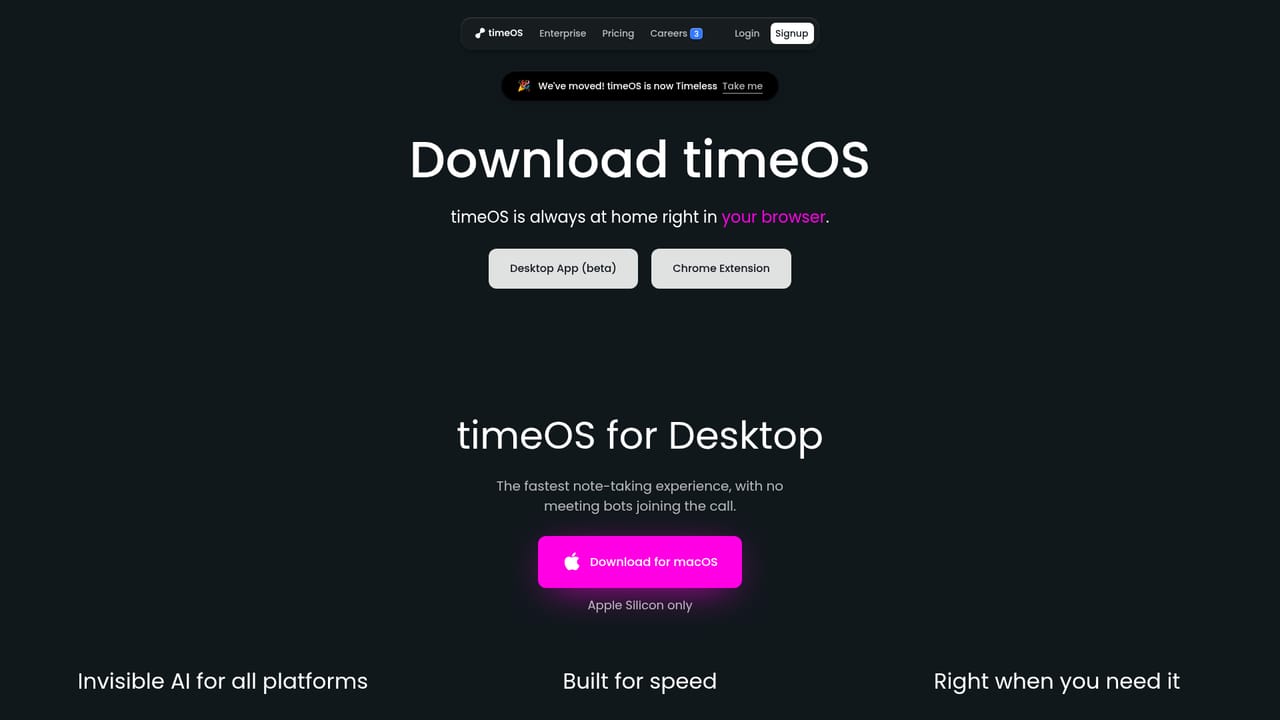
Magical, now known as timeOS, positions itself as more than a note taker. The AI meeting assistant joins calls without a bot, captures discussions, and then executes the next steps automatically: drafting emails, writing todos, creating clips, building charts, and logging summaries to connected tools. The product is built around the idea that meetings should produce meaningful outcomes, not just transcripts. The tool offers a library of workflow templates designed for specific roles. Founders can turn investor syncs into dashboards, marketers can transform a meeting into a content plan, product managers can convert user calls into a priority board, and coaches can generate follow-up emails from sessions. Each template is a preconfigured sequence of outputs (summaries, emails, tables, clips) that runs after a meeting, and templates can be imported from Notion or customized with a single prompt. Outputs update instantly when templates are switched. TimeOS works through a desktop app for macOS (Apple Silicon only) and a Chrome extension, so it fits into existing video call tools without requiring a separate bot to join. The desktop app is pitched as the fastest note-taking experience, while the Chrome extension helps users stay on top of their day. A built-in follow-up agent writes emails from any meeting or prompt, and visual blocks turn insights into graphs and structured tables. Speaker labels and translation are handled automatically. Security is a core selling point: SOC 2 Type II compliance, TLS/HTTPS encryption in transit, AES-256 at rest, and user-controlled data deletion. The service integrates with Google Drive, monday.com, and Notion for syncing outputs. It is aimed at professionals who run many meetings and want to reduce manual follow-up work, but the macOS-only desktop app and the requirement to use Chrome or a dedicated app may limit some teams.
The homepage does not display specific pricing tiers or costs. A pricing page exists but details are not provided in the available content. Interested users should contact sales or visit the pricing page for more information.
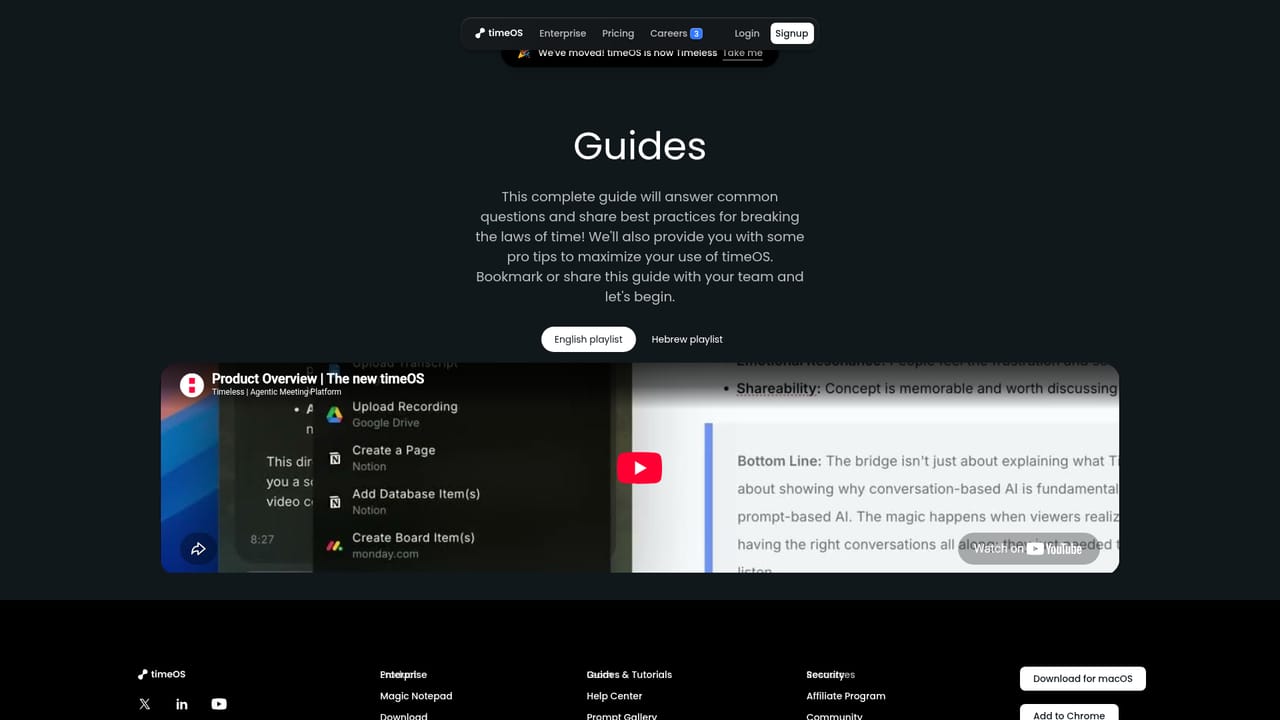
Learn moreSupport is available via a Help Center and a community Slack channel. Guides and tutorials are provided on the website.
Learn moreTimeOS integrates with Google Drive, monday.com, and Notion to sync meeting outputs. It also supports importing templates from Notion.
TimeOS provides AI meeting summaries, automated action items, email drafting, visual blocks (charts and tables), AI clips, speaker labeling, translation, template workflows, and integrations with Google Drive, monday.com, and Notion. It also includes a follow-up agent and supports importing templates from Notion.
Learn more AI Angels400+ customizable AI girlfriends for NSFW chat, voice calls, and roleplay
 Candy AIExperience the future of companionship with AI friends who chat, role-play, and connect with you on a human level.
 ourdream.aiA vast AI roleplay platform with millions of characters for chat, images, video and voiceAI Angels400+ customizable AI girlfriends for NSFW chat, voice calls, and roleplayCandy AIExperience the future of companionship with AI friends who chat, role-play, and connect with you on a human level.ourdream.aiA vast AI roleplay platform with millions of characters for chat, images, video and voice


