Free trial
Pro and Business plans include a 7-day free trial. No commitment, and the subscription can be cancelled at any time from settings.
Learn moreAI-drafted Google review replies that sound like your own team

MagicReply is a realtime image generator tool. MagicReply connects to a Google Business Profile and drafts on-brand replies to customer reviews in seconds, with voice matching, auto-reply rules for positive ratings, sentiment analytics and team approval workflows on higher tiers.
MagicReply is a review response tool built around one job: making sure no Google review, good or bad, sits without a reply. It connects to a Google Business Profile and pulls incoming reviews into a single dashboard, where the AI reads each review for sentiment and content before drafting a response. Replies are generated in roughly 30 seconds according to the site, and every draft stays editable, so a manager can rewrite or regenerate before anything is published. The feature that carries most of the product is the Voice Profile. MagicReply studies past replies and the business profile itself to extract greeting patterns, tone, formality level and sign-off, then writes new responses in that style. Businesses with an established reply history get a closer match from the start; newer businesses lean on the Google profile details instead. Auto-reply rules extend this further, letting owners set automatic gratitude replies for 4 and 5 star reviews while routing lower ratings to a manual queue. The site suggests a jump from around 40 percent to 100 percent response rate once rules are in place. Analytics cover response rate, sentiment trends and average rating movement, with exports to Excel, CSV and PDF for reporting. On the Business plan, teams can invite members with role-based access, assign reviews and run approval workflows before a reply goes live, which suits franchises and hotel groups managing several locations. MagicReply positions itself as a narrower, cheaper option than full reputation suites such as Birdeye or Podium: it does review replies well but stays focused on that task. Restaurants, dental and medical practices, retail chains and hospitality groups are the clearest fits, especially where volume is high and response times are slipping.
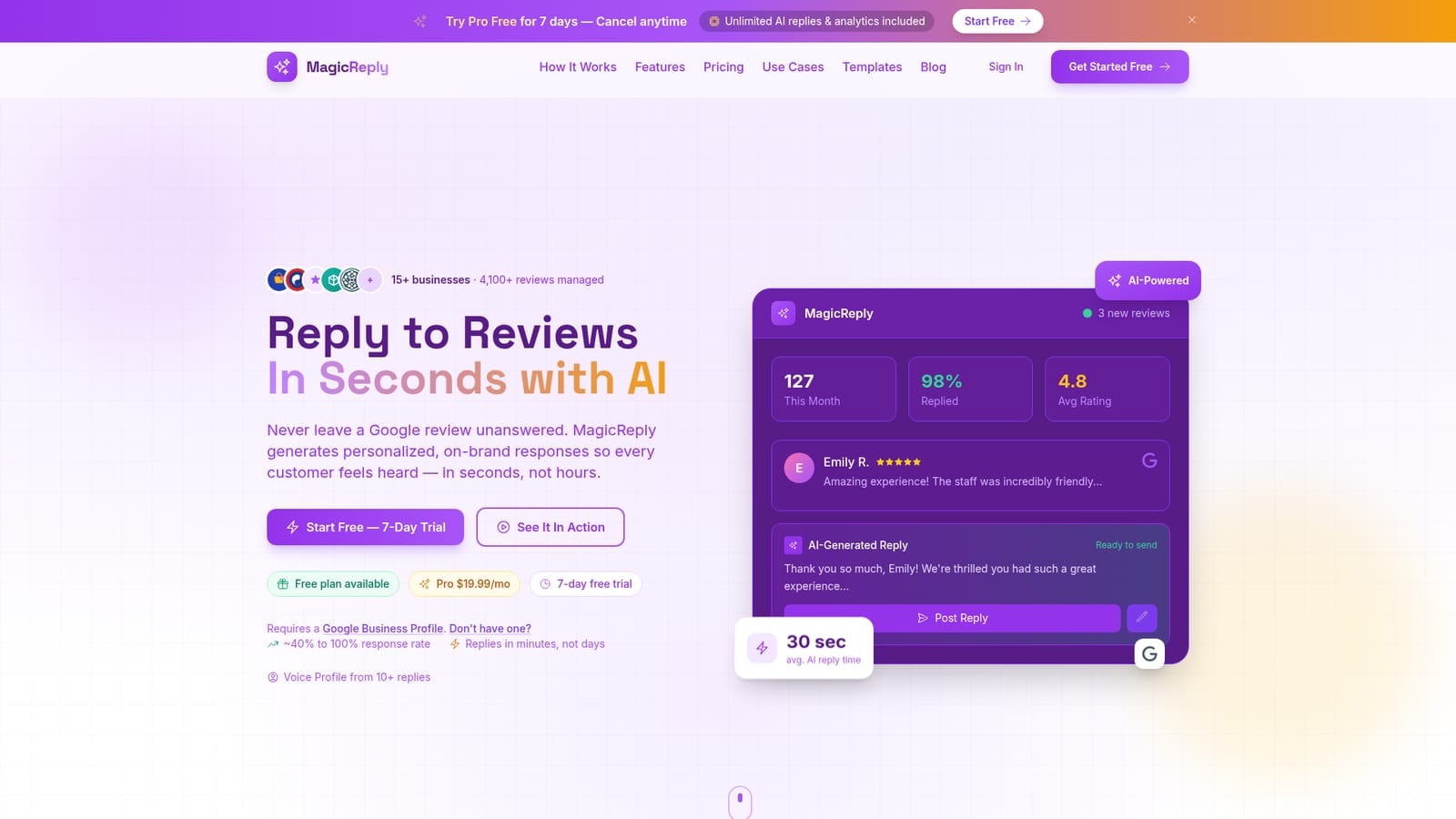
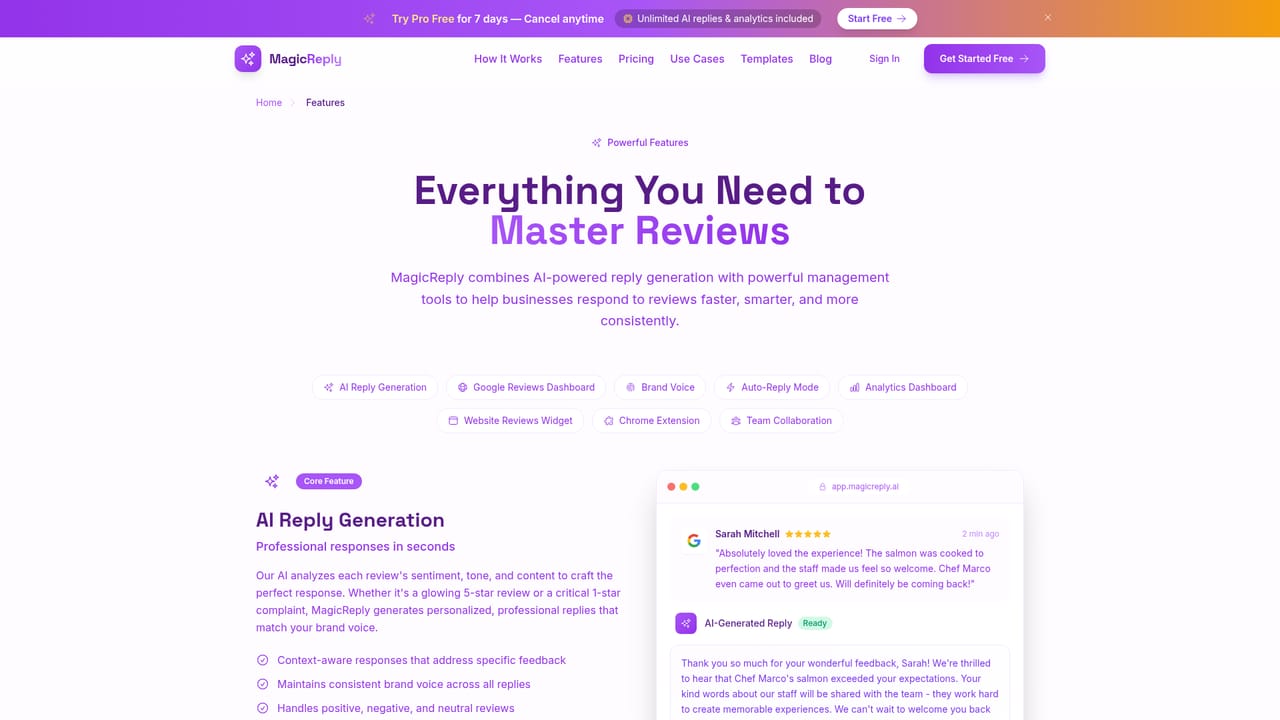
Pro and Business plans include a 7-day free trial. No commitment, and the subscription can be cancelled at any time from settings.
Learn moreFree plan at $0 with 15 AI replies, 5 posted to Google, one location and brand voice matching. Pro is $19.99 per month with unlimited replies, auto-reply, Voice Profile, analytics and priority support. Business is $49.99 per month, adding multi-location management, unlimited locations and team collaboration.
Learn moreEmail support is listed on the Free plan, with priority support included on Pro and Business. The site also offers a contact route from the FAQ section.
MagicReply works through a Google Business Profile connection, which requires an existing Google listing. No other review platforms or third party integrations are listed on the homepage.
AI reply generation with sentiment awareness, Voice Profile extraction from past replies, rule-based auto-reply with star rating filters, analytics dashboards for response rate and sentiment, exportable reports, review alerts and team collaboration with role-based access and approval workflows on the Business plan.
Learn more AI Angels400+ customizable AI girlfriends for NSFW chat, voice calls, and roleplay
 Candy AIExperience the future of companionship with AI friends who chat, role-play, and connect with you on a human level.
 ourdream.aiA vast AI roleplay platform with millions of characters for chat, images, video and voiceAI Angels400+ customizable AI girlfriends for NSFW chat, voice calls, and roleplayCandy AIExperience the future of companionship with AI friends who chat, role-play, and connect with you on a human level.ourdream.aiA vast AI roleplay platform with millions of characters for chat, images, video and voice


