Support
Setup guidance and reference material live in Mapbox documentation and the linked GitHub repositories for the MCP servers.
Learn moreLocation intelligence for AI agents, built on Mapbox geospatial data
Own Mapbox Location AI? Verify ownership to get a dofollow link

Mapbox Location AI is a developer tool. A developer toolkit that gives AI agents and coding assistants access to Mapbox maps, place search, routing and style management through MCP servers, a CLI and prebuilt agent skills, plus voice feedback and MapGPT runtime options for partner products.
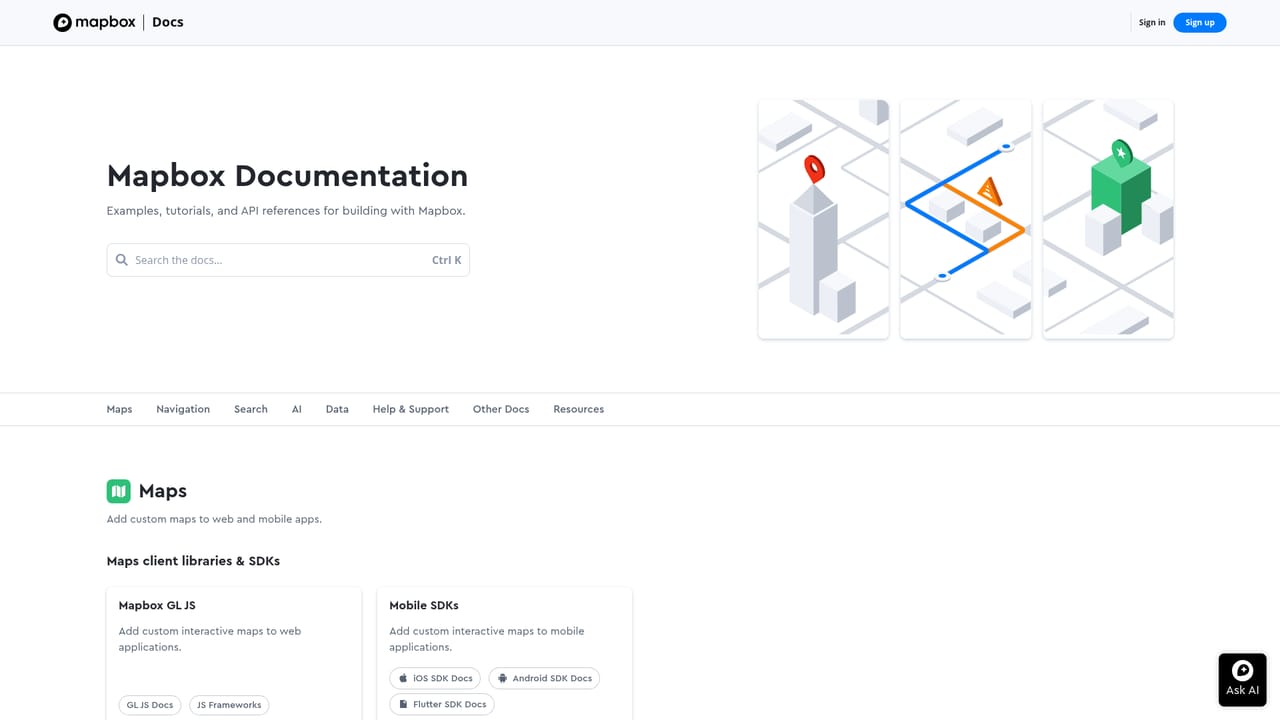
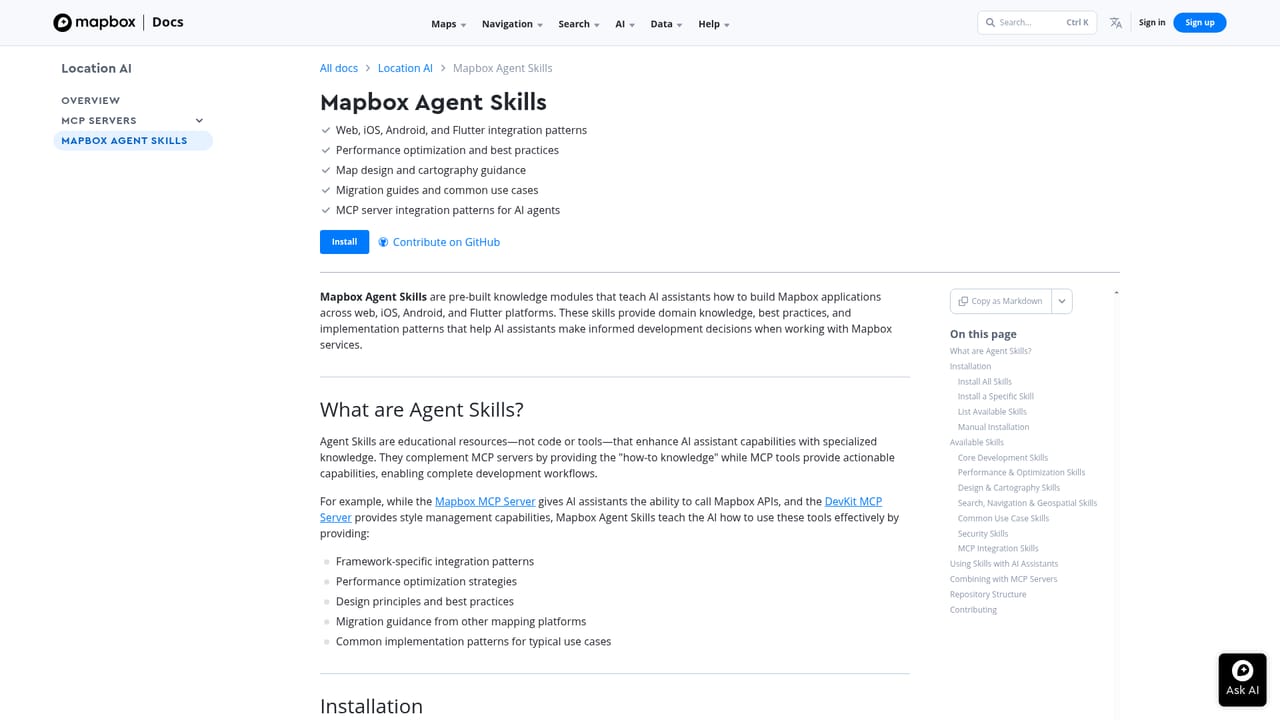
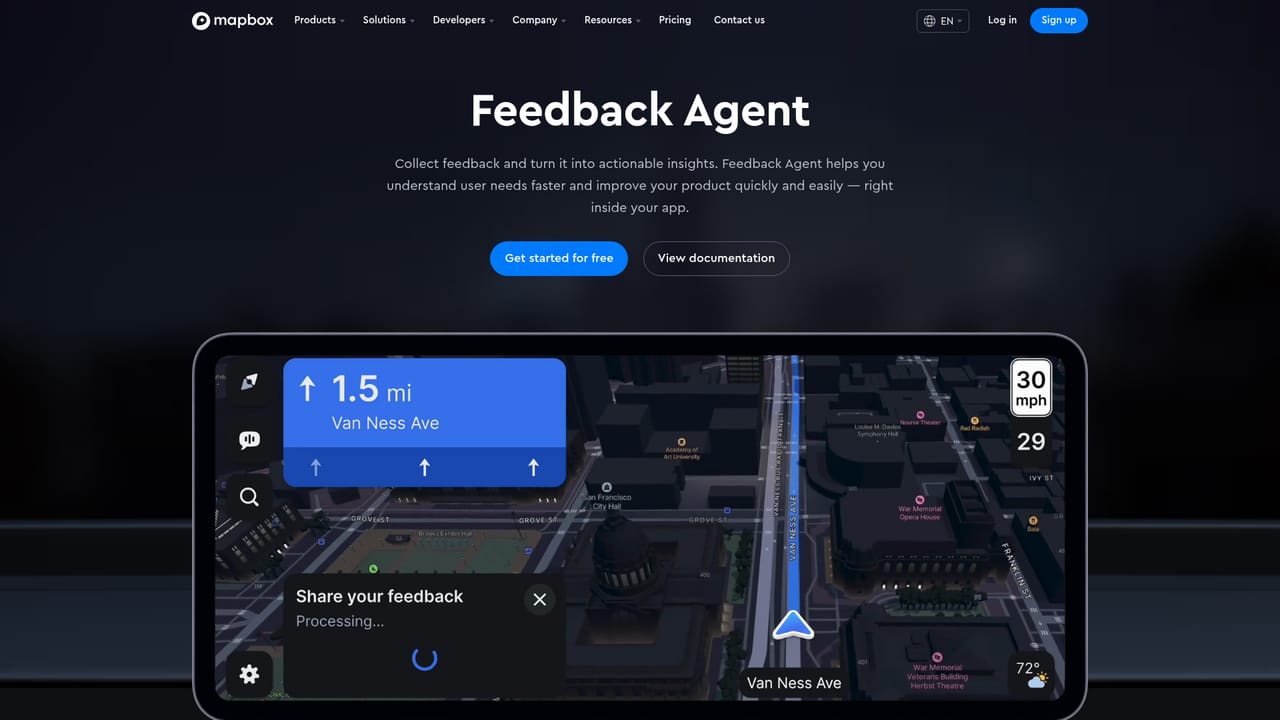
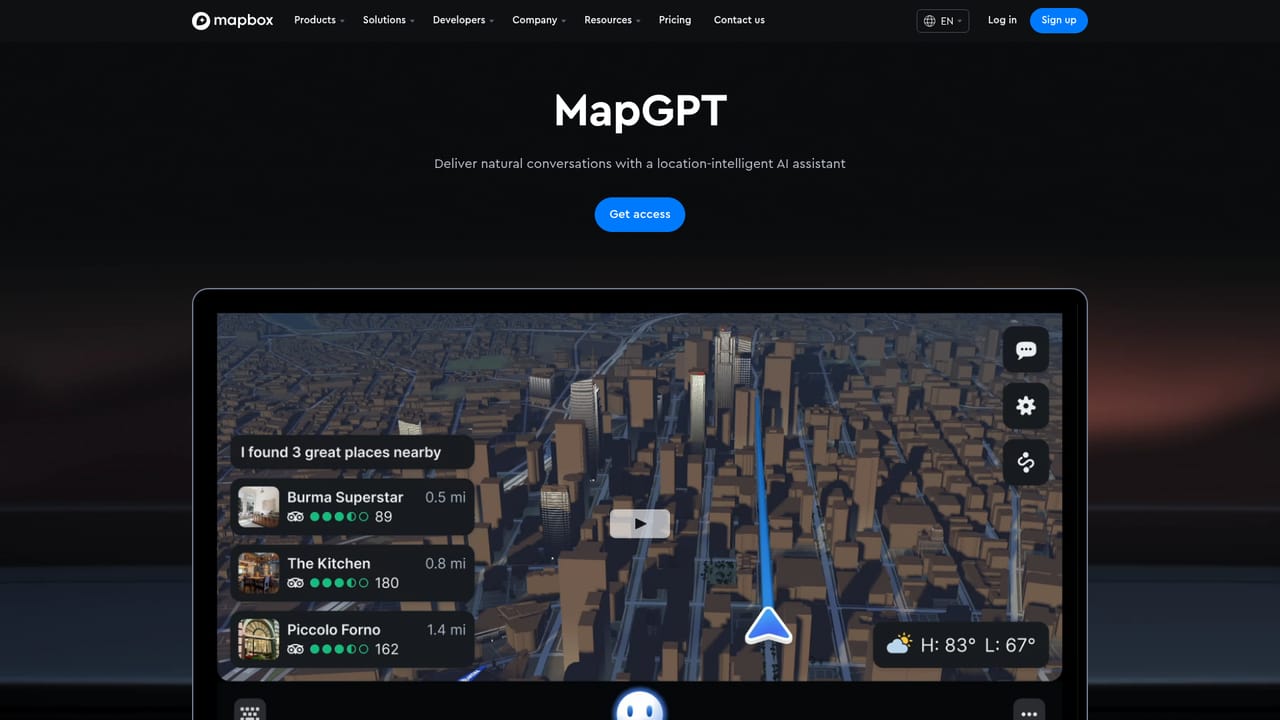
Mapbox Location AI is a set of tools that connects AI assistants and coding agents to Mapbox's geospatial platform. Rather than a single chat product, it is a collection of developer-facing components: an MCP server that exposes maps, place search and routing to AI tools; a DevKit MCP that lets coding agents create map styles, manage tokens and automate project setup; a command line interface for account and API work; and prebuilt agent skills that teach assistants how to build Mapbox applications. A separate runtime layer adds a voice-based feedback agent and MapGPT, a location-aware voice assistant intended for automakers and OEM partners. The audience is developers and product teams building location features with AI assistance, not general consumers looking for a mapping app. Typical use is inside an AI coding environment: the agent pulls in Mapbox context through MCP or the skills library, then generates maps, routes or style configurations that match the platform's conventions. The Feedback Agent targets teams operating map or navigation products who want users to report issues by voice, with AI adding context and sorting the reports for review. In practice the workflow starts with a Mapbox account and access token, which are required for both MCP and DevKit MCP. From there, integration happens in the developer's own tooling: the MCP server is connected to an AI client, the CLI is used for account operations, and the skills modules are added so the assistant has reference knowledge. MapGPT is the exception, offered as a partner product rather than an off-the-shelf tool. Among alternatives, Location AI sits closer to infrastructure than to standalone AI mapping services. It competes on the depth of the underlying geospatial data and on how tightly the agent tooling plugs into an existing Mapbox account. The tradeoff is that nothing here works without developer setup and a Mapbox relationship; teams wanting a finished location chatbot will find this a building-block kit instead.
Setup guidance and reference material live in Mapbox documentation and the linked GitHub repositories for the MCP servers.
Learn moreBuilt around the Model Context Protocol, so it connects to MCP-capable AI tools and coding agents, plus a command line interface designed for agent integration.
Learn moreDevKit MCP for style creation, token management and setup automation; mapbox-cli for account and API operations from the terminal; agent skills as prebuilt knowledge modules; an MCP server for maps, place search and routing; a voice-driven Feedback Agent that categorizes reports; and MapGPT for partner-built in-car assistants.
Learn more AI Angels400+ customizable AI girlfriends for NSFW chat, voice calls, and roleplay
 Candy AIExperience the future of companionship with AI friends who chat, role-play, and connect with you on a human level.
 ourdream.aiA vast AI roleplay platform with millions of characters for chat, images, video and voiceAI Angels400+ customizable AI girlfriends for NSFW chat, voice calls, and roleplayCandy AIExperience the future of companionship with AI friends who chat, role-play, and connect with you on a human level.ourdream.aiA vast AI roleplay platform with millions of characters for chat, images, video and voice


