Integrations
Calendar, inbox, SMS, phone calls, WhatsApp and Slack are named on the homepage as connected surfaces, with setup docs for calendar and inbox.
Learn moreAn AI assistant you reach by text, call, email or Slack.

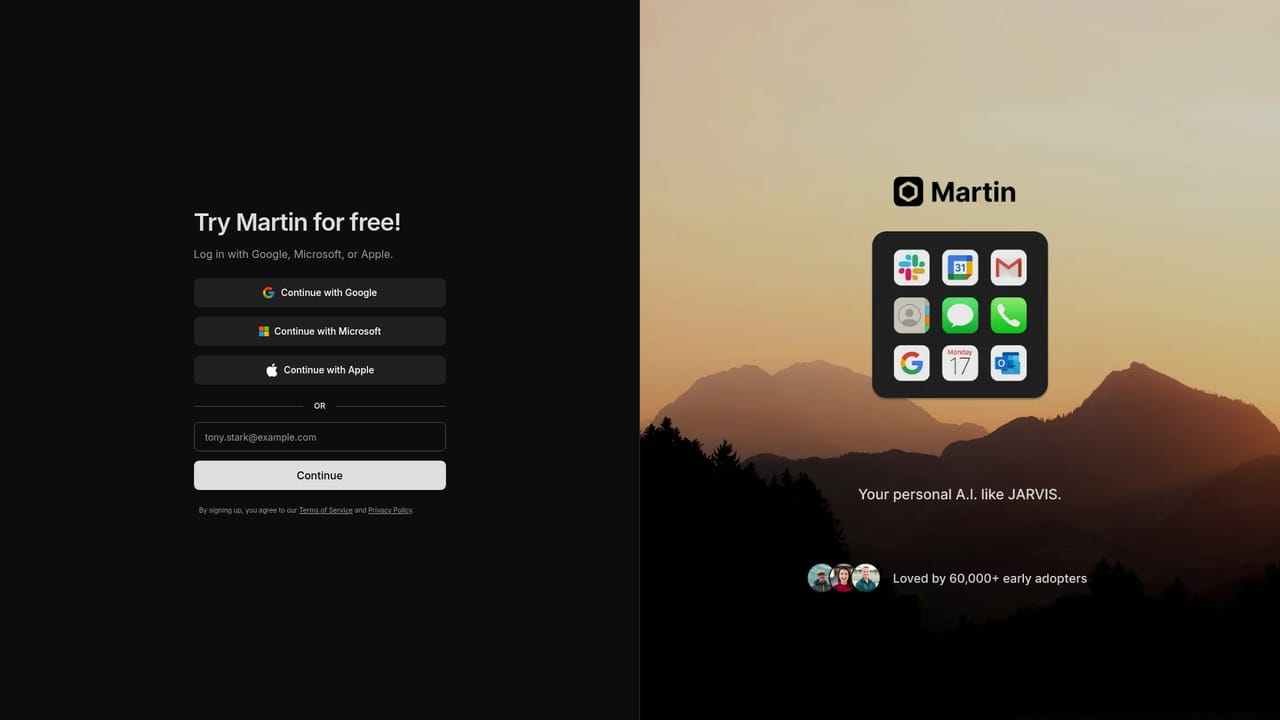
Martin is a personal AI agent reachable by text, call, email and Slack. It schedules meetings, drafts and labels email, sends SMS, places talking wake up calls and tracks reminders across web and iOS.
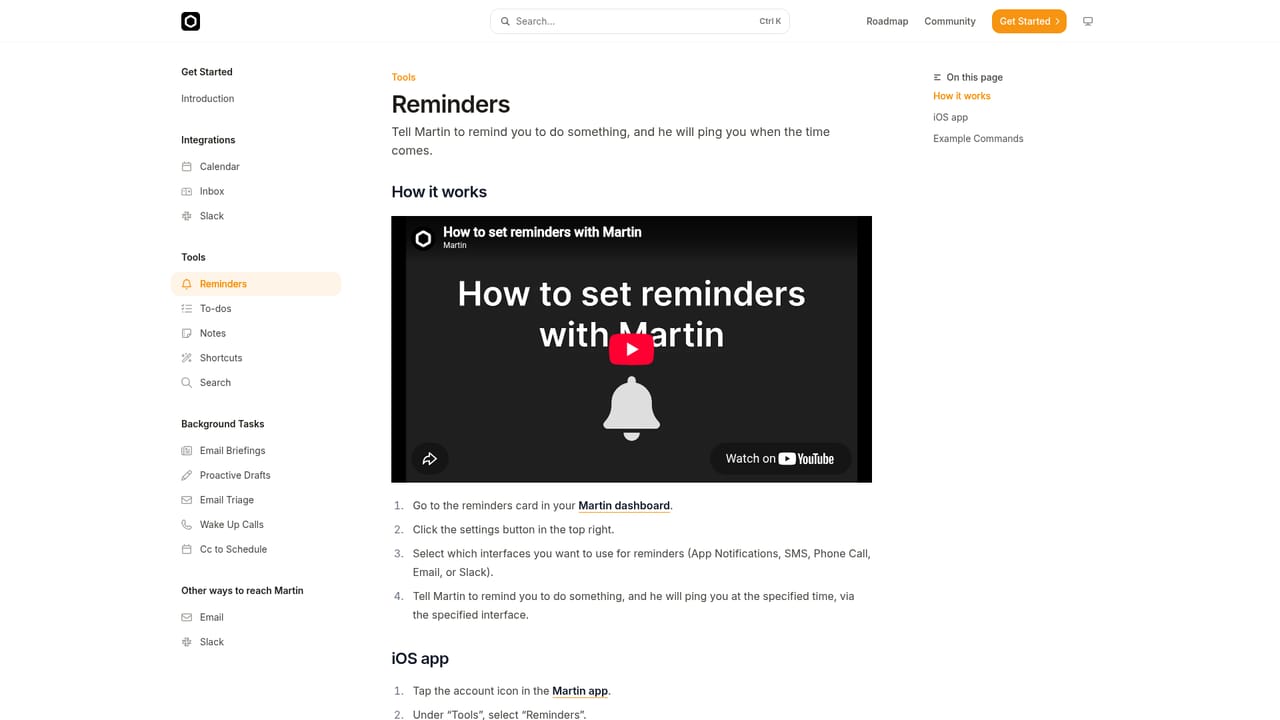
Martin is a personal AI assistant that lives in the messaging channels people already use. Instead of opening a separate dashboard, users text, call, email or Slack the assistant and it responds in kind. The homepage frames it as a personal AI agent, pitched as an everyday chief of staff rather than a single purpose chatbot. The mobile apps add voice mode, notifications and shortcuts, so the assistant is reachable from a phone lock screen as easily as from a desktop thread. The feature set centers on calendar and inbox work. A scheduling capability lets users carbon copy Martin into calendar coordination so booking happens on autopilot. Inbox tools let the assistant search mail, read messages and draft replies, with auto drafts and labels aimed at reaching inbox zero. Outside of work tasks, Martin handles SMS on the user's behalf, places wake up calls that speak instead of ring, and keeps reminders and to do lists that the company describes as a second brain. Research assistance appears in the homepage demo, where the assistant surfaces papers on a topic and offers to summarize each one by email. The product suits people who lose track of commitments across several apps: freelancers juggling clients, students with deadlines, and anyone who wants reminders and drafting handled without switching context. Reviews quoted on the homepage repeatedly compare the voice experience to Siri and praise its memory of user preferences for custom workflows, which suggests the value sits in continuity rather than raw model quality. Among AI assistants, Martin's differentiator is channel reach rather than a proprietary model. It competes with general assistants baked into phones and with calendar and email add ons, and it wins on breadth of surfaces if the integrations hold up. Buyers who need deep customization or enterprise controls should verify scope first, because the homepage sells convenience and coverage, not governance.
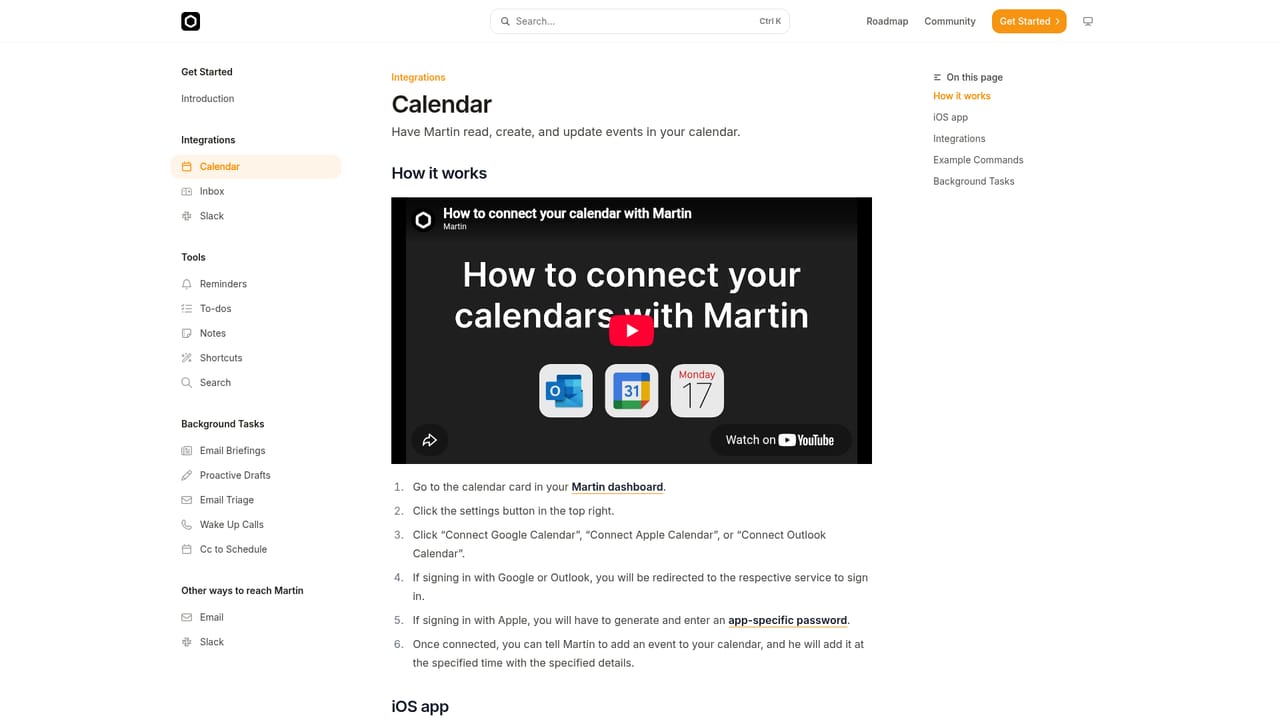
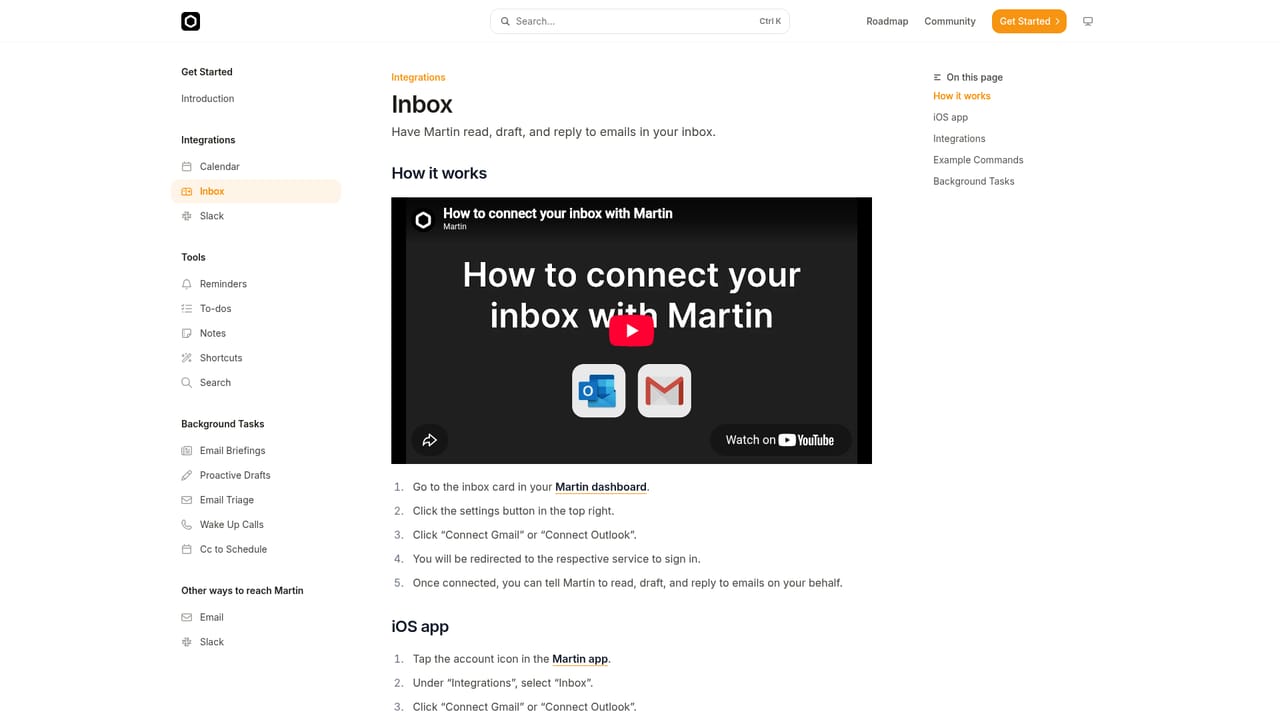
Calendar, inbox, SMS, phone calls, WhatsApp and Slack are named on the homepage as connected surfaces, with setup docs for calendar and inbox.
Learn moreCalendar scheduling by carbon copy, inbox search with auto drafts and labels, SMS sending on the user's behalf, spoken wake up calls, and a reminders and to do system. The assistant is reachable by text, call, email and Slack, and the iOS app adds voice mode, notifications and shortcuts.
Learn more AI Angels400+ customizable AI girlfriends for NSFW chat, voice calls, and roleplay
 Candy AIExperience the future of companionship with AI friends who chat, role-play, and connect with you on a human level.
 ourdream.aiA vast AI roleplay platform with millions of characters for chat, images, video and voiceAI Angels400+ customizable AI girlfriends for NSFW chat, voice calls, and roleplayCandy AIExperience the future of companionship with AI friends who chat, role-play, and connect with you on a human level.ourdream.aiA vast AI roleplay platform with millions of characters for chat, images, video and voice


