Free trial
A 7-day trial is offered, started through the WorldEngen sign-in page. Card or plan details are not stated on the homepage.
Learn moreAI co-pilot for building production-ready 3D scenes inside Blender, Unity and Unreal

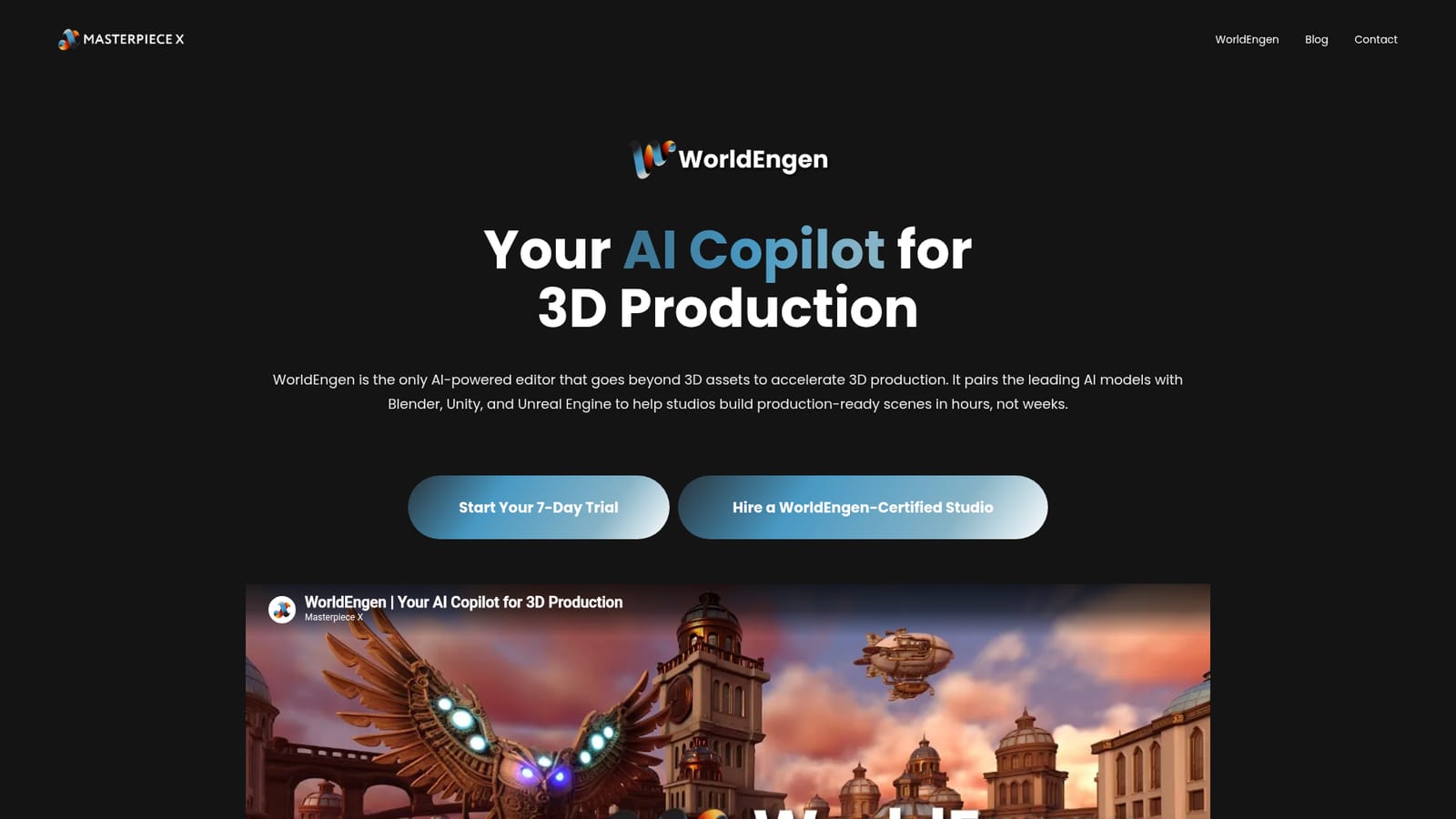
Masterpiecex is a generative art tool. WorldEngen by Masterpiece X is an AI co-pilot for 3D environment production that plugs into Blender, Unity and Unreal Engine.
WorldEngen is the flagship product from Masterpiece X, positioned less as a 3D asset generator and more as an AI production layer for environment work. It combines a desktop application with a set of 3D agents that convert direction into concept art, image kits, greyboxes, videos, 3D models and style guides, then assembles them into a live scene the artist keeps refining. The pitch is narrow but specific: repetitive layout, set dressing and kitbashing are the tasks being automated, not the creative decisions. The tool is built for teams already working in standard 3D pipelines. It pairs with Blender, Unity and Unreal Engine, and it pulls in existing asset libraries alongside reference material such as style guides and greyboxes. Masterpiece X describes the app as a centralized home for 3D intelligence, meaning concept boards, prompts and generated scenes sit in one project space rather than scattered across folders. The vendor's benchmark chart compares average completion time for a single environment across concept art, greyboxing, kitbashing, modeling, texturing, layout and cinematic renders, and claims substantial time savings against a manual baseline. In practice the workflow starts with a prompt, a reference board or an unfinished idea. Agents respond with proposals, the director picks a direction, and generated content lands in a scene that can be shaped further. Setup runs through a desktop app with a pairing step that establishes the connection before scene creation begins. Masterpiece X targets games and interactive worlds, simulation and training environments, 3D and animation teams, and film or cinematics work where script to shot-ready surroundings is the bottleneck. Where it fits: single-purpose generative image and asset tools stop at the asset stage and leave assembly to the artist. WorldEngen competes on orchestration across engines and DCC tools, and the vendor also offers a route to hire a certified studio for teams that want the work done rather than licensed. Users who only need a handful of props will find it heavy; studios producing many environments per cycle are the intended buyer.

A 7-day trial is offered, started through the WorldEngen sign-in page. Card or plan details are not stated on the homepage.
Learn moreSupport is not documented on the homepage. The site links out to booking a call with a WorldEngen-certified studio, which is a services route rather than a help desk.
Connects with Blender, Unity and Unreal Engine, and can draw on existing asset libraries alongside reference boards and greyboxes. No further integrations are listed on the homepage.
3D agents generate concept art, image kits, greyboxes, videos, 3D models and style guides from a prompt or reference board, then assemble them into a live scene. Work happens in a desktop app that pairs with Blender, Unity, Unreal Engine and existing asset libraries, with centralized storage for style guides, boards and scenes.
 AI Angels400+ customizable AI girlfriends for NSFW chat, voice calls, and roleplay
 Candy AIExperience the future of companionship with AI friends who chat, role-play, and connect with you on a human level.
 ourdream.aiA vast AI roleplay platform with millions of characters for chat, images, video and voiceAI Angels400+ customizable AI girlfriends for NSFW chat, voice calls, and roleplayCandy AIExperience the future of companionship with AI friends who chat, role-play, and connect with you on a human level.ourdream.aiA vast AI roleplay platform with millions of characters for chat, images, video and voice