Pricing
The homepage names two paid tiers: Intelligence at $12.99 a month with one live institution connection, and Maxint OS with three. Essential is free but manual. Full plan details sit on the pricing page rather than the homepage.
Learn moreSee what your balance hides: net worth, fees, inflation and runway

Maxint is a finance app that puts net worth, personal inflation, hidden fees, portfolio drift and business runway in one place, using read-only bank and brokerage connections plus an AI assistant called Finsight for follow-up questions on your own data.
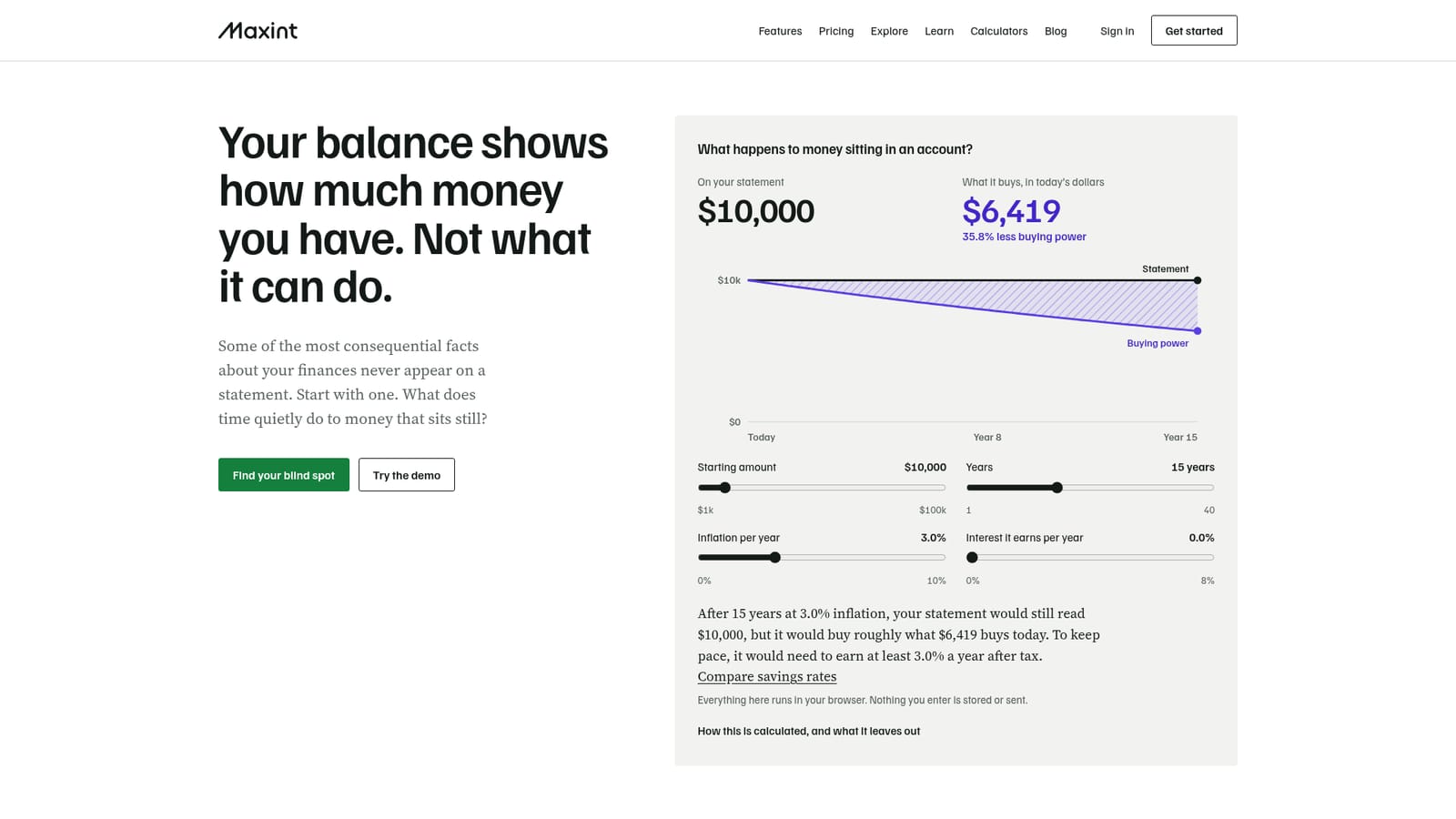
Maxint is a personal and small business finance app built around a simple observation: your balance tells you how much money you have, not what that money can do. The product gathers accounts that usually sit out of view, such as an old 401(k), a car loan, a partner's debt or a brokerage account you rarely open, into one net worth view. On the homepage, a worked example shows someone with 1 of 7 accounts in sight believing they hold $6,500, when the full picture is $141,100. That gap is the core of the pitch. The app is organized around four contexts (student, professional, couple, founder or SME owner) and you can switch between them at any time without losing what you entered. Each context maps to a set of blind spots, from unclaimed employer matches and low-yield cash to portfolio drift and business runway. Explorers let you test each idea with editable example figures before you connect anything, so you can see how the math behaves with your own numbers. Paid tiers then run the same calculations on live data through Finsight, the in-app AI layer that answers follow-up questions and can be set up as an Accountant agent that reads receipts with OCR and sorts them. In practice you connect read-only accounts through Maxint Link, Stripe, Plaid or GoCardless, or import a CSV for property, private holdings and similar assets. From there you get net worth and its monthly change, asset allocation, debt-to-income, a bills calendar, a subscription tracker, a cash-flow forecast and a personal inflation rate measured against official CPI. Portfolio Builder tracks how far a mix has drifted from your target and reports measures such as Sharpe ratio, beta and dividend yield. Maxint sits between budgeting apps, which mostly track spending month to month, and full advisory services, which charge a percentage of assets. The comparison is imperfect: automated rebalancing and tax-loss harvesting are pending registration and approval, so rebalancing insight stays a decision you make yourself. Free tier users get manual Portfolio Builder and no live connections.

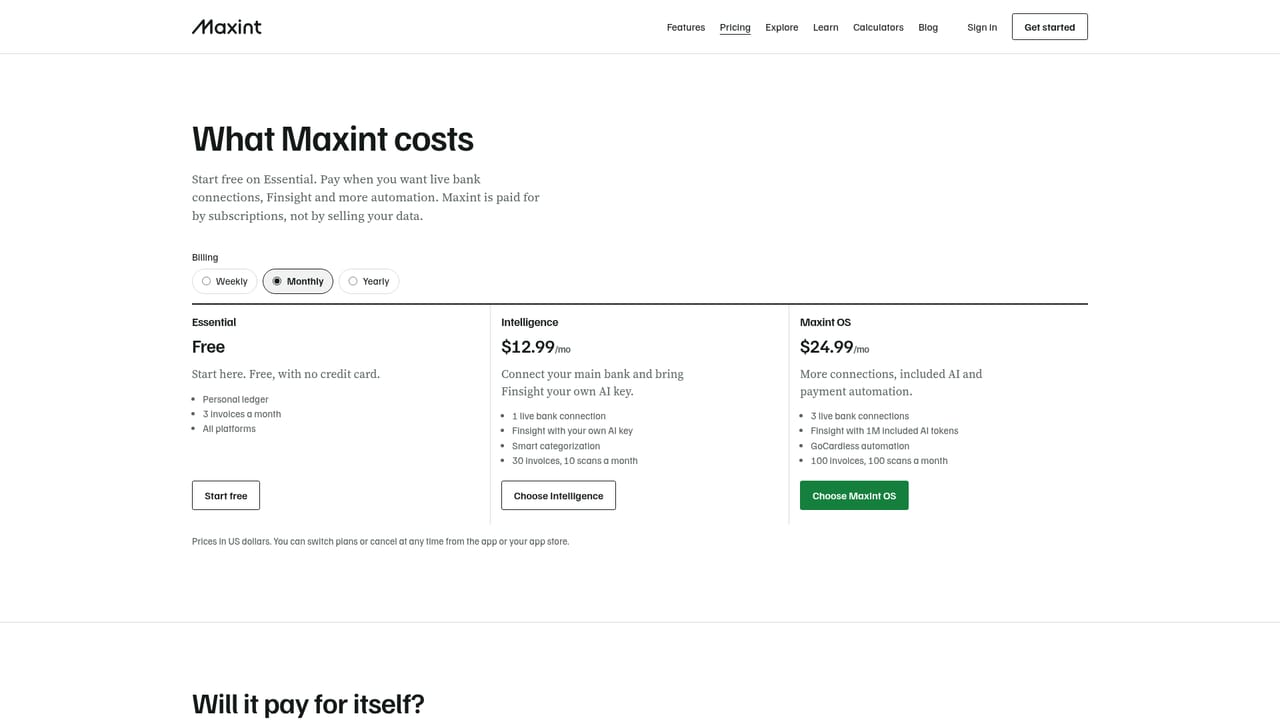
The homepage names two paid tiers: Intelligence at $12.99 a month with one live institution connection, and Maxint OS with three. Essential is free but manual. Full plan details sit on the pricing page rather than the homepage.
Learn moreRead-only connections to a stated 15,000+ banks, brokerages and card providers through Maxint Link, Stripe, Plaid or GoCardless. Other assets such as property and private holdings are added by CSV import.
Net worth tracking across connected and imported accounts, personal inflation rate versus CPI, bills calendar and subscription tracker, cash-flow forecast, debt-to-income ratio, Portfolio Builder with drift and risk measures, and Finsight AI for questions and receipt categorization.
Learn more AI Angels400+ customizable AI girlfriends for NSFW chat, voice calls, and roleplay
 Candy AIExperience the future of companionship with AI friends who chat, role-play, and connect with you on a human level.
 ourdream.aiA vast AI roleplay platform with millions of characters for chat, images, video and voiceAI Angels400+ customizable AI girlfriends for NSFW chat, voice calls, and roleplayCandy AIExperience the future of companionship with AI friends who chat, role-play, and connect with you on a human level.ourdream.aiA vast AI roleplay platform with millions of characters for chat, images, video and voice


