Free trial
A trial version is offered and recommended before purchase. It includes a GPU benchmark so users can confirm their hardware is supported before buying.
Learn moreAI upscaling and noise cleanup for photos, paintings, 3D renders and AI art

Mediachance is a 4K upscale tool. Windows-only desktop upscaler from Mediachance that runs GPU-accelerated neural models for enlarging photos, paintings, drawings, text and 3D renders, with strong noise reduction and batch processing, sold as a one-time purchase.
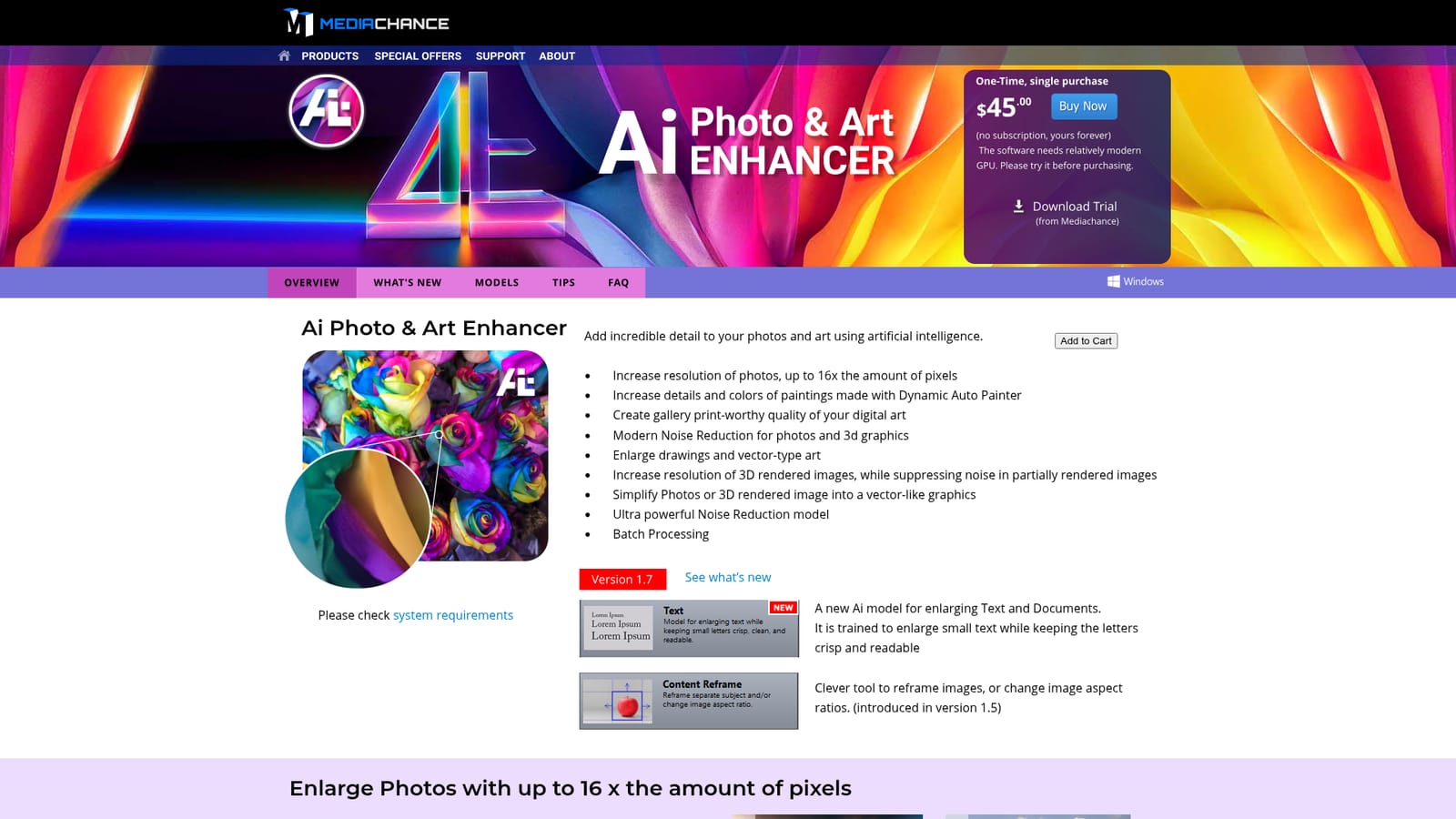
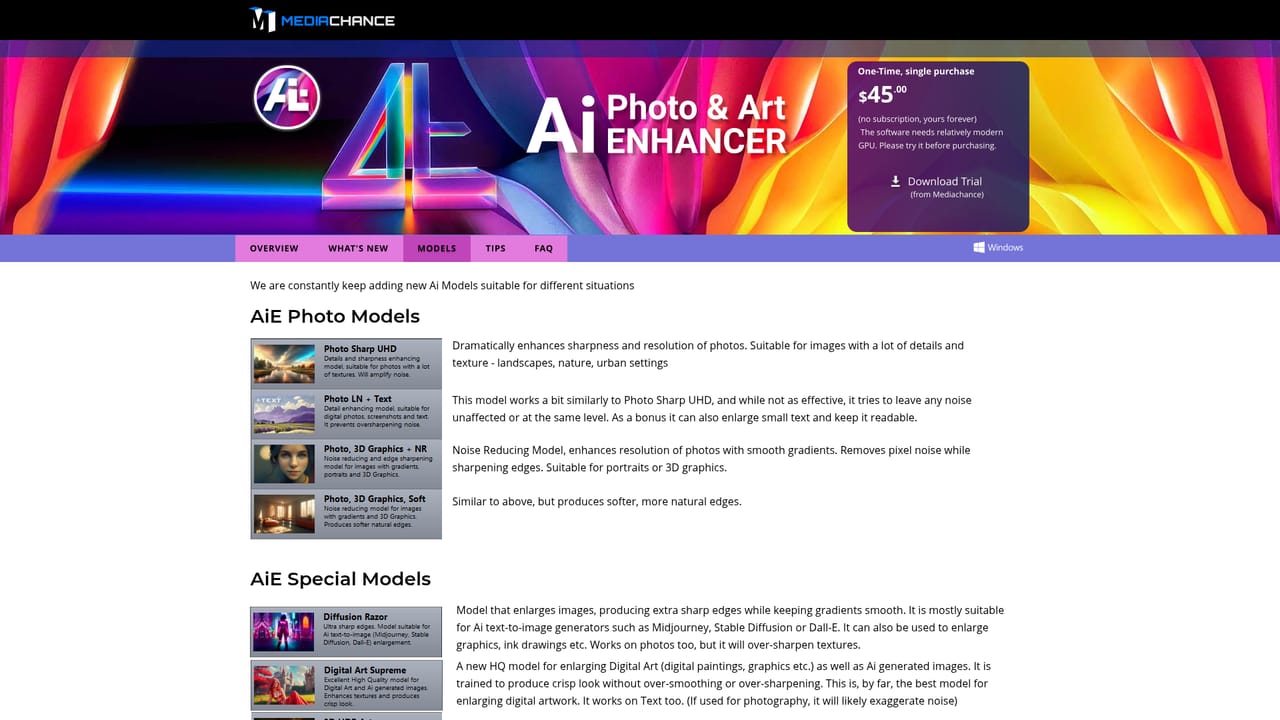
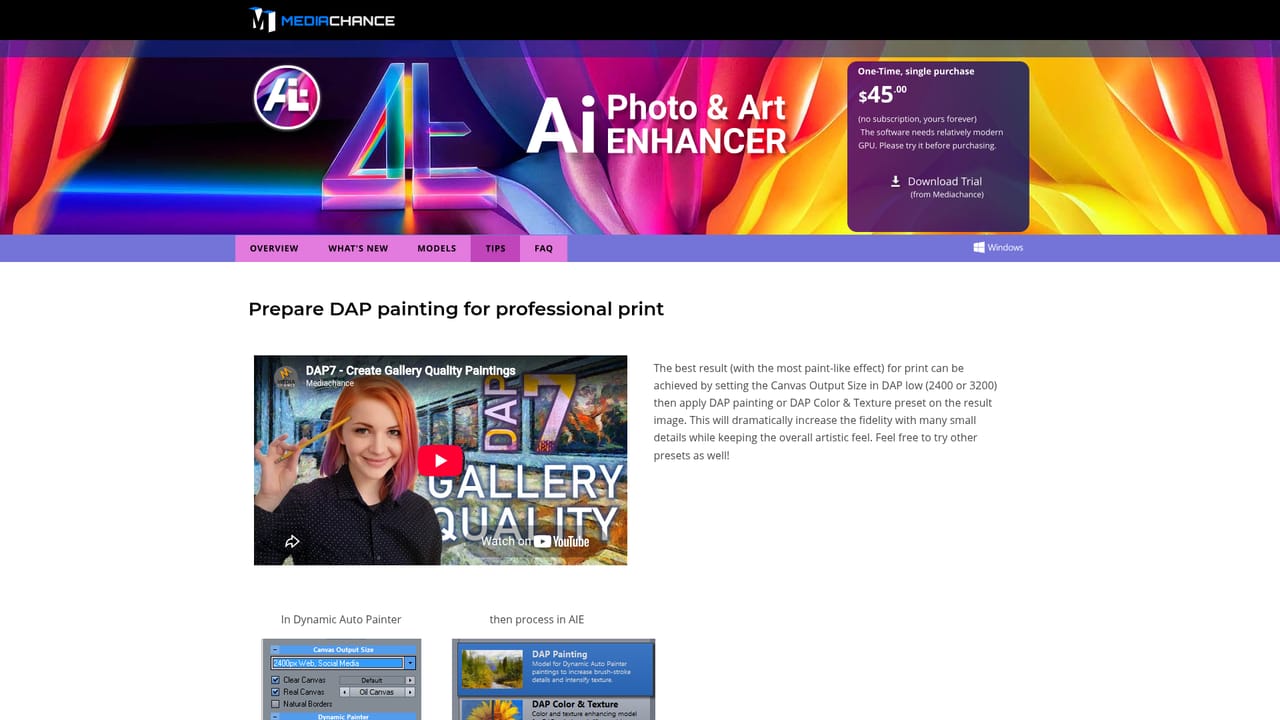
Mediachance's AI Photo & Art Enhancer is a Windows desktop application that uses neural network models, run on the local GPU, to upscale images and remove noise. It is positioned less as a general photo editor and more as a model-driven enlargement and cleanup station, with separate profiles trained for different kinds of source material rather than one universal algorithm. The model list is the core of the product. Photo profiles (Photo, 3D Graphics + NR and the softer variant) upscale and denoise at the same time. 3D HDR Art and 3D Art Simplify target rendered CG, including partial renders stopped early, so a noisy work in progress can be pushed closer to final quality and hours of render time saved. DAP Painting and DAP Color & Texture were built around paintings produced with Mediachance's own Dynamic Auto Painter, reinforcing brush strokes and texture at doubled resolution. Art & Vector Graphics and Pixel & Line Art keep lines crisp on drawings and pixel art, the TEXT model enlarges small or blurry lettering while keeping characters readable for OCR, and the newer DA Supreme and Diffusion Razor profiles are aimed at digital paintings and AI generated images from tools such as Midjourney, Stable Diffusion and Dall-E. A dedicated AI Noise Reduction model handles severely damaged high-ISO photos and scanned film. Output can go up to 16x the pixel count, and batch processing is included. In practice the workflow is file in, model selected, output written, with the GPU doing the heavy computation. That local approach suits photographers, digital painters, 3D artists and illustrators who process many files or prefer not to upload originals to a cloud service. It complements rather than replaces a full editor: the job is resolution and detail recovery, and further retouching still happens elsewhere. Mediachance sells it as a one-time purchase, and the vendor is candid that a fairly recent NVIDIA or AMD card is effectively required.
A trial version is offered and recommended before purchase. It includes a GPU benchmark so users can confirm their hardware is supported before buying.
Learn moreA single one-time purchase of $45.00 is listed on the product page. The vendor states there is no subscription and the licence is yours permanently. No tiered or subscription pricing is mentioned on the homepage.
Learn moreSupport is handled through the company's contact page and the MMB Forums community. The site also publishes a FAQ, tips and system requirements pages.
Learn moreGPU-accelerated neural models for upscaling up to 16x the pixel count, noise reduction, and batch processing. Profiles cover photos, 3D and CG renders (including partial renders), Dynamic Auto Painter paintings, drawings and pixel art, text and documents with OCR-friendly output, and AI images from Midjourney, Stable Diffusion and Dall-E.
Learn more AI Angels400+ customizable AI girlfriends for NSFW chat, voice calls, and roleplay
 Candy AIExperience the future of companionship with AI friends who chat, role-play, and connect with you on a human level.
 ourdream.aiA vast AI roleplay platform with millions of characters for chat, images, video and voiceAI Angels400+ customizable AI girlfriends for NSFW chat, voice calls, and roleplayCandy AIExperience the future of companionship with AI friends who chat, role-play, and connect with you on a human level.ourdream.aiA vast AI roleplay platform with millions of characters for chat, images, video and voice