Free trial
Three prompts can be run without an account, with four takes each and in-browser playback. Signing in with Google is needed to download MIDI, and the free plan requires no card.
Learn moreType a vibe, get four MIDI melody or chord takes, drop them in your DAW
Own Melody Generator? Verify ownership to get a dofollow link

Melody Generator is a metal riff generator tool. An AI MIDI generator for producers. Describe a genre, mood, tempo and key in plain words and it returns four melody or chord takes, playable in the browser and downloadable as .mid files for any DAW.
Melody Generator turns a written prompt into playable MIDI. You describe the music you want in plain language, mixing genre, mood, tempo and key, and the tool returns four separate takes. Each take can be auditioned in the browser before you commit, and the ones you keep download as standard .mid files. It handles both lead melodies and chord progressions, with hip hop, R&B and trap as the strongest suits. There is also a WAV download option on the paid plan. The workflow is built around how beatmakers actually start: with a short loop. Clips come in 4 or 8 bar lengths with no dead bars, so they loop cleanly the moment they land. You can specify key, scale, tempo, genre and feel yourself, or leave those decisions to the prompt and adjust afterwards. Because the output is MIDI rather than audio, nothing is locked in. Notes can be moved, transposed, re-voiced with a different instrument or chopped up inside the DAW. The tool is aimed at producers working in FL Studio, Ableton Live, Logic Pro, Pro Tools, Cubase, Reaper or GarageBand, and exports open in all of them. It was built by Trevor Satori, who produced as Danberry for Boosie Badazz, MO3, Nafe Smallz and others, and the design reflects that background. Alongside the generator there are reference pages covering text to MIDI prompts, sad chord progressions, R&B chord progressions and minor progressions for trap and drill, plus free MIDI packs. Those pages work as starting points when a blank prompt feels intimidating. Against random melody generators, the difference is prompt control: the result should follow what you asked for rather than surfacing an arbitrary sequence. Against full AI music platforms, the scope is deliberately narrower, since the output is editable note data for your own sounds rather than a finished track. Anyone expecting complete arrangements or audio stems will need other tools.
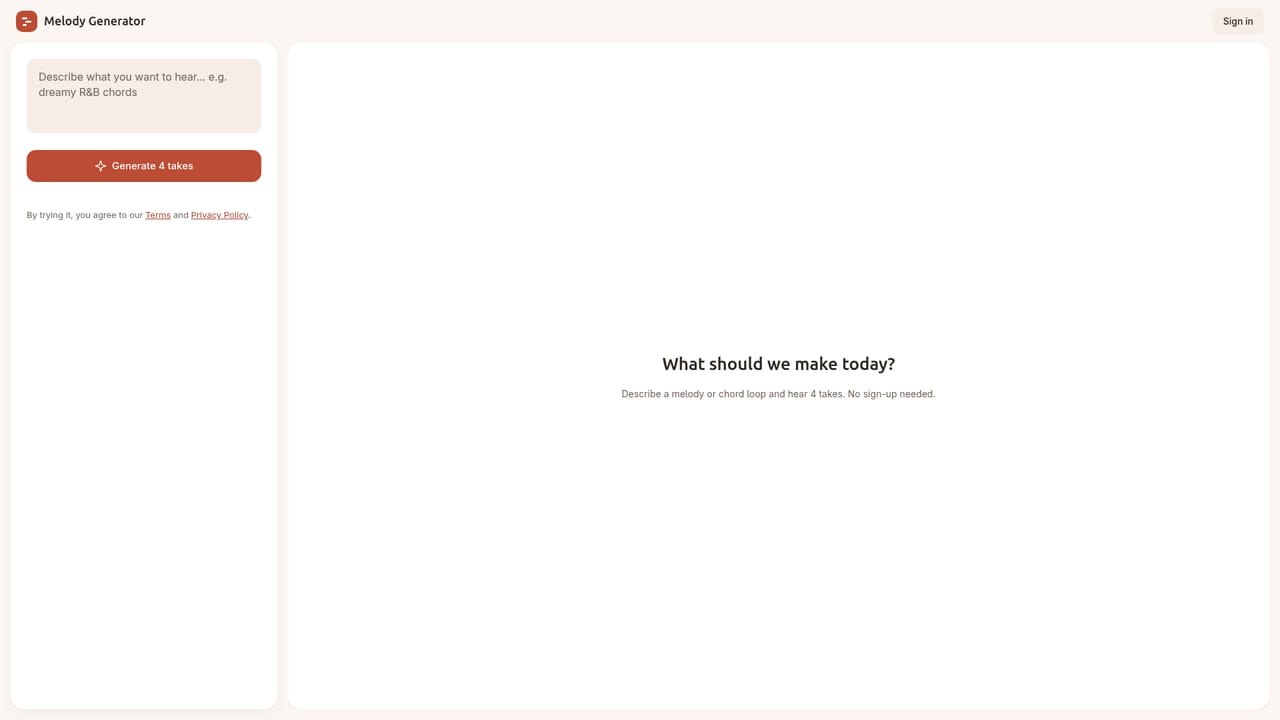
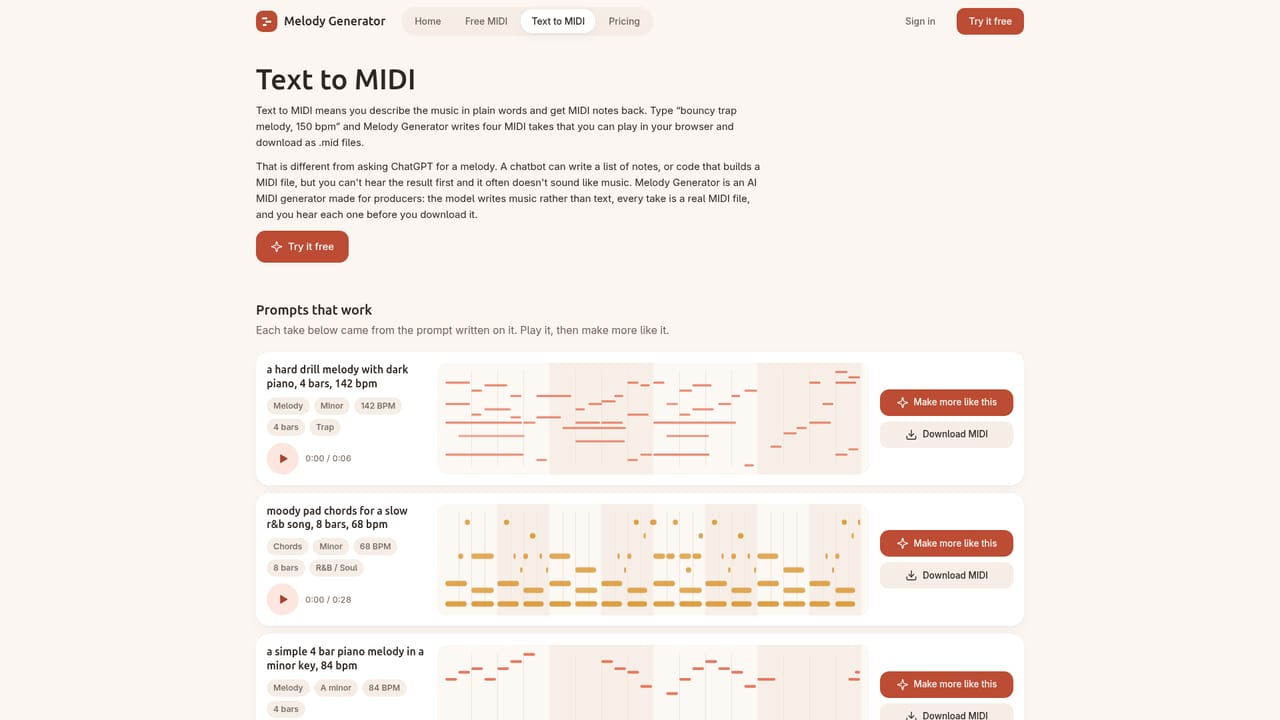
Three prompts can be run without an account, with four takes each and in-browser playback. Signing in with Google is needed to download MIDI, and the free plan requires no card.
Learn moreFree to try with no sign-up for 3 prompts. A free account gives 10 generations a day and 5 MIDI downloads a month, and demo MIDI files on the site stay free. Pro adds unlimited generations, 200 download credits a month and WAV downloads. Exact Pro pricing is listed on the pricing page.
Learn moreExports standard .mid files that open in FL Studio, Ableton Live, Logic Pro, Pro Tools, Cubase, Reaper and GarageBand. No plugin or direct DAW integration is described.
Prompt-based melody and chord generation with control over genre, mood, tempo, key and scale. Four takes per prompt, in-browser playback, 4 or 8 bar loop lengths, standard .mid export for any DAW, plus WAV downloads on Pro. Reference libraries cover text to MIDI prompts, sad, R&B and minor chord progressions, and free MIDI packs.
Learn more AI Angels400+ customizable AI girlfriends for NSFW chat, voice calls, and roleplay
 Candy AIExperience the future of companionship with AI friends who chat, role-play, and connect with you on a human level.
 ourdream.aiA vast AI roleplay platform with millions of characters for chat, images, video and voiceAI Angels400+ customizable AI girlfriends for NSFW chat, voice calls, and roleplayCandy AIExperience the future of companionship with AI friends who chat, role-play, and connect with you on a human level.ourdream.aiA vast AI roleplay platform with millions of characters for chat, images, video and voice