Free trial
A 7-day free trial is available with no charge if cancelled before day 7. Setup takes about 30 seconds.
Learn moreOne shared memory for ChatGPT, Claude, and 21+ AI tools.

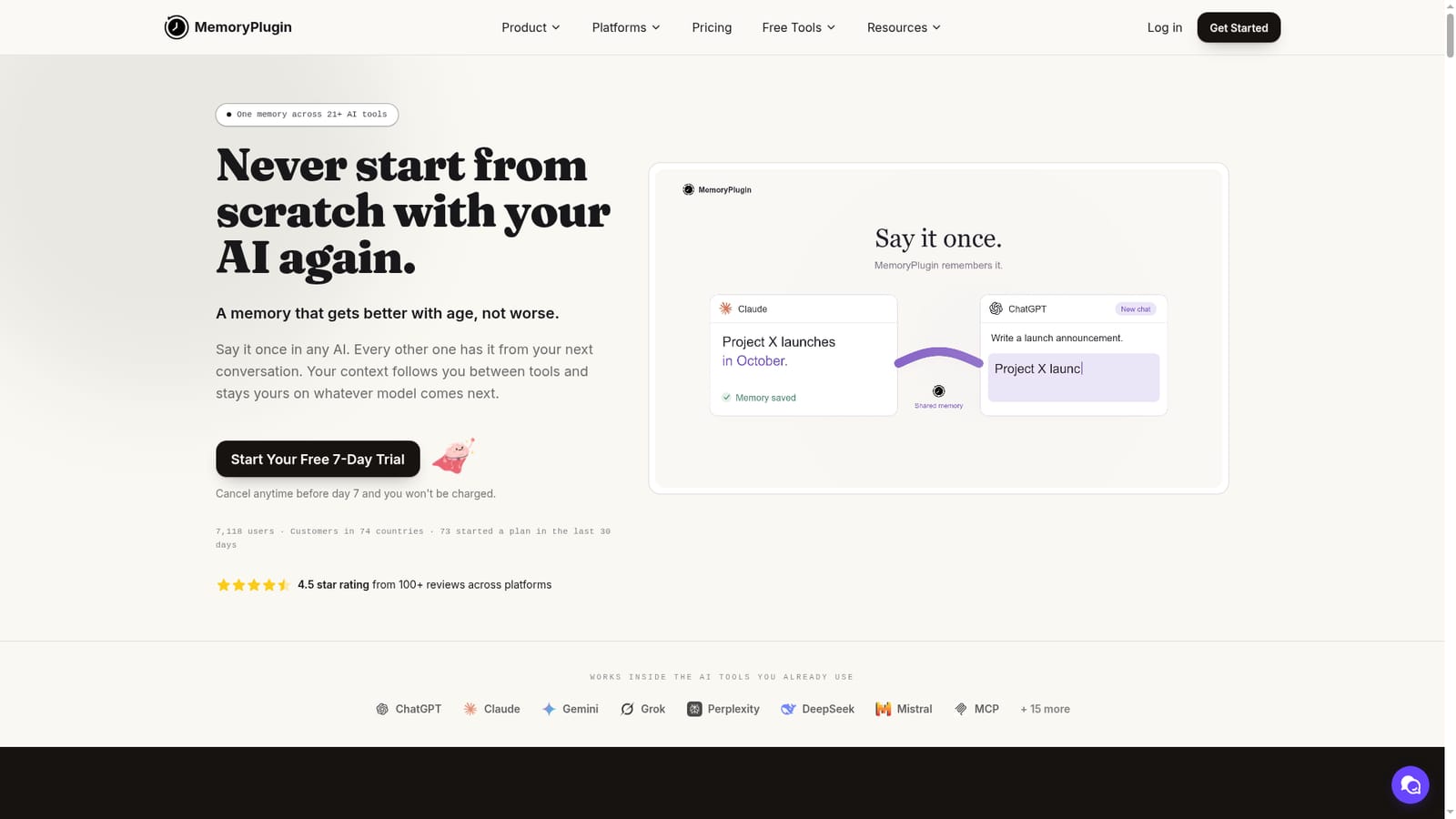
MemoryPlugin is a ChatGPT tool. MemoryPlugin provides a shared memory layer for 21+ AI tools, letting you carry context, preferences, and past conversations across ChatGPT, Claude, Gemini, and more. It combines automatic capture, curated buckets, and chat history import to reduce repetition and improve AI responses.
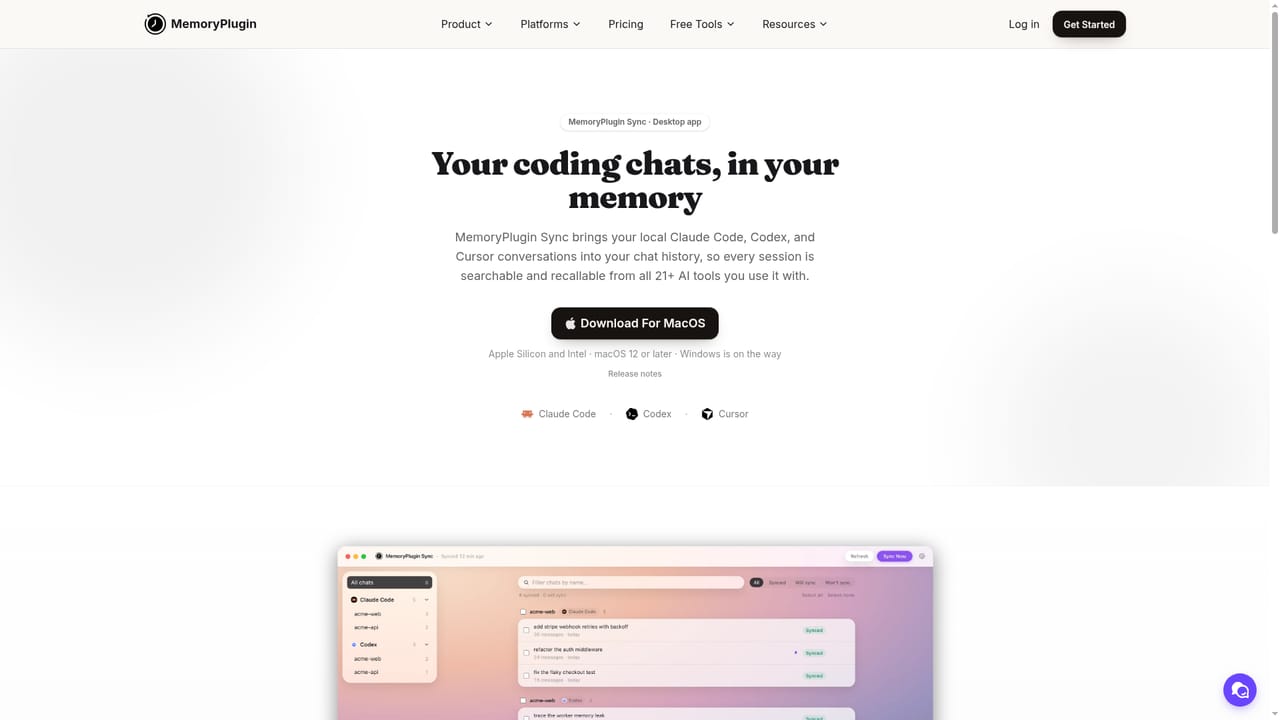
MemoryPlugin gives your AI assistants a single, shared memory that follows you between tools. Instead of re-explaining your context every time you open a new chat, the plugin captures what matters as you converse and makes it available to every supported AI, from ChatGPT and Claude to Gemini, Grok, and Cursor. The system is built around two layers: a notebook of curated memories you control, and an archive of your past conversations that can be imported and searched. This means your AI can recall your preferences, ongoing projects, and past decisions without you repeating yourself. In practice, you install the browser extension or connect via MCP, and the AI saves important details automatically. You can also highlight text to capture it manually, and organise memories into buckets for work, personal, and side projects. The plugin cleans up duplicates, flags stale facts, and asks for your approval before making changes. Smart Memory then injects only the relevant context into each conversation, reducing token usage by up to 90 percent. For those with years of chat history, MemoryPlugin can import conversations from six platforms and keep syncing them, so your AI can draw on past discussions when needed. The tool is aimed at people who use multiple AI assistants daily: developers switching between Claude Code and Cursor, writers who want consistent tone across tools, and professionals who need client context to persist. It sits alongside built-in memory features, but unlike those siloed solutions, MemoryPlugin works across 21+ tools and gives you explicit control over what is stored. The interface is approachable for beginners, though the range of features rewards those who explore the settings. A free trial and a refund policy lower the barrier to testing whether shared memory fits your workflow.
A 7-day free trial is available with no charge if cancelled before day 7. Setup takes about 30 seconds.
Learn moreMemoryPlugin offers a Core plan for everyday memory and a Pro plan that adds full history and advanced features. Annual billing is available, with a listed price of $89 per year for Core (regular $180). A 7-day free trial and 14-day refund policy apply.
Learn moreSupport resources include a help center with getting started guides and integration documentation, plus a trust page outlining data handling. No dedicated support contact is mentioned on the homepage.
Learn moreIntegrates with ChatGPT, Claude, Gemini, Grok, Perplexity, DeepSeek, Mistral, Cursor, and more through a browser extension, hosted MCP server, custom GPT, and TypingMind plugin. Also offers an open API and a desktop app for Claude Code and Codex (coming soon).
Learn moreKey features include automatic memory capture, manual one-click saving, image memories, buckets for organisation, shared buckets (Pro), memory suggestions, version history, Smart Memory for token reduction, chat history import and sync, semantic search across conversations, file Q&A, and an open API. It works across 21+ AI tools via browser extension, MCP, custom GPT, and TypingMind plugin.
Learn more AI Angels400+ customizable AI girlfriends for NSFW chat, voice calls, and roleplay
 Candy AIExperience the future of companionship with AI friends who chat, role-play, and connect with you on a human level.
 ourdream.aiA vast AI roleplay platform with millions of characters for chat, images, video and voiceAI Angels400+ customizable AI girlfriends for NSFW chat, voice calls, and roleplayCandy AIExperience the future of companionship with AI friends who chat, role-play, and connect with you on a human level.ourdream.aiA vast AI roleplay platform with millions of characters for chat, images, video and voice


