MenuPhotoAI

Turn phone photos of real dishes into menu-ready images

Beginner
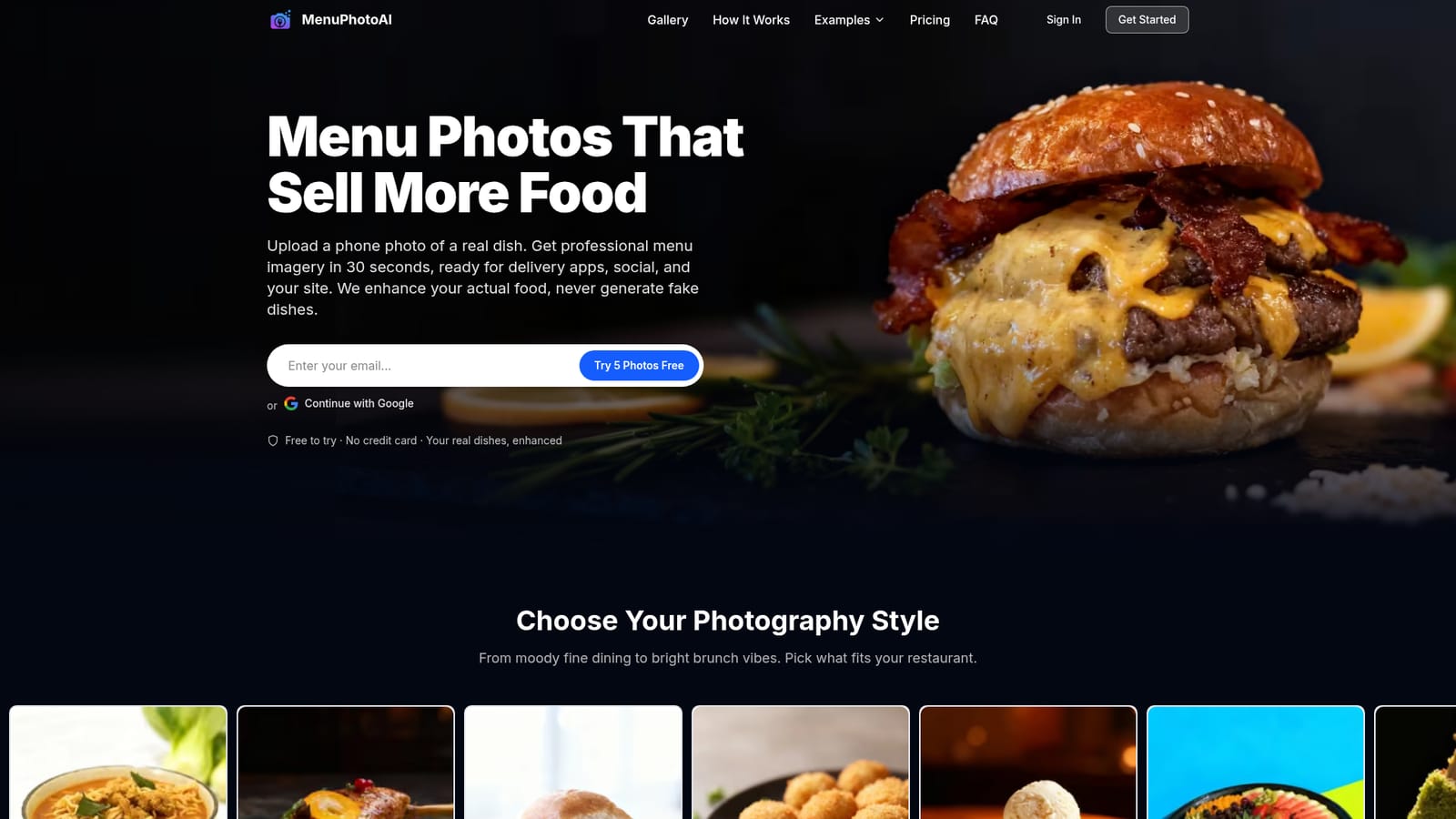
Screenshot of MenuPhotoAI, Turn phone photos of real dishes into menu-ready images

What is MenuPhotoAI?

MenuPhotoAI is an image improvement tool that turns phone photos of real dishes into menu-ready images. MenuPhotoAI enhances phone photos of real dishes into studio-style menu images in about 30 seconds, with style presets and modes for delivery apps, ads and social posts.

MenuPhotoAI is a web-based food photography enhancer built for restaurants, cafes, bakeries and takeaway kitchens that need better dish images without booking a photographer. The user uploads a phone photo of an actual plate, and the service reworks the lighting, background and colour so the result looks like studio work. The company states plainly that it improves the real food in the picture and does not invent dishes, a point that matters to owners who worry about customers receiving something different from what the menu shows. In practice the workflow has three steps: upload one or more photos, wait roughly half a minute while the enhancement runs, then download files sized for delivery apps, social feeds and a restaurant website. Before choosing a result, the user picks a photography style from a long list that spans bright and airy close-ups, dark moody hero shots, golden hour glow, overhead flat-lays, macro detail and lifestyle scenes. Separate modes cover related jobs: a menu and social mode, promotional ads with a headline rendered into the image, delivery-app photos aimed at Uber Eats and DoorDash, a style-match mode that keeps a whole menu visually consistent, and a combine mode that merges several dishes into one table scene. The target buyer is a small independent operator who cannot justify the cost of a professional shoot, which the site puts at several hundred to a few thousand dollars per session. The pitch is under one dollar per image, with five free credits offered at sign-up and no credit card required. Sign-in works through Google or email. Among alternatives, MenuPhotoAI sits between general AI image generators and manual editing apps. Generic generators can produce attractive but fictional food, while photo editors demand skill and time. This tool narrows the scope to restaurant imagery and to enhancing existing shots, which makes it a more focused option for menu owners, though it offers less open-ended creative control than a general-purpose image model.
How do you use MenuPhotoAI?

  1. 1Create a free account
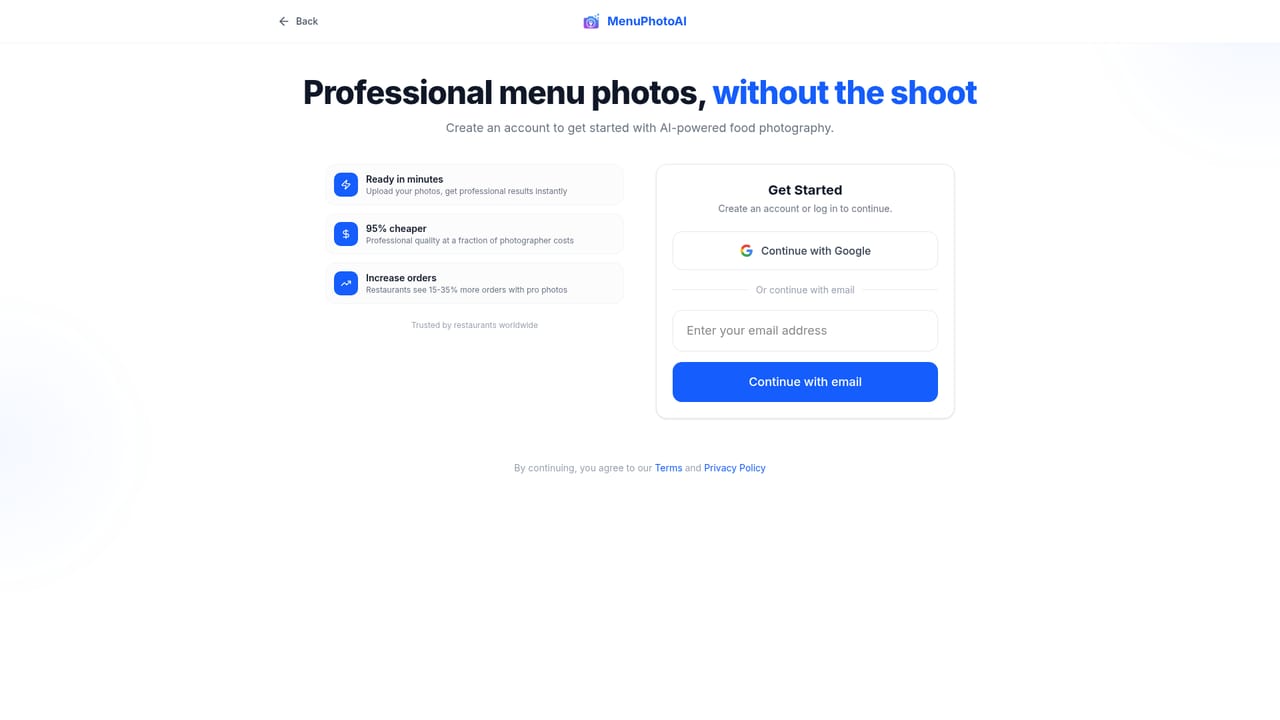
    Sign up with Google or an email address to receive five free credits. No credit card is required.
    MenuPhotoAI — Create a free account
  2. 2Upload dish photos
    Drop in phone photos of real dishes, in any quality. Upload takes a few seconds.
    MenuPhotoAI — Upload dish photos
  3. 3Pick a photography style
    Choose a look that suits the restaurant, such as bright and airy, golden hour or dark and dramatic, and select a mode like menu and social.
  4. 4Try delivery or ad modes
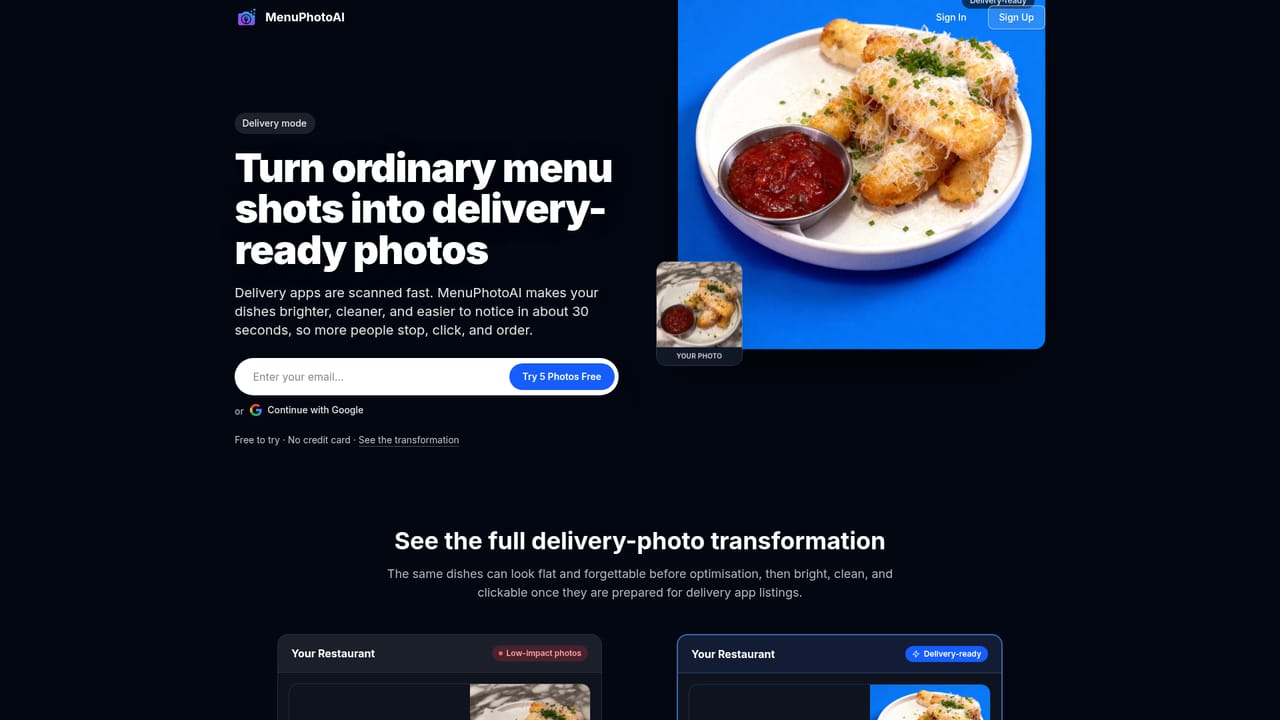
    Switch to the delivery mode for Uber Eats and DoorDash images, or the ad mode to add a headline to a ready-to-post graphic.
    MenuPhotoAI — Try delivery or ad modes
  5. 5Keep the whole menu consistent
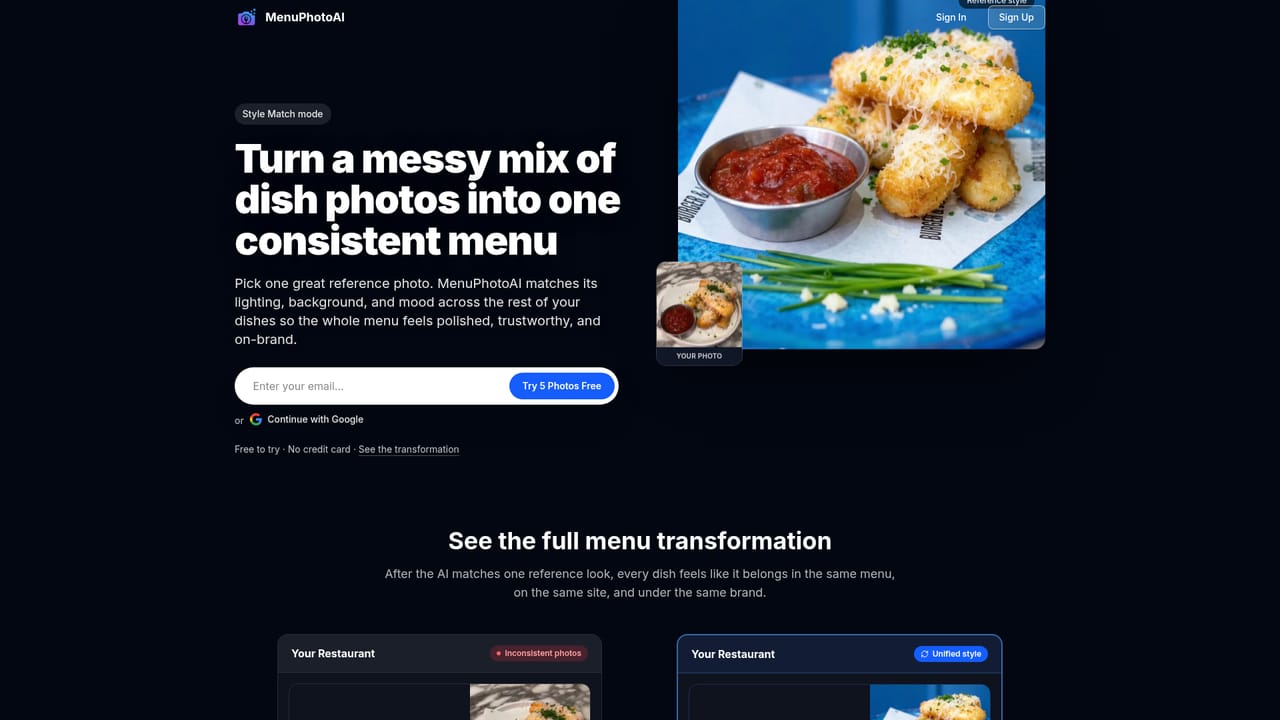
    Use style match so every dish photo shares one look, then download the finished images for apps, social and your website.
    MenuPhotoAI — Keep the whole menu consistent

Pros and cons

Pros

  • Enhances the actual dish rather than generating a fictional one, which keeps menu photos honestAI
  • Fast turnaround of roughly 30 seconds per photo from a plain phone shotAI
  • Wide choice of photography styles, from bright flat-lays to dark moody hero shotsAI
  • Dedicated modes for delivery apps, promotional ads, style consistency and combined scenesAI
  • Five free credits with no credit card needed make testing on real dishes easyAI

Cons

  • Output depends on the quality of the source photo, so very poor shots may still disappointAI
  • Focused on restaurant food, so it offers little for other product photography needsAI
  • Only a web interface is described, with no mobile app or API mentioned on the homepageAI
  • Detailed plan prices are not shown on the homepage, so costs beyond the free credits are unclearAI
  • Limited creative freedom compared with general AI image generators, since the real dish must stay intactAI

How much does MenuPhotoAI cost?

Free trial

New users get 5 free credits to enhance photos, with no credit card required and results in about 30 seconds.

Learn more

Pricing

The homepage cites a cost of under $1 per image and offers five free credits at sign-up. Plan tiers and subscription prices are not listed on the homepage.

Learn more

Features

Enhances real dish photos with fixed lighting, background and colour. Offers many photography styles, plus modes for menu and social, promotional ads with headlines, delivery apps, style matching across a menu, and combining several dishes into one scene.

Frequently asked questions about MenuPhotoAI

  • How much does MenuPhotoAI cost?
    The homepage cites a cost of under $1 per image and offers five free credits at sign-up. Plan tiers and subscription prices are not listed on the homepage.
  • Does MenuPhotoAI offer a free trial?
    New users get 5 free credits to enhance photos, with no credit card required and results in about 30 seconds.
  • How do you use MenuPhotoAI?
    The walkthrough on this page covers 5 steps: 1. Create a free account 2. Upload dish photos 3. Pick a photography style 4. Try delivery or ad modes 5. Keep the whole menu consistent.
  • What platforms does MenuPhotoAI support?
    MenuPhotoAI is available on Web App.
  • What are the limitations of MenuPhotoAI?
    Output depends on the quality of the source photo, so very poor shots may still disappoint. Focused on restaurant food, so it offers little for other product photography needs. Only a web interface is described, with no mobile app or API mentioned on the homepage.

Status

StatusActive
Views0
Outbound clicks0
Added10/18/2026

Platforms

Web App

Pricing

FreemiumFree Trial