Microsoft Foundry

Build, ground and govern AI apps and agents on Azure

Advanced API
Screenshot of Microsoft Foundry, Build, ground and govern AI apps and agents on Azure

What is Microsoft Foundry?

Microsoft Foundry is a developer tool that builds ground and govern AI apps and agents on Azure. Microsoft Foundry is Azure's enterprise platform for building, grounding and governing AI apps and agents. It offers more than 11,000 models, an agent service with an open-source SDK, permission-aware grounding, 1,400+ business connectors, and a unified control plane for security, observability and compliance.

Microsoft Foundry is Azure's platform for building, grounding and governing AI applications and agents. It positions itself as an AI app and agent factory: open by design, with models drawn from many providers, and opinionated about the operational layer that surrounds them. The catalogue is the headline, with more than 11,000 foundational, open, reasoning, multimodal and industry-specific models spanning OpenAI, Anthropic, Meta, Google, xAI, Hugging Face and Microsoft's own MAI family. Models can be trained, fine-tuned and distilled, and an intelligent router picks the best model for each task at runtime without application rewrites. On top of the models sits the agent layer. Foundry Agent Service builds action-oriented agents that automate business processes while keeping humans in control, and the open-source Microsoft Agent Framework gives developers an SDK for orchestration. Hosted agents run on serverless containers and event-driven functions. Grounding comes from Foundry IQ and its three-layer intelligence stack (Work IQ, Foundry IQ, Fabric IQ), tied to Microsoft Graph and permission-aware data, while agents reach business systems through more than 1,400 pre-built connections including SAP, Salesforce and Dynamics 365, or custom tools over MCP. Pre-built tools cover OCR, translation, speech and object detection. Governance is the differentiator. A single control plane integrated with Entra, Purview and Defender manages agents, tools and knowledge sources across Foundry, Copilot Studio and partner agents. Observability runs on OpenTelemetry with built-in evaluators for coherence, relevance, groundedness and safety, and content safety filters prompt attacks, hallucinations and data leakage at runtime. Foundry Local extends the stack to devices and the edge. This suits engineering teams and platform owners inside larger organisations, particularly those already standardised on Azure and Microsoft 365. It is not a no-code playground: the workflow assumes familiarity with the Azure portal, SDKs and identity concepts. Compared with single-vendor model APIs, the value is breadth plus control; the trade-off is that costs and configuration span several Azure services rather than one simple plan.

How do you use Microsoft Foundry?

  1. 1Create an Azure account and open the portal
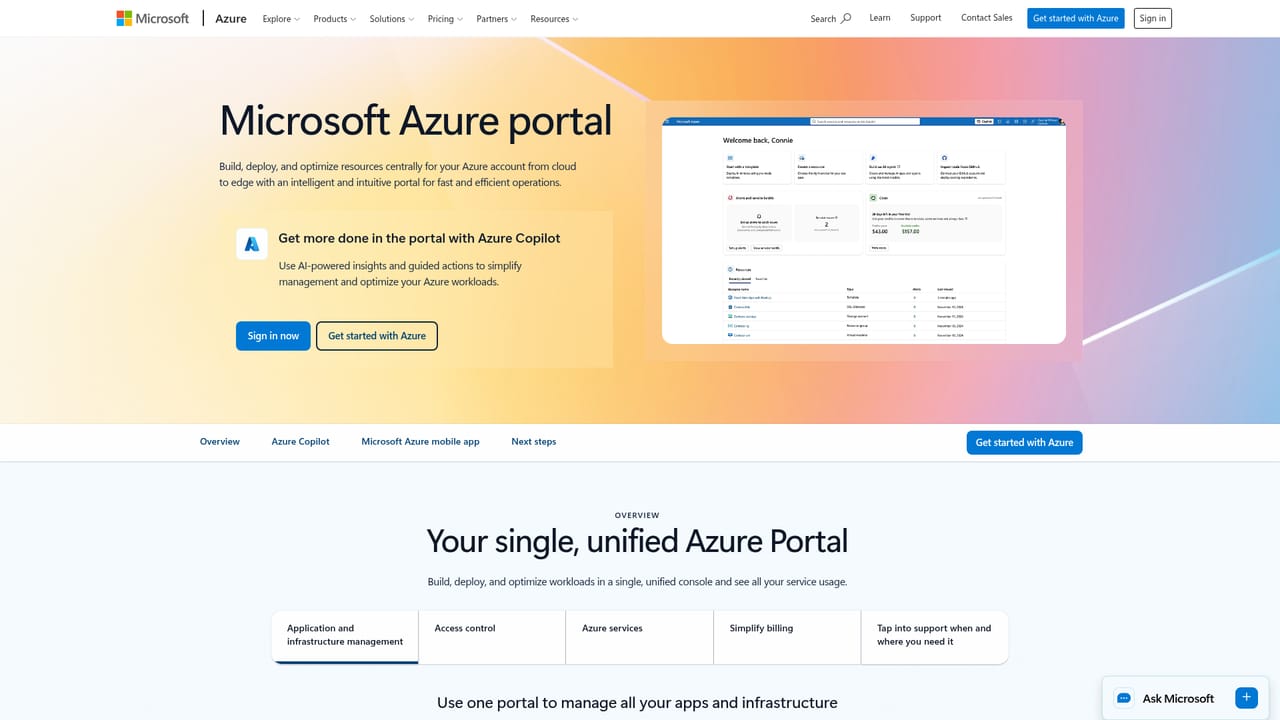
    Sign in or create an Azure account, then open the Azure portal to reach Foundry. Existing subscriptions carry over directly.
    Microsoft Foundry — Create an Azure account and open the portal
  2. 2Choose models from the catalogue
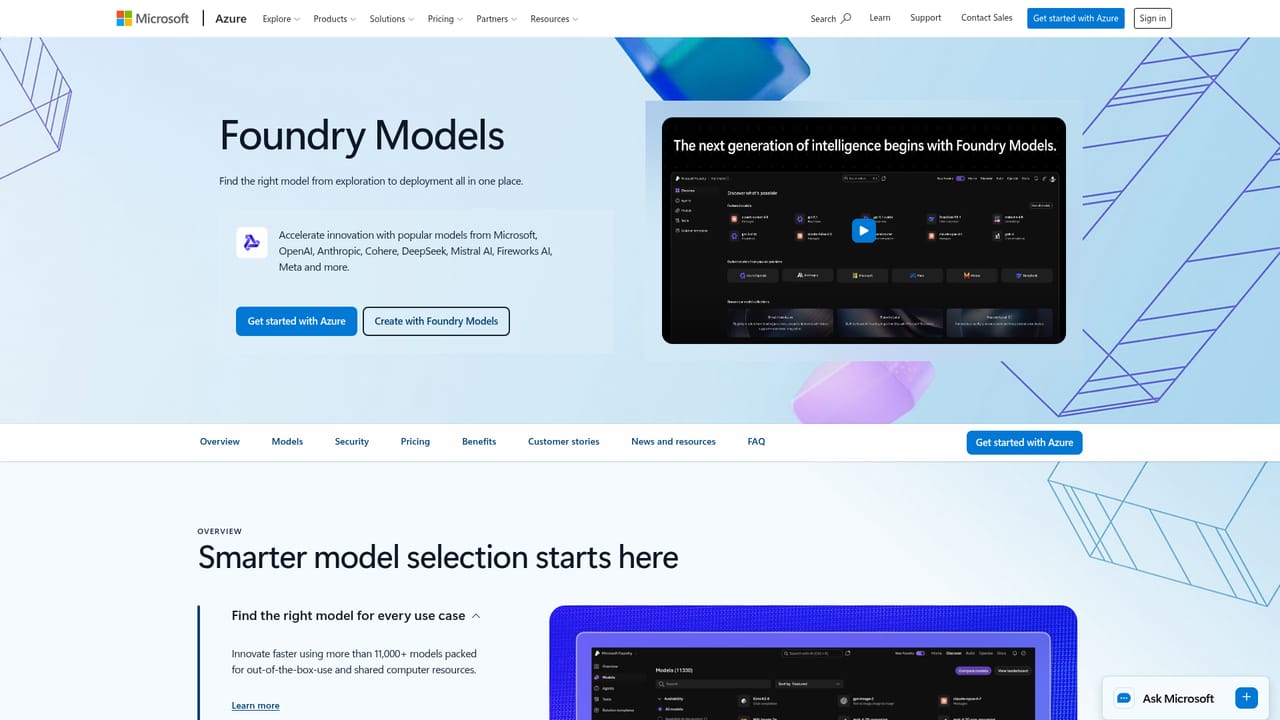
    Browse Foundry Models and shortlist candidates for each task. Compare reasoning, multimodal and industry models, and note which ones support fine-tuning or distillation.
    Microsoft Foundry — Choose models from the catalogue
  3. 3Build and connect an agent
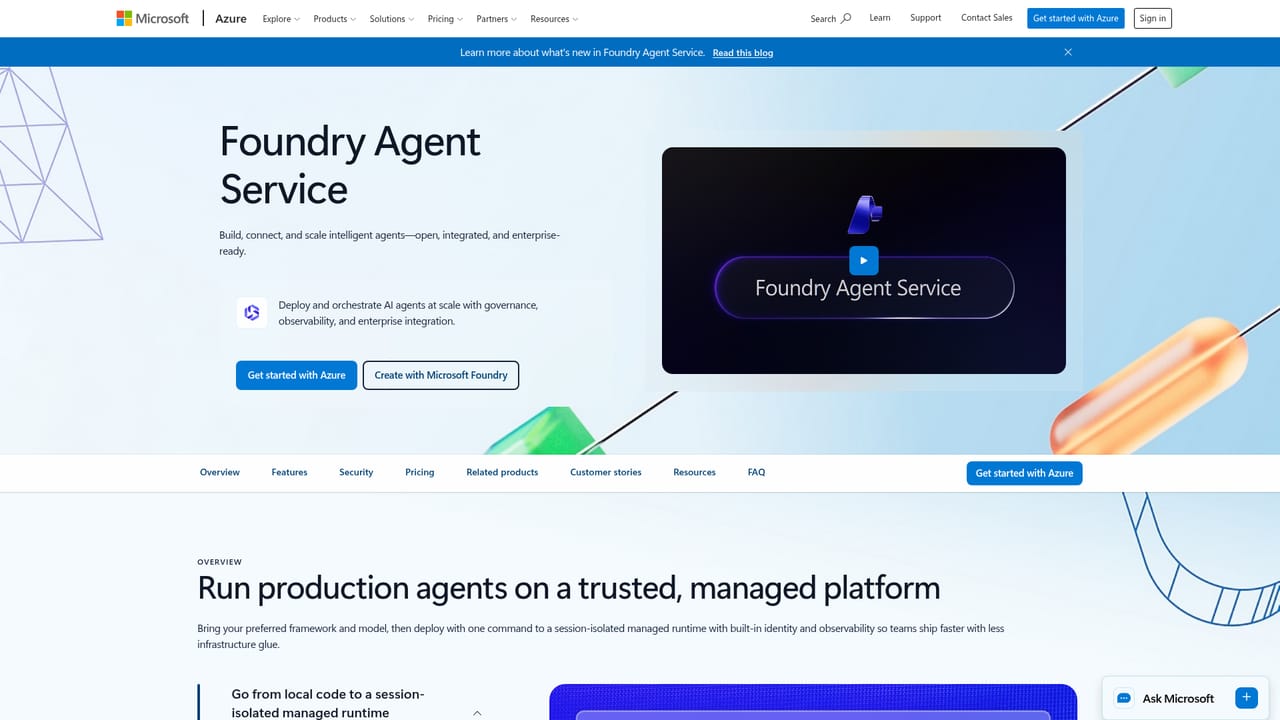
    Use Foundry Agent Service to define an agent, give it instructions and tools, and connect it to business systems through pre-built connectors or custom MCP tools.
    Microsoft Foundry — Build and connect an agent
  4. 4Ground the agent in organisational data
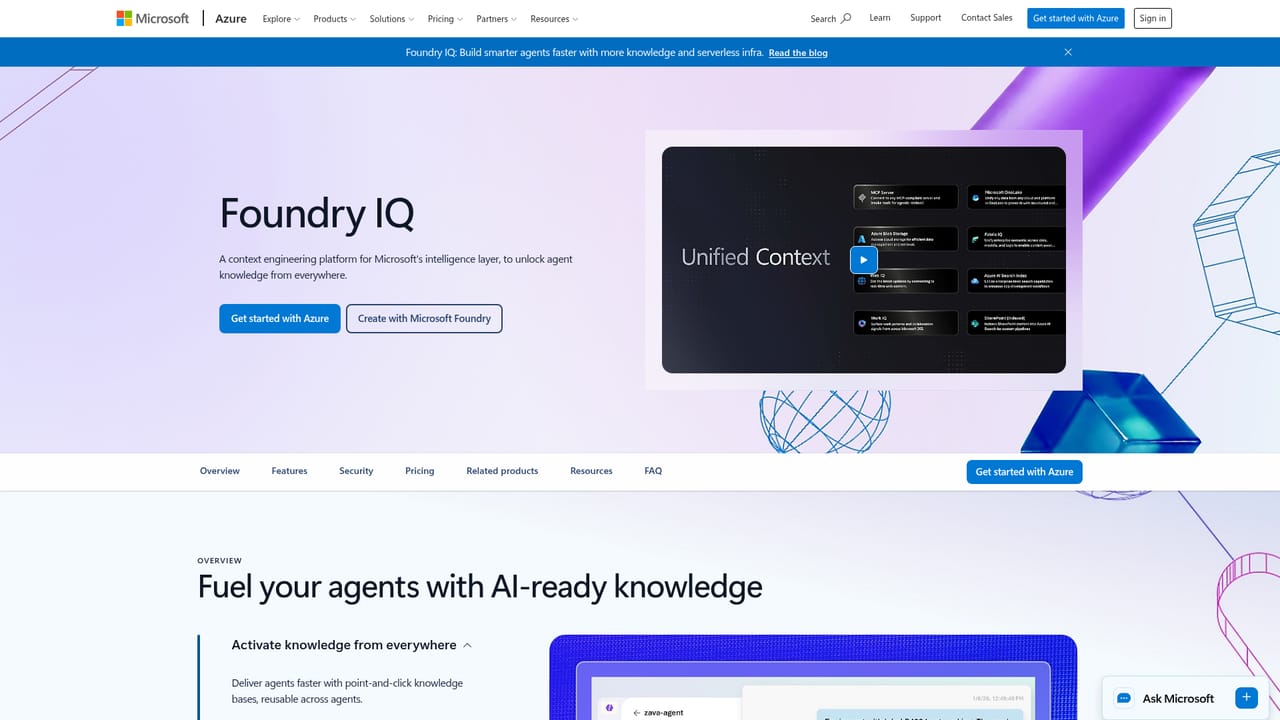
    Configure permission-aware grounding through Foundry IQ so answers reflect real business signals rather than generic model knowledge.
    Microsoft Foundry — Ground the agent in organisational data
  5. 5Set up observability and safety controls
    Enable tracing and evaluators for coherence, relevance, groundedness and safety, then apply content safety policies to catch prompt attacks and leakage.
  6. 6Estimate and track spend
    Use the pricing calculator before committing, then monitor consumption per service once workloads are live, since billing follows individual features.

Pros and cons

Pros

  • Model catalogue is unusually broad, covering OpenAI, Anthropic, Meta, Google, xAI and Hugging Face alongside Microsoft's own modelsAI
  • Runtime model routing lets teams optimise cost and quality per task without rewriting applicationsAI
  • Governance layer is genuinely unified, with Entra, Purview and Defender wired into one control plane across agentsAI
  • Open standards (MCP, OpenTelemetry, Open source Agent Framework) reduce lock-in and fit existing toolchainsAI
  • Strong appeal for organisations already on Azure and Microsoft 365, where identity and data grounding are ready to useAI

Cons

  • Consumption-based billing spreads costs across many Azure services, so forecasting spend requires real disciplineAI
  • Assumes solid familiarity with the Azure portal, SDKs and identity; it is a poor fit for non-technical usersAI
  • Groundedness depends on Microsoft Graph and organisational data quality, which many teams have not preparedAI
  • The sheer breadth of services and options makes initial architecture decisions slow compared with focused single-model toolsAI
  • Enterprise governance features are the main draw, so smaller teams may pay in complexity for controls they do not needAI

How much does Microsoft Foundry cost?

Pricing

Pricing is consumption-based and follows the individual services and features used, with each service carrying its own billing model and price. Microsoft publishes a dedicated Foundry pricing page plus an Azure pricing calculator for estimating costs before deployment.

Learn more

Integrations

Deep Microsoft ecosystem ties: Visual Studio Code with Foundry Toolkit, GitHub Copilot, Copilot Studio, plus SAP, Salesforce and Dynamics 365 connections and custom tools over MCP.

Learn more

Features

More than 11,000 models from OpenAI, Anthropic, Meta, Google, xAI and Hugging Face; training, fine-tuning and distillation; runtime model routing; Foundry Agent Service and the open-source Microsoft Agent Framework; serverless hosted agents; Foundry IQ grounding; 1,400+ business connectors and MCP tools; pre-built OCR, speech and translation tools; a governed control plane; OpenTelemetry observability; content safety; Foundry Local for edge.

Learn more

Frequently asked questions about Microsoft Foundry

  • How much does Microsoft Foundry cost?
    Pricing is consumption-based and follows the individual services and features used, with each service carrying its own billing model and price. Microsoft publishes a dedicated Foundry pricing page plus an Azure pricing calculator for estimating costs before deployment.
  • Does Microsoft Foundry have an API?
    Yes, Microsoft Foundry offers an API.
  • How do you use Microsoft Foundry?
    The walkthrough on this page covers 6 steps: 1. Create an Azure account and open the portal 2. Choose models from the catalogue 3. Build and connect an agent 4. Ground the agent in organisational data 5. Set up observability and safety controls 6. Estimate and track spend.
  • What platforms does Microsoft Foundry support?
    Microsoft Foundry is available on Web App, Windows, MacOS and Linux.
  • What does Microsoft Foundry integrate with?
    Deep Microsoft ecosystem ties: Visual Studio Code with Foundry Toolkit, GitHub Copilot, Copilot Studio, plus SAP, Salesforce and Dynamics 365 connections and custom tools over MCP.
  • What are the limitations of Microsoft Foundry?
    Consumption-based billing spreads costs across many Azure services, so forecasting spend requires real discipline. Assumes solid familiarity with the Azure portal, SDKs and identity; it is a poor fit for non-technical users. Groundedness depends on Microsoft Graph and organisational data quality, which many teams have not prepared.

Status

StatusActive
Views0
Outbound clicks0
Added10/22/2026

Platforms

Web AppWindowsMacOSLinux

Pricing

PaidSubscription