Free trial
The homepage invites visitors to sign in or sign up free before uploading, implying a no-cost entry point. No trial length or usage limits are stated.
Learn moreGenerate layered sound effects and music from your video
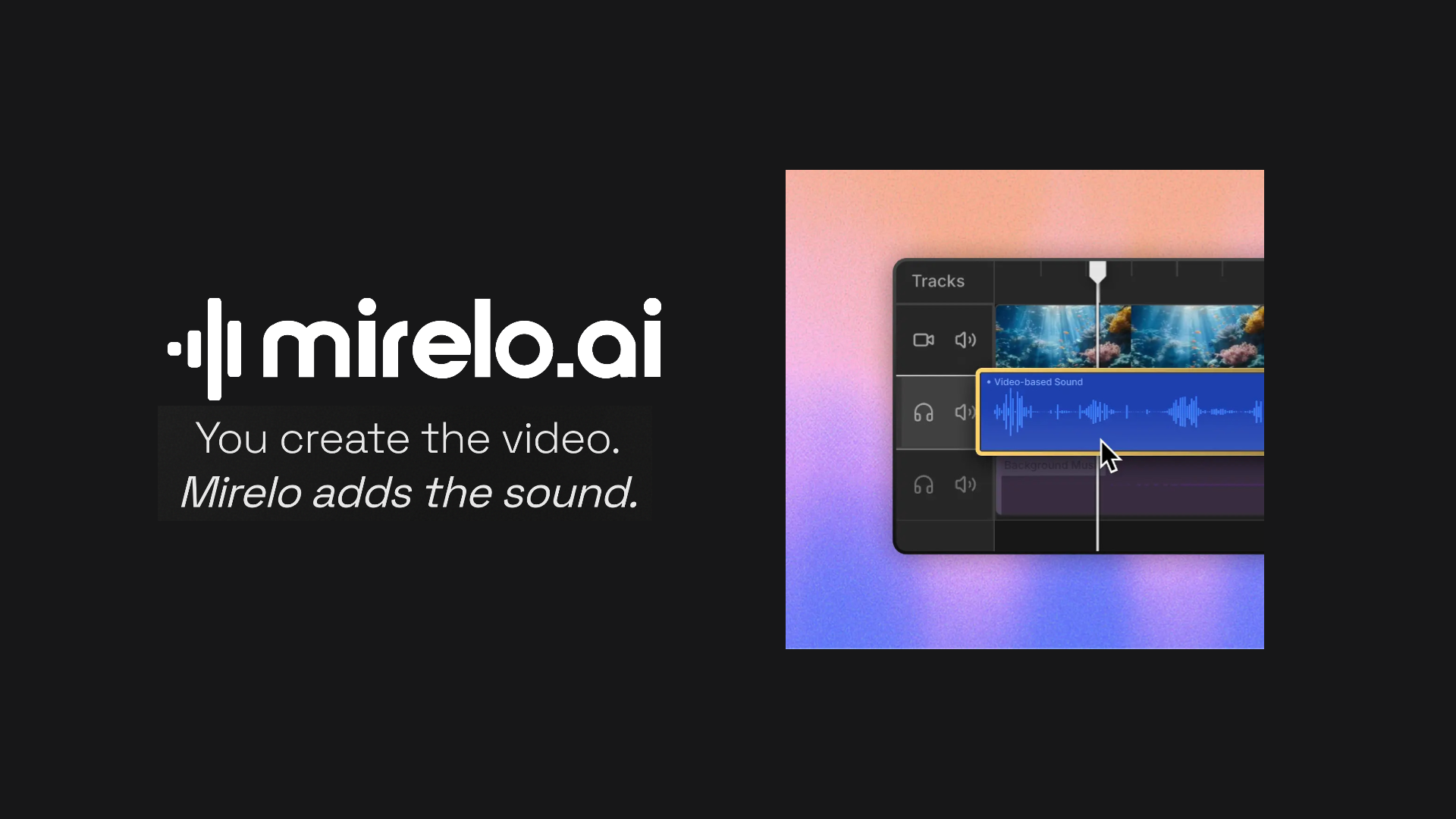
Mirelo AI is an audio editing tool that generates layered sound effects and music from your video. Mirelo AI generates foley, ambience and music from an uploaded video, keeping dialogue intact and removing baked-in music. Includes an audio-to-MIDI model, plugins for Adobe, DaVinci and Roblox, an MCP server for AI assistants, and a documented API.
Mirelo AI is a sound generation platform built around video. Instead of searching stock libraries, trimming effects and nudging clips into sync, you upload your edit and the system produces footsteps, impacts, foley and ambience timed to what happens on screen. The pitch is aimed squarely at the parts of post-production that absorb the most hours for the least visible credit. The workflow has three stages. You upload a video of up to 10 minutes, dialogue included, then receive clean sound effects constructed around the existing speech. Mirelo also strips out music that a video model baked into the clip, which matters for anyone working with generated footage who likes a shot but not the soundtrack attached to it. From there you can generate music of your own that fits the scene, or export the audio as it stands. Running a full edit through the tool once is presented as the way to avoid the ambience jumps that occur when individually generated clips are stitched together. Beyond the core video-to-sound tool, there is a Studio with adjacent utilities. Audio-to-MIDI converts sound into editable MIDI and MusicXML, which suits producers who want to rebuild or rearrange material. Plugins bring Mirelo into Adobe, DaVinci and Roblox environments, and an MCP server lets Claude, ChatGPT and Cursor call the sound generation directly. An API is documented separately for teams building their own pipelines. It fits best with solo creators, short-form video producers and small editing teams who need credible audio fast, plus studios processing AI-generated footage at volume. Longer work is handled through a sales conversation rather than self-serve. Pricing tiers are not detailed on the homepage, so check the site before committing.
The homepage invites visitors to sign in or sign up free before uploading, implying a no-cost entry point. No trial length or usage limits are stated.
Learn moreEnterprise enquiries for videos longer than 10 minutes go through a sales contact page. The homepage does not describe help centre, documentation or support channels beyond that.
Learn morePlugins are available for Adobe, DaVinci and Roblox. An MCP server works inside Claude, ChatGPT and Cursor, and a documented API supports custom builds. Runware, Replicate, fal and several studios appear as customer logos.
Learn moreVideo-to-sound generation covers footsteps, impacts, foley and ambience timed to the footage. Dialogue is preserved while unwanted baked-in music is stripped. Edits up to 10 minutes are processed in one pass for a consistent soundtrack. A Studio adds an audio-to-MIDI converter with MIDI and MusicXML export, an MCP server, and plugins for Adobe, DaVinci and Roblox.
Learn more AI Angels400+ customizable AI girlfriends for NSFW chat, voice calls, and roleplay
 Candy AIExperience the future of companionship with AI friends who chat, role-play, and connect with you on a human level.
 ourdream.aiA vast AI roleplay platform with millions of characters for chat, images, video and voiceAI Angels400+ customizable AI girlfriends for NSFW chat, voice calls, and roleplayCandy AIExperience the future of companionship with AI friends who chat, role-play, and connect with you on a human level.ourdream.aiA vast AI roleplay platform with millions of characters for chat, images, video and voice


