Free trial
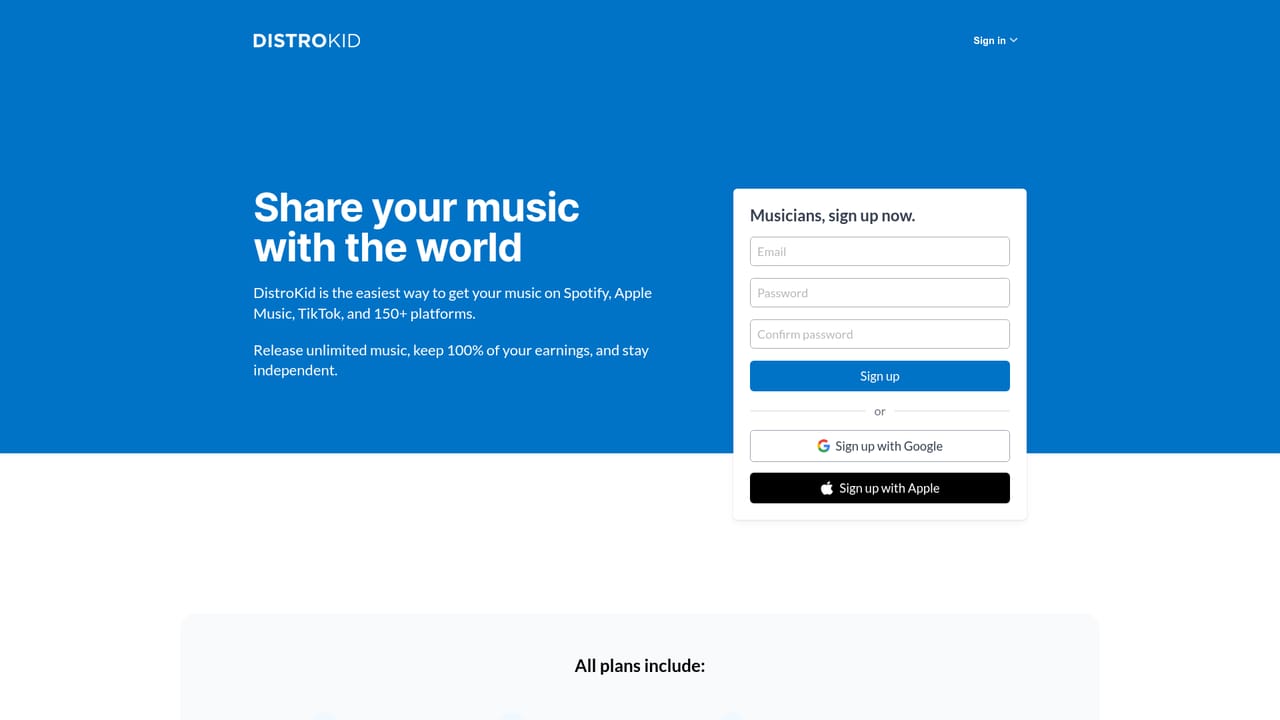
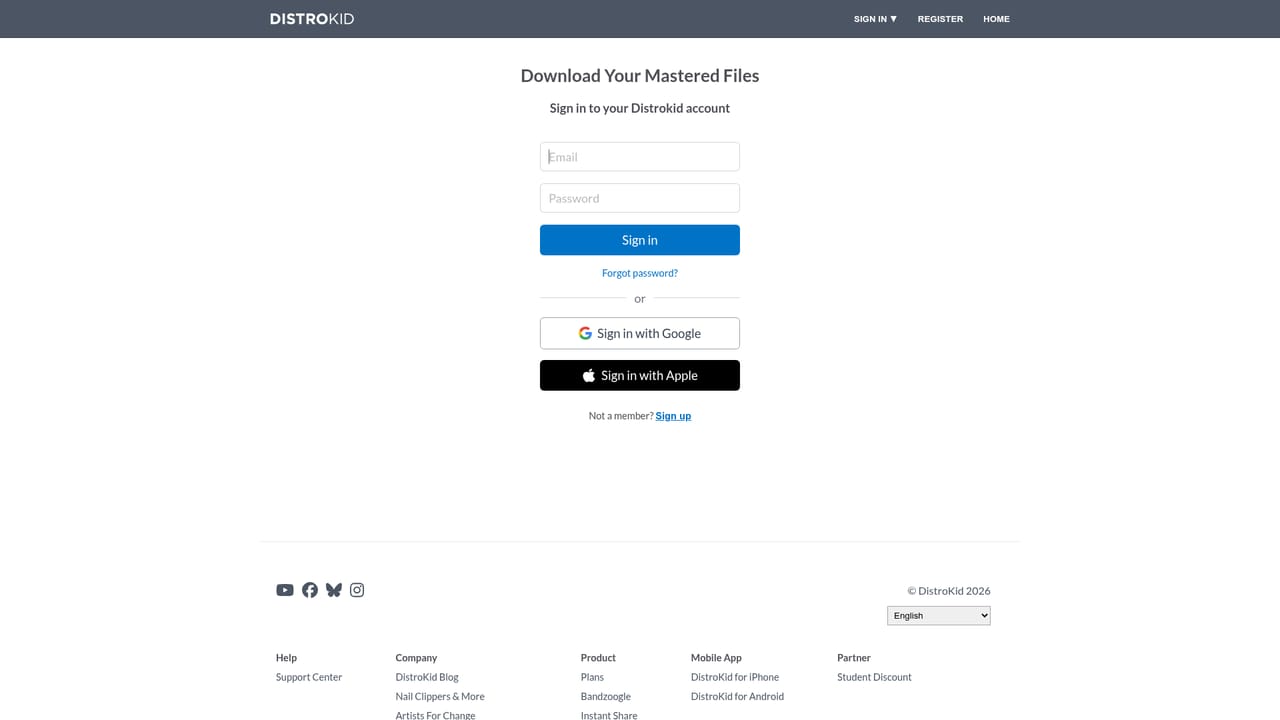
One track can be mastered free, with no time limit mentioned. Downloading the result requires a free Mixea or DistroKid account.
Learn moreAI mastering that turns finished mixes into streaming-ready tracks in minutes.
Own Mixea by DistroKid? Verify ownership to get a dofollow link

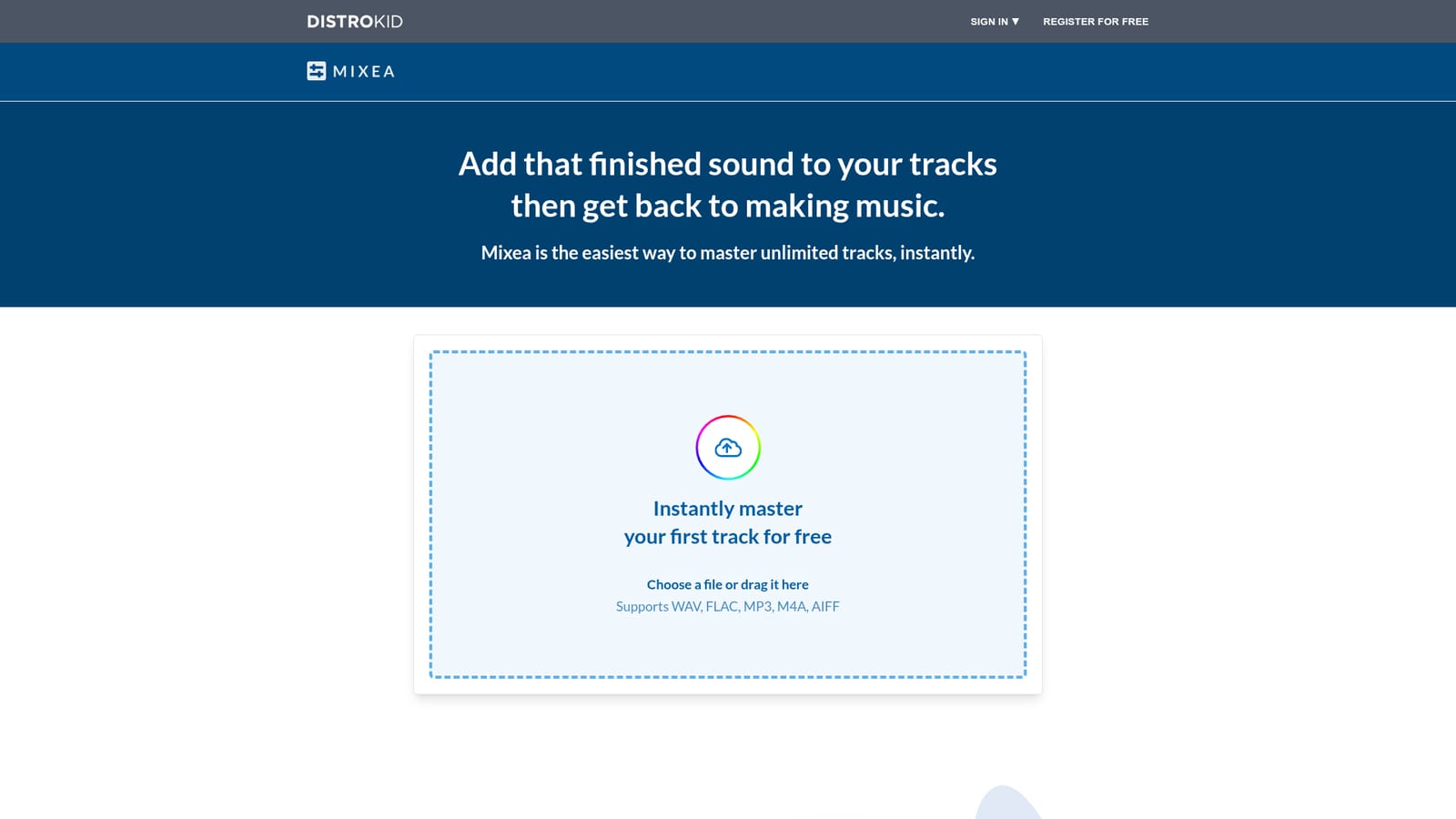
Mixea by DistroKid is an AI mashup maker tool. Mixea is DistroKid's AI mastering tool for finished mixes. Upload a WAV, FLAC, MP3, M4A or AIFF file, compare the original against the mastered version, adjust intensity and EQ, then download a 24-bit, 48k WAV.
Mixea is DistroKid's automated mastering service, built for musicians who have finished a mix and want a louder, more polished version without booking a studio engineer. Tracks are uploaded in WAV, FLAC, MP3, M4A or AIFF format, and the service returns a mastered file in 24-bit, 48k high-res WAV. The stated design goal is to get a track sounding finished and back to the artist quickly, and the workflow reflects that: upload, adjust, compare, download. The process is deliberately narrow. After uploading, the user sees a waveform with an A/B toggle between the original and mastered audio, plus two controls: an Intensity slider running from low to high, and EQ options labelled Brighter and Warmer. That is the entire editing surface. There is no multiband compressor to tune, no limiter settings to inspect, and no LUFS readout to chase. Users preview settings by ear, pick the version that suits the track, and export. Mastering is also framed as a streaming optimisation step, so the output is intended for release on streaming platforms rather than for vinyl or broadcast delivery. The obvious audience is independent artists, bedroom producers and small labels already releasing through DistroKid, since the account system ties into the same login. Mixea also makes sense for people who consider mastering a cost or scheduling problem rather than an artistic one. Against alternatives such as LANDR or eMastered, Mixea competes on price and volume of output rather than fine-grained control: the unlimited plan covers as many tracks as the user uploads for a flat annual fee. Limits are worth stating plainly. Automated mastering cannot diagnose a weak arrangement or a badly balanced mix, and the Intensity and EQ controls are broad corrective choices, not precision tools. Anyone needing stem mastering, vinyl cuts or detailed metering should look elsewhere. Mixea suits fast, repeatable loudness and tone correction for streaming release, and little beyond that.
One track can be mastered free, with no time limit mentioned. Downloading the result requires a free Mixea or DistroKid account.
Learn moreThe first mastered track is free. After that, unlimited mastering costs $99 per year, covering as many tracks as the user uploads. A free account is needed to download finished files.
Learn moreMixea sits inside the DistroKid ecosystem, which provides a Support Center and blog for help and guidance.
Learn moreUploads in WAV, FLAC, MP3, M4A or AIFF. Processing returns a 24-bit, 48k high-res WAV. Users compare original against mastered audio with an A/B control, then shape results with an intensity slider and brighter or warmer EQ options. Unlimited track mastering is included on the annual plan, and mastered files are collected in a My mastered tracks library.
 AI Angels400+ customizable AI girlfriends for NSFW chat, voice calls, and roleplay
 Candy AIExperience the future of companionship with AI friends who chat, role-play, and connect with you on a human level.
 ourdream.aiA vast AI roleplay platform with millions of characters for chat, images, video and voiceAI Angels400+ customizable AI girlfriends for NSFW chat, voice calls, and roleplayCandy AIExperience the future of companionship with AI friends who chat, role-play, and connect with you on a human level.ourdream.aiA vast AI roleplay platform with millions of characters for chat, images, video and voice


