Free trial
A free trial is offered from the homepage and signup page, with no pilot pricing to negotiate. The site does not state a trial length or whether a card is required.
Learn moreReads HVAC drawings, counts equipment, and builds priced quotes

Monaro is AI takeoff and quoting software for HVAC equipment distributors. It reads drawing sets, counts terminal equipment such as diffusers, grilles, fans and fixtures across all floors, flags anything unclear, and turns the result into a priced, branded quote with supplier RFQs and ERP push.
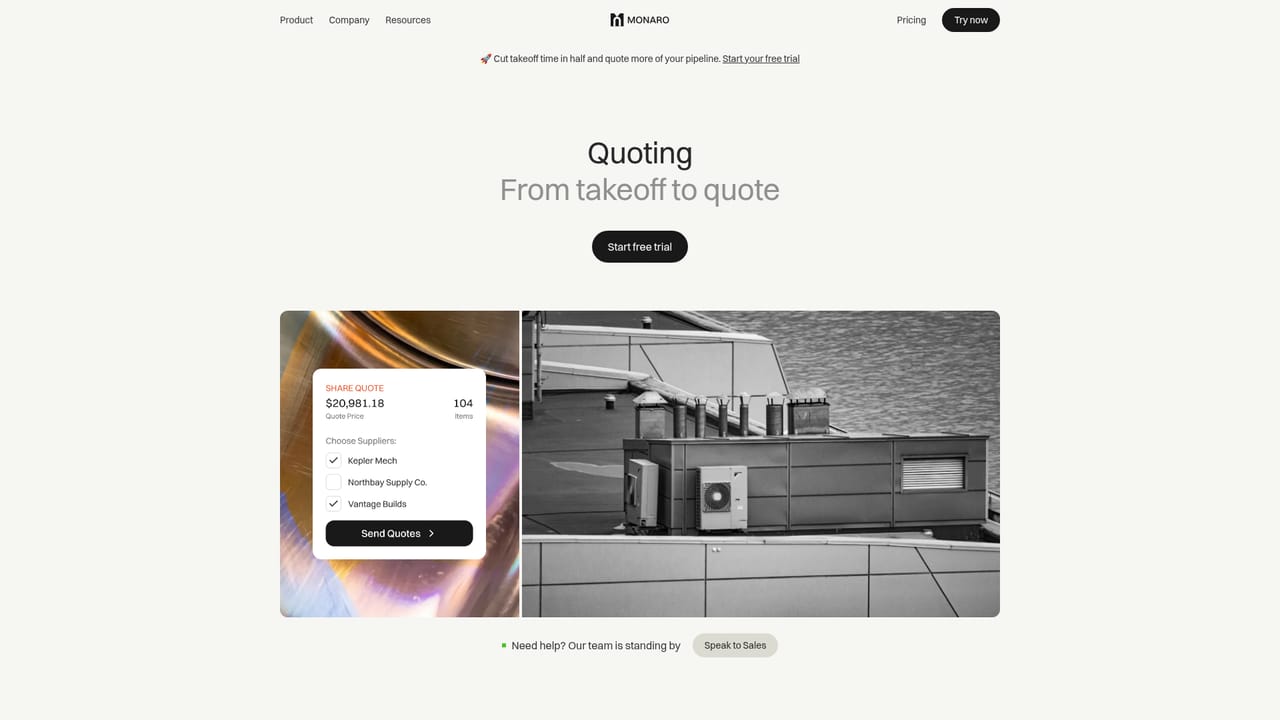
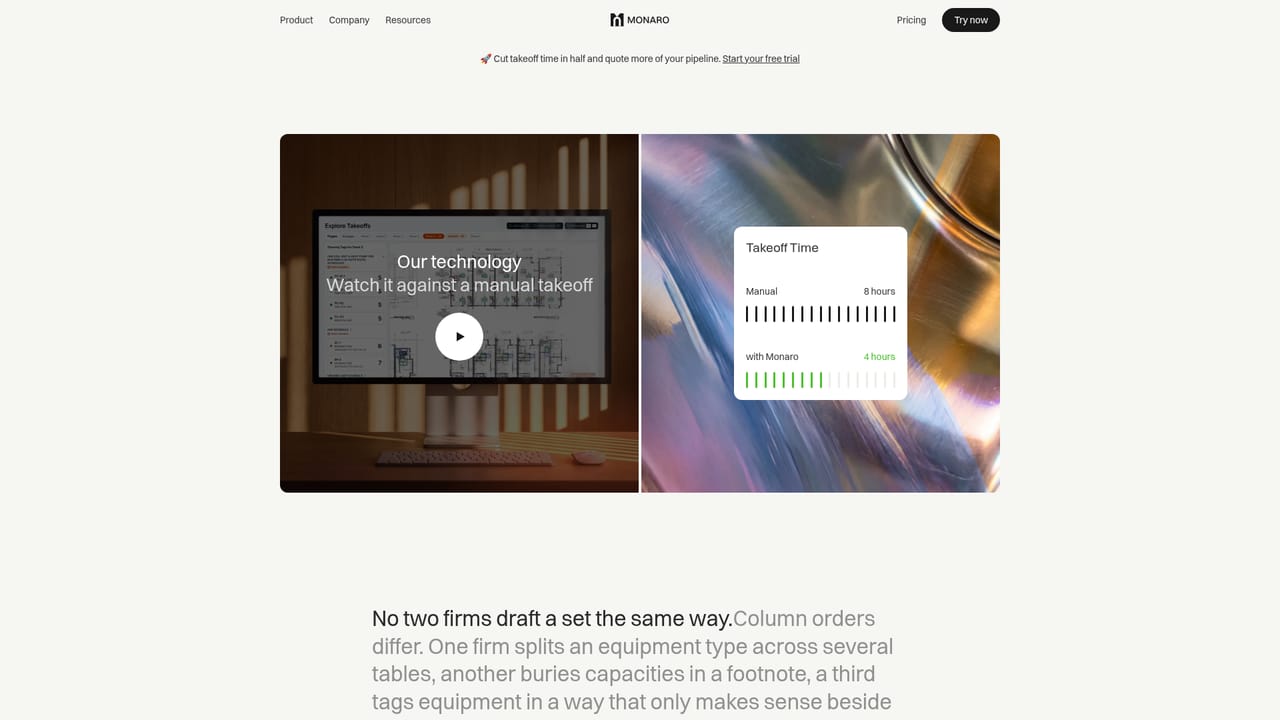
Monaro is a takeoff and quoting workspace built for HVAC equipment distributors in the US and Canada. The product targets the bid desk rather than the engineering office: a coordinator uploads a drawing set, the system extracts the equipment schedule, and every diffuser, grille, fan, fixture, boiler and pump gets counted across each floor. Counts come back structured, with unclear items flagged for a human to confirm. From there the same takeoff becomes a formatted quote, a supplier request, or a submittal packet without retyping anything into a spreadsheet. The scope is deliberately narrow. Monaro counts terminal equipment only, so pipe, fittings, labour and installation stay out of the output. That matches how distributors already quote, which is why the vendor claims most teams run a first takeoff on the day they sign up with no templates, training programme or IT project. The workflow replaces the common pattern of takeoffs in Adobe, quotes in Excel and supplier pricing buried in email threads, with each step feeding the next in one system. The people who get the most from it are estimating coordinators and sales staff at distribution firms that see more bid invitations than they can turn around. Reviews of detection results stay with the estimator, and ambiguous tags are surfaced rather than silently guessed. Quoting runs inside the product as well, with supplier pricing shown beside the takeoff, margin rules applied, branded quote formats, supplier RFQs and push of finalized orders into an ERP. Against general construction takeoff tools, Monaro trades breadth for depth in mechanical terminal equipment and distributor quoting. Against manual takeoff, the pitch is speed: the homepage cites a set of 68 items processed in under four minutes and a 3X increase in projects quoted among teams using it. Pricing starts at $399 per month for 15 projects with unlimited users, so cost tracks quoting volume rather than seats.
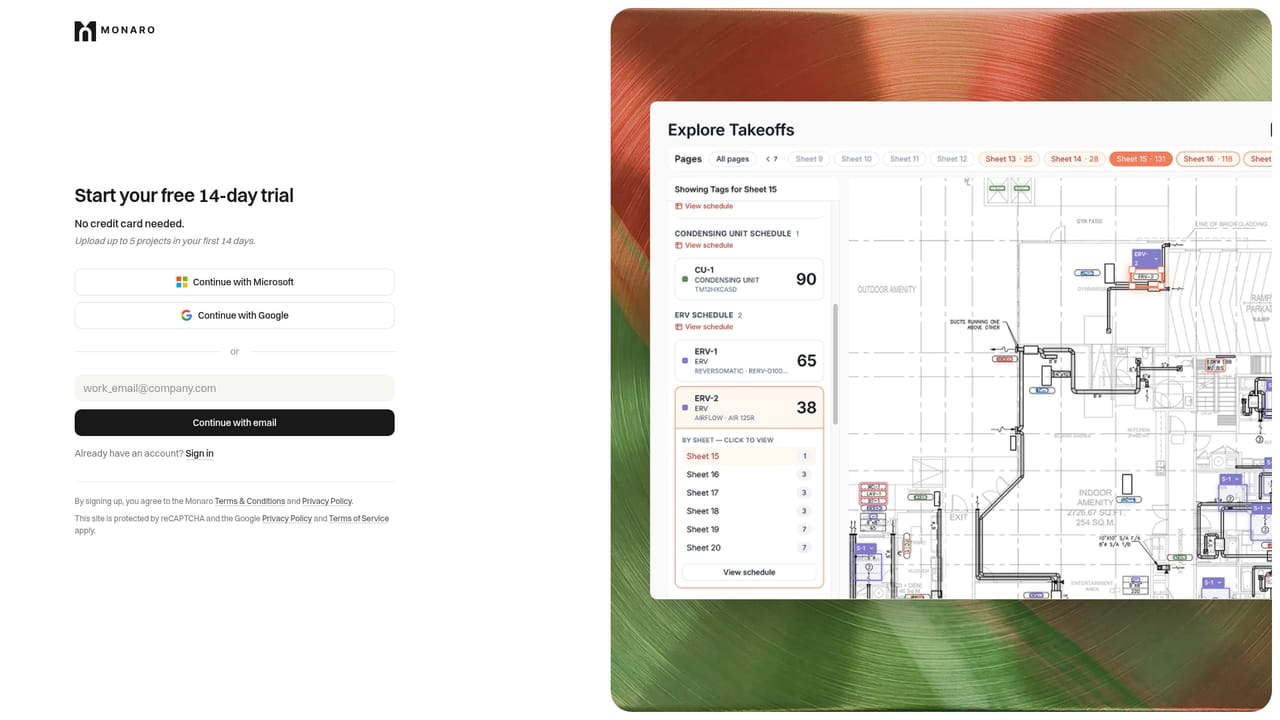
A free trial is offered from the homepage and signup page, with no pilot pricing to negotiate. The site does not state a trial length or whether a card is required.
Learn moreThree published tiers. Starter is $399 per month with up to 15 projects, then $30 per project, for a single location and unlimited users. Profit Centre is $799 per month with up to 35 projects, then $25 each, plus priority support. Enterprise is custom priced, adding multiple locations, direct ERP syncing and commercial intelligence.
Learn moreChat and email support on all plans, with priority response times based on issue severity. Enterprise customers get a dedicated account manager. The support team is described as coming from HVAC and mechanical design, contracting and distribution backgrounds.
Learn moreFinalized quotes and order data push into a distributor's existing ERP, with direct ERP syncing on the Enterprise tier. Supplier pricing comes back into the platform for side-by-side comparison. No other named integrations are listed on the homepage.
Learn moreAutomated HVAC takeoffs from uploaded drawing sets, with equipment schedules extracted and terminal equipment counted across every floor. Unclear items are flagged for review. Quoting runs in the same place, with supplier pricing, margin tracking, branded quote formats, supplier RFQs, submittals, win rate and margin trend reporting, private per-organization data, and ERP-connected order push.
Learn more AI Angels400+ customizable AI girlfriends for NSFW chat, voice calls, and roleplay
 Candy AIExperience the future of companionship with AI friends who chat, role-play, and connect with you on a human level.
 ourdream.aiA vast AI roleplay platform with millions of characters for chat, images, video and voiceAI Angels400+ customizable AI girlfriends for NSFW chat, voice calls, and roleplayCandy AIExperience the future of companionship with AI friends who chat, role-play, and connect with you on a human level.ourdream.aiA vast AI roleplay platform with millions of characters for chat, images, video and voice




