Free trial
The free Basic plan gives 18 one-time signup credits, enough for up to 3 images or 1 video, with watermarked previews and downloads. Weekly check-ins can add up to 60 more credits.
Learn moreAnimate a character photo with a reference video, with templates
Own Motion Transfer AI? Verify ownership to get a dofollow link

Motion Transfer AI is a generative video tool that animates a character photo with a reference video, with templates. Motion Transfer AI is a web video generator that applies the movement from a reference clip to a character photo. It offers trend templates, several Kling, Wan and Seedance models, and credit-based plans with a watermarked free tier.
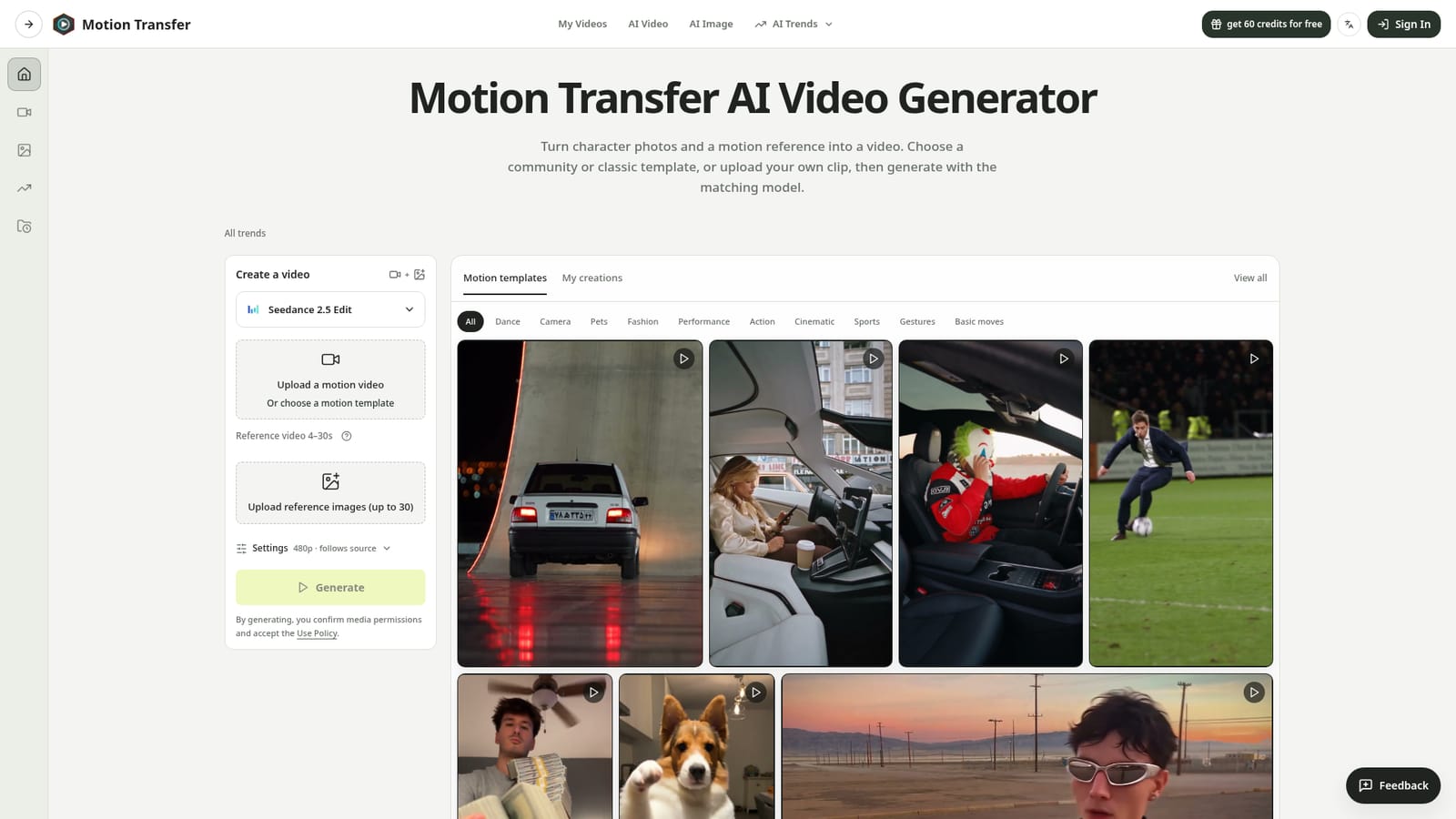
Motion Transfer AI is a web-based video generator that takes a still character photo and a reference clip, then produces a new video in which the character repeats the movement from the reference. The motion comes from the footage rather than from a text prompt, which makes it a practical way to reuse a wave, a dance, a head turn or a short action without describing it in words. The workspace is built around a short sequence. A user either picks a motion template or uploads one continuous clip, adds one or more character images, chooses a model and resolution, and checks a credit estimate before generating. Templates are grouped by theme (dance, camera, pets, fashion, performance, action, cinematic, sports, gestures and basic moves) and many follow current social trends. Community templates preload a clip, numbered reference images and a prompt, while classic templates load only the motion video and keep the user's own photo. Finished clips land in a My creations area, where they can be played back and downloaded. Several models sit behind the interface. Kling 2.6 and 3.0 Motion Control and the two Wan 2.2 Animate modes handle single-photo transfer, while Seedance 2.0 and 2.5 accept multiple reference images plus a motion video. The site pays unusual attention to input quality: it advises matching the crop to the action, keeping one clearly visible subject, trimming scene changes and using a steady camera. It also states that faces, clothing edges and backgrounds can shift between the source and the result. The audience is social video creators, marketers recasting short ads, and hobbyists testing character ideas. Compared with full text-to-video generators, it trades open-ended creativity for control over a specific movement. Plans are credit-based, with a free tier that adds watermarks, and users must hold permission for any likeness they upload.
The free Basic plan gives 18 one-time signup credits, enough for up to 3 images or 1 video, with watermarked previews and downloads. Weekly check-ins can add up to 60 more credits.
Learn moreCredit-based plans billed yearly: Starter at about $8.3/month ($100 per year, 2,400 credits), Pro at about $30/month ($360 per year, 21,600 credits) and Business at about $49.9/month ($599 per year, 48,000 credits). A free Basic tier is also offered.
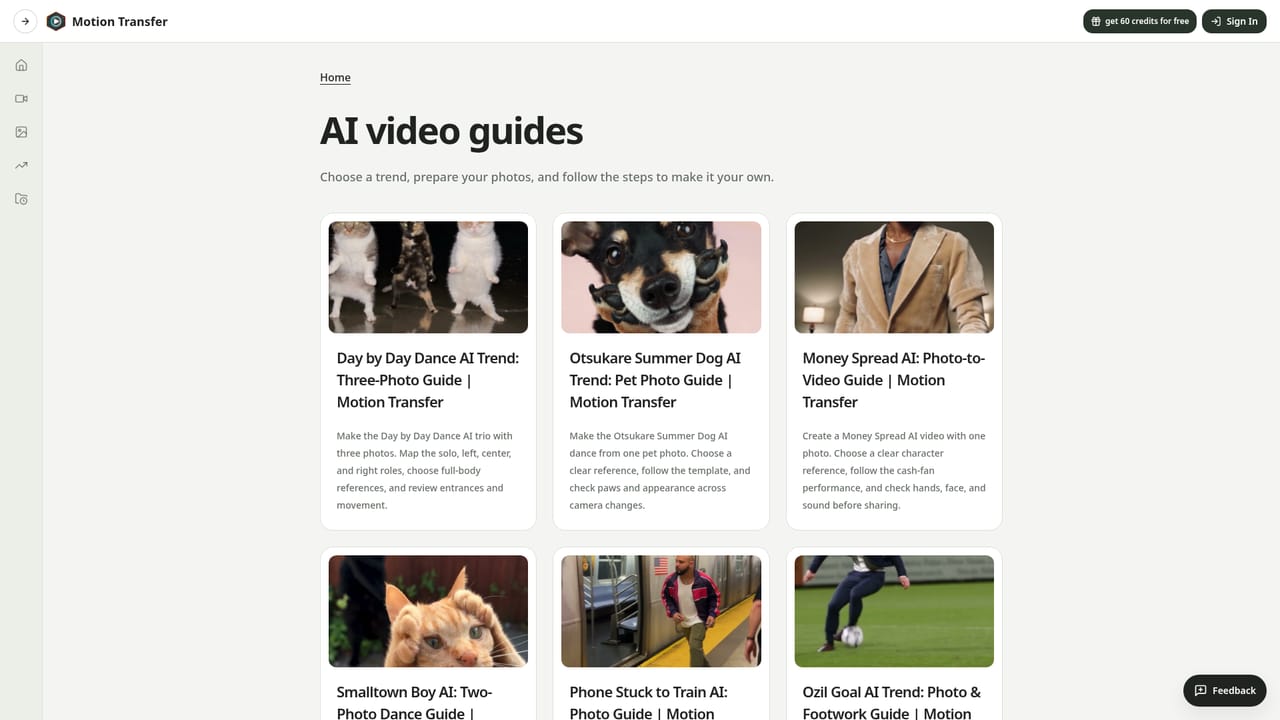
Learn moreThe site offers guides, a refund policy (requests within 72 hours), an acceptable use policy and billing settings for managing subscriptions.
Learn moreMotion transfer from a reference video onto character photos, community and classic motion templates, Kling 2.6/3.0, Wan 2.2 and Seedance 2.0/2.5 models, adjustable resolution and length, credit estimates, image editing, generation history and watermark-free downloads on paid plans.
Learn more


