Free trial
A free plan allows a first file to be transcribed without registration, plus 100 minutes per month and up to 30 files per day after signing up, with no credit card required.
Learn moreConverts MP4, MOV and audio files into timestamped, exportable transcripts fast.

MP4Transcript is an AI transcriber tool that converts MP4, MOV and audio files into timestamped, exportable transcripts fast. A browser-based transcription tool that converts MP4, MOV, MP3, M4A and WAV files into timestamped text with optional speaker labels, exporting to TXT, SRT or VTT without installing software.
MP4Transcript is a browser-based transcription tool that turns MP4, MOV, MP3, M4A and WAV files into editable, timestamped text. Each run can include speaker labels when the audio supports it, automatic language detection across more than 20 languages, and export to TXT, SRT or VTT depending on whether the next step is note taking, captioning or subtitling a published video. The tool is built for people who regularly work from recorded speech rather than written notes: graduate students reviewing seminars, tutorial creators who need SRT files for editing software, operations teams archiving all hands meetings, podcast producers locating interview clips, and researchers who need timestamped quotes tied back to source audio. The shared pattern across these use cases is searching a transcript instead of scrubbing through a recording. In practice, a file is uploaded or linked, validated before any credits are used, processed through AssemblyAI's speech engine (rated above 95 percent accuracy on clear audio), and returned as a reviewable transcript with timing and speaker context intact. One file is processed per run, so batches require multiple uploads from a dashboard. Source files, transcripts and exports are stored privately and deleted automatically after 72 hours, with an option to delete sooner. Access starts with a free tier that allows a first file without registration and 100 minutes per month after signup, with no credit card required. Paid tiers (Basic, Pro, Business) scale monthly transcription minutes with annual billing offering a lower effective rate. Compared with desktop transcription software or general-purpose AI assistants that only reformat text already extracted elsewhere, MP4Transcript positions itself as the step that actually converts the audio or video into usable, exportable text in the first place.
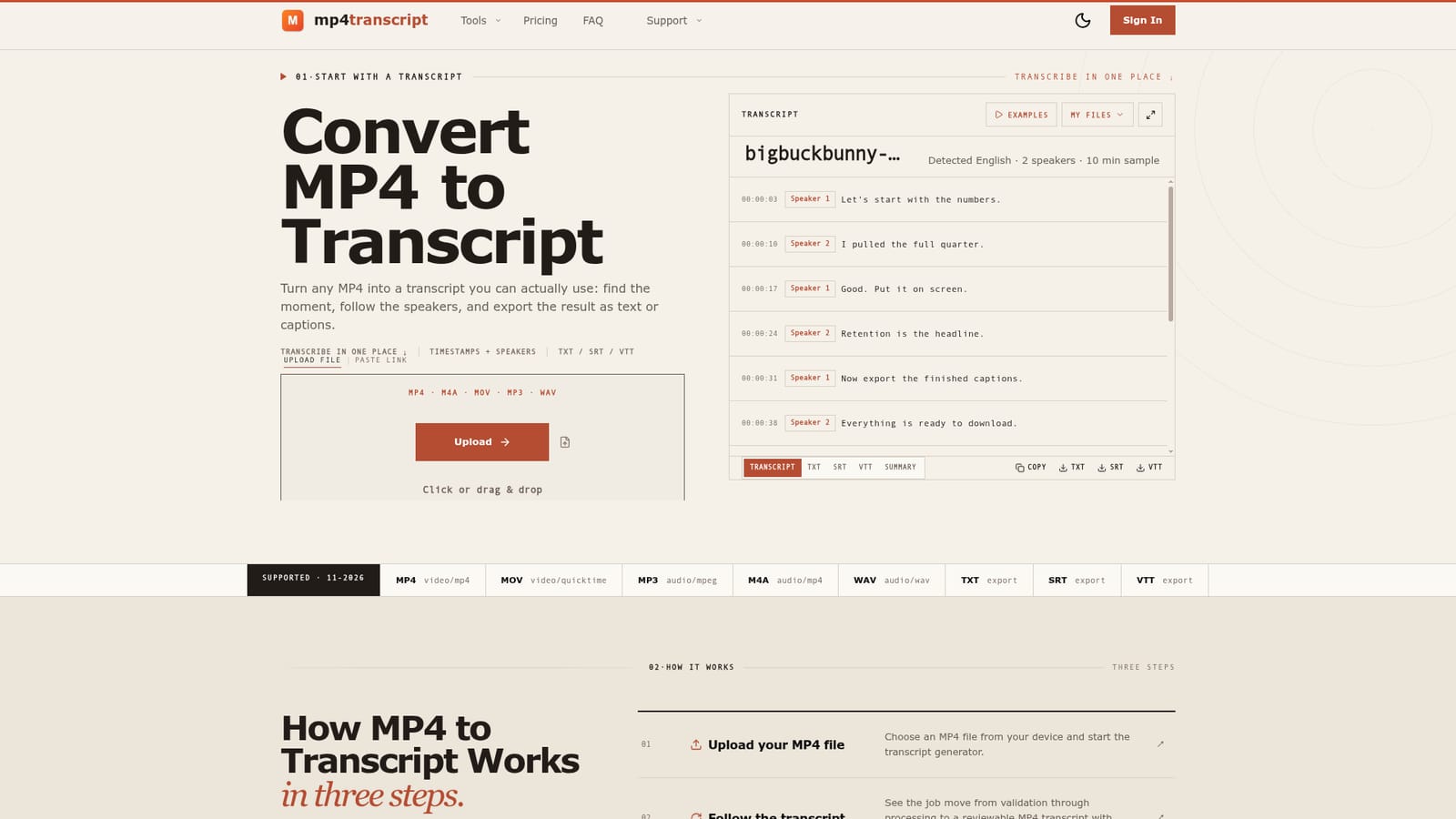
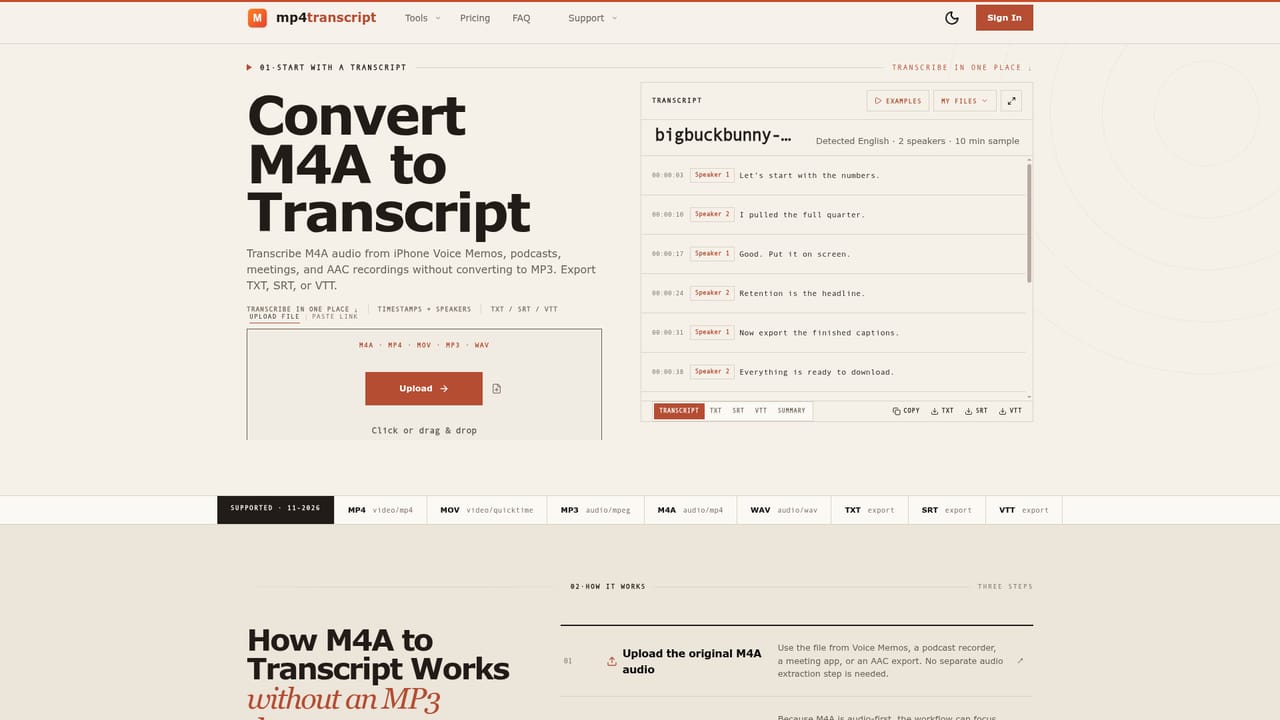
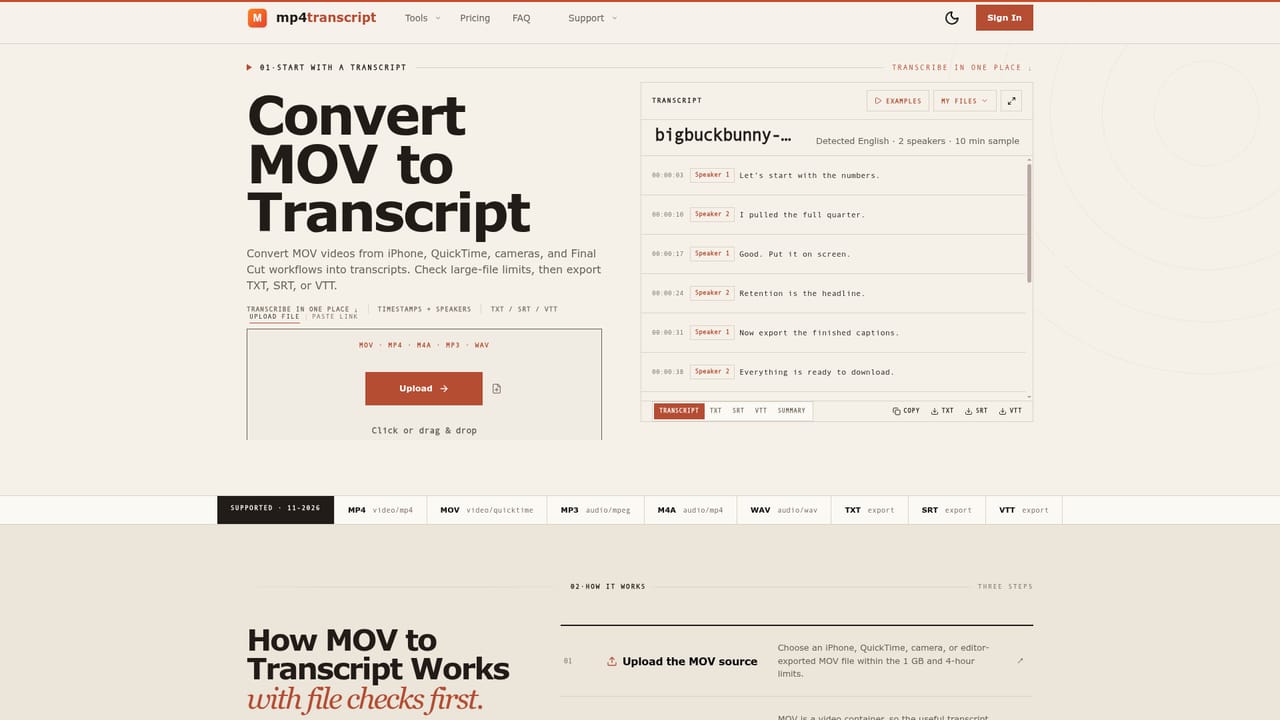
A free plan allows a first file to be transcribed without registration, plus 100 minutes per month and up to 30 files per day after signing up, with no credit card required.
Learn moreFree plan: 100 minutes/month, no card required, first file without signup. Basic: $5.90/mo (1,500 min). Pro: $11.90/mo (3,400 min). Business: $23.90/mo (8,000 min). Annual billing saves 40 percent; pay-as-you-go minute packs are also offered.
Learn moreA Contact page and an FAQ section cover file handling, privacy, retention, accuracy and credit questions; no live chat is mentioned on the homepage.
Learn moreEvery run includes timestamps, optional speaker labels, automatic detection across 20+ languages, and TXT, SRT and VTT exports. Files up to 1 GB and 4 hours are supported, retention is 72 hours, and access is credit-based rather than tied to a mandatory recurring plan.
 AI Angels400+ customizable AI girlfriends for NSFW chat, voice calls, and roleplay
 Candy AIExperience the future of companionship with AI friends who chat, role-play, and connect with you on a human level.
 ourdream.aiA vast AI roleplay platform with millions of characters for chat, images, video and voiceAI Angels400+ customizable AI girlfriends for NSFW chat, voice calls, and roleplayCandy AIExperience the future of companionship with AI friends who chat, role-play, and connect with you on a human level.ourdream.aiA vast AI roleplay platform with millions of characters for chat, images, video and voice


