Free trial
The free plan includes 5 free notes with no credit card required.
Learn moreHIPAA-focused AI scribe that writes clinical notes and suggests billing codes
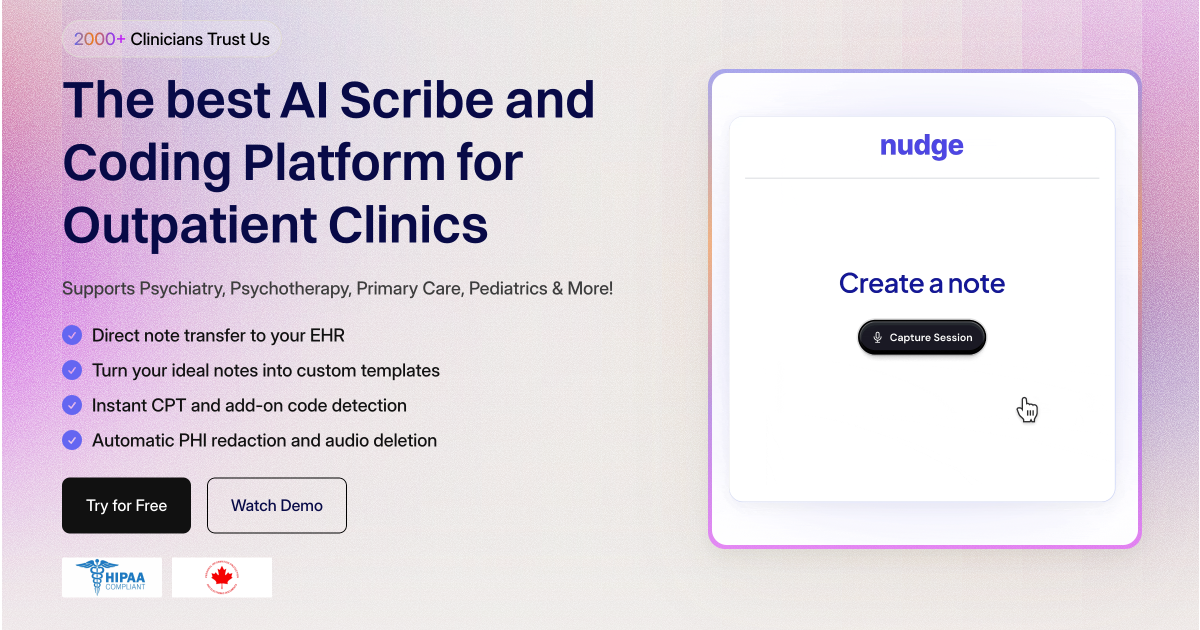
Nudge is an ambient AI scribe for clinicians, mainly in behavioral health. It drafts progress notes, intake notes and treatment plans from sessions and adds CPT and ICD-10 coding suggestions, with HIPAA-oriented security and EHR transfer.
Nudge is an ambient AI scribe built for clinicians, with its strongest focus on behavioral health. It listens to a telehealth or in-person session, then produces progress notes, intake notes and treatment plans once the appointment ends. The vendor says a note is ready in about 30 seconds, and that output can follow a clinician's own style through a custom template or one of more than 75 prebuilt templates in a template gallery. Beyond documentation, the product bundles a set of billing and administrative modules. Smart Coding reviews the clinical complexity of a session and proposes CPT codes with written justifications, including psychotherapy add-ons and evaluation and management levels. A diagnostic coder suggests ICD-10 codes with supporting rationale, an auditor looks for missed billing and compliance gaps in existing documentation, and an AI receptionist handles calls, scheduling and patient questions around the clock. Patient context awareness lets the system reference earlier notes to keep continuity across visits. In practice, a clinician records a session, reviews the generated note, and moves it into the chart. A Chrome plugin and an EHR integration aim to remove copy and paste by transferring notes in one click into more than 25 supported EHRs. The site lists therapists, psychiatrists, psychiatric nurse practitioners, clinical psychologists and social workers, and says it covers over 50 specialties in total. Security claims are prominent: AES-256 encryption, automatic PHI redaction, audio deleted within 7 days, no training on customer data, HIPAA compliance and PIPEDA compliance for Canadian privacy rules. Case studies on the homepage report shorter documentation time and higher coding accuracy, though they are vendor supplied. Nudge suits solo providers on its flat monthly Pro plan and clinics or larger organizations that need EHR integration and volume pricing. Compared with note-only scribes, its distinguishing angle is the revenue side: coding suggestions and audit checks sit alongside the notes, which makes it a closer fit for practices that care about billing accuracy as much as time saved.
The free plan includes 5 free notes with no credit card required.
Learn moreFree plan at $0 per month with 5 notes and no card. Pro is $99 per month for unlimited session notes, Smart Coding, custom templates and a clinical assistant. Group is custom priced with EHR integration and volume discounts. Small clinic program offers 10% off.
Learn moreGroup plan includes a dedicated account manager, and demos can be booked through a scheduling link. No general help center is described.
Supports more than 25 EHRs through a Chrome plugin and EHR integration that transfers notes in one click. Specific EHR names are not given in the homepage text.
Ambient scribe, 75+ templates, custom shareable templates, Smart Coding for CPT and add-ons, ICD-10 diagnostic coder, AI auditor, AI receptionist, patient context awareness, and one-click transfer into 25+ EHRs.
 AI Angels400+ customizable AI girlfriends for NSFW chat, voice calls, and roleplay
 Candy AIExperience the future of companionship with AI friends who chat, role-play, and connect with you on a human level.
 ourdream.aiA vast AI roleplay platform with millions of characters for chat, images, video and voiceAI Angels400+ customizable AI girlfriends for NSFW chat, voice calls, and roleplayCandy AIExperience the future of companionship with AI friends who chat, role-play, and connect with you on a human level.ourdream.aiA vast AI roleplay platform with millions of characters for chat, images, video and voice


