Support
The site offers an FAQ page and a beta test signup for early access to new builds. Details of direct support channels are not described on the homepage.
Learn moreTalk it out, get clean notes, to-dos and output in seconds
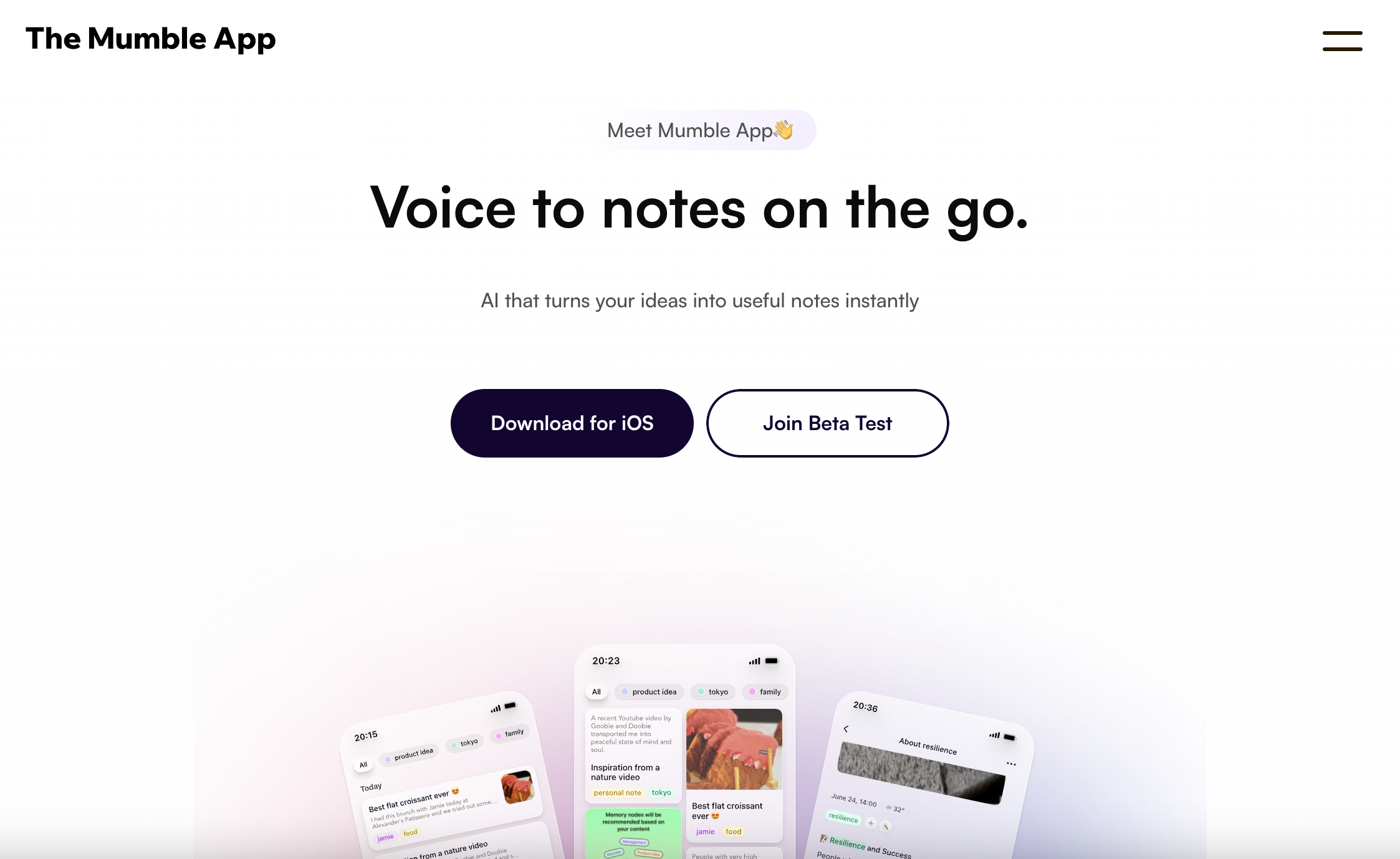
Mumble Note is an AI task generator tool. A voice-first notetaker for iOS that turns speech into organised notes, meeting summaries, follow-up lists and to-dos. It handles recordings up to two hours, transcribes and translates across 40+ languages, files notes into collections automatically, and lets you chat with your notes.
Mumble Note is a voice-first notetaker built around a single idea: speaking is faster than typing, so the app takes raw speech and returns polished notes. A recording can be a full meeting, a passing task, a half-formed idea or a two minute brain dump. The app transcribes it, then applies large language models to restructure the content into summaries, decisions, follow-ups, action items or rewritten prose. Notes can also start from typed text or images dropped into the app, and text inside images can be extracted. The product is aimed at people who think out loud and lose those thoughts before they reach a document. The homepage profiles consultants, product managers, students, podcasters, investors and parents trading recorded stories, which suggests the target is broad rather than a single profession. Meeting capture is the most structured use: conversations are kept with full transcripts, then condensed into recaps and next steps. Task planning is lighter, with spoken to-dos routed into an inbox automatically. Idea capture and quick notes cover the rest, with the app filing notes into collections and offering a chat layer that answers questions across everything stored. In daily use the workflow is a tap and a talk. Apple Watch and home screen widgets shorten that to a single gesture, and recordings can run up to two hours at a time. A personal vocabulary list teaches the transcriber names and jargon, which matters for anyone working with specialist terms. Transcription and translation cover more than 40 languages, and follow-up lists can be synced, including with Google. Notes support dark mode and attachments. Against dedicated meeting recorders, Mumble Note trades depth in one job for breadth across several. It is a general capture layer for spoken input rather than a specialist transcription suite, so teams needing speaker analytics or compliance features will look elsewhere. Privacy is emphasised: names and sensitive details are described as encrypted during transcription. The iOS app is live, and a Mac app is in open beta.
The site offers an FAQ page and a beta test signup for early access to new builds. Details of direct support channels are not described on the homepage.
Learn moreThe homepage lists an integrations page and mentions syncing follow-up lists and notes with apps you already use, including Google sync. A full list of supported tools is on the integrations page.
Learn moreMeeting capture with full transcripts, summaries, decisions and follow-ups; automatic extraction of spoken to-dos into an inbox; idea capture that organises notes into collections; quick notes from voice, text or images; chat with your notes and web browsing; translation and transcription in 40+ languages; personal vocabulary; recordings up to two hours; Apple Watch and widget capture; dark mode.
Learn more AI Angels400+ customizable AI girlfriends for NSFW chat, voice calls, and roleplay
 Candy AIExperience the future of companionship with AI friends who chat, role-play, and connect with you on a human level.
 ourdream.aiA vast AI roleplay platform with millions of characters for chat, images, video and voiceAI Angels400+ customizable AI girlfriends for NSFW chat, voice calls, and roleplayCandy AIExperience the future of companionship with AI friends who chat, role-play, and connect with you on a human level.ourdream.aiA vast AI roleplay platform with millions of characters for chat, images, video and voice

.jpg)