Pricing
Generation is credit-based, at 5 credits per image. The homepage does not list credit pack prices, plans or any free allowance.
Learn morePhoto-based AI outfit swapper with custom style prompts

NanoPro is an image editing tool. NanoPro's AI Clothes Changer swaps the outfit in an uploaded photo using a chosen style, an outfit image or a text description, then returns a downloadable result in about 30 to 60 seconds. Access requires a Google sign-in and credits.
NanoPro's AI Clothes Changer is a browser-based tool that replaces the clothing in a personal photo with a different outfit. The user uploads an image, selects a garment, and receives a generated version of the same picture with the new look applied. The site presents it as a way to preview yourself in different styles before committing to anything, which places it in the virtual try-on corner of AI image editing. The workflow is built around three actions. First comes the upload, which accepts JPEG, PNG and WebP files up to 10MB. Second is the outfit choice: a style can be picked from a dropdown, an outfit image can be supplied through an upload option, or a custom text description can be entered (up to 500 characters) to specify details such as color, fabric or overall vibe. Third, the tool generates the result, which the site says takes roughly 30 to 60 seconds, and the finished image can be downloaded in high resolution. Sharing options for Twitter and Facebook, plus a copyable link, are included for people who want to post the output. Access works through a Google sign-in, and each generation costs 5 credits. Signed-in accounts keep a generation history. The page states that uploaded photos are processed securely and are not stored permanently, and it asks users to confirm they hold the rights to any image they submit, with a separate AI Use Policy governing acceptable content. Compared with broader image editors, this product is narrow on purpose: it does one job and exposes few controls beyond the outfit selection and optional text. That suits shoppers, social media users and creators who want a quick visual experiment without learning layered editing software. People who need batch processing, catalog-scale product imagery or fine retouching control will likely find the single-photo flow limiting, and should check the credit cost against how many attempts a result usually takes.
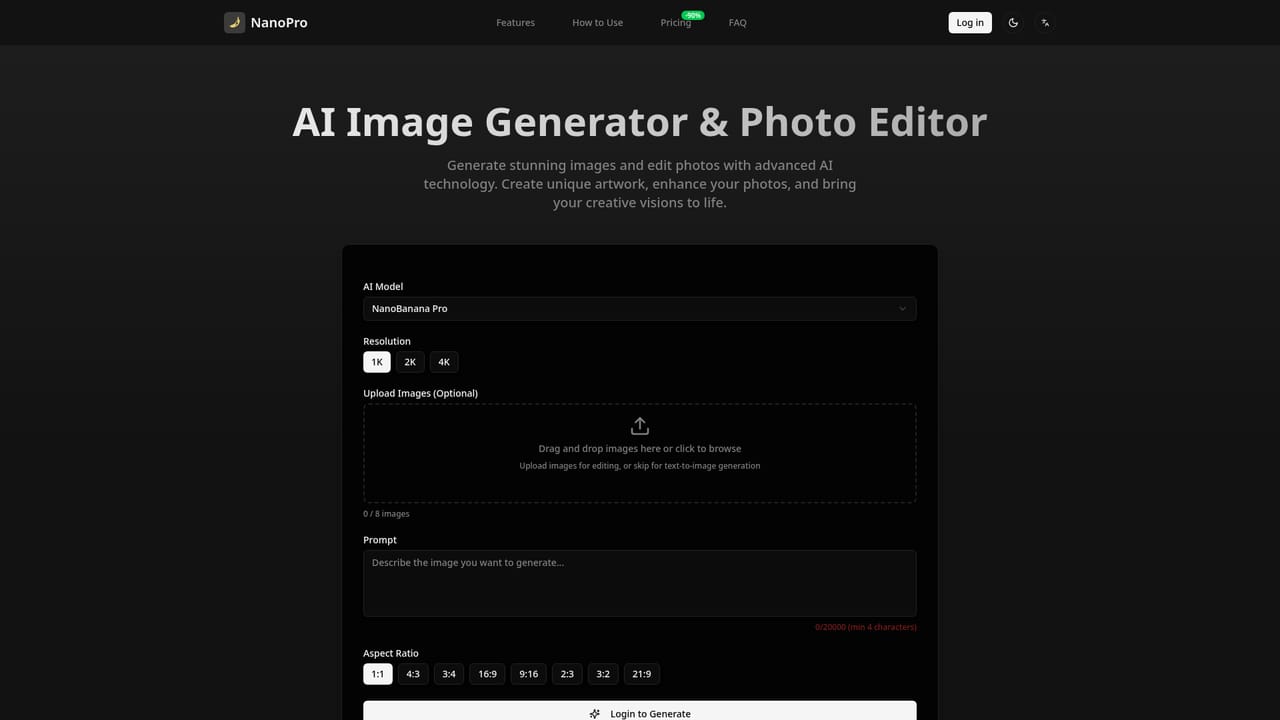

Generation is credit-based, at 5 credits per image. The homepage does not list credit pack prices, plans or any free allowance.
Learn moreOutfit swapping on uploaded photos, preset style dropdown, garment image upload, custom text styling up to 500 characters, JPEG/PNG/WebP input up to 10MB, high resolution download, social sharing and a saved generation history after sign-in.


