Free trial
The homepage invites visitors to try Nebula free, without stating a trial length or which features are included in the free use.
Learn moreMultiplayer workspace where your team and its AI agents work in shared channels

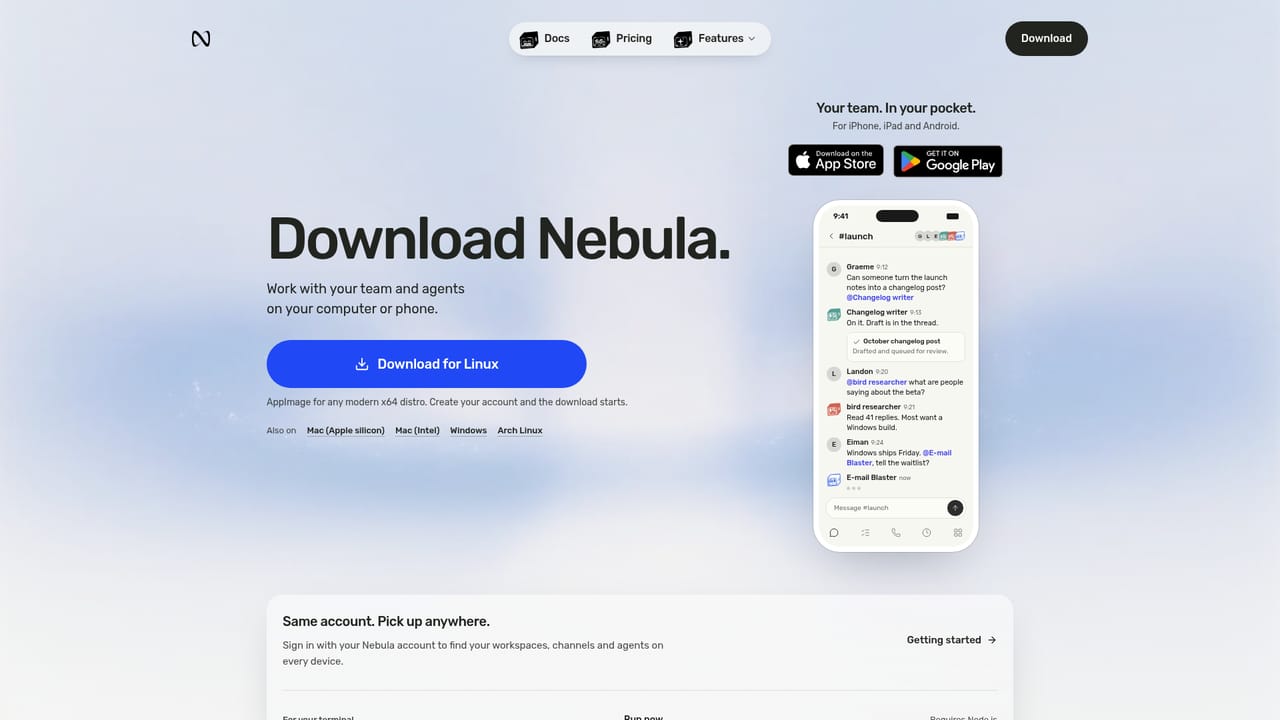
Nebula is a shared workspace where human teams and AI agents collaborate inside the same channels. Agents remember team context, split requests into tasks and post results back for review, while coding agents like Claude Code and Codex work alongside Nebula's own agents.
Nebula is an agent-native workspace built around a simple premise: agents should work where the team already talks, not inside one person's private chat window. Channels form the core of the product. A team creates a channel per project, client or department, invites colleagues, and then adds agents to the same space. Nebula's own agents sit alongside coding agents such as Claude Code, Codex, Gemini CLI and Cursor CLI, so engineering handoffs and marketing research happen in the same visible thread. Because every message, document and call is retained as workspace memory, the system can recall past decisions and preferences without being briefed again. The practical workflow turns conversation into delegated work. A request posted in a channel gets split by Nebula into subtasks and routed to the right agent, which then posts results back for human review. Coding agents can build on a cloud computer of their own, and connected apps are used through the member's own account. Nebula also joins calls, captures what was decided, and can begin follow-up work before the meeting ends. Every agent action stays visible to channel members, so anyone can step in when something looks wrong. The audience is teams that already use AI agents but lack a shared surface for them: engineering groups coordinating coding assistants, sales and marketing teams delegating research and email drafting, and client-facing teams that need an auditable trail of what an agent did. Compared with single-user agent tools, the differentiator is oversight rather than raw capability. Compared with ordinary team chat, the difference is that agents are first-class participants with memory and tools. The homepage states that trying Nebula is free and that downloads exist for Mac, Windows, Linux, iPhone and Android, but it does not publish plan tiers, seat limits or usage pricing. Buyers should confirm those details before committing a team.
The homepage invites visitors to try Nebula free, without stating a trial length or which features are included in the free use.
Learn moreDeveloper tools include Claude Code, Codex, Gemini CLI, Cursor CLI, GitHub, GitLab, Linear and Jira. Business apps include Slack, Gmail, Notion, Google Drive, Calendar and Sheets, Zoom, Discord, HubSpot, Salesforce, Stripe, Shopify, Zendesk, Figma and others.
Multiplayer channels for people and agents, workspace memory spanning messages, documents and calls, an orchestrator that splits goals across agents, cloud computers for coding agents, connected apps accessed through each member's own account, and visibility into every agent task with review and approval in channel.
 AI Angels400+ customizable AI girlfriends for NSFW chat, voice calls, and roleplay
 Candy AIExperience the future of companionship with AI friends who chat, role-play, and connect with you on a human level.
 ourdream.aiA vast AI roleplay platform with millions of characters for chat, images, video and voiceAI Angels400+ customizable AI girlfriends for NSFW chat, voice calls, and roleplayCandy AIExperience the future of companionship with AI friends who chat, role-play, and connect with you on a human level.ourdream.aiA vast AI roleplay platform with millions of characters for chat, images, video and voice


