Free trial
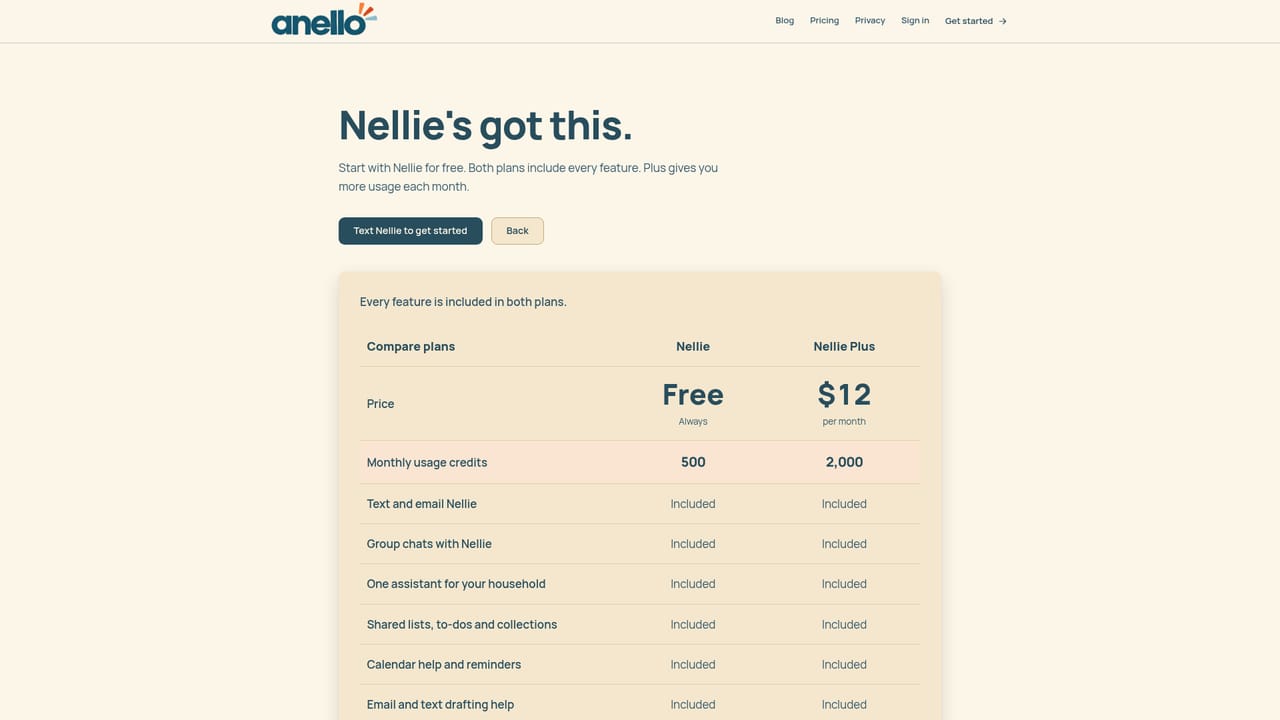
A free starter plan is available rather than a time limited trial. The homepage does not describe a separate trial period for paid tiers.
Learn moreA text-message AI agent that keeps a family's schedule, lists and reminders in sync
Own Nellie by Anello? Verify ownership to get a dofollow link

Nellie by Anello is a text-message AI agent for parents. It handles family reminders, shared lists, calendar entries and forwarded school emails, works inside group chats and iMessage, and never requests access to your email inbox. A free starter plan is available and no app install is required.
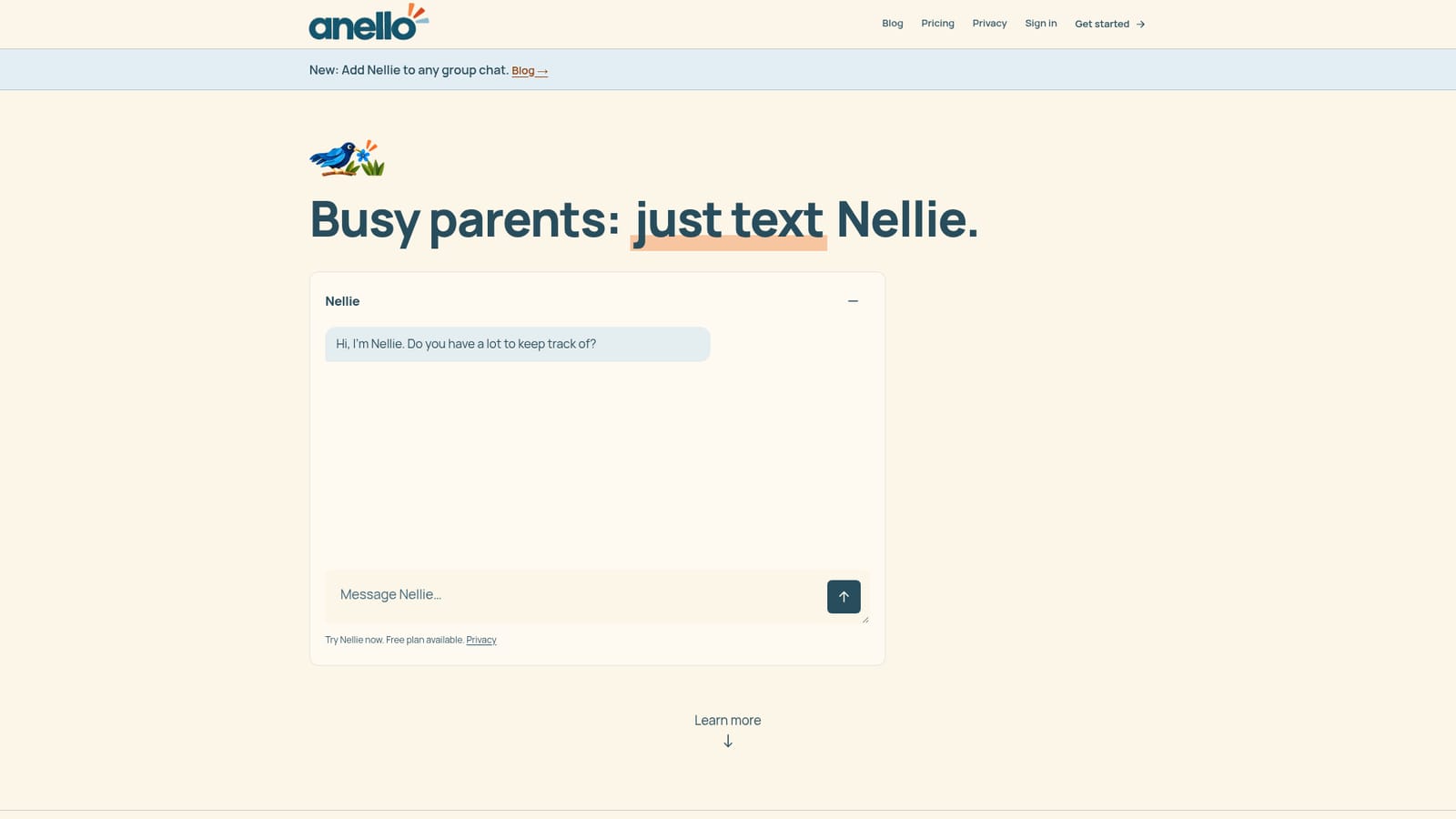
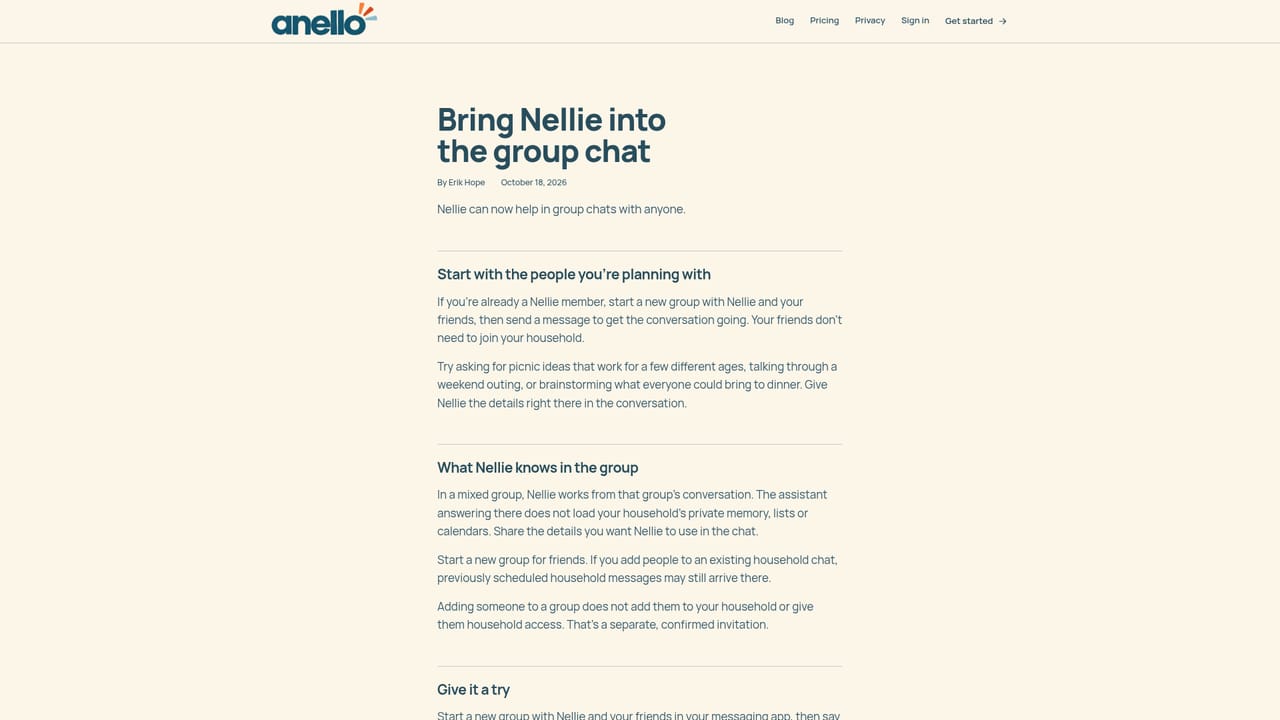
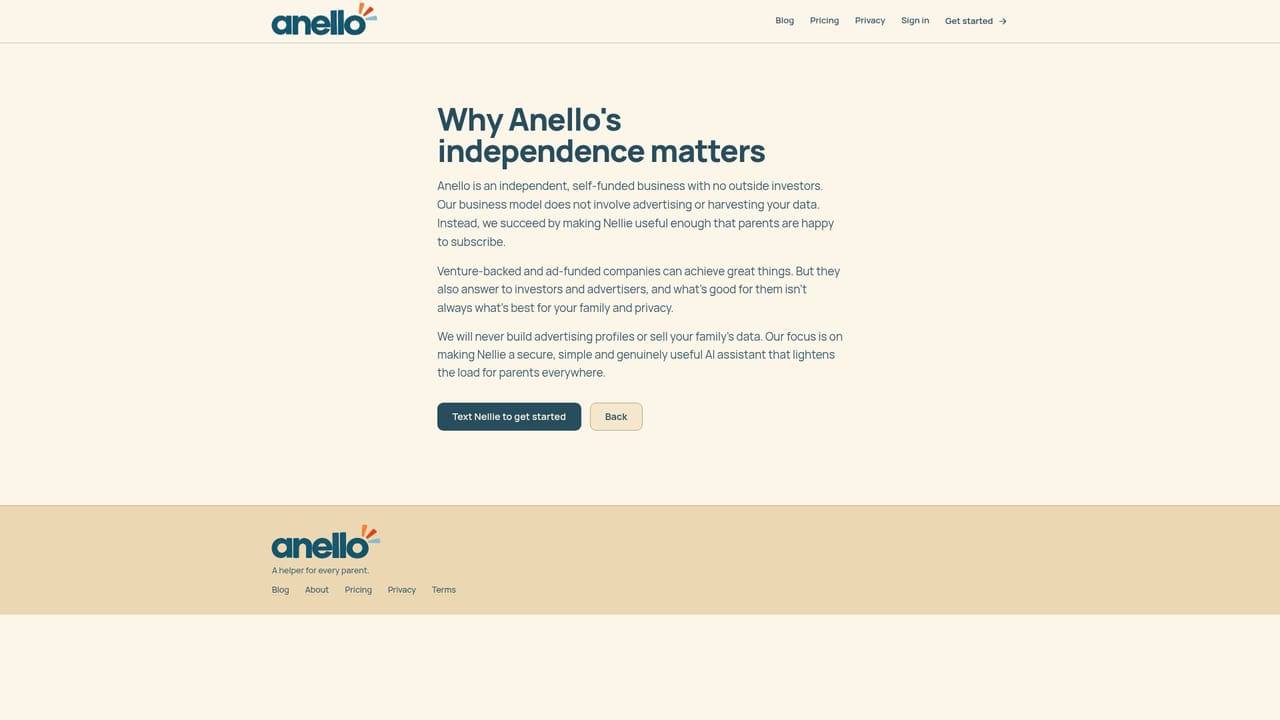
Nellie is an AI agent built for parents by Anello, a small independent studio in Berkeley, California. It works through ordinary text messages rather than an app you install. You message Nellie the way you would message a capable friend, and it works out what you actually need: a reminder, a calendar entry, a shared shopping list, a note captured for later. New threads can also be added to a group chat, so both parents and older children can see and update the same running record of who is doing school pickup, who already bought what, and what still needs a decision. The tool is aimed at households where coordination happens in fragments between work, school and errands, and where nobody wants to administer yet another family dashboard. Nellie can read an email you forward to it rather than logging into your inbox, can produce a shopping list from a photo of a cookbook page, and can suggest where to order the same meal for delivery when cooking is not going to happen. Calendar work runs through Google Calendar and iCal, and text messages arrive over iMessage, so the interaction stays inside a channel most parents already check constantly. The privacy design is the most distinctive part of the product. Nellie never asks for inbox access and therefore never sees private messages, personal notes or login codes; anything it knows about your email came from something you chose to pass along or from a forwarding rule you set up. Models run on US providers that do not train on customer data, data is encrypted in transit and at rest, and closing an account permanently deletes messages, notes and lists from Nellie's servers. Nellie also does not send mail in your name or invite people to events on your behalf, which keeps a human in the loop on anything outward facing. Compared with general assistants and family organizer apps, Nellie trades a polished interface for low friction: no install, no new habit beyond texting, and a free starter plan before any payment. The trade-off is that its depth depends on the messaging channel and the specific calendars you connect, so families wanting rich visual planning boards or deep task hierarchies should look elsewhere.
A free starter plan is available rather than a time limited trial. The homepage does not describe a separate trial period for paid tiers.
Learn moreNellie starts on a free starter plan, and the homepage points to a separate pricing page to compare plans. Specific prices, message limits and paid tier features are not stated on the homepage, so the comparison page is the place to confirm current terms.
Learn moreQuestions go directly to erik@anello.co. The site also publishes background pages on privacy, how Nellie is built and the company itself, but no help centre or live chat is described.
Learn moreWorks with iMessage and group chats for conversation, Google Calendar and iCal for scheduling, and email through forwarding rather than inbox access. No other connectors are listed on the homepage.
Nellie handles shared lists and reminders, calendar scheduling, notes and idea boards, and shopping lists built from text or a photo of a cookbook. Calendar work connects to Google Calendar and iCal, messages run over iMessage and group chats, and forwarded email can be interpreted. Nellie never logs into your inbox and does not send email as you or invite people to events.
 AI Angels400+ customizable AI girlfriends for NSFW chat, voice calls, and roleplay
 Candy AIExperience the future of companionship with AI friends who chat, role-play, and connect with you on a human level.
 ourdream.aiA vast AI roleplay platform with millions of characters for chat, images, video and voiceAI Angels400+ customizable AI girlfriends for NSFW chat, voice calls, and roleplayCandy AIExperience the future of companionship with AI friends who chat, role-play, and connect with you on a human level.ourdream.aiA vast AI roleplay platform with millions of characters for chat, images, video and voice


