Integrations
Pinterest is the one documented connection, used to feed images into style training. No other integrations or API are described on the homepage.
AI interior concepts trained on your own design style
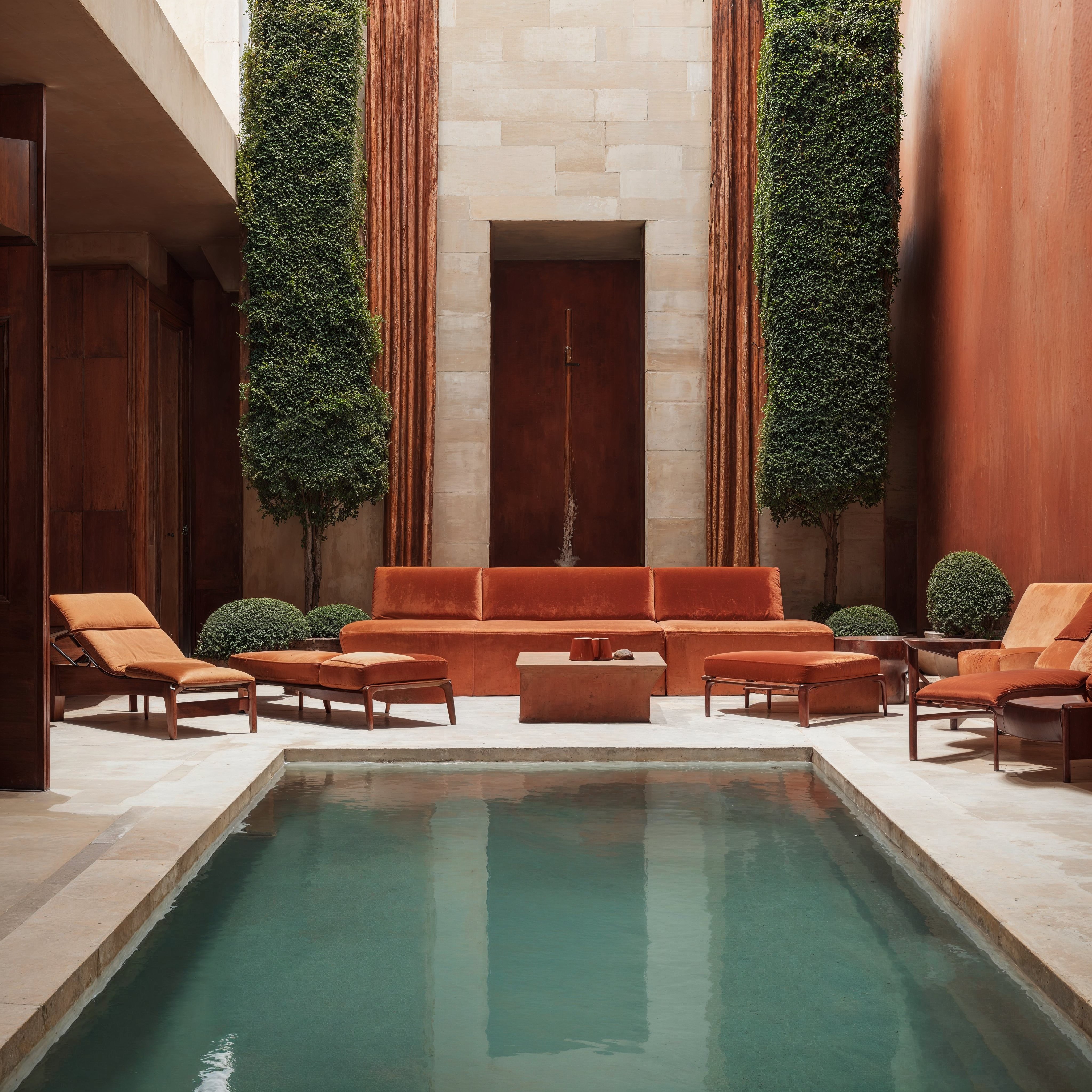
Neverscene generates hyper-realistic interior concepts from a personal style model trained on your own images or a connected Pinterest board, aimed at designers who need a steady stream of on-brand visuals for social media and client pitches.
Neverscene is an AI image tool built specifically for interiors. Rather than typing a long prompt and hoping for a usable room, you teach the system what your work looks like, then let it produce hyper-realistic concepts that read as yours. The homepage positions it as a content engine first and an ideation aid second: the pitch is that designers run out of fresh visuals to post, and generated rooms keep a feed or a portfolio moving without a photoshoot. The core mechanic is the Signature Style. You drag and drop images or connect a Pinterest account, and the tool trains a personal model on that moodboard. From there you describe a space (a living room, bedroom, kitchen, home office) and generate variations at high resolution, including 4K exports for detailed output. A separate generator handles custom furniture pieces so a concept can include bespoke items rather than catalog defaults. Private Mode lets you keep generated designs out of public view, which matters for client work that should not surface elsewhere. The product is clearly aimed at interior designers, architects, design studios and creative directors who market themselves on visual identity. It is less suited to people who need accurate floor plans or specification-grade renders; this is a concept and marketing tool, not a CAD replacement. The public Explore gallery and the emphasis on social posting suggest it sits closer to Midjourney or general image generators than to professional visualization suites, with the trade-off being that it does less prompting work and stays on one subject: rooms. A free entry point and a paid tier exist, though the homepage does not publish exact plan details or limits. Expect a short learning curve: upload reference work, generate, refine, export. The quality of the output depends heavily on how consistent your reference images are, so inconsistent moodboards will produce inconsistent rooms.
Pinterest is the one documented connection, used to feed images into style training. No other integrations or API are described on the homepage.
Signature Style training from uploaded images or a connected Pinterest account, room generation across living rooms, bedrooms, kitchens and home offices, bespoke furniture generation, Private Mode for confidential designs, 4K image export and a public Discover gallery of community output.
 AI Angels400+ customizable AI girlfriends for NSFW chat, voice calls, and roleplay
 Candy AIExperience the future of companionship with AI friends who chat, role-play, and connect with you on a human level.
 ourdream.aiA vast AI roleplay platform with millions of characters for chat, images, video and voiceAI Angels400+ customizable AI girlfriends for NSFW chat, voice calls, and roleplayCandy AIExperience the future of companionship with AI friends who chat, role-play, and connect with you on a human level.ourdream.aiA vast AI roleplay platform with millions of characters for chat, images, video and voice