Free trial
A free sign up is offered with Google, and the MCP connector is described as free for all Nexlev accounts with no credit card required.
Learn moreAI niche research and automation for faceless YouTube channels

Nexlev is an AI niche finder and research toolkit for faceless YouTube creators, combining a 159M+ channel database, a 40+ tool Chrome extension and an MCP connector that gives ChatGPT or Claude direct access to YouTube data.
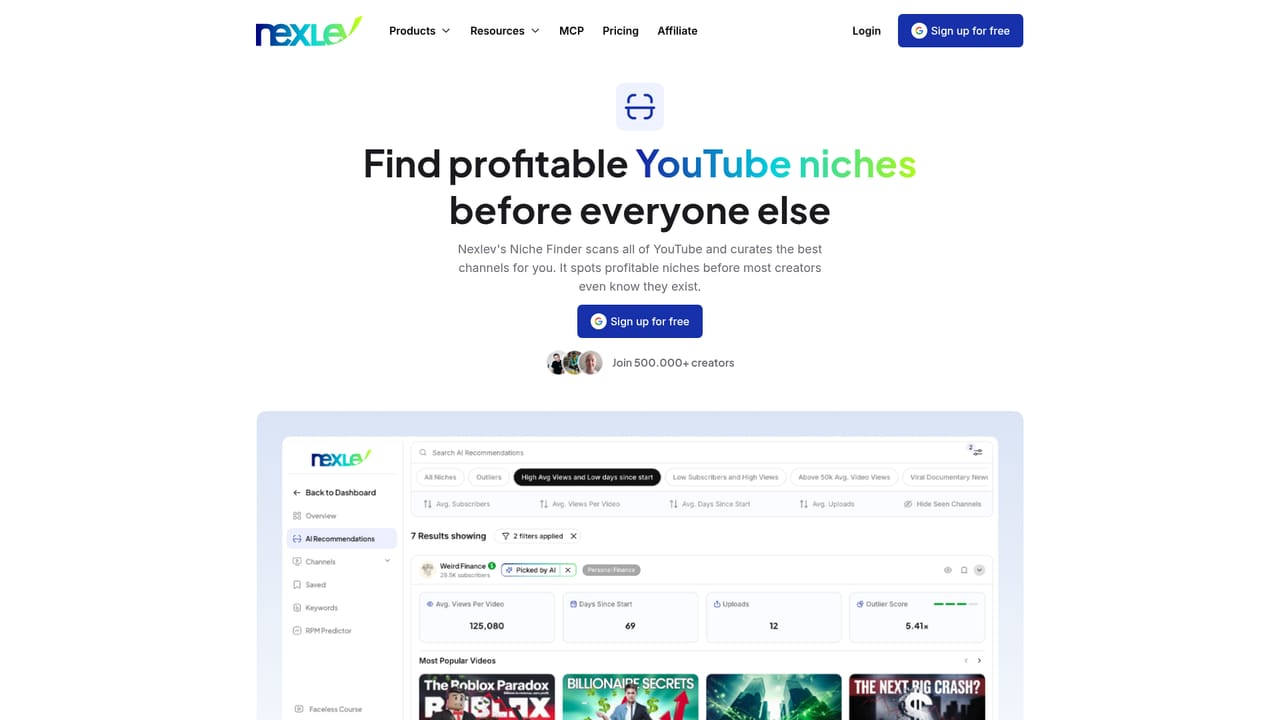
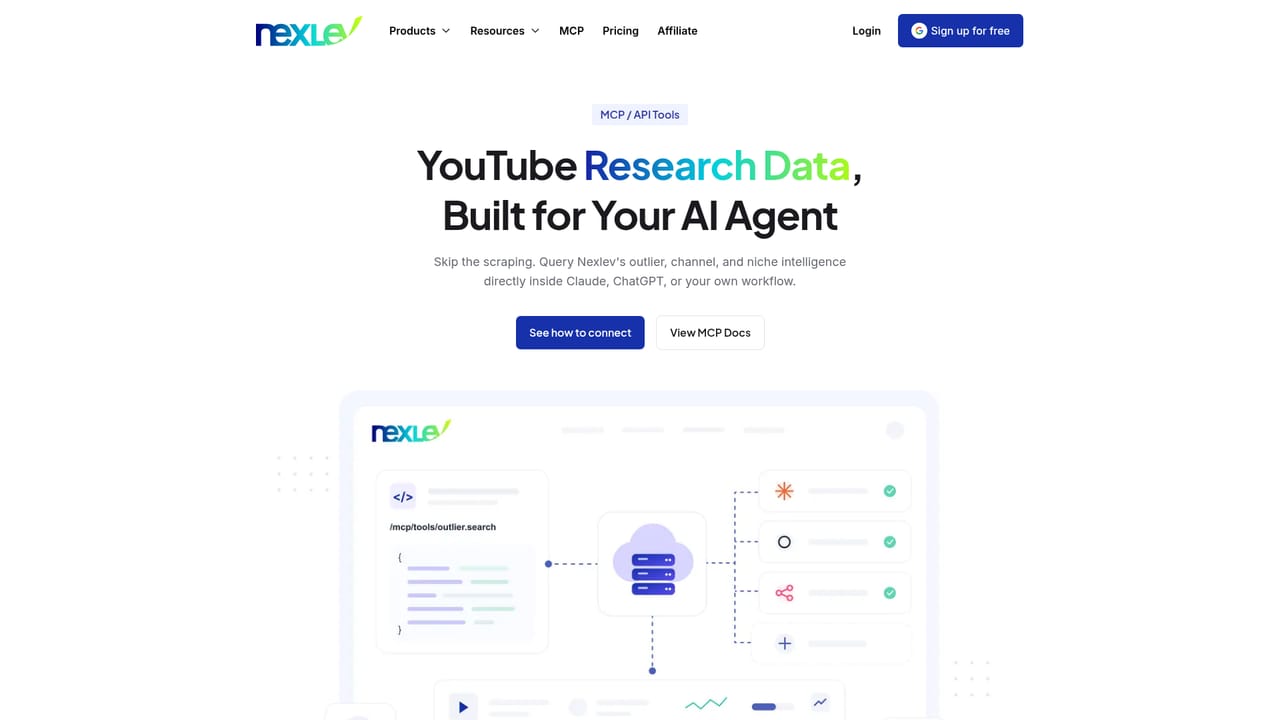
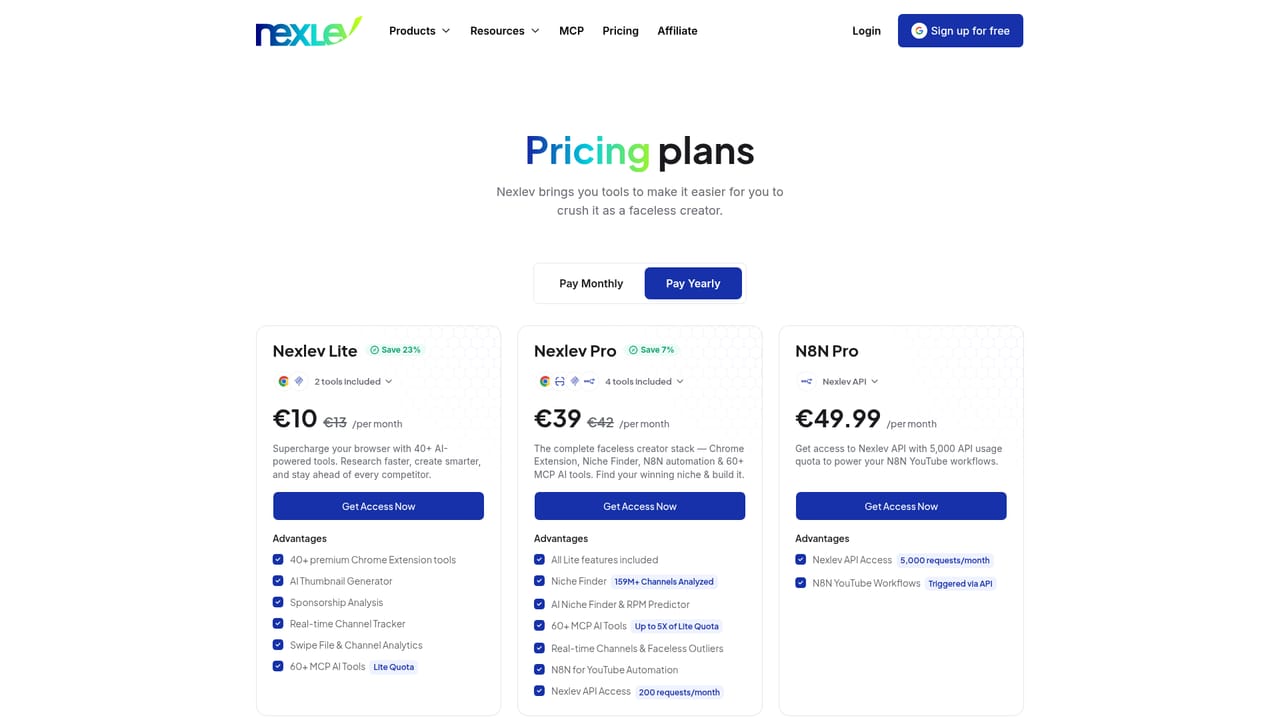
Nexlev is a research and workflow toolkit built for faceless YouTube creators. Its centerpiece is a niche finder that draws on a database of 159M+ analyzed channels and roughly 20,000 curated niches, using 21 filters to surface high growth opportunities and estimate revenue potential. A companion Chrome extension adds more than 40 browser based research tools, including an AI thumbnail generator, sponsorship analysis, a real time channel tracker and a swipe file for saving channels worth studying. The product splits into two layers. The Lite package bundles the Chrome extension and Nexlev MCP, which lets ChatGPT, Claude or Cursor query YouTube data directly as a strategist tool. The Pro package adds the full Niche Finder, an AI RPM predictor, a larger MCP quota, n8n automation for YouTube workflows and API access at 200 requests per month. A separate N8N Pro package raises the API quota to 5,000 requests per month for creators running automated pipelines. In practice, a creator opens the niche finder, narrows the dataset with filters, saves promising channels and keywords, then tracks how those channels grow over time. The MCP connection is the most distinctive piece: it takes about 30 seconds to link an AI assistant and is listed as free for all Nexlev accounts, which turns a general chatbot into something closer to a YouTube analyst that pulls from live public data. Nexlev only ingests public metrics such as views, subscriber counts and keyword rankings, and the company states that private channel data is not collected. The audience is narrow by design. It suits faceless channel operators, channel portfolio managers and small teams who need competitive research at speed. Creators focused on on camera content, or those who already rely on a general purpose analytics suite, will find less here. Nexlev competes with established YouTube analytics platforms on niche discovery depth and AI integration rather than on broad channel management.
A free sign up is offered with Google, and the MCP connector is described as free for all Nexlev accounts with no credit card required.
Learn moreNexlev sells three packages. Lite bundles the Chrome extension and MCP tools, Pro adds the Niche Finder, n8n automation and API access at 200 requests per month, and N8N Pro raises API access to 5,000 requests per month. Exact prices are not listed on the homepage.
Learn moreConnects to ChatGPT, Claude and Cursor through MCP, supports n8n for YouTube automation via the Nexlev API, and includes a Chrome extension.
Learn moreCore features include a niche finder with 21 filters and roughly 20,000 curated niches, a Chrome extension with 40+ research tools, an AI thumbnail generator, sponsorship analysis, real time channel tracking, an AI RPM predictor, faceless outlier detection, an MCP connector for ChatGPT, Claude and Cursor, n8n automation workflows, API access and a faceless YouTube course.
Learn more AI Angels400+ customizable AI girlfriends for NSFW chat, voice calls, and roleplay
 Candy AIExperience the future of companionship with AI friends who chat, role-play, and connect with you on a human level.
 ourdream.aiA vast AI roleplay platform with millions of characters for chat, images, video and voiceAI Angels400+ customizable AI girlfriends for NSFW chat, voice calls, and roleplayCandy AIExperience the future of companionship with AI friends who chat, role-play, and connect with you on a human level.ourdream.aiA vast AI roleplay platform with millions of characters for chat, images, video and voice


