Notability

Handwritten notes that turn into summaries, flashcards and quizzes

Beginner
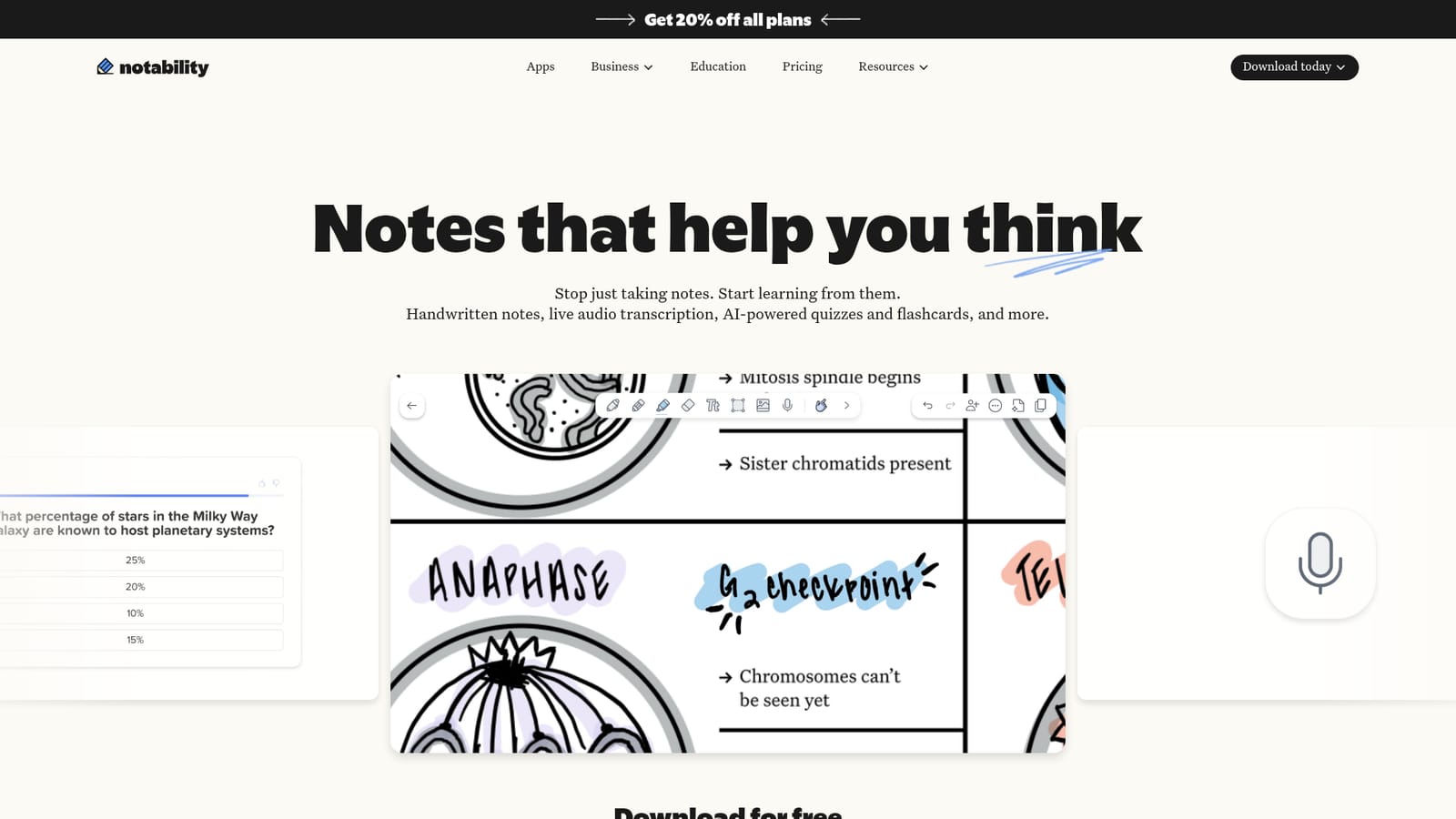
Screenshot of Notability, Handwritten notes that turn into summaries, flashcards and quizzes

What is Notability?

Notability is a handwriting-first note app that turns notes, documents and recorded audio into AI summaries, flashcards, quizzes, action items and note-based chat, available on iOS, Android and the web.

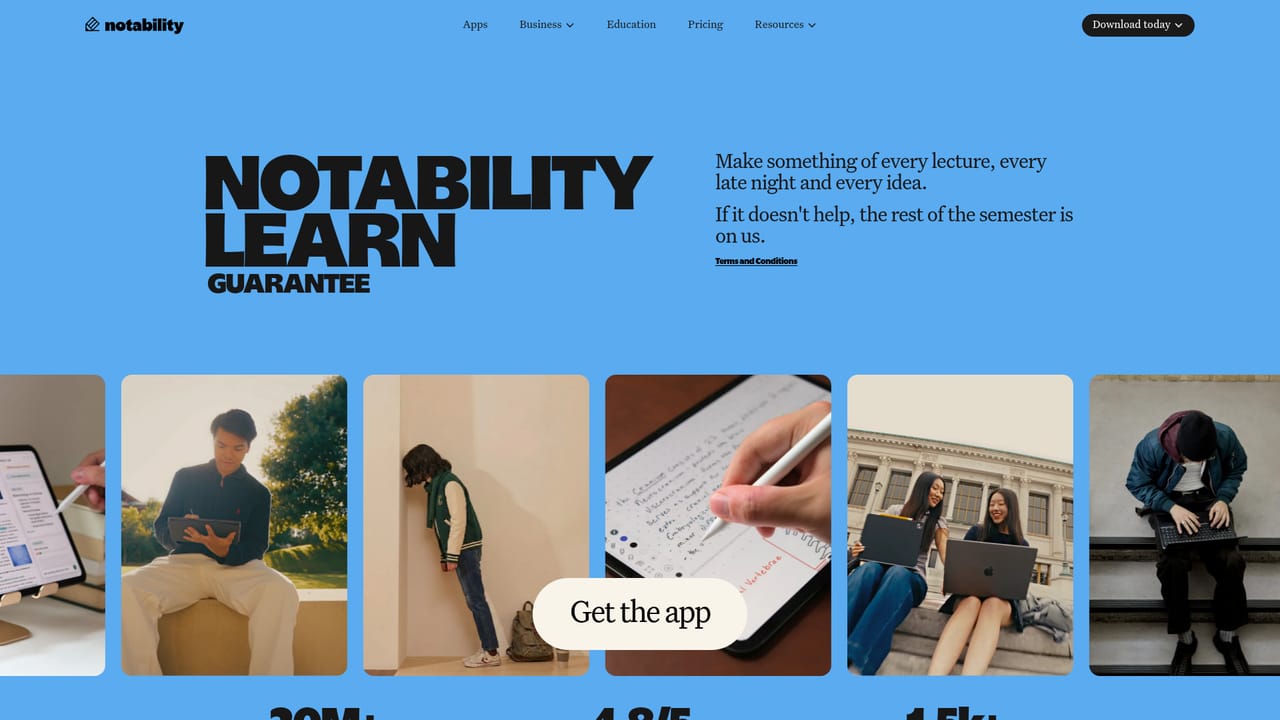
Notability is a note-taking app that adds an AI layer on top of the writing and recording you already do. Handwritten notes, imported documents and live audio all become inputs for automatic summaries, practice questions, flashcards and quizzes. The pitch is that notes should not sit idle in a folder: the app treats them as study material and working memory, generating outputs from the content you capture during a lecture, meeting or reading session. The AI toolkit covers several distinct jobs. Instant summaries condense notes, documents or recordings in real time. Study materials are generated directly from your notes as quizzes, practice questions and flashcards. A chat mode lets you ask questions about a specific note and receive explanations. Action items are pulled out of meeting notes or recordings as a checklist. A YouTube link-to-note feature converts a video into a full note with transcript and summary, which is useful for turning long talks into something scannable. Practically, the app is built for students and for people who think on paper. It runs on iOS, Android and the web, so a lecture captured on a tablet can be reviewed later on a laptop. The workflow is capture first, then let the AI surface structure: write or record in the session, request a summary, then drill with generated flashcards before an exam. The company backs this with a Learn Guarantee aimed at students, offering to cover the cost for the rest of the semester if the app does not help. It sits in a crowded field of AI note tools, most of which start from text or meeting audio. Notability's differentiator is the handwriting-first canvas plus study output, which makes it closer to a digital notebook with a tutor attached than to a pure transcription service. Buyers who never handwrite, or who need deep team knowledge management, will find more specialized options elsewhere.

How do you use Notability?

  1. 1Download the app for your platform
    Get Notability from the App Store, Google Play or the web app link on the homepage. The download is free on all three.
    Notability — Download the app for your platform
  2. 2Choose a plan for the AI features
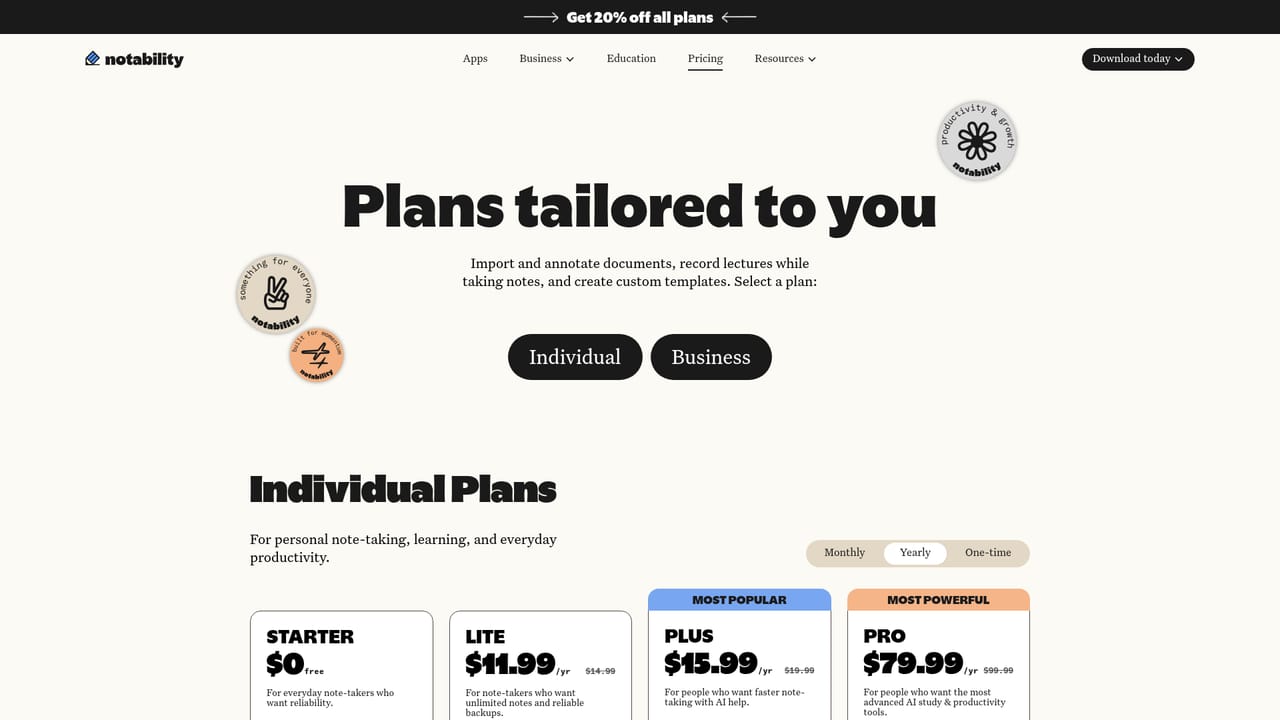
    Review the plan options and any current discount before relying on summaries, quizzes and chat, since the AI toolset is tied to the paid offering.
    Notability — Choose a plan for the AI features
  3. 3Capture a note or record a lecture
    Write by hand, import a document or start a live audio recording. Everything you capture becomes input for the AI tools.
  4. 4Generate a summary and action items
    Request an instant summary of the note or recording, then pull a checklist of action items from meeting notes or a lecture.
  5. 5Build study materials and chat with the note
    Turn the same note into flashcards, practice questions and quizzes, and ask the note questions when a section needs an explanation.
  6. 6Check the Learn Guarantee terms if you are a student
    Read the conditions of the guarantee, which covers the cost for the rest of the semester if Notability does not help.
    Notability — Check the Learn Guarantee terms if you are a student

Pros and cons

Pros

  • AI outputs are generated from the notes and audio you already capture, so there is no separate workflow to maintainAI
  • Covers several study and work tasks in one place: summaries, flashcards, quizzes, action items and Q&A on a noteAI
  • YouTube link-to-note converts video content into a transcript and summary inside the same notebookAI
  • Available on iOS, Android and the web, with free downloads on every platformAI
  • Learn Guarantee offers students a cost backstop if the app does not help during the semesterAI

Cons

  • Free downloads do not mean free AI: the homepage pushes paid plans and a discount banner rather than a free tier of the AI featuresAI
  • The feature set is aimed squarely at students and lecture capture, so professional teams get little beyond action itemsAI
  • No public API or integration details are advertised, which limits use in an existing knowledge stackAI
  • Chat, quizzes and summaries depend on note quality, so messy or incomplete capture produces weak outputAI
  • Pricing, plan limits and what each tier includes are not stated on the homepage and must be checked separatelyAI

How much does Notability cost?

Pricing

The homepage advertises 20 percent off all plans and links to a dedicated pricing page, but it does not publish plan names, prices, or what each tier includes. Free downloads are offered for iOS, Android and the web, with paid plans sitting behind the AI features. Check the pricing page for current figures.

Learn more

Support

The homepage does not describe support channels. A Learn Guarantee page sets out the student offer if Notability does not help, and is the closest thing to a published support commitment.

Learn more

Features

AI tools include instant summaries of notes, documents and audio, generated flashcards, practice questions and quizzes, note-based chat for explanations, action item checklists from meeting notes or recordings, and a YouTube link-to-note converter that produces a transcript and summary. Core note-taking covers handwriting, audio and collaboration.

Frequently asked questions about Notability

  • How much does Notability cost?
    The homepage advertises 20 percent off all plans and links to a dedicated pricing page, but it does not publish plan names, prices, or what each tier includes. Free downloads are offered for iOS, Android and the web, with paid plans sitting behind the AI features. Check the pricing page for current figures.
  • How do you use Notability?
    The walkthrough on this page covers 6 steps: 1. Download the app for your platform 2. Choose a plan for the AI features 3. Capture a note or record a lecture 4. Generate a summary and action items 5. Build study materials and chat with the note 6. Check the Learn Guarantee terms if you are a student.
  • What platforms does Notability support?
    Notability is available on iOS, Android and Web App.
  • What are the limitations of Notability?
    Free downloads do not mean free AI: the homepage pushes paid plans and a discount banner rather than a free tier of the AI features. The feature set is aimed squarely at students and lecture capture, so professional teams get little beyond action items. No public API or integration details are advertised, which limits use in an existing knowledge stack.

Status

StatusActive
Views0
Outbound clicks0
Added10/21/2026

Platforms

iOSAndroidWeb App

Pricing

FreePaidSubscription