Scribenote

AI scribe that turns veterinary conversations into SOAP notes

Beginner
Screenshot of Scribenote, AI scribe that turns veterinary conversations into SOAP notes

What is Scribenote?

Scribenote is an aesthetic notes tool. A veterinary-specific AI scribe that records appointments and phone calls on any device and drafts SOAP notes, then pushes them into the clinic's PIMS through PIMSPal Pro or Widget Mode. Free tier for lower-volume clinics, Pro at a per-DVM monthly rate, Enterprise for multi-clinic groups.

Scribenote is an AI scribe built specifically for veterinary practices. A clinician records an appointment, a phone call or a conversation on a phone, tablet or laptop, and the service converts that audio into structured clinical documentation, including SOAP notes and other formats. The stated goal is to hand hours back to practitioners who currently finish records after clinic hours. The workflow is deliberately short. You speak freely during the visit, Scribenote drafts the note, you make any edits, and the result is moved into the clinic's practice information management system either through PIMSPal Pro or Widget Mode. Adaptive Templates, available on the paid tiers, let a clinic shape the output to its own record-keeping conventions, while the free tier ships with defaults that work without configuration. Pro adds custom templates, Scribephone for direct calling, higher transcription quality and human support. The audience is veterinary care teams rather than human medicine. Solo practitioners, emergency and critical care clinicians, and multi-doctor hospitals all appear in the company's own testimonials, and the free plan is positioned at lower-volume clinics. Teams Mode allows unlimited care team members on every tier, so technicians and support staff can take part in documentation without an extra seat charge. The competitive set includes generic medical scribes and dictation software. Scribenote's argument is domain fit: veterinary note structures, PIMS export paths and templates tuned to animal practice rather than human EHR conventions. Multi-clinic groups get dashboards, SSO, role-based access control and a dedicated account manager on the Enterprise plan, which is priced by negotiation. The product is independently owned according to the company's FAQ, and it reports more than 6000 veterinarians using it. Pricing is quoted in USD per DVM, so a five-doctor practice pays five times the headline rate.

How do you use Scribenote?

  1. 1Create an account
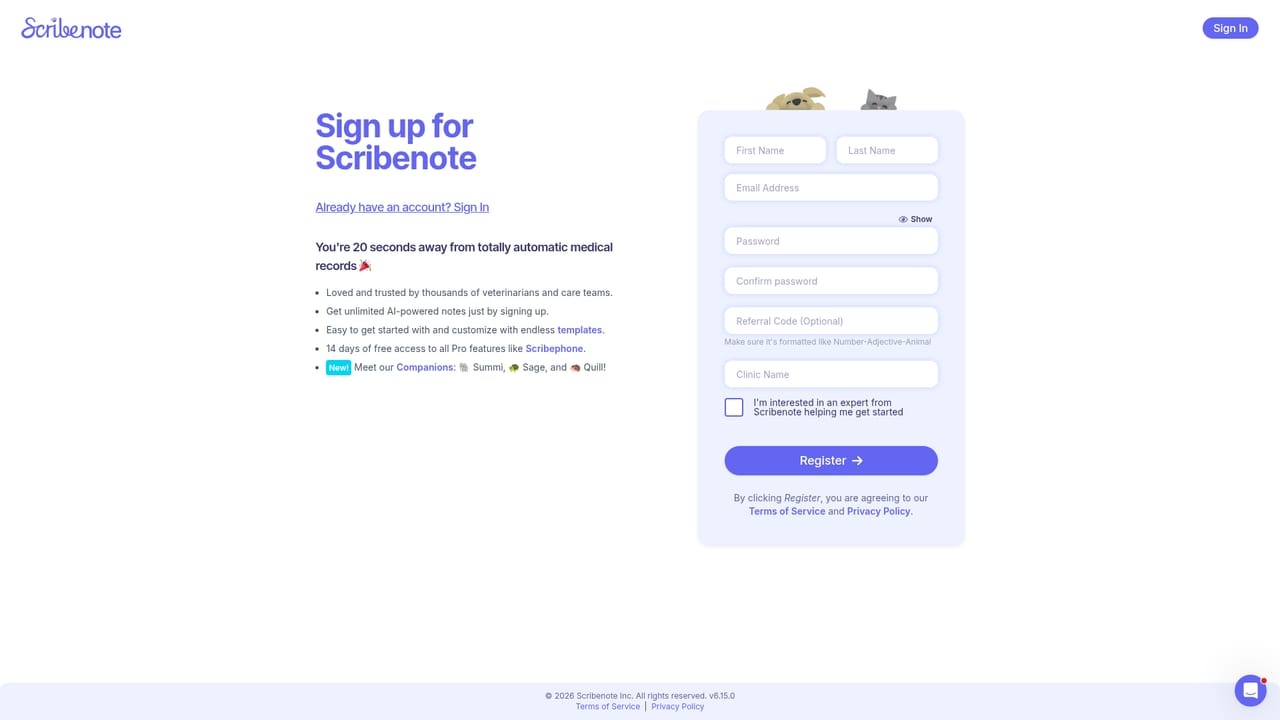
    Sign up on the registration page to start on the free plan. No card is required for the $0 tier.
    Scribenote — Create an account
  2. 2Record a visit on any device
    Open Scribenote on a phone, tablet or laptop and record the appointment, call or conversation as it happens.
  3. 3Review the generated note
    Scribenote converts the recording into a structured note in SOAP or another format. Read it and edit anything that needs correcting.
  4. 4Set up a template if you need one
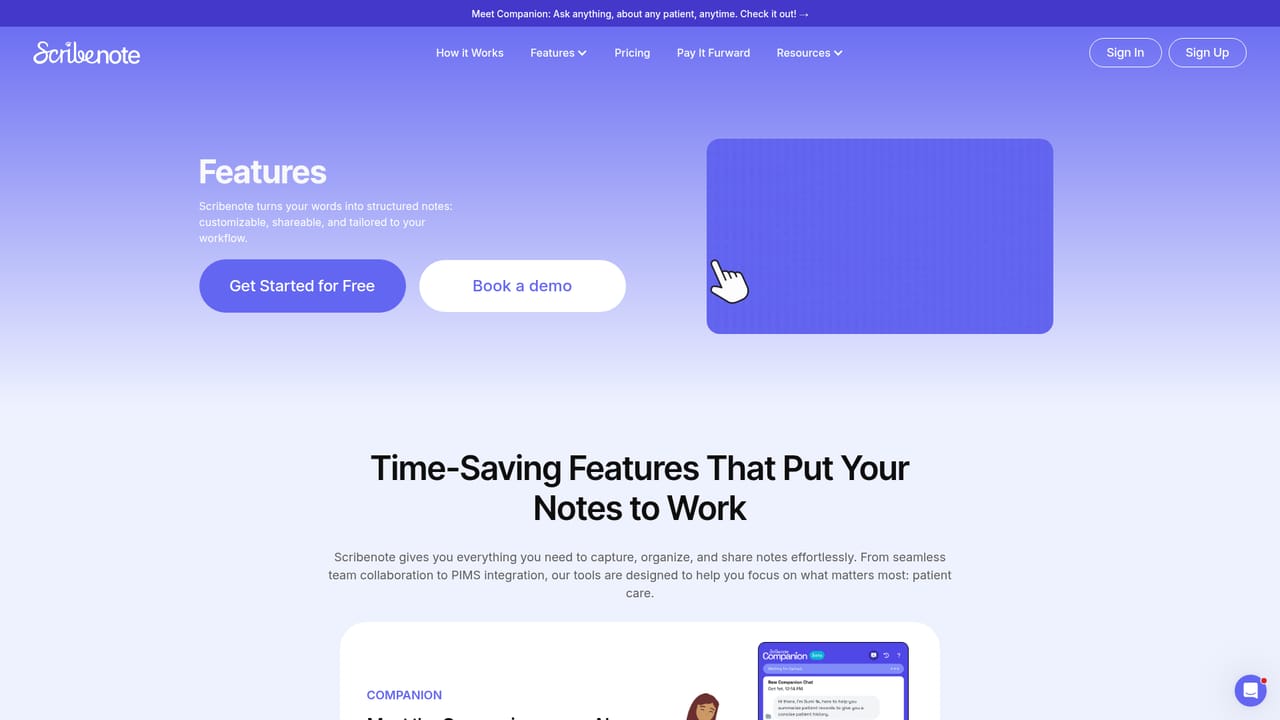
    Free accounts can use the default templates immediately. Pro subscribers can build Adaptive Templates or custom templates that mirror their clinic's record style.
    Scribenote — Set up a template if you need one
  5. 5Export to your PIMS
    Move the finished note into your practice information management system using PIMSPal Pro or Widget Mode.
  6. 6Roll out to the team
    Add the rest of the care team through Teams Mode, which is included on every plan including the free tier.

Pros and cons

Pros

  • Built around veterinary SOAP notes rather than generic dictation, so the output format matches how clinics actually chart.AI
  • Unlimited note usage and unlimited care team members are included even on the $0 tier.AI
  • Recording works from phone, tablet or laptop, which suits clinicians moving between exam rooms.AI
  • PIMS integration is offered across all plans, not held back as an enterprise-only feature.AI
  • Teams Mode plus Adaptive Templates and custom templates on Pro let a whole hospital standardize its records.AI

Cons

  • No published privacy or compliance documentation on the homepage; the data-trust question is answered only inside a collapsed FAQ.AI
  • Pro is priced per DVM per month, so the real cost scales with headcount and is steep for larger practices.AI
  • Custom templates and Scribephone sit behind Pro; free users are limited to default templates and standard transcription quality.AI
  • Accuracy is not quantified anywhere public, so buyers have to judge note quality through a demo rather than benchmarks.AI
  • Enterprise pricing is contact-only, with no published starting point for multi-clinic groups.AI

How much does Scribenote cost?

Pricing

Free tier at $0 with unlimited notes on standard AI models, standard transcription and PIMS integration. Pro is $79/mo per DVM billed yearly or $99/mo per DVM billed monthly, adding advanced models, custom templates, Scribephone and human support. Enterprise is contact-only for multi-clinic groups. All prices in USD.

Learn more

Support

Free accounts get self-serve and automated support. Pro adds human support. Enterprise includes a dedicated account manager plus supportive implementation and continued training.

Integrations

Notes are exported into the clinic's PIMS through PIMSPal Pro or Widget Mode. The homepage names PIMS integration on all tiers but does not list specific practice management vendors.

Features

Records appointments and calls from phone, tablet or laptop, then generates structured notes in SOAP and other formats. Adaptive Templates and custom templates on Pro; PIMSPal Pro and Widget Mode for PIMS export; Scribephone direct calling; Client Summaries and Callback notes; Teams Mode with unlimited care team members on every plan; dashboards, SSO and role-based access control on Enterprise.

Learn more

Frequently asked questions about Scribenote

  • How much does Scribenote cost?
    Free tier at $0 with unlimited notes on standard AI models, standard transcription and PIMS integration. Pro is $79/mo per DVM billed yearly or $99/mo per DVM billed monthly, adding advanced models, custom templates, Scribephone and human support. Enterprise is contact-only for multi-clinic groups. All prices in USD.
  • How do you use Scribenote?
    The walkthrough on this page covers 6 steps: 1. Create an account 2. Record a visit on any device 3. Review the generated note 4. Set up a template if you need one 5. Export to your PIMS 6. Roll out to the team.
  • What platforms does Scribenote support?
    Scribenote is available on Web App, iOS and Android.
  • What does Scribenote integrate with?
    Notes are exported into the clinic's PIMS through PIMSPal Pro or Widget Mode. The homepage names PIMS integration on all tiers but does not list specific practice management vendors.
  • What are the limitations of Scribenote?
    No published privacy or compliance documentation on the homepage; the data-trust question is answered only inside a collapsed FAQ. Pro is priced per DVM per month, so the real cost scales with headcount and is steep for larger practices. Custom templates and Scribephone sit behind Pro; free users are limited to default templates and standard transcription quality.

Status

StatusActive
Views0
Outbound clicks0
Added10/21/2026

Platforms

Web AppiOSAndroid

Pricing

FreeSubscriptionPaid