Free trial
The homepage offers a "Try for Free" button that leads into the studio workspace, which suggests free usage is available before committing, but the site text does not define what the trial includes or how long it lasts.
Learn moreScript to multi-scene story video, with models under one roof

Novi AI converts a pasted story or full script into a multi-scene video, handling storyboard generation, character consistency, voiceover, subtitles and export on one timeline. It routes shots through many third-party image and video models (Veo, Sora, Kling, Runway, Seedance and others) and offers multi-language versions with native voiceovers.
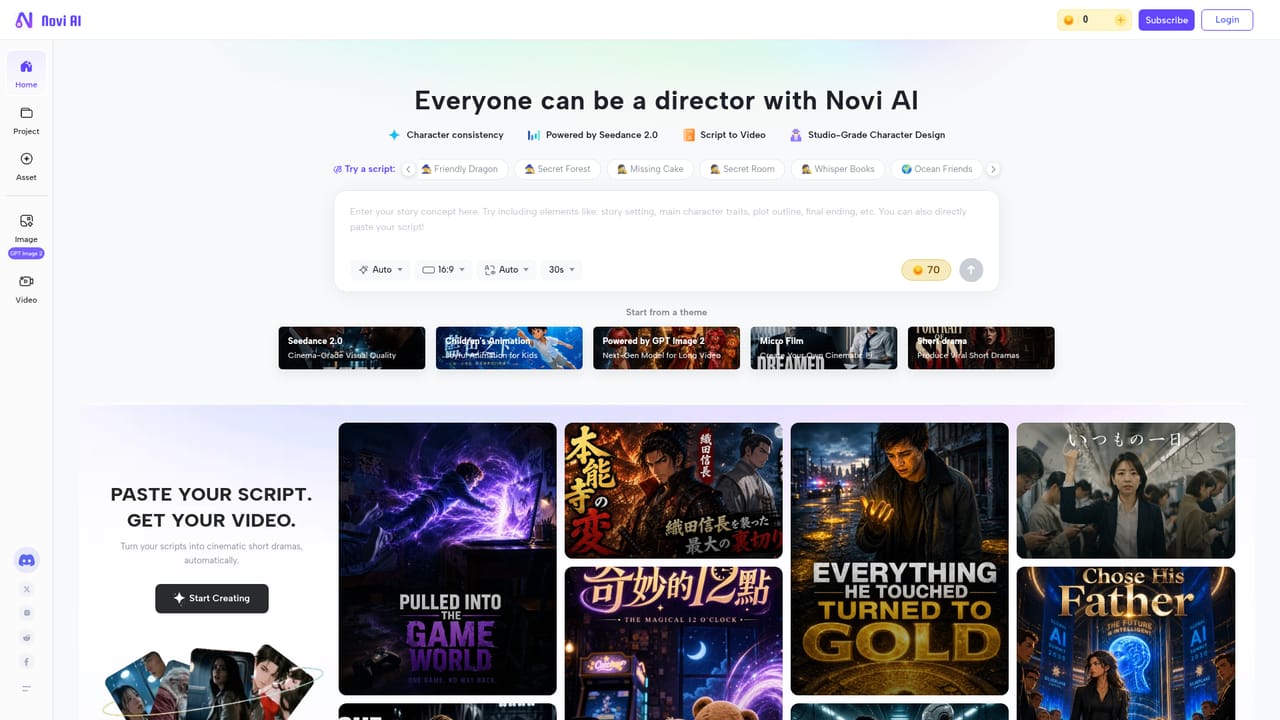
Novi AI is a browser-based creation studio built around a single idea: give it a written story or a full script and get back a finished multi-scene video. The platform splits your text into a storyboard automatically, generates shots, layers in voiceover, music and subtitles on one timeline, and exports a downloadable file with the subtitles already burned in. It is aimed at storytellers more than prompt engineers, and the interface is organised around the narrative rather than around clip-by-clip generation. The studio is unusual in that it does not rely on one in-house model. Image work can run through Seedream, Nano Banana or Jimeng V3, and video shots through PixVerse, Wan 2.6, Veo 3.1, Seedance 2.0, Sora 2, Hailuo, Vidu, Kling or Runway. That means a shot can be regenerated on a different engine if the first attempt misses, without leaving the project. Character consistency is handled by the platform remembering faces, outfits, expressions and art style across scenes, so frames from different parts of a long story do not drift apart. Style presets include Ghibli, Pixar and anime looks. In practice the flow is linear: paste the script, let the storyboard form, preview each shot, adjust directions or swap models, then export. Language coverage matters here too, since localized versions come with native voiceovers and synced subtitles, which suits educators and channels publishing to more than one market. The vendor positions it for filmmakers, small studios, novelists, marketers and course creators, with book trailers, explainer videos and animation cited as typical outputs. Longer episodic material is supported, which separates it from tools built around single clips. Where it sits among alternatives comes down to breadth versus depth. Dedicated single-model generators often give finer control over one engine. Novi AI trades that for orchestration: one storyboard, many models, synced audio and subtitles, multi-language output, and native apps beyond the browser. Buyers who want a complete narrative pipeline rather than a clip factory are the right audience.

The homepage offers a "Try for Free" button that leads into the studio workspace, which suggests free usage is available before committing, but the site text does not define what the trial includes or how long it lasts.
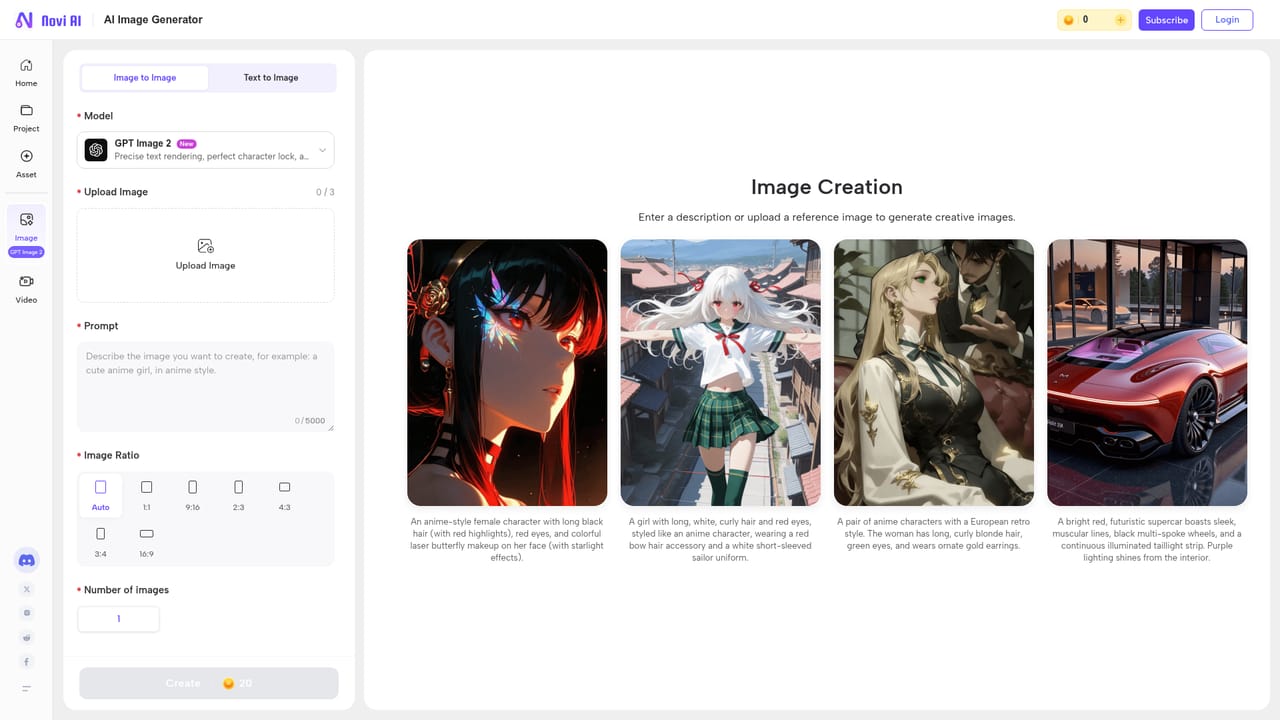
Learn moreScript to multi-scene story video with automatic storyboard creation, character and style consistency across scenes, shot preview and refinement, model swapping within a project, one-timeline syncing of voiceover, music and subtitles, multi-language versions with native voiceovers, embedded subtitles on export, plus separate text-to-video, image-to-video, text-to-image and image-to-image tools.
 AI Angels400+ customizable AI girlfriends for NSFW chat, voice calls, and roleplay
 Candy AIExperience the future of companionship with AI friends who chat, role-play, and connect with you on a human level.
 ourdream.aiA vast AI roleplay platform with millions of characters for chat, images, video and voiceAI Angels400+ customizable AI girlfriends for NSFW chat, voice calls, and roleplayCandy AIExperience the future of companionship with AI friends who chat, role-play, and connect with you on a human level.ourdream.aiA vast AI roleplay platform with millions of characters for chat, images, video and voice


