Integrations
Codex via a ChatGPT account or OpenAI API key, GitHub sign in, and local or GitHub cloned repositories.
A document editor where AI agents read your code and comment on your plan.

Nuanced is a developer tool. A Mac document editor for software planning where AI agents read your code, comment on your written decisions, compare approaches side by side, and open a pull request when you choose a direction. Apple silicon only for now.
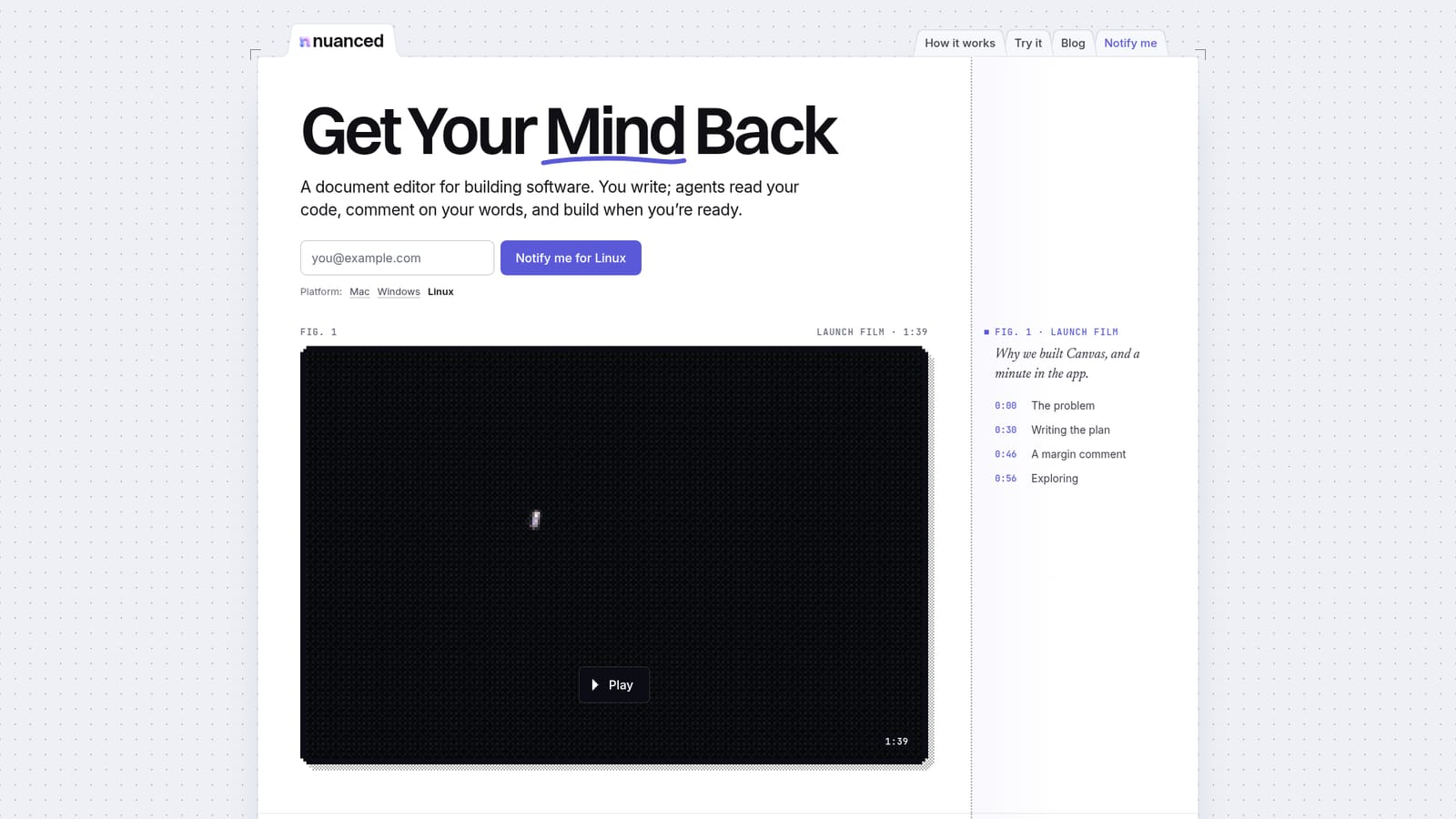
Nuanced Canvas is a desktop document editor built around a specific idea: write the plan in plain language before any code exists, and let agents read that text against your repository. The product is aimed at developers who want a thinking surface and a build pipeline in one place, rather than a chat window bolted onto an IDE. It is not an AI content detector, despite the directory framing, and buyers looking for machine text classification will not find it here. The workflow runs in three phases. First, the author writes down what should be built in their own words. An agent reads that document against the existing codebase and leaves margin comments where the description and the code disagree or where a decision is unresolved. Second, open questions get compared side by side, for example two options for how webhook retries should behave, with the trade-offs spelled out so one approach can be chosen. Third, once a direction is settled, the agent implements it in its own Git worktree and opens a pull request that carries the code, the document and the chosen screens together for review. The homepage sample shows this in practice: an agent flags that an ambiguous timeout can cause duplicate delivery, proposes a wording change to the specification, then explores independent versus ordered dispatch before producing a pull request with changed files and passing tests. That example reflects the intended audience, which is engineering teams working on non-trivial backend or product decisions where the design conversation matters as much as the diff. Compared with chat based coding assistants, Canvas keeps the reasoning in a persistent document instead of a prompt history, and keeps human review in the loop through standard Git pull requests. The trade-offs are real: the release is Apple silicon only, Windows and Linux are waitlist only, and the tooling assumes a GitHub account, Codex access and a Git repository. Pricing is not stated on the homepage.
Codex via a ChatGPT account or OpenAI API key, GitHub sign in, and local or GitHub cloned repositories.
Plan software in a written document that agents read against your codebase. Agents leave margin comments and suggest edits you accept or reject, compare competing approaches side by side with trade-offs spelled out, and then implement the chosen option in an isolated Git worktree with a pull request covering code, document and screens.
 AI Angels400+ customizable AI girlfriends for NSFW chat, voice calls, and roleplay
 Candy AIExperience the future of companionship with AI friends who chat, role-play, and connect with you on a human level.
 ourdream.aiA vast AI roleplay platform with millions of characters for chat, images, video and voiceAI Angels400+ customizable AI girlfriends for NSFW chat, voice calls, and roleplayCandy AIExperience the future of companionship with AI friends who chat, role-play, and connect with you on a human level.ourdream.aiA vast AI roleplay platform with millions of characters for chat, images, video and voice


