Odyssey

A native Mac app for AI image work and node-based automation

Intermediate
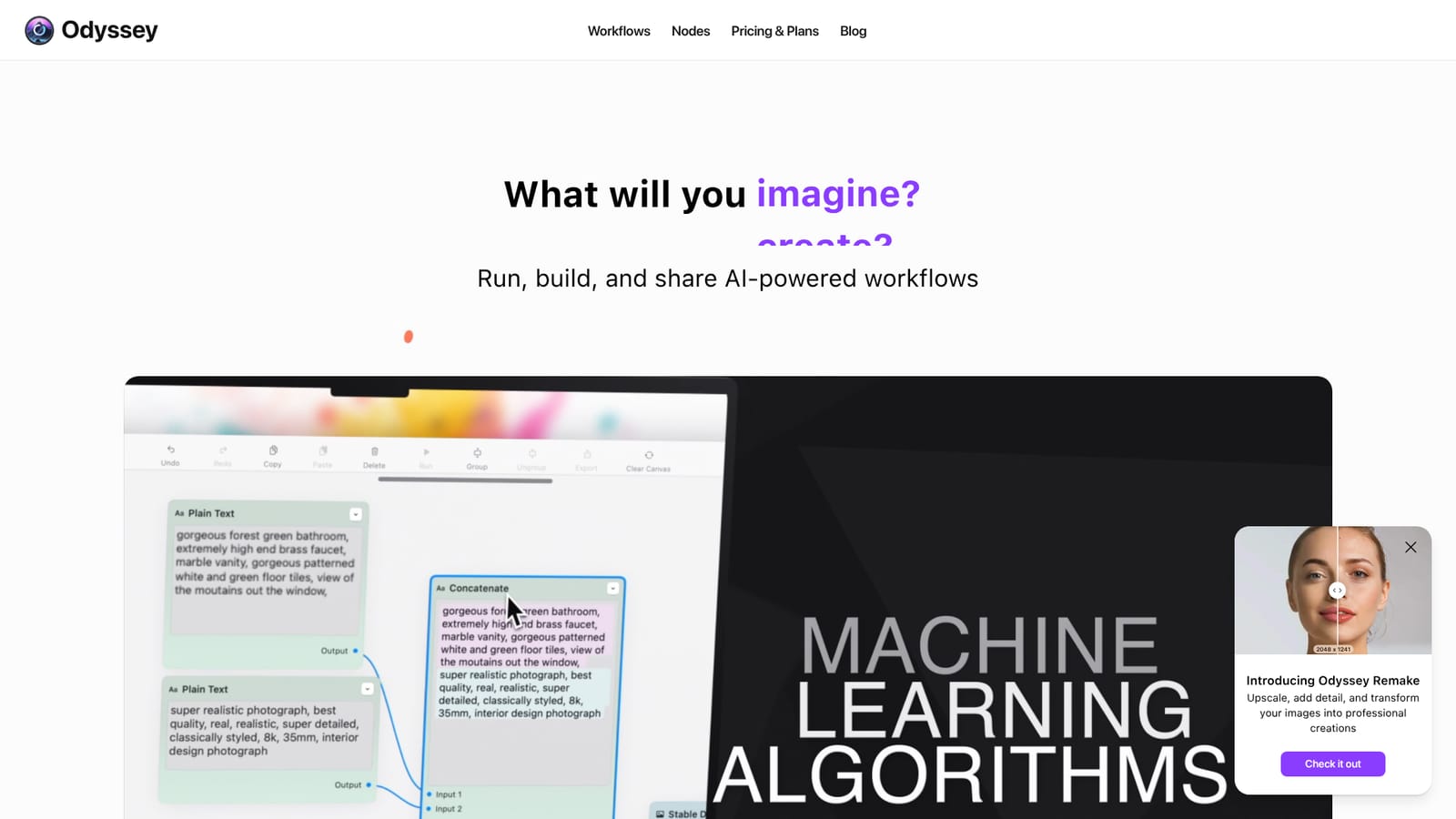
Screenshot of Odyssey, A native Mac app for AI image work and node-based automation

What is Odyssey?

Odyssey is a native Mac app for node-based AI workflows: local Stable Diffusion image generation and processing, Llama and ChatGPT text nodes, batch automation, and shareable graphs, sold as a one-time lifetime license.

Odyssey is a native Mac application that combines AI image generation, large language model access, and visual workflow automation in one desktop environment. The core idea is a node graph: users connect image processors, generative models, text nodes, and math operations into reusable workflows that run on the machine rather than in a browser tab. Image generation supports Stable Diffusion 1.5, SDXL, and SDXL Turbo locally, with a Stable Diffusion API key opening up version 3. Upscaling reaches 8k, and the separate Remake feature adds detail and transforms existing images. ControlNet is built in, including Canny edges, depth estimation, and QR Code Monster, alongside background removal models and in-painting, out-painting, and object erasure. The audience is creative production rather than casual prompting. Photographers get image processing nodes that absorb the repetitive parts of a batch workflow. Marketing designers and agencies use the same graphs to scale asset output and to hand a working workflow to a colleague or a client. Studios get a local execution model, meaning generated images, chats, and inputs are not stored or reachable by the Odyssey team, with only anonymized usage data collected. Anyone who needs to run dozens or hundreds of images through background removal, aspect ratio changes, or upscaling can use the batch nodes, which also accept large volumes of text and documents. In practice, the learning curve sits in the node graph rather than in the models. Newcomers can start from published workflows (AI spirals, logos, text in image, emoji, interior design, QR codes, slideshows) and modify them, while experienced users build from individual nodes. Workflows can be triggered from the desktop through Odyssey Widgets or wired into Apple Shortcuts, and local models run without an internet connection. Language model support covers multiple Llama2-based models offline and ChatGPT with a personal API key, in either chatbot or instructions mode, plus a solver node for word problems and math nodes for equations. Against hosted alternatives, Odyssey trades convenience for control. There is no subscription and no metered credit system, only a one-time license tied to a device count, and the privacy story is genuinely local. The cost is that users bring their own API keys for cloud models, the app is Mac only, and the node-based approach asks more of the user than a single prompt box.

How do you use Odyssey?

  1. 1Install Odyssey on your Mac
    Download the native Mac app. One-click install covers the growing list of models and features, so you do not need to configure a Python environment or model files by hand.
    Odyssey — Install Odyssey on your Mac
  2. 2Open a published workflow as a starting point
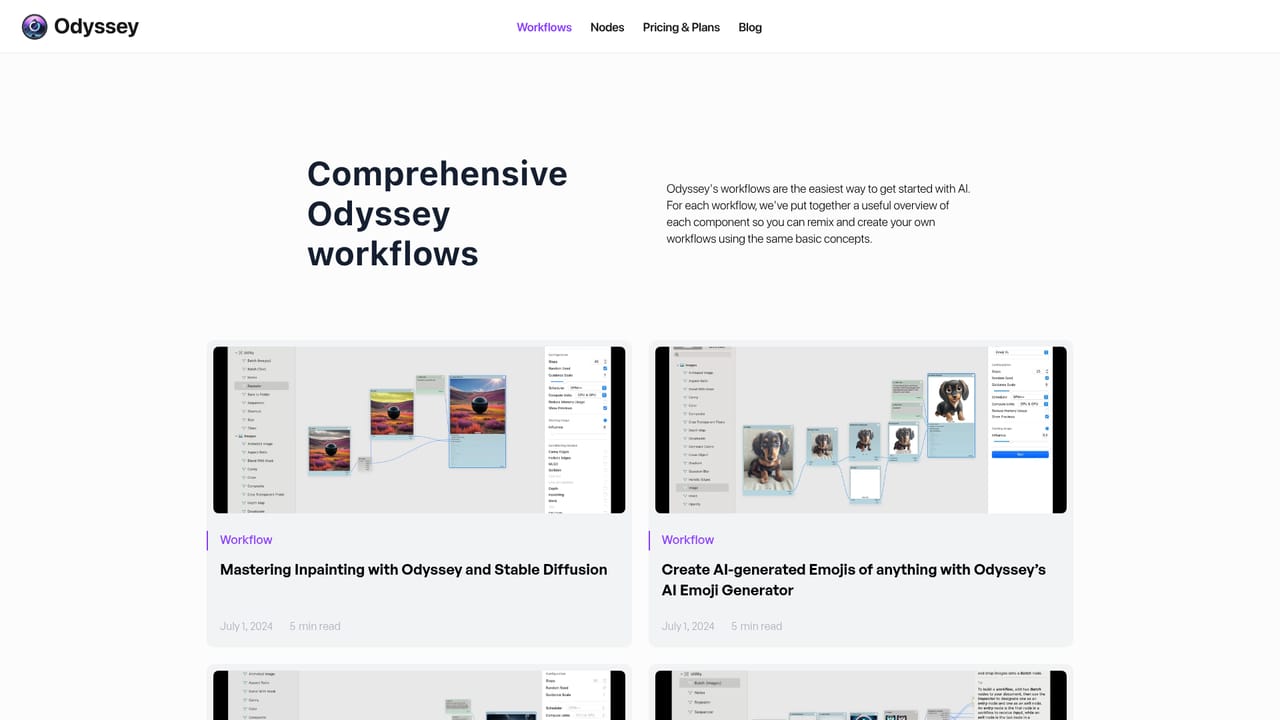
    Browse the workflow library and pick a graph close to your task, such as bulk processing, text in image, or interior design. Loading one gives you working nodes you can adjust rather than starting from an empty canvas.
    Odyssey — Open a published workflow as a starting point
  3. 3Add and connect nodes on the canvas
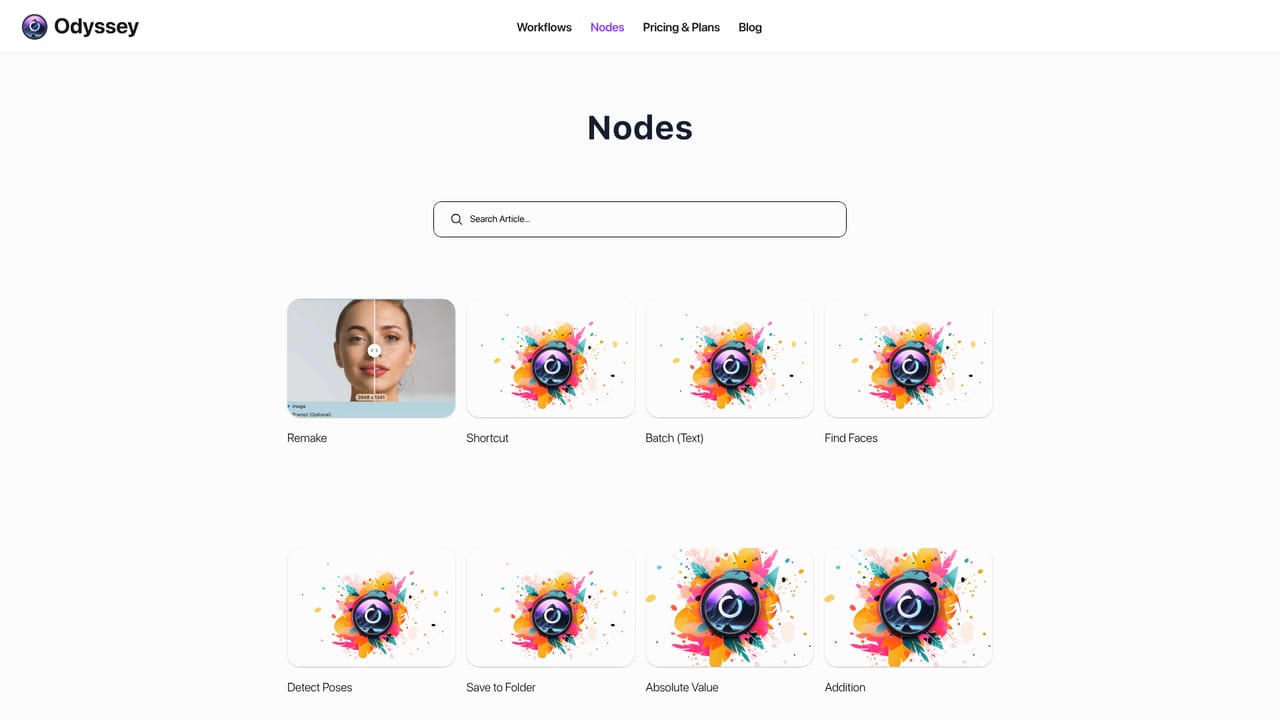
    Pull in image processors, Stable Diffusion models, or language model nodes and wire their inputs and outputs together. The nodes reference lists every available building block in the graph.
    Odyssey — Add and connect nodes on the canvas
  4. 4Choose local models or plug in your own API keys
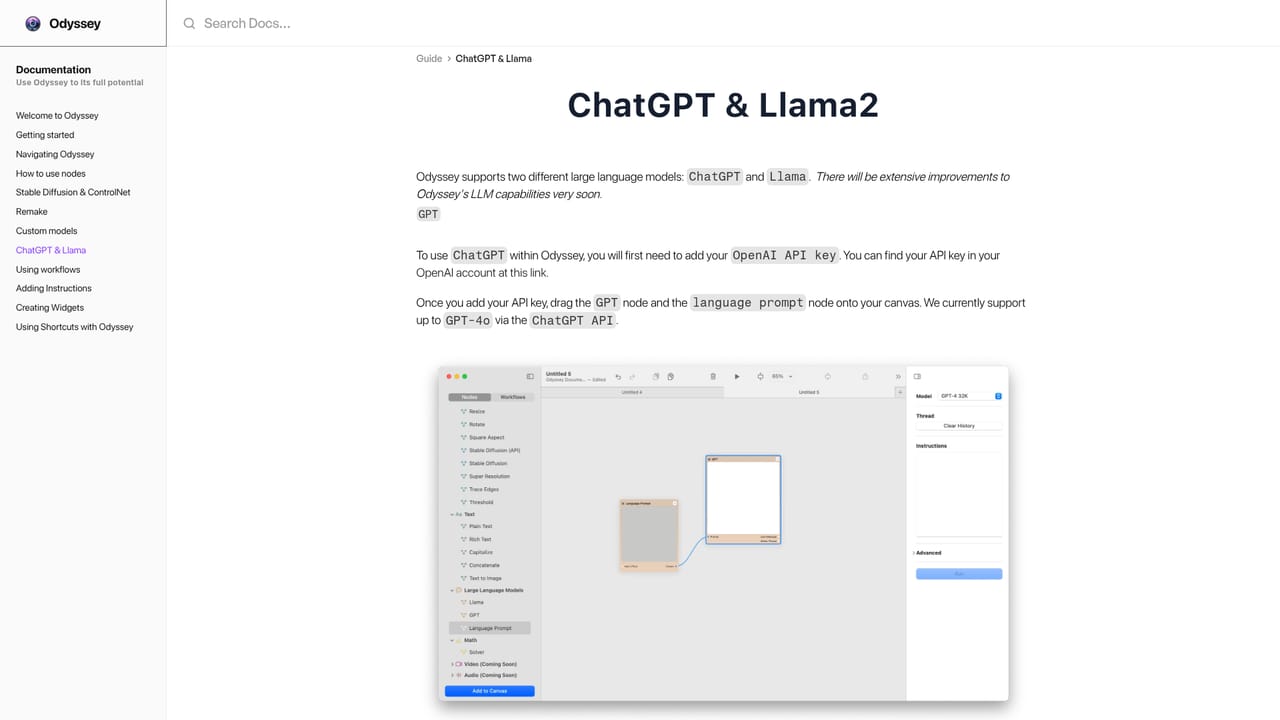
    Run Stable Diffusion 1.5, SDXL, SDXL Turbo, or Llama2 based models locally, or connect a Stable Diffusion and ChatGPT API key for cloud models. The ChatGPT and Llama guide walks through the text side.
    Odyssey — Choose local models or plug in your own API keys
  5. 5Scale up with batch nodes
    Swap a single image input for the batch image or batch text node to push hundreds of files or document lines through the same graph in one run, covering background removal, upscaling, and aspect ratio changes.
    Odyssey — Scale up with batch nodes
  6. 6Trigger the workflow from your desktop
    Attach a finished graph to an Odyssey Widget or an Apple Shortcut so routine jobs run without reopening the app and rebuilding the graph each time.

Pros and cons

Pros

  • Node graph is flexible: image processing, generation, language models, and math can be combined in one workflowAI
  • Local execution keeps images, chats, and inputs off Odyssey's servers, and local models run without internetAI
  • Batch nodes handle hundreds of images or lines of text in a single runAI
  • One-time lifetime license with all features in every tier and no subscription or credit meteringAI
  • Workflows can be triggered from the desktop via Widgets or connected to Apple ShortcutsAI

Cons

  • Mac only, so Windows, Linux, and mobile users are excluded entirelyAI
  • Node-based authoring has a real learning curve compared with a single prompt fieldAI
  • Cloud models require your own API keys, which adds setup and separate billingAI
  • No subscription means updates and model additions depend on the vendor's roadmap rather than a contracted service levelAI
  • Pricing, trial terms, and integrations beyond Shortcuts are not detailed on the homepage, so buyers must confirm before purchaseAI

How much does Odyssey cost?

Pricing

Lifetime licenses only, with all features and unlimited workflows in every tier. The 2 device plan costs $99, the 5 device plan $149, and the 10 device plan $249. Each is a one-time payment rather than a subscription, and the homepage lists no monthly option.

Learn more

Support

Support runs through community channels: a Discord server, a YouTube channel with tutorials, and a tutorials section on the site. The homepage does not describe email or paid support tiers.

Learn more

Integrations

Apple Shortcuts can trigger Odyssey workflows, and Odyssey Widgets run them from the desktop. ChatGPT and Stable Diffusion connect through your own API keys. No other integrations are named on the homepage.

Learn more

Features

Local Stable Diffusion 1.5, SDXL, and SDXL Turbo generation plus SD 3 through your own API key, 8k upscaling and Odyssey Remake, ControlNet with Canny, depth, and QR Code Monster, background removal, in-painting and out-painting, batch image and text nodes, local Llama2 models, ChatGPT in chatbot or instructions mode, solver and math nodes, slideshow transitions, and shareable workflows.

Learn more

Frequently asked questions about Odyssey

  • How much does Odyssey cost?
    Lifetime licenses only, with all features and unlimited workflows in every tier. The 2 device plan costs $99, the 5 device plan $149, and the 10 device plan $249. Each is a one-time payment rather than a subscription, and the homepage lists no monthly option.
  • How do you use Odyssey?
    The walkthrough on this page covers 6 steps: 1. Install Odyssey on your Mac 2. Open a published workflow as a starting point 3. Add and connect nodes on the canvas 4. Choose local models or plug in your own API keys 5. Scale up with batch nodes 6. Trigger the workflow from your desktop.
  • What platforms does Odyssey support?
    Odyssey is available on MacOS.
  • What does Odyssey integrate with?
    Apple Shortcuts can trigger Odyssey workflows, and Odyssey Widgets run them from the desktop. ChatGPT and Stable Diffusion connect through your own API keys. No other integrations are named on the homepage.
  • What are the limitations of Odyssey?
    Mac only, so Windows, Linux, and mobile users are excluded entirely. Node-based authoring has a real learning curve compared with a single prompt field. Cloud models require your own API keys, which adds setup and separate billing.