OneReach

Agentic infrastructure for enterprises running agents at scale

Advanced API
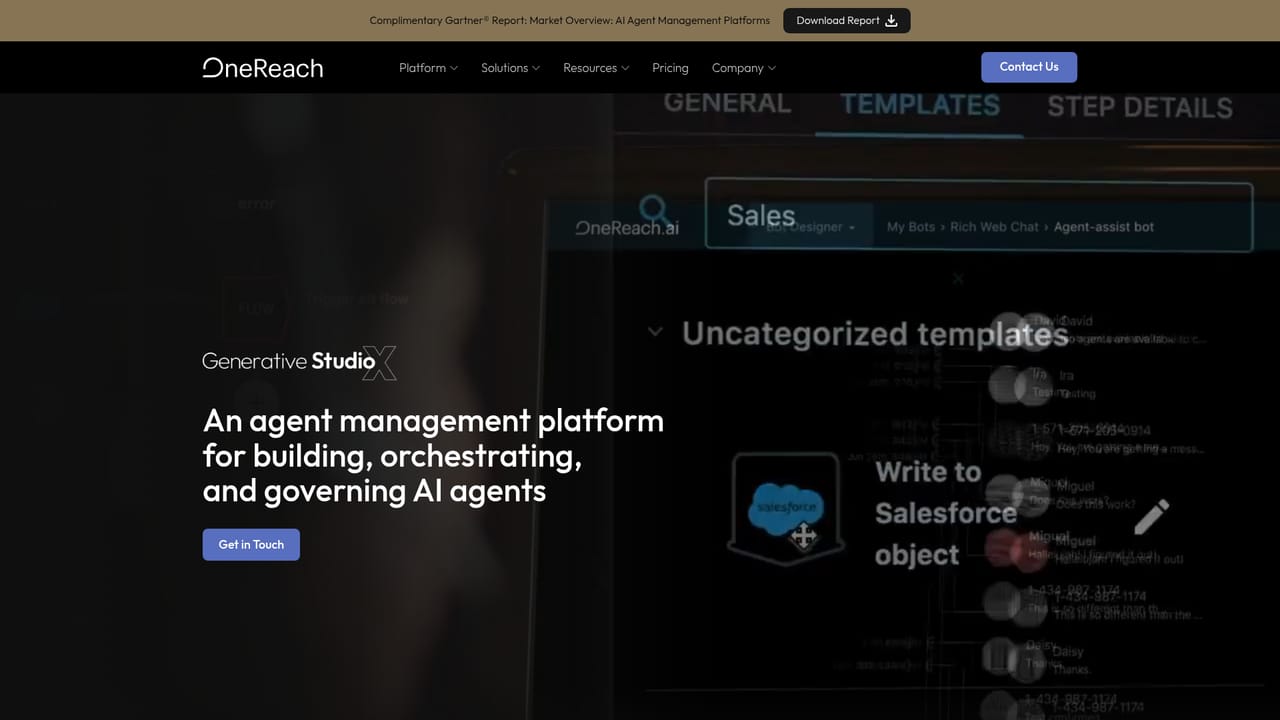
Screenshot of OneReach, Agentic infrastructure for enterprises running agents at scale

What is OneReach?

OneReach is a chatbot builder tool. OneReach GSX is an enterprise agentic orchestration platform that registers, governs and meters AI agents across platforms, adding shared contextual memory, a cross-channel communication fabric and human-in-the-loop oversight. Built for regulated, high-volume operations rather than individual builders.

OneReach is an agentic orchestration platform aimed at organizations that have moved past building a handful of AI agents and now face the harder problem of running hundreds of them. The homepage frames the pitch bluntly: building agents is no longer the challenge, connecting thousands of them is. The GSX platform positions itself as the layer between every agent and everything it touches, so agents from OneReach, LangChain, ServiceNow, Salesforce or Microsoft can be registered, scoped and recorded in one governed system rather than scattered across departmental pilots. The architecture rests on five named parts. Communication Fabric gives agents a shared super-session across voice, web chat, SMS, app, Teams and email, alongside data sources such as CRM, ERP, ticketing and data lakes. Contextual Memory captures unstructured interaction data into a reusable source of truth, which the company says cuts token consumption. Cognitive Orchestration lets a workflow call different model providers and services and swap vendors at runtime. AI Agents execute end-to-end workflows, and Human-in-the-Loop lets staff step in, correct agents and give feedback while context is preserved. The buyer is the enterprise, not the solo builder. The site speaks to CIOs, CTOs, enterprise architects, CISOs, CFOs and operations leads, with messaging around governed policy, cost attribution per decision and a registry that meters every agent whether it runs on OneReach or elsewhere. Deployments run in a private dedicated environment in the customer's cloud or OneReach's, with support for public, private, government and sovereign infrastructure, and the company cites FedRAMP authorization plus named customers including PepsiCo, Verizon and BASF. Against alternatives, OneReach does not compete on model quality or prompt tooling. It competes on governance, shared memory and cost visibility, the layer most agent frameworks leave to the customer to assemble. Teams that just want to prototype an agent will find it heavy; teams running mission-critical processes in regulated industries are the fit. Pricing is capacity-based per environment, with no per-agent or per-seat fees and models billed at cost.

How do you use OneReach?

  1. 1Review the platform architecture
    Read the enterprise overview to understand how Communication Fabric, Contextual Memory, Cognitive Orchestration, AI Agents and Human-in-the-Loop fit together before scoping anything.
    OneReach — Review the platform architecture
  2. 2Check pricing tiers and what is billed
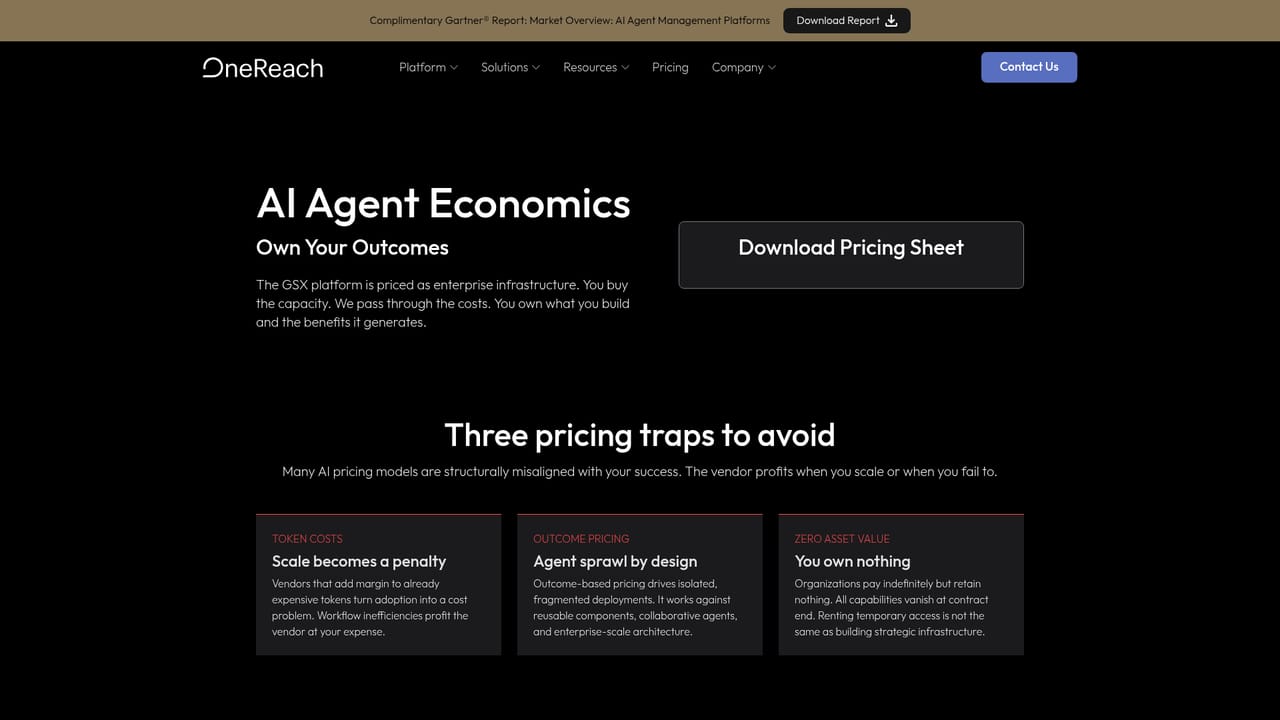
    The pricing page explains capacity tiers, the zero per-agent and per-seat fees, and how model and compute costs are passed through at cost.
    OneReach — Check pricing tiers and what is billed
  3. 3Talk to the team about your use case
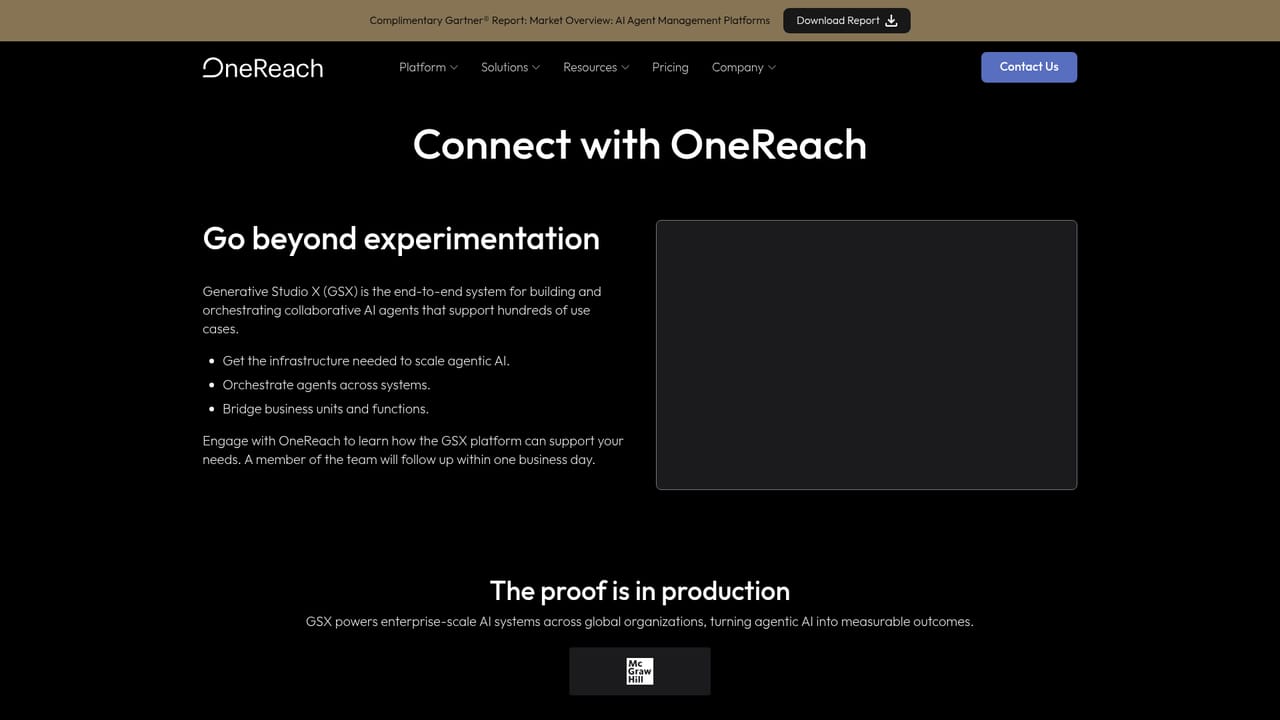
    Start a conversation through the contact form to discuss objectives, KPIs and whether a dedicated environment in your cloud or OneReach's is the right fit.
    OneReach — Talk to the team about your use case
  4. 4Plan a service design engagement
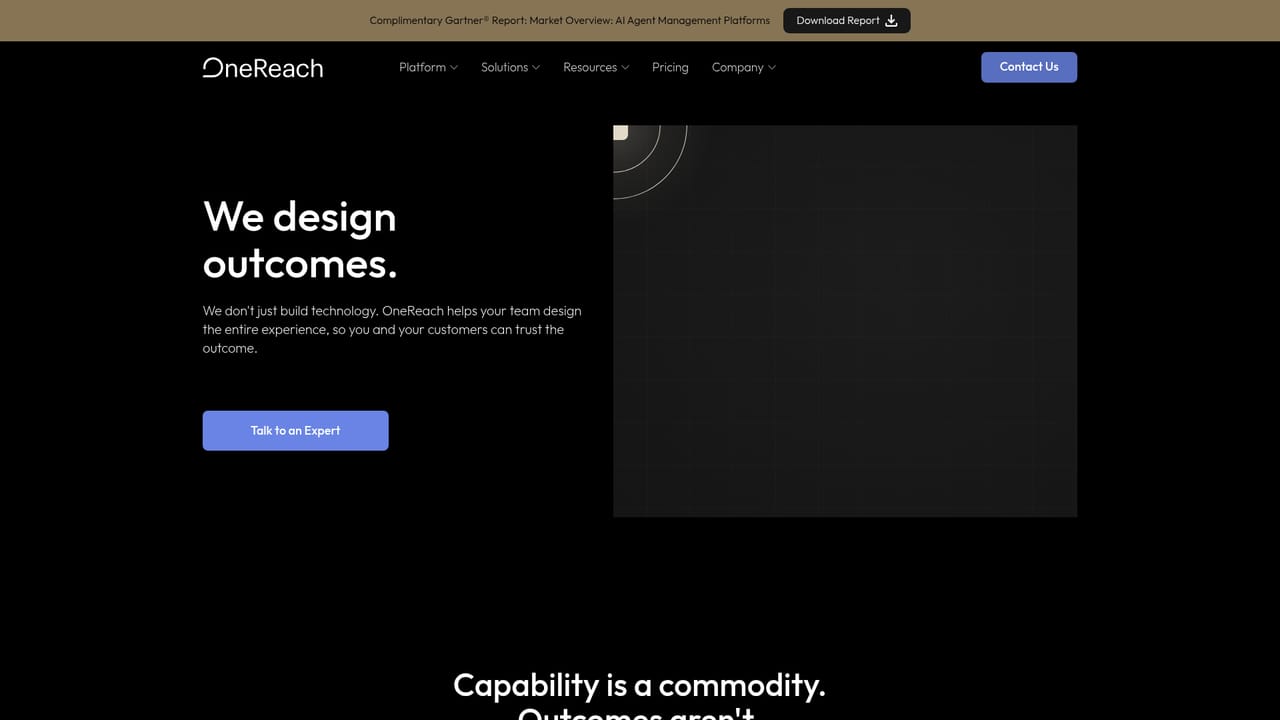
    The service design track walks through strategy, design, a small pilot and phased rollout, with a choice between self-serve and fully managed delivery.
    OneReach — Plan a service design engagement
  5. 5Connect and register your agents
    Once the environment is provisioned, agents built internally or on other platforms connect through the Communication Fabric, where each one is registered and scoped to the systems it may touch.
  6. 6Review reasoning and spend in the registry
    Use the agent registry and audit views to trace reasoning steps, compare latency, token use and success rates, and identify agents worth optimizing.

Pros and cons

Pros

  • Governs third-party agents from LangChain, ServiceNow, Salesforce and Microsoft, not only agents built on OneReachAI
  • Every agent is metered and costed per decision, with spend attributed to the team that ran itAI
  • Contextual Memory shares context across agents and is claimed to reduce token consumptionAI
  • Private dedicated environment with public, private, government and sovereign options, plus FedRAMP authorizationAI
  • No per-agent or per-seat fees, and models billed at cost with bring-your-own-keys supportAI

Cons

  • No self-serve entry point: the site routes everyone to a contact form, so evaluation requires a sales conversationAI
  • Capacity-based infrastructure pricing is not published, which makes budgeting hard before a scoping callAI
  • Heavy for small teams or single-agent projects; the governance and registry layers only pay off at scaleAI
  • Most evidence of value comes from large enterprise case studies and vendor-published analyst placementsAI

How much does OneReach cost?

Pricing

Capacity-based tiers for the infrastructure, with every feature included and no per-agent or per-seat fees. Models and compute are billed at cost with no markup, and customers can bring their own keys. Exact tier prices are not published on the homepage.

Learn more

Support

24/7 support is stated for GSX deployments, and the company describes a collaborative engagement model spanning strategy, design, pilot and phased rollout. A separate trust center covers security and compliance details.

Learn more

Integrations

Model providers include OpenAI, Anthropic, DeepMind, Meta, Mistral AI and IBM, with MCP, A2A, REST, HTTP and GraphQL connectivity. Platforms and data stores include Salesforce, HubSpot, SAP, ServiceNow, Workday, Oracle, Snowflake, Databricks, MongoDB, BigQuery and the major clouds.

Learn more

Features

Five-part architecture: Communication Fabric for a shared session across channels and data sources, Contextual Memory for reusable context, Cognitive Orchestration for mixing model providers at runtime, AI Agents for end-to-end workflows, and Human-in-the-Loop oversight. Adds an agent registry with per-agent metering, policy enforcement across third-party agents, certified reusable components, and private dedicated deployments.

Learn more

Frequently asked questions about OneReach

  • How much does OneReach cost?
    Capacity-based tiers for the infrastructure, with every feature included and no per-agent or per-seat fees. Models and compute are billed at cost with no markup, and customers can bring their own keys. Exact tier prices are not published on the homepage.
  • Does OneReach have an API?
    Yes, OneReach offers an API.
  • How do you use OneReach?
    The walkthrough on this page covers 6 steps: 1. Review the platform architecture 2. Check pricing tiers and what is billed 3. Talk to the team about your use case 4. Plan a service design engagement 5. Connect and register your agents 6. Review reasoning and spend in the registry.
  • What platforms does OneReach support?
    OneReach is available on Web App.
  • What does OneReach integrate with?
    Model providers include OpenAI, Anthropic, DeepMind, Meta, Mistral AI and IBM, with MCP, A2A, REST, HTTP and GraphQL connectivity. Platforms and data stores include Salesforce, HubSpot, SAP, ServiceNow, Workday, Oracle, Snowflake, Databricks, MongoDB, BigQuery and the major clouds.
  • What are the limitations of OneReach?
    No self-serve entry point: the site routes everyone to a contact form, so evaluation requires a sales conversation. Capacity-based infrastructure pricing is not published, which makes budgeting hard before a scoping call. Heavy for small teams or single-agent projects; the governance and registry layers only pay off at scale.

Status

StatusActive
Views0
Outbound clicks0
Added10/21/2026

Platforms

Web App

Pricing

PaidSubscription