Pricing
Plan prices are not stated on the homepage. A banner mentions unlimited FLUX 3 videos (720p, 5 seconds) until October 31 for upgraded users.
Learn moreAll-in-one studio for AI video, images, characters and audio
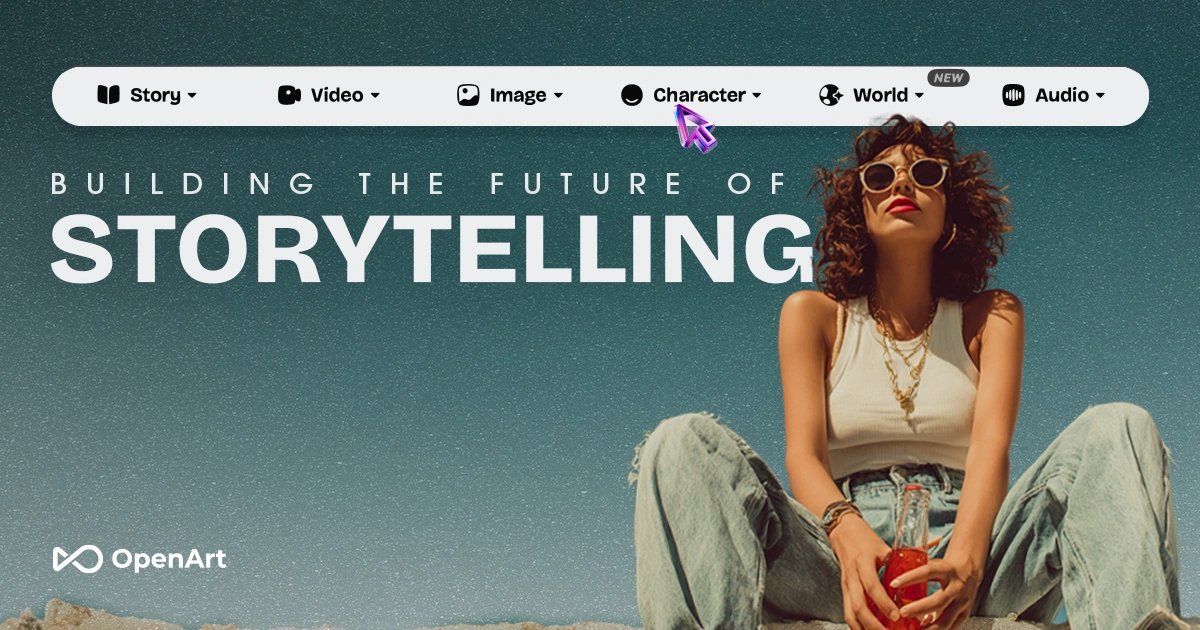
OpenArt AI is a web creator studio that brings top third-party image and video models together with character consistency, dubbing, lip sync, VFX tools and an MCP/CLI option, aimed at marketers, filmmakers and social creators.
OpenArt AI is a browser-based creator studio that gathers image, video, character and audio generation in a single workspace. Rather than building one proprietary model, it hosts a rotating lineup of third-party engines, with the homepage naming Seedance 2.5, Nano Banana 2.1, GPT Image 2.5, MiniMax H3 Max, Google Veo and Kling among them. A model leaderboard page helps users compare which engine performs best before committing credits to a job. The workflow starts from a prompt box with an agent mode and a chat mode, where a request such as filming a perfume bottle on a beach at sunset can be typed in plain language. From there, users can follow guided project types: short films, music videos, real estate, product ads, UGC ads, micro dramas, brand films, explainers, film trailers and promo videos. Viral presets, many built on Seedance, let someone apply a ready-made look to their own footage or character without writing a prompt from scratch. A community Inspire feed shows finished work and offers remix or direct-this options to start from an existing idea. Beyond generation, a set of editing tools covers the later stages of production. Smart Shot turns a storyboard sheet into a cinematic video, Extract Layers splits a flat image into editable parts, and Dub Video translates footage into 24 languages with optional lip sync. Other utilities handle VFX masking, background replacement, video relighting, motion transfer from a reference clip, lip-sync from audio and an image, and video modification or retakes. The studio also states that characters, worlds and style can stay consistent across creations, which matters for multi-shot stories and branded series. An MCP and CLI setup lets creators trigger image and video generation from inside their own AI agent. OpenArt AI suits marketers, ad sellers, filmmakers, short-form storytellers and hobbyists who want many models without managing separate accounts. It competes with single-model video generators and with image-only platforms, trading depth in one engine for breadth and convenience. The homepage does not publish plan prices, so cost details need to be checked on the site.
Plan prices are not stated on the homepage. A banner mentions unlimited FLUX 3 videos (720p, 5 seconds) until October 31 for upgraded users.
Learn moreOffers an MCP and CLI setup for creating images and videos from within an AI agent, and hosts third-party models including Google Veo, Kling, Seedance and Nano Banana.
Learn moreImage, video, character and audio generation with top models, project types like product ads and music videos, viral presets, Smart Shot storyboards, Extract Layers, 24-language dubbing, lip sync, VFX, relighting, background swap and motion sync.


