Pricing
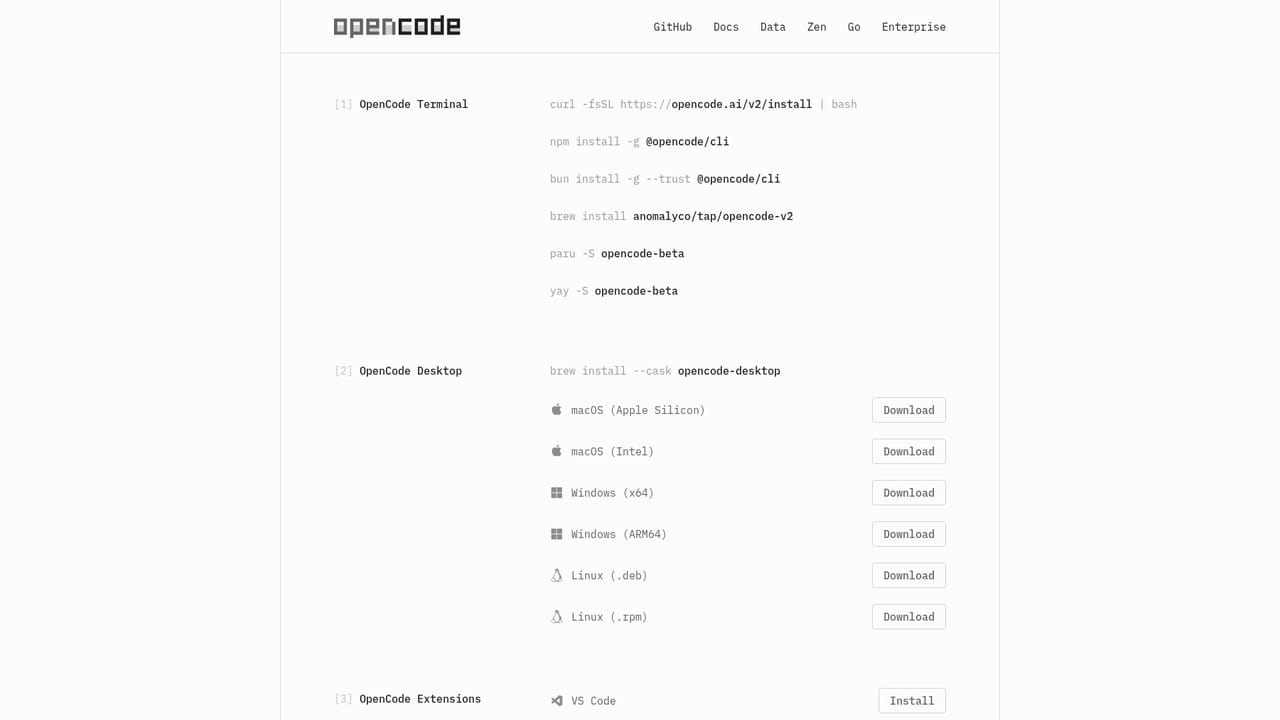
OpenCode is free to use and includes a set of free models, with no account required for those. Extra costs appear only when you connect another provider or use a paid Zen account.
Learn moreOpen source coding agent for your terminal, desktop and IDE

OpenCode is a developer tool. An open source AI coding agent for the terminal, desktop and IDE. It works with free built-in models or 75+ providers, supports Claude, ChatGPT and Copilot subscriptions, and never stores your code when you connect your own provider.
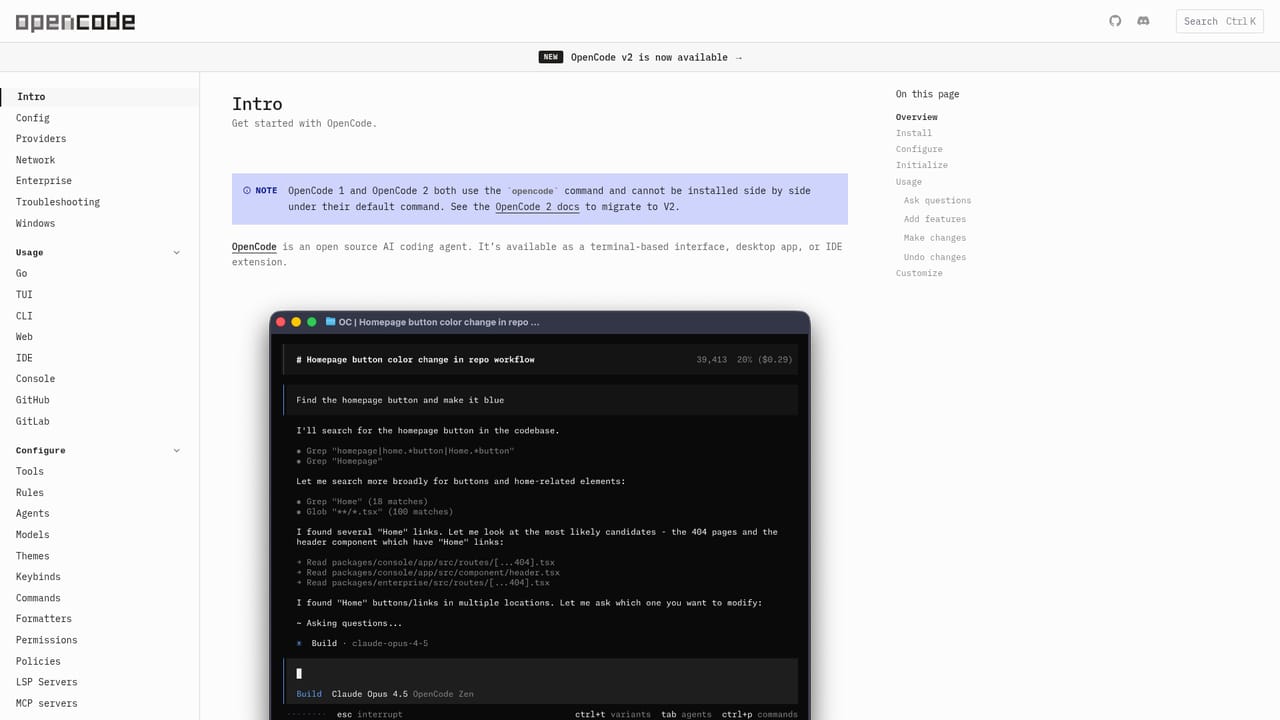
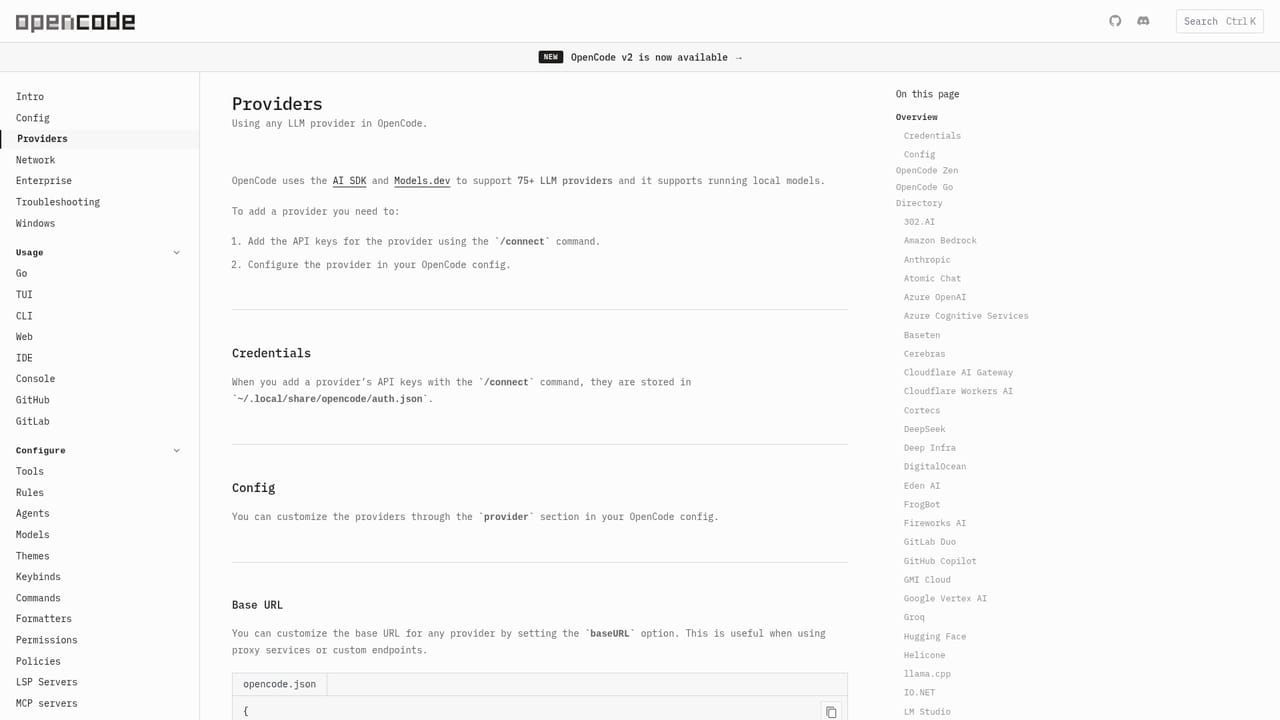
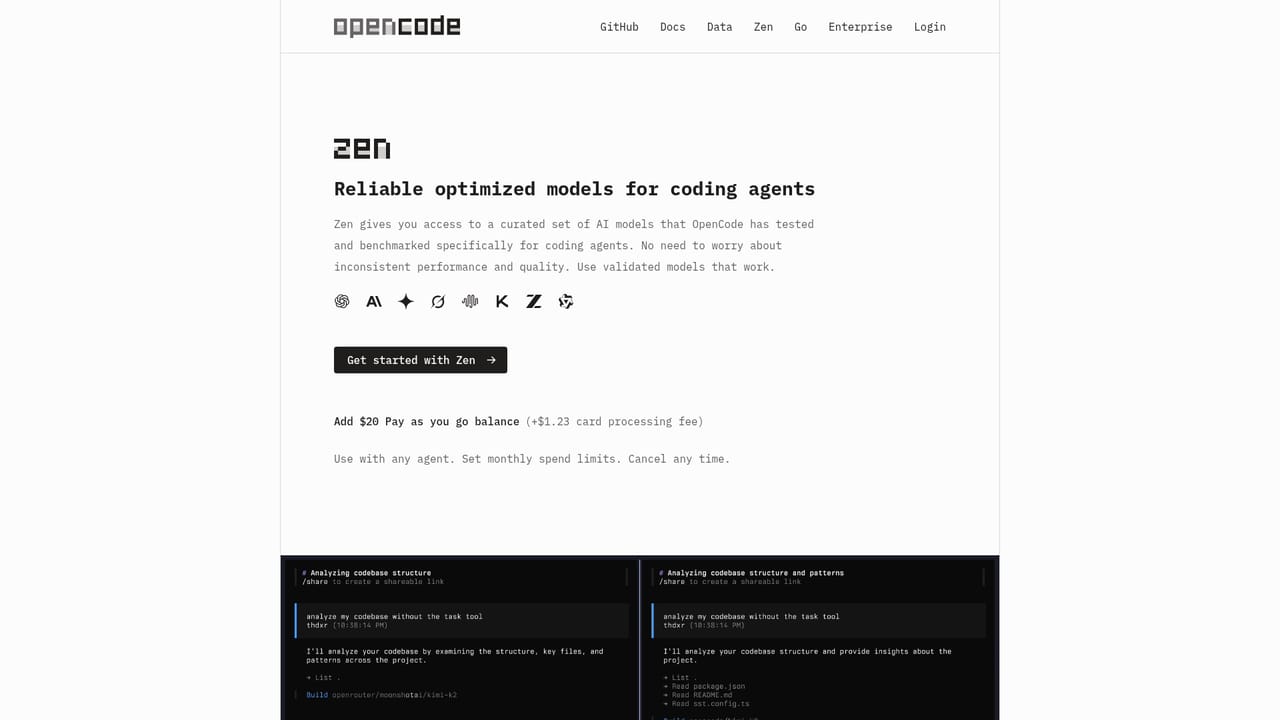
OpenCode is an open source coding agent that runs where developers already work: a terminal interface, a desktop application, and an IDE extension. It takes instructions in natural language and helps write, edit and run code against an existing project, loading the appropriate language servers automatically so the model has accurate context about types, symbols and errors rather than guessing from raw text. The project is unusually well established for an open source tool. The homepage cites over 215,000 GitHub stars, roughly 950 contributors, more than 20,000 commits, and about 16 million developers using it each month. The code is published under the MIT License, so teams can inspect it, modify it, and contribute patches, which matters for organizations that need to audit what an agent does with their repository. Model choice is the defining feature. OpenCode ships with a set of free models that work without an account, and it can connect to more than 75 LLM providers through Models.dev, including local models. Existing subscriptions are supported too: users can sign in with GitHub to draw on a Copilot plan or with OpenAI to use a ChatGPT Plus or Pro account, and popular providers such as Anthropic and xAI can be connected directly. For teams that want consistency, the optional Zen service offers a curated set of models benchmarked specifically for coding agents. In daily use it suits individual developers and engineering teams who want agent assistance without locking their workflow to one vendor or one editor. Multiple agents can run in parallel on the same project, sessions can be shared by link for review or debugging, and no code or context data is stored when connecting your own provider, which makes it viable in privacy sensitive environments. Anyone comparing it to closed coding assistants should weigh the setup effort and the terminal first heritage against the flexibility of bringing any model and keeping the source auditable.
OpenCode is free to use and includes a set of free models, with no account required for those. Extra costs appear only when you connect another provider or use a paid Zen account.
Learn moreNo dedicated support page is described on the homepage. Help flows through the documentation and the public GitHub repository, where anyone can file issues and submit pull requests.
Learn moreConnects to more than 75 LLM providers through Models.dev, including OpenAI, Anthropic and xAI, supports local models such as LM Studio, and accepts GitHub Copilot, Claude Pro/Max and ChatGPT Plus/Pro subscriptions.
Learn moreA coding agent with LSP awareness, parallel multi-session work, shareable session links, and support for 75+ providers via Models.dev including local models. It logs in with GitHub Copilot or OpenAI ChatGPT Plus/Pro accounts and runs as a terminal interface, desktop app or IDE extension.
Learn more AI Angels400+ customizable AI girlfriends for NSFW chat, voice calls, and roleplay
 Candy AIExperience the future of companionship with AI friends who chat, role-play, and connect with you on a human level.
 ourdream.aiA vast AI roleplay platform with millions of characters for chat, images, video and voiceAI Angels400+ customizable AI girlfriends for NSFW chat, voice calls, and roleplayCandy AIExperience the future of companionship with AI friends who chat, role-play, and connect with you on a human level.ourdream.aiA vast AI roleplay platform with millions of characters for chat, images, video and voice


