Free trial
The homepage offers a Start for free signup path, which indicates a no-cost entry point rather than a time-limited trial. Plan limits and paid tiers are not described on the homepage.
Learn moreAI notetaker that turns every meeting into searchable knowledge

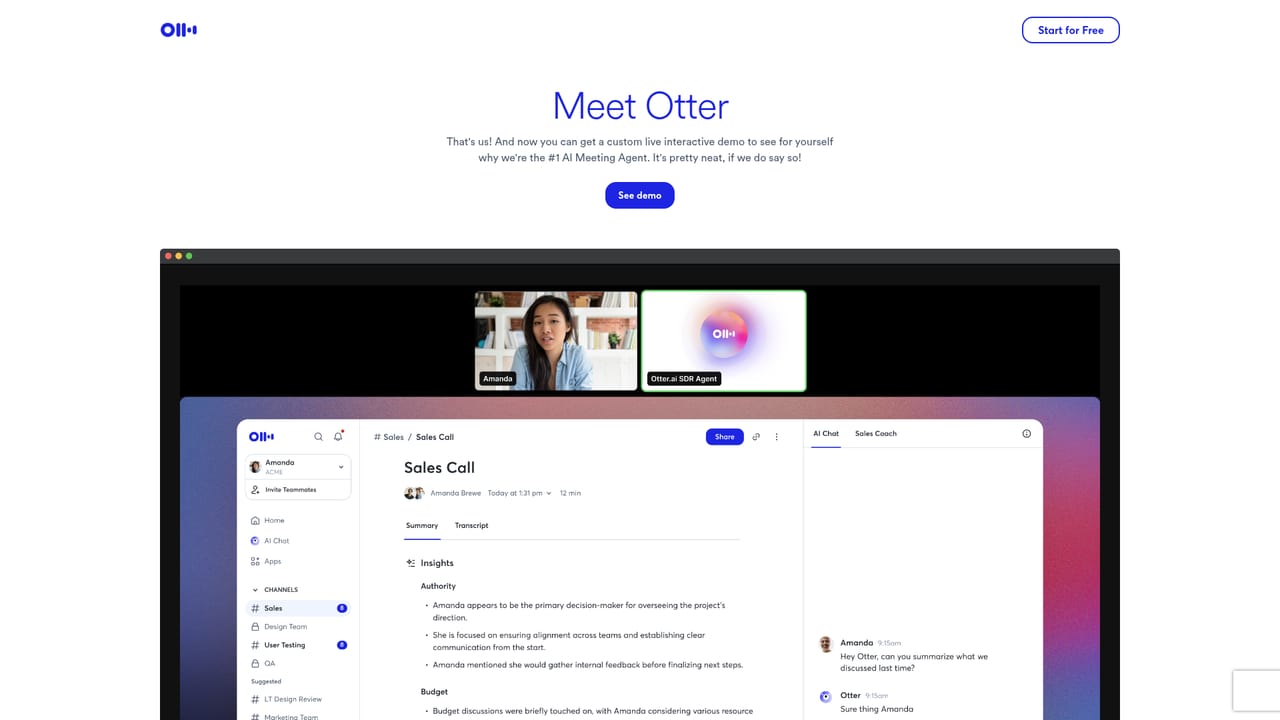
Otter.ai records meetings across desktop, mobile, browser, and meeting bots, then produces live transcripts, summaries, action items, pre-call briefs, and a chat interface that searches everything. Role-specific agents cover sales, education, media, recruiting, and SDR work.
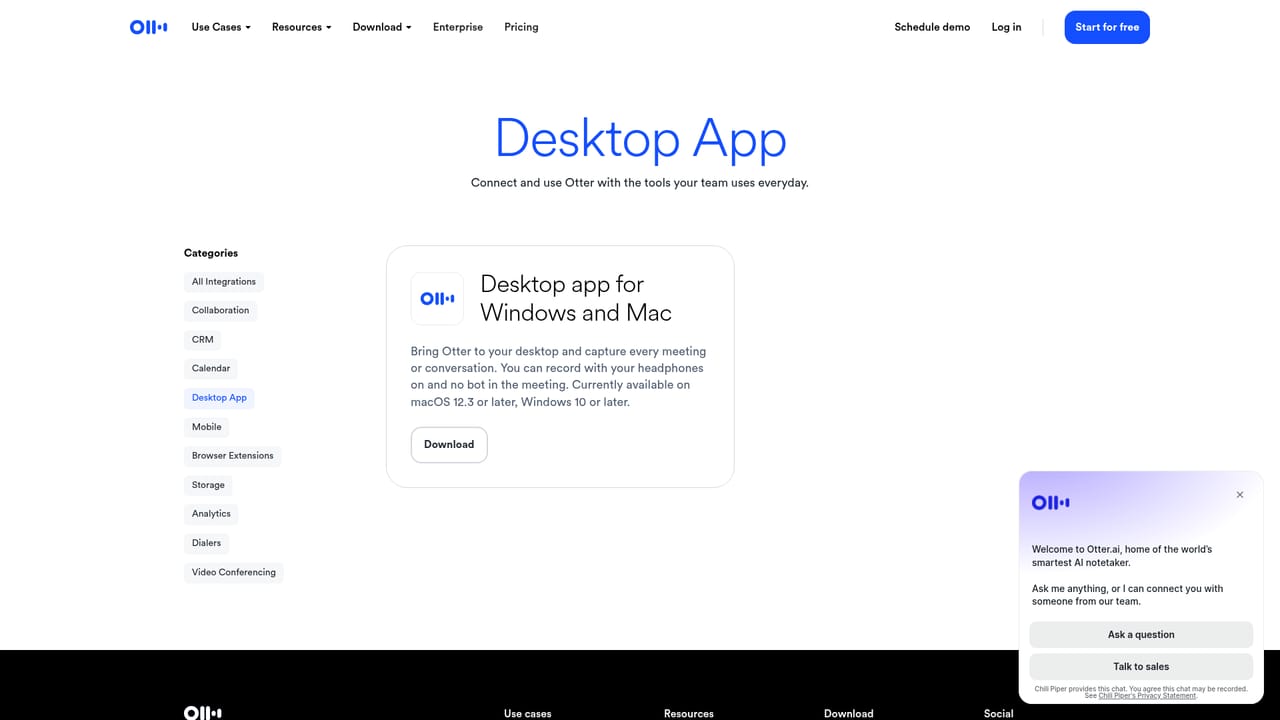
Otter.ai is a meeting AI platform built around an always-on notetaker that records, transcribes, and summarizes conversations, then keeps that material searchable for later use. The product has grown past simple transcription into what the company calls a Conversational Knowledge Engine: a place where past calls, decisions, and action items become a working memory that can be queried and pushed into other tools. In practice, there are several capture routes. Users can send an AI notetaker bot into Zoom, Microsoft Teams, or Google Meet calls, schedule it through Google Calendar, or record bot-free from a Mac or Windows desktop app, a browser on Chrome, or a mobile device. During the call, live transcription runs in multiple languages with speaker recognition, and Live-Assist coaching surfaces real-time prompts based on conversation history and company playbooks. Afterward, Otter produces summaries with decisions and action items, assigns next steps, and can push deal details and notes into a connected CRM. Otter AI Chat is the retrieval layer. It searches across recorded meetings and connected apps to answer questions and draft follow-ups, reports, or other content. Pre-call briefings arrive before a meeting with prior discussions, open action items, and updates. Channels group recordings by team, project, or topic so colleagues share one searchable space, and an MCP Server lets external chat tools such as ChatGPT and Claude pull from meeting knowledge securely. Otter packages the same engine for specific jobs: sales agents, an education agent, a media agent, a recruiting agent, and an SDR agent that handles demos and booking from a website. That makes it a fit for sales teams, students and instructors, interviewers, and production crews rather than a single niche. Buyers comparing transcription services should note that Otter positions itself as a broader workflow tool with enterprise governance, not just a transcript generator.
The homepage offers a Start for free signup path, which indicates a no-cost entry point rather than a time-limited trial. Plan limits and paid tiers are not described on the homepage.
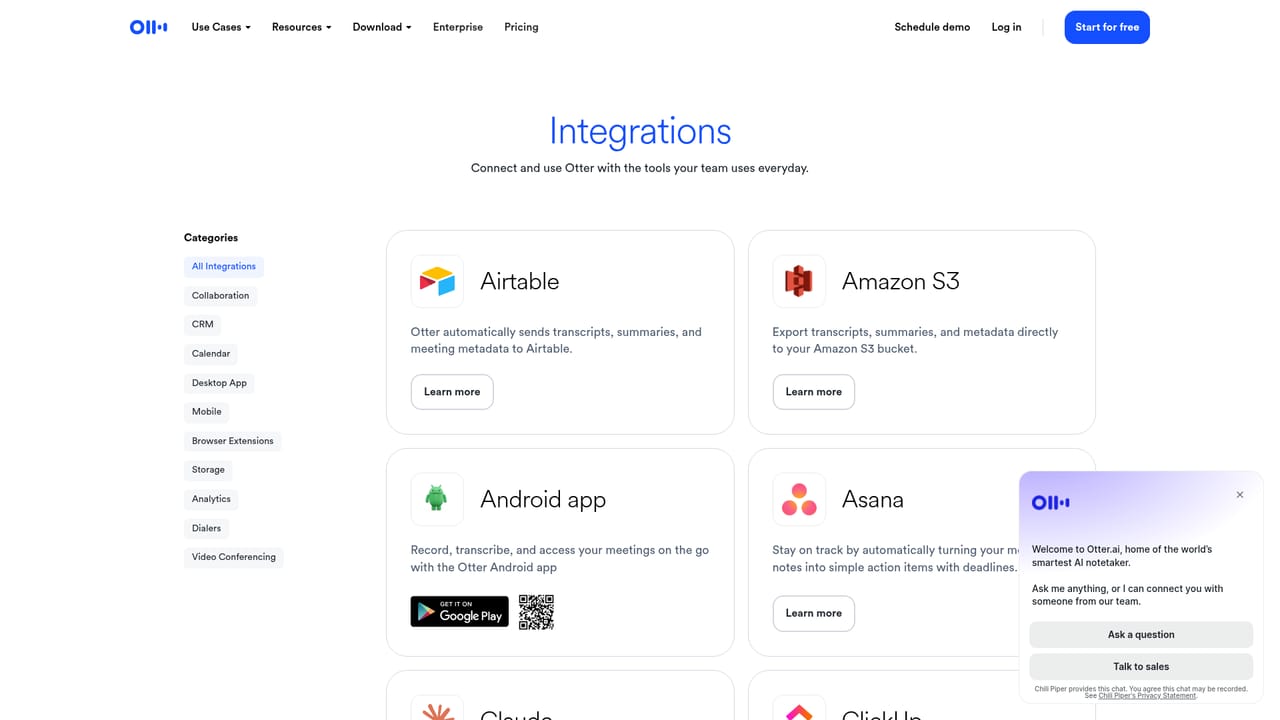
Learn moreThe homepage names Zoom, Google Meet, Microsoft Teams, Google Calendar, Slack, Salesforce, Google Drive, Google Docs, Dropbox, and Claude, plus an MCP Server for ChatGPT and other AI chat tools. A full list is not published on the homepage.
Learn moreCore features include live multilingual transcription with speaker recognition, automatic summaries with decisions and action items, pre-call briefings, Live-Assist coaching during calls, Otter AI Chat for querying meeting history, CRM sync for sales insights, shared Channels, and an MCP Server for connecting meeting knowledge to external AI chat tools.
 AI Angels400+ customizable AI girlfriends for NSFW chat, voice calls, and roleplay
 Candy AIExperience the future of companionship with AI friends who chat, role-play, and connect with you on a human level.
 ourdream.aiA vast AI roleplay platform with millions of characters for chat, images, video and voiceAI Angels400+ customizable AI girlfriends for NSFW chat, voice calls, and roleplayCandy AIExperience the future of companionship with AI friends who chat, role-play, and connect with you on a human level.ourdream.aiA vast AI roleplay platform with millions of characters for chat, images, video and voice


