Support
Support runs through a 30 minute demo call booked from the site, with a blog covering topics such as AI software factories and the Gartner Innovation Insight report.
Learn moreRun and govern autonomous coding agents across your whole engineering stack

Overcut.ai is a developer tool. An enterprise platform for deploying, orchestrating and governing autonomous coding agents across GitHub, GitLab, Bitbucket, Azure DevOps, Jira and CI pipelines, with model choice, approval gates, audit trails and on-prem or air-gapped deployment options.
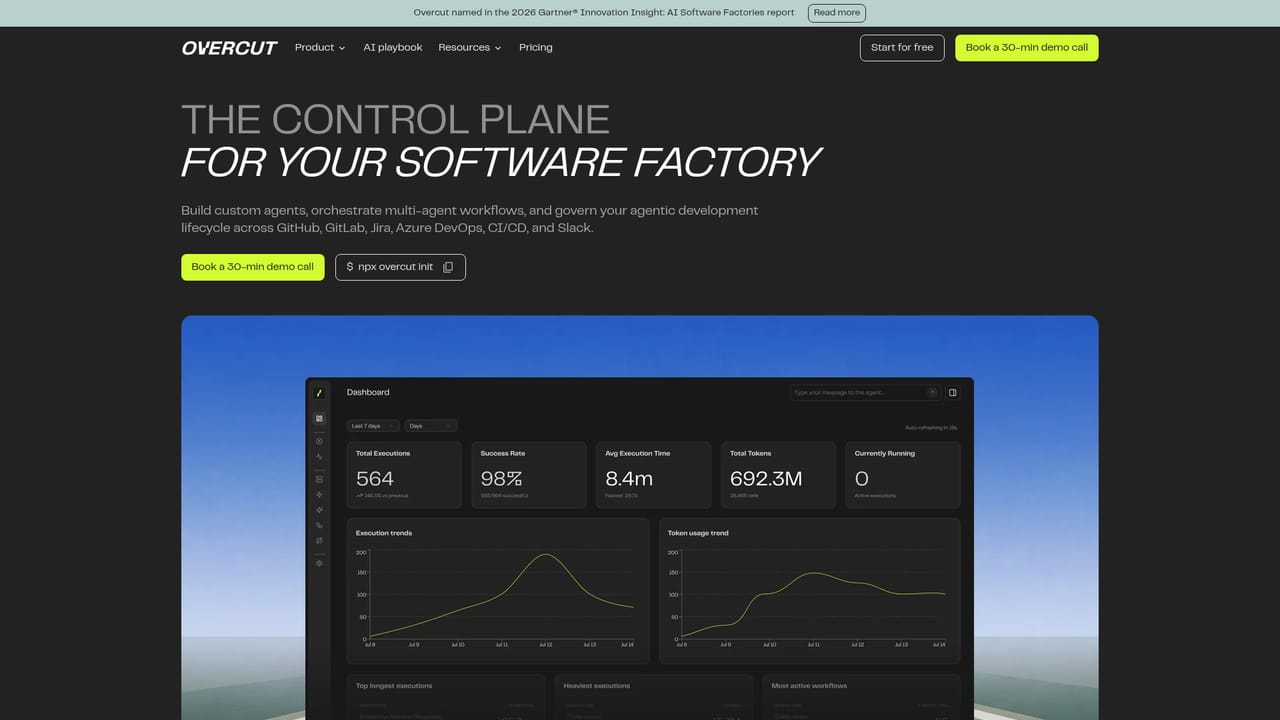
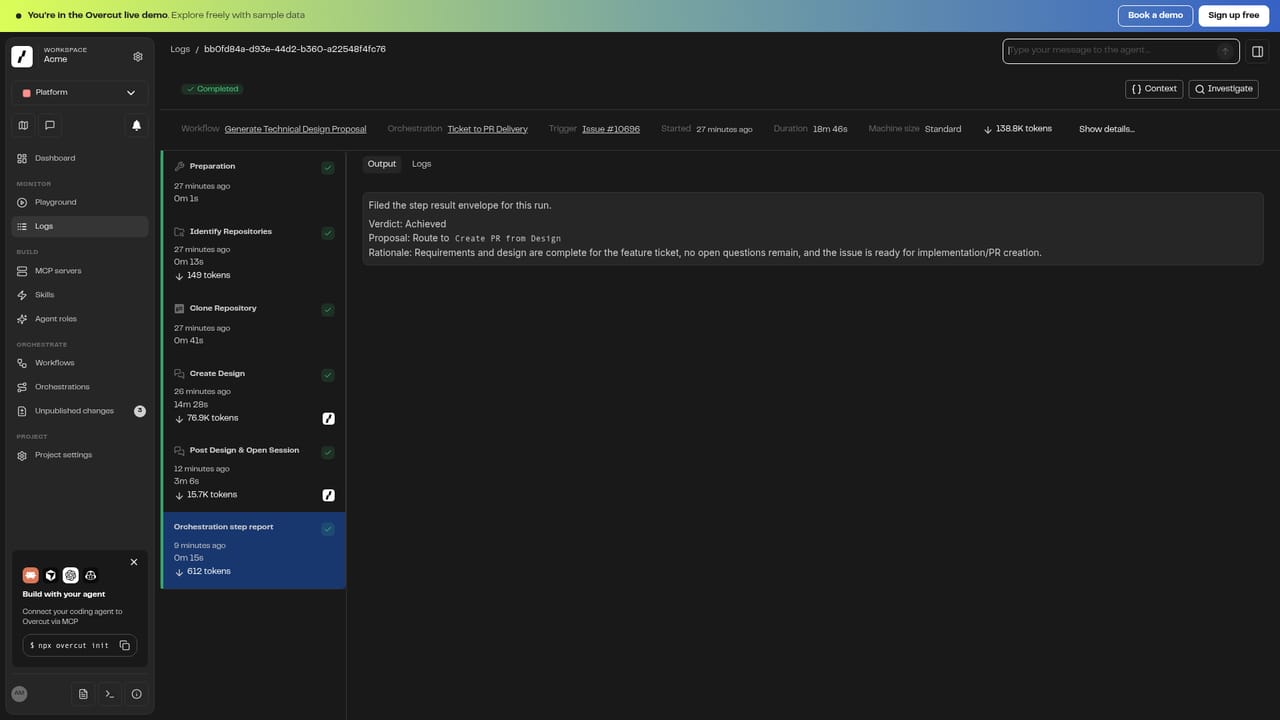
Overcut is a platform for building and operating what the company calls a software factory: teams of autonomous coding agents that handle backlog tickets, pull request reviews, CI failures and documentation chores. Rather than a single assistant bolted onto one editor, it sits above your existing repos and trackers and standardizes how agents are configured, triggered and audited across teams. Existing coding agents such as Claude Code, Cursor, GitHub Copilot or OpenAI models can be plugged in rather than replaced. The product is organized around four stages. Build covers agent construction with MCP tools, prompts, memories and skills on whatever model you choose, including Claude, OpenAI, Bedrock, Azure OpenAI or a private endpoint. Connect links those agents to GitHub, GitLab, Bitbucket, Azure DevOps, Jira, CI pipelines and observability tooling. Orchestrate handles multi-agent workflows with handoffs, shared context, triggers and approval gates. Grow adds retrospectives, self-improvement, run analytics and workflow templates so a handful of agents can scale to thousands. The audience is platform and engineering leadership at larger organizations, not solo developers. The pitch leans heavily on control: SOC 2 Type II, SAML SSO, role-based access, audit logs on every run, sandboxed execution, and deployment options spanning SaaS, private cloud, on-premises and fully air-gapped environments. Setup starts from a command line (`npx overcut init`), which inspects the repository, proposes workflows such as code review, CI fixes and docs updates, then runs a draft pass before triggers go live. Alternatives split into two camps. Editor-native assistants help one developer inside one file, while Overcut targets process-level automation spread across many repositories and many teams at once, with the governance layer as the differentiator. It is a heavier commitment, and the homepage gives no pricing, so budget discussions start with a demo call.
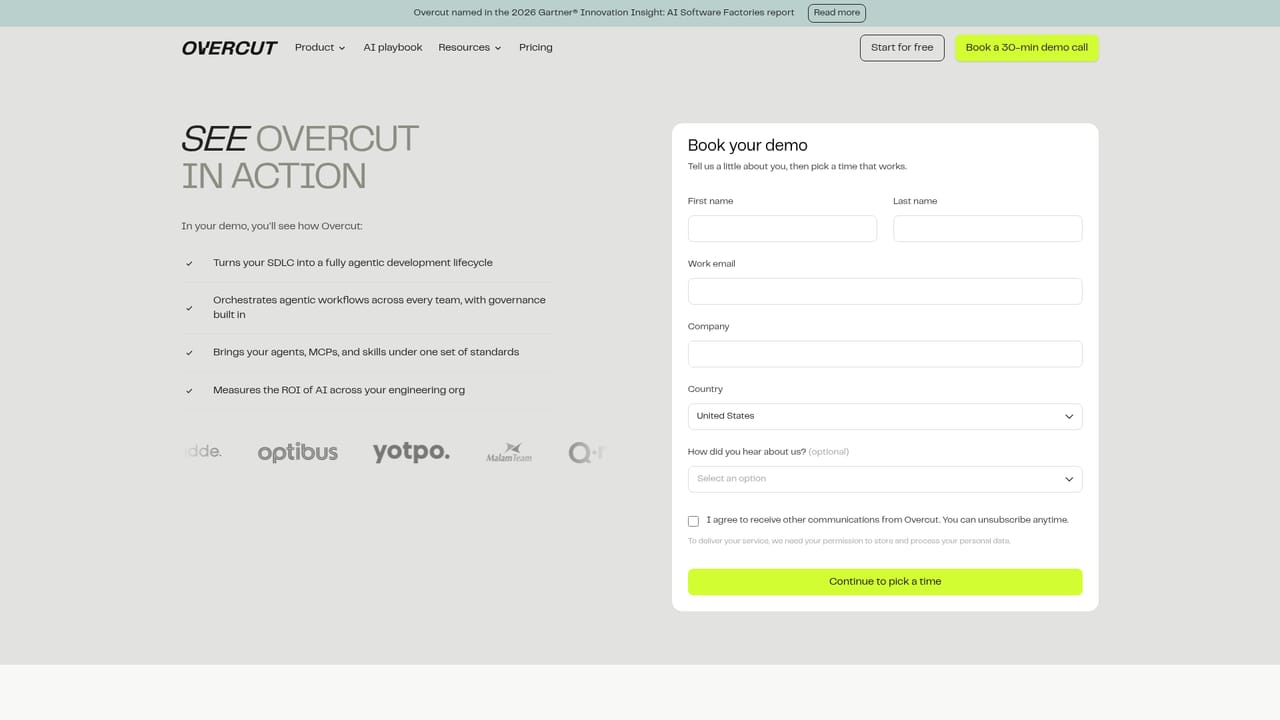
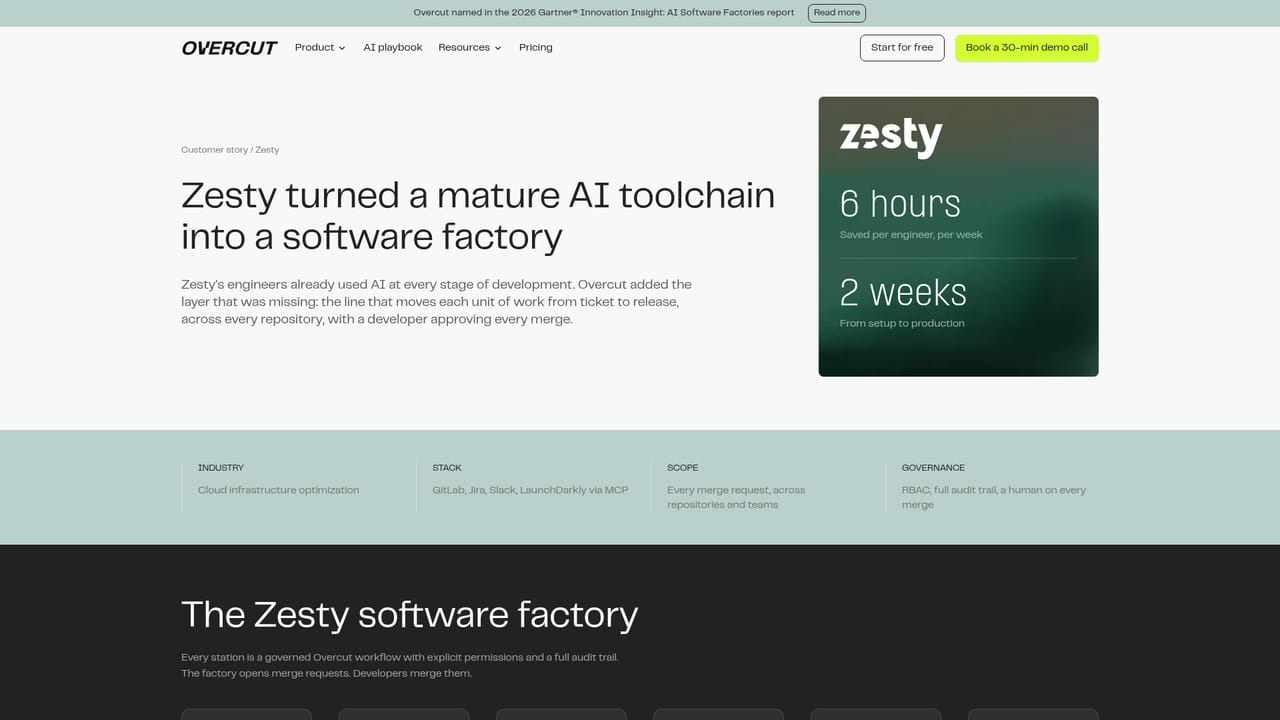
Support runs through a 30 minute demo call booked from the site, with a blog covering topics such as AI software factories and the Gartner Innovation Insight report.
Learn moreGitHub, GitLab, Bitbucket, Azure DevOps, Jira and Slack plus CI pipelines and observability tools, with an MCP catalog for extending agents. Models include Claude, OpenAI, Bedrock, Azure OpenAI, Cursor, GitHub Copilot and private endpoints.
Learn moreAgent building on any model with MCP tools, prompts, memories, skills and existing coding agents; connections to GitHub, GitLab, Bitbucket, Azure DevOps, Jira, CI pipelines and observability; multi-agent orchestration with handoffs, shared context, triggers and approval gates; growth tooling with templates, retrospectives, self-improvement and run analytics; enterprise security with SSO, RBAC, sandboxing and audit logs.
Learn more AI Angels400+ customizable AI girlfriends for NSFW chat, voice calls, and roleplay
 Candy AIExperience the future of companionship with AI friends who chat, role-play, and connect with you on a human level.
 ourdream.aiA vast AI roleplay platform with millions of characters for chat, images, video and voiceAI Angels400+ customizable AI girlfriends for NSFW chat, voice calls, and roleplayCandy AIExperience the future of companionship with AI friends who chat, role-play, and connect with you on a human level.ourdream.aiA vast AI roleplay platform with millions of characters for chat, images, video and voice


