What these tools do
PDF to calendar is really a shortcut question: a reader has a PDF (a conference agenda, a term schedule, a travel itinerary) and wants its dates to land in a calendar without retyping each line. The tools here approach that job from different angles. A few extract dates straight from files, photos or voice notes and build events. Several work through messaging or a voice assistant, so a forwarded document becomes tasks and appointments in a household or personal calendar. Others start from capture (notes, chats) and push the resulting events into your schedule. They replace the copy and paste pass between a document and a calendar app, and they suit people who handle family logistics, study plans or work schedules and want the details pulled out automatically.
How to choose one
Start with the input. Some tools accept a file or photo of a document and read dates from it; others depend on you describing the event in a message or voice note. Match that to how your PDFs arrive. Next, decide whether you want a dedicated date extractor or an assistant that handles calendars alongside chores, lists and reminders. If your household already coordinates by text, an assistant that lives in messages saves a step; if you only need the PDF turned into events, a focused converter is faster. Platform matters too: check iOS, Android or web support against the devices you actually use. Finally, consider the output. Some tools create calendar events, others create tasks or lists alongside events, and a few feed a wall-mounted family hub rather than a personal calendar.
Notable tools
Smart Calendars AI turns voice notes, photos and files into calendar events, which is the closest fit when the source is a PDF or a picture of one.
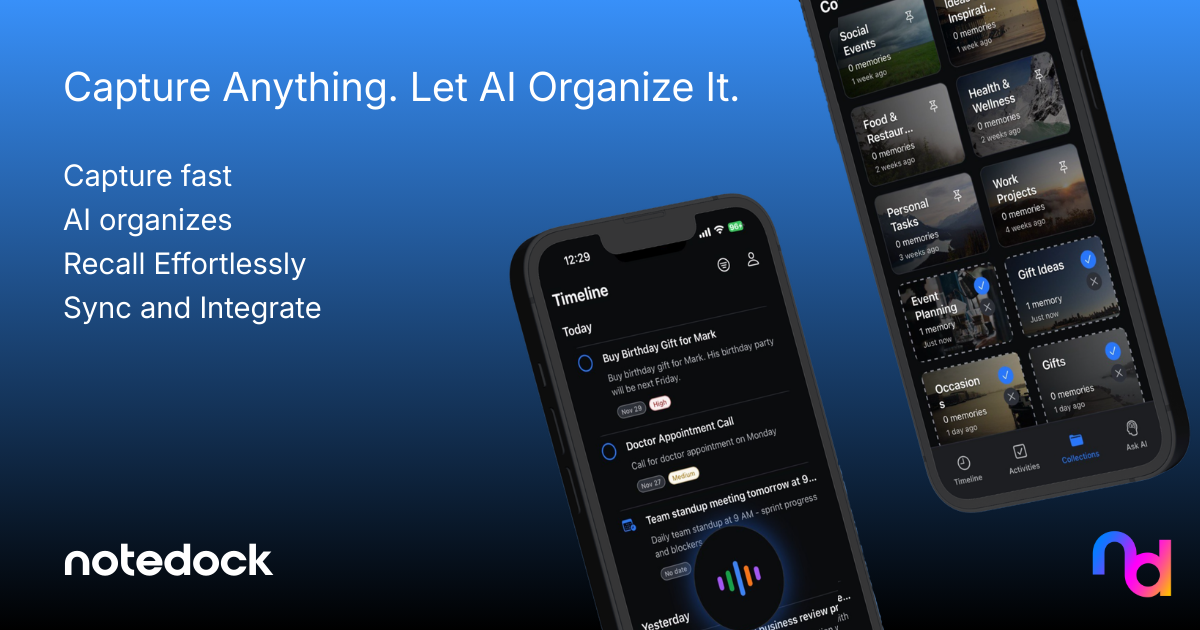
NoteDock is a capture-first notes app that turns scattered thoughts into tasks and events, useful if your PDFs sit alongside notes and loose plans.
Memorae acts as a memory layer that turns casual messages into reminders, lists and briefings, so forwarded details become scheduled items.
Peeta is a family assistant that turns messages and emails into tasks, suited to shared household schedules rather than single-user calendars.
Ollie AI runs a household over text as a personal AI assistant, a fit when several people need to see the same appointments.
MobileGPT is a ChatGPT-style agent inside WhatsApp, handy when the document arrives in a chat and the event should come back there.
Common questions
Can a PDF really become a calendar event?
Yes, within limits. A tool reads the dates and times in the document and creates event entries, but a messy or scanned PDF may need a clean photo or a second pass. Expect to check the results before trusting them.
Do I need a separate app for this?
Not always. Several assistants here accept files, photos or voice notes and schedule them from a single chat, so the PDF step happens inside a tool you already use. A dedicated calendar converter is better if documents are your only input.
Which input works best for a schedule PDF?
A clear digital file beats a scan, and a good photo beats a blurry one. Voice notes work when you would rather describe the event than upload the page.
When to look elsewhere
If your real problem is understanding a long PDF rather than scheduling its dates, the PDF Solver category is the better stop. If you want an assistant that anticipates tasks before you ask, Proactive AI Assistant covers that ground.