Support
A FAQ section addresses what an AI passport photo maker is, background customization, selfie uploads, country coverage, pricing, acceptance, formats and photo privacy, though answers are not shown in the homepage content.
Compliant passport and visa photos from your phone in minutes
Own PassportMaker? Verify ownership to get a dofollow link

PassportMaker turns an ordinary photo or selfie into a document-ready portrait, auto cropping to the right size for passports, visas, green cards and other IDs. It adds background replacement, lighting fixes and clothing swaps. Web and mobile apps, with shooting guidance for compliant results.
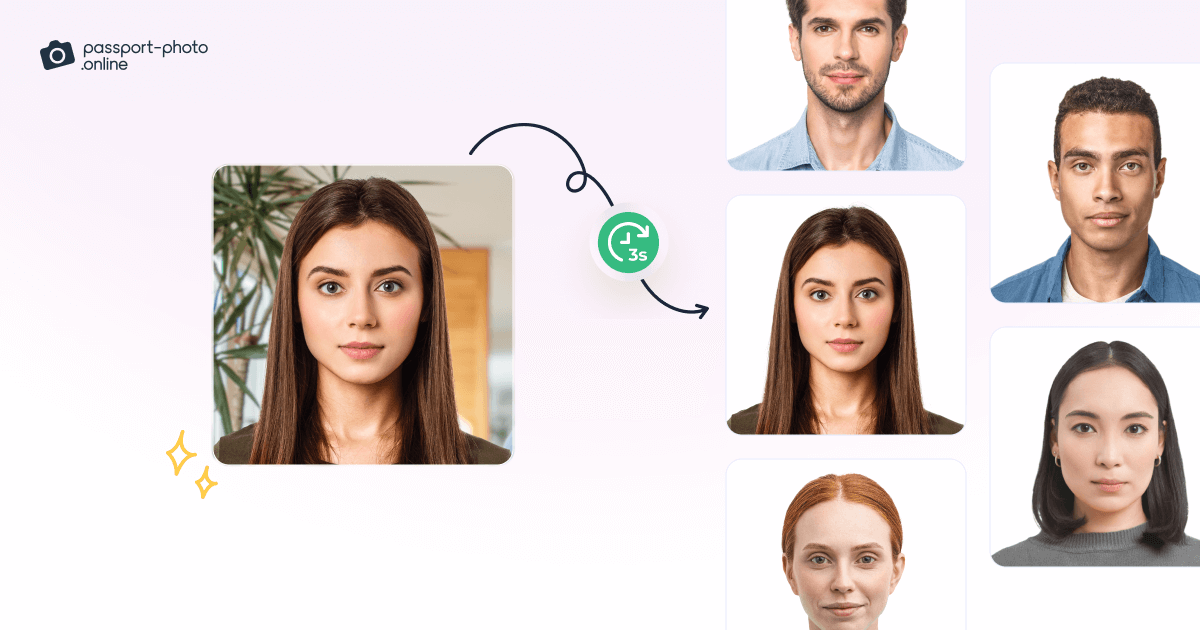
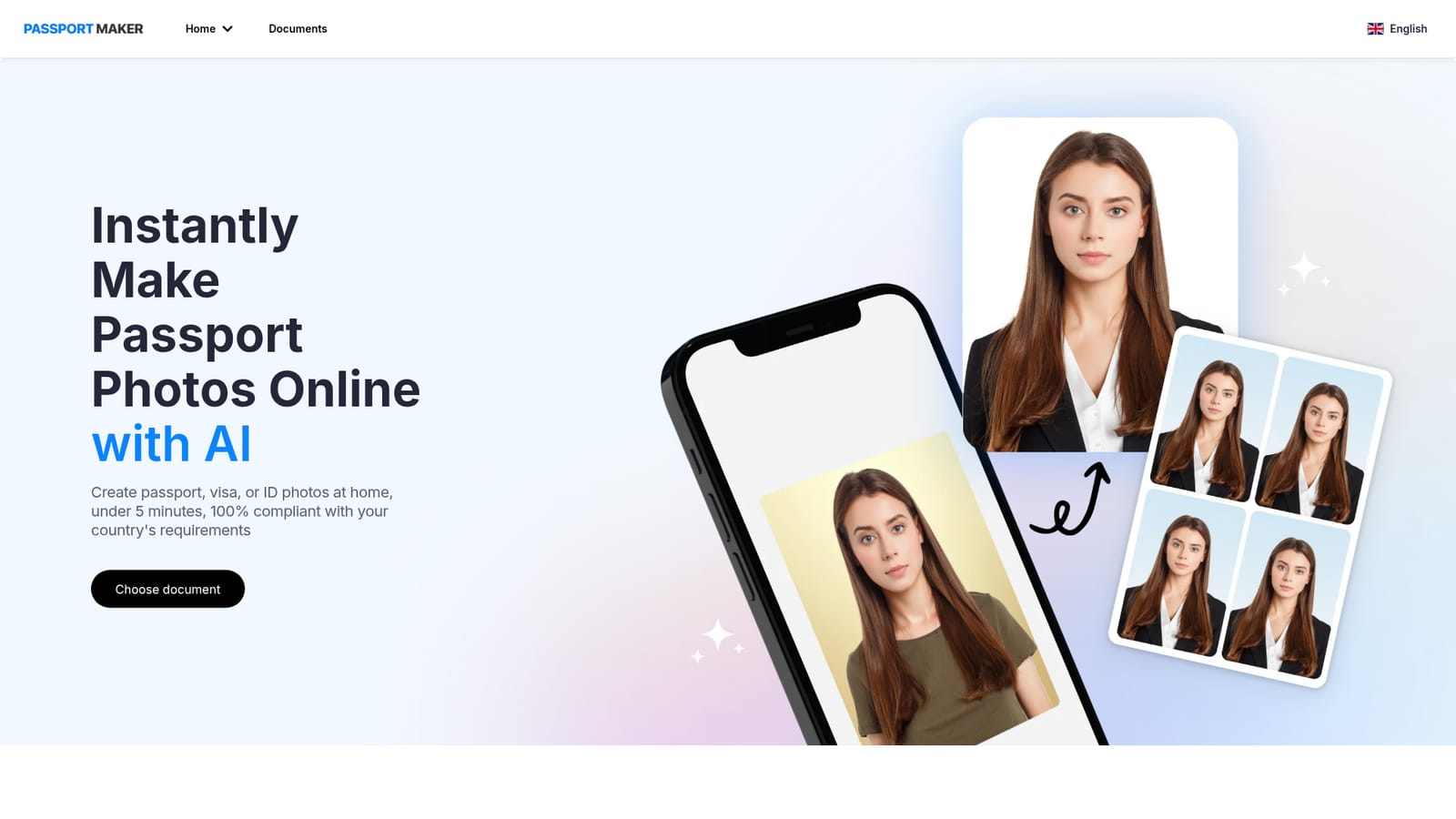
PassportMaker is an AI photo tool built around a single, narrow task: turning a regular photo into an official document portrait that meets a government specification. The homepage positions it for passport, visa, green card, citizenship and driving licence submissions, and the workflow runs in three stages. You pick the document you are applying for, upload a picture, and the AI detects the head, crops and centers it to the standard dimensions for that document, then offers manual adjustments on top. The edit layer is where it goes beyond a simple cropper. Users can swap the background color, let the AI remove the original background entirely, apply automatic lighting correction, enhance a soft or blurry shot, and change clothing (suits and shirts are the examples given, fitted to the person's shape). A review screen shows the result before download. Separate shooting tips cover background, head position, accessories, shadows, posing and lighting, with good and bad sample photos, which is useful for people who have never shot a document portrait before. Mobile is clearly the priority. Native Android and iOS apps are promoted with download badges and a QR code, and the copy frames the product around convenience: no photo booth, no studio visit, results in under five minutes according to the site. The document picker covers popular categories such as US passport, UK visa, green card and employment authorization, and the FAQ claims support for multiple countries' requirements, though the full country list sits behind a documents page. Compared with general photo editors, PassportMaker trades flexibility for compliance and speed. It is aimed at travellers, visa applicants, new parents sorting infant documents and anyone renewing ID paperwork who would rather shoot at home. Buyers should note that the homepage does not publish pricing tiers, supported file formats or the full country coverage, so those details need checking inside the product before relying on it for an important submission.
A FAQ section addresses what an AI passport photo maker is, background customization, selfie uploads, country coverage, pricing, acceptance, formats and photo privacy, though answers are not shown in the homepage content.
Core features cover AI face detection with cropping and centering to document standards, background removal and color changes, automatic lighting adjustment, blur enhancement, and AI clothing swaps with auto fitting. A document chooser handles passports, visas, green cards, citizenship and other IDs, and a tips section explains background, posing, lighting and accessory rules with example photos.
 AI Angels400+ customizable AI girlfriends for NSFW chat, voice calls, and roleplay
 Candy AIExperience the future of companionship with AI friends who chat, role-play, and connect with you on a human level.
 ourdream.aiA vast AI roleplay platform with millions of characters for chat, images, video and voiceAI Angels400+ customizable AI girlfriends for NSFW chat, voice calls, and roleplayCandy AIExperience the future of companionship with AI friends who chat, role-play, and connect with you on a human level.ourdream.aiA vast AI roleplay platform with millions of characters for chat, images, video and voice