Free trial
The checks themselves are free and unlimited: the tool runs all 14 rules and shows results before any payment. Only the download is paid.
Learn moreFree 14-rule passport photo check, then a sized photo from $9.99
Ricebowl AI is an AI ID editor tool. A browser based passport photo maker that runs 14 official checks on a selfie for free, measures it against 894 document specifications, and charges from $9.99 once for a cropped file or print sheet.
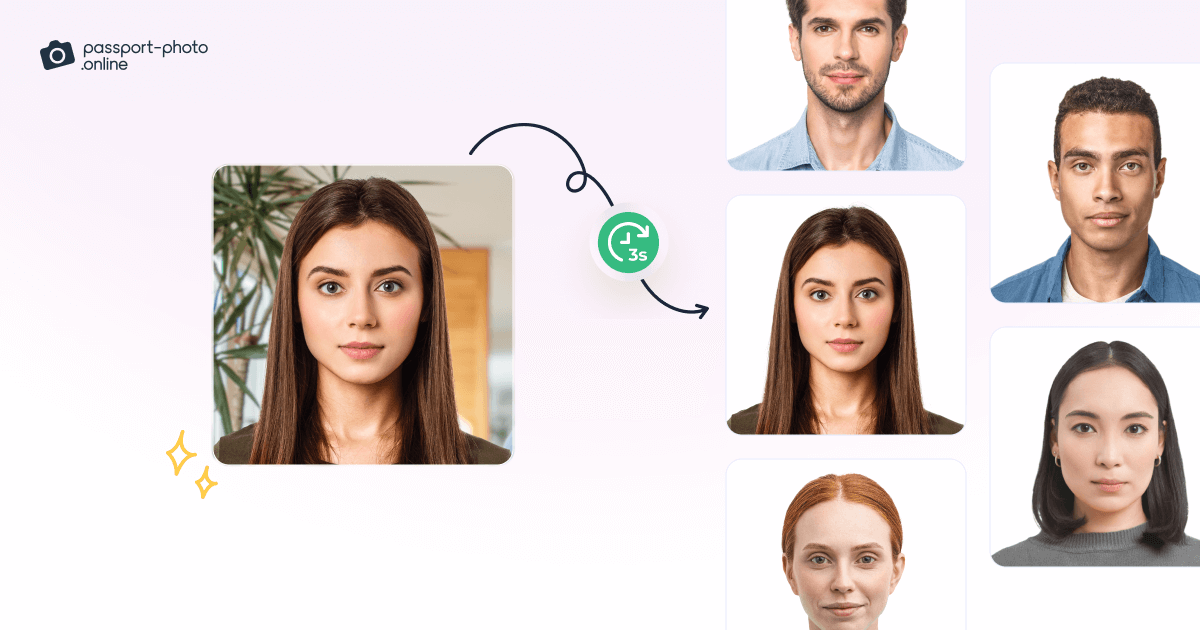
Ricebowl AI's passport photo maker is a browser tool that measures a normal phone selfie against the published photo rules for a chosen passport, visa, ID card or licence, then produces a correctly cropped file. The pitch is narrow and practical: any gallery app can cut a square, but few tell you whether your head height sits inside the official range or whether a shadow on the wall behind you will cause a rejection. In practice the workflow is four steps. You confirm your country and document (the tool pre-fills a guess from your location), upload a photo from phone or laptop, and watch 14 checks run: one face only, crown and chin in frame, nose to camera, chin level, eyes open, glasses, red eye, mouth closed, neutral expression, enough detail, plain background, balanced exposure and shoulders visible. Every pass, warning and fix appears before any payment screen. If something fails, checkout does not open. The final item is a digital file or a 4x6 print sheet at 300 DPI for a print shop. The claims worth checking are the measurement layer and the privacy model. The tool says it carries 894 document specifications and reads size, head height and eye line from the one you pick, so a US 51 by 51 mm photo is not a European crop scaled up. It cites ICAO Doc 9303, ISO/IEC 19794-5, 22 CFR 51.21 and the Schengen Visa Code as sources, and links numbers back to authority pages. Processing runs in the browser and the photo is not uploaded, so there is no account and no stored copy. It suits applicants renewing at home, parents wrestling with baby photos, and anyone who has had a drugstore photo bounced. Ricebowl is an independent service, not a government agency, and it says so plainly: requirements should be confirmed with the issuing authority.
The checks themselves are free and unlimited: the tool runs all 14 rules and shows results before any payment. Only the download is paid.
Learn moreFree to run all 14 checks. A finished digital photo costs $9.99 as a one-time payment, or $12.99 with a 4x6 print sheet at 300 DPI. No account is required and nothing is charged until every check passes.
Learn more14 automated compliance checks on each photo, including head height, eye line, head angle, background and exposure. Measurements are drawn from 894 document specifications covering passports, visas, ID cards and licences. Output is a digital file or a 4x6 print sheet at 300 DPI. Processing runs in the browser, so the photo is never uploaded.
 AI Angels400+ customizable AI girlfriends for NSFW chat, voice calls, and roleplay
 Candy AIExperience the future of companionship with AI friends who chat, role-play, and connect with you on a human level.
 ourdream.aiA vast AI roleplay platform with millions of characters for chat, images, video and voiceAI Angels400+ customizable AI girlfriends for NSFW chat, voice calls, and roleplayCandy AIExperience the future of companionship with AI friends who chat, role-play, and connect with you on a human level.ourdream.aiA vast AI roleplay platform with millions of characters for chat, images, video and voice