Free trial
A free trial is mentioned on the homepage with no credit card required. Exact duration and limits are not stated.
Learn moreTurn conversations and meetings into BPMN diagrams with AI assistance.
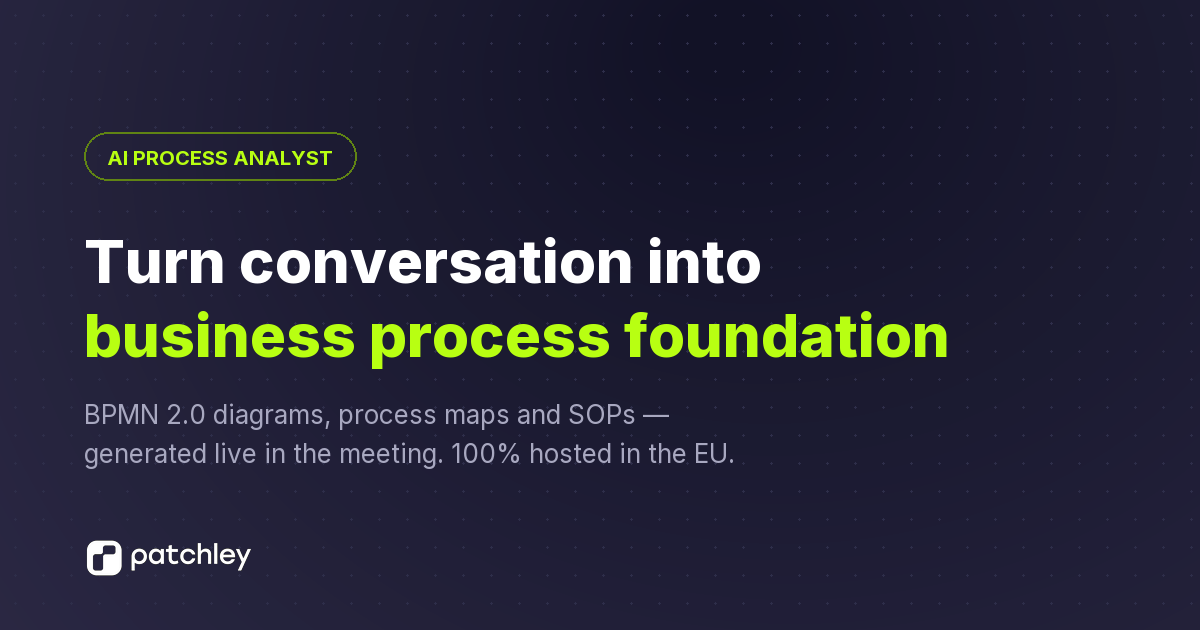
patchley is an AI task generator tool that turns conversations and meetings into BPMN diagrams with AI assistance. patchley converts workshops, interviews, meetings, and documents into BPMN 2.0 diagrams, analyses, and board-ready decks, with a pilot for running processes using people, systems, and AI agents.
patchley is a process intelligence tool that converts spoken or written descriptions of work into BPMN 2.0 diagrams, step-by-step analyses, and presentation decks without requiring low-code development. It is designed for business analysts, process owners, and transformation teams who need to document and improve how work actually happens. The platform captures input from live workshops, interviews, meetings, PDFs, DOCX files, audio recordings, and existing BPMN models, then generates a structured process map in seconds. The resulting diagrams include pools, lanes, systems, data objects, and control steps, and can be edited directly on the canvas while preserving version history. In practice, patchley works where process work happens. It integrates with Microsoft Teams, Zoom, Google Meet, and Webex to join calls as a notetaker, recording only between explicit start and stop commands. While people talk, the process model builds up in real time, and patchley can answer spoken questions. After capture, users can move from As-Is to To-Be design, with lanes derived from the organisation chart and dedicated lanes for AI agents. The analysis layer writes SOPs, pain points, controls, and quantitative figures per step, and these analyses stay in sync with diagram changes while manual edits are kept. Presentation features generate nine slide types and two deck formats in the organisation's branding, with editable PowerPoint export. Compared with traditional process modelling tools that require manual diagramming and separate documentation, patchley positions itself as an analyst that proposes changes rather than overwriting them. It challenges the process, suggests improvements, and brings in outside practice with cited sources, but every change is shown for review before it lands. Execution capabilities, where the released diagram runs as a workflow with people, systems, and AI agents, are currently in pilot. Data is hosted in Germany with EU AI models, and outputs are available in standard formats including BPMN 2.0 XML, SVG, PNG, PPTX, and XLSX.
A free trial is mentioned on the homepage with no credit card required. Exact duration and limits are not stated.
Learn moreSupport is available via email at info@patchley.com. The homepage also offers a 30-minute live demo booking for hands-on guidance.
patchley integrates with Microsoft Teams, Zoom, Google Meet, and Webex for live meeting capture. It imports and exports BPMN 2.0 XML and exports SVG, PNG, PPTX, and XLSX.
patchley captures process descriptions from voice, text, documents, recordings, and existing BPMN files. It generates BPMN 2.0 diagrams in 3 to 10 seconds, supports As-Is and To-Be modelling with AI agent lanes, produces step-level analyses (SOPs, pain points, controls, figures) that stay in sync with diagrams, and creates branded presentation decks with editable PowerPoint export. Meeting integrations include Teams, Zoom, Google Meet, and Webex.
 AI Angels400+ customizable AI girlfriends for NSFW chat, voice calls, and roleplay
 Candy AIExperience the future of companionship with AI friends who chat, role-play, and connect with you on a human level.
 ourdream.aiA vast AI roleplay platform with millions of characters for chat, images, video and voiceAI Angels400+ customizable AI girlfriends for NSFW chat, voice calls, and roleplayCandy AIExperience the future of companionship with AI friends who chat, role-play, and connect with you on a human level.ourdream.aiA vast AI roleplay platform with millions of characters for chat, images, video and voice

.jpg)