Free trial
The homepage invites visitors to try the product for free through the app sign-in, but it does not state trial length or which features are included.
Learn moreTurn a topic, document or URL into an on-brand PowerPoint deck
Own PresentationsAI? Verify ownership to get a dofollow link

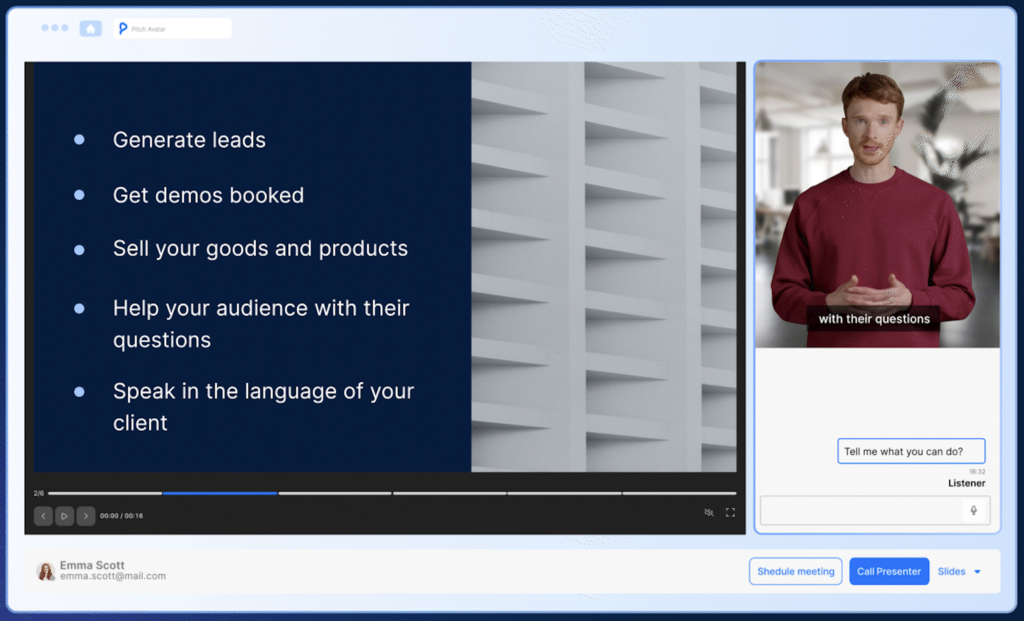
PresentationsAI is an avatar presentation tool that turns a topic, document or URL into an on-brand PowerPoint deck. An AI presentation platform that converts prompts, documents, URLs and spreadsheets into editable, brand-matched PowerPoint decks, with a Refresh agent for scheduled data updates and per-prospect personalization at scale.
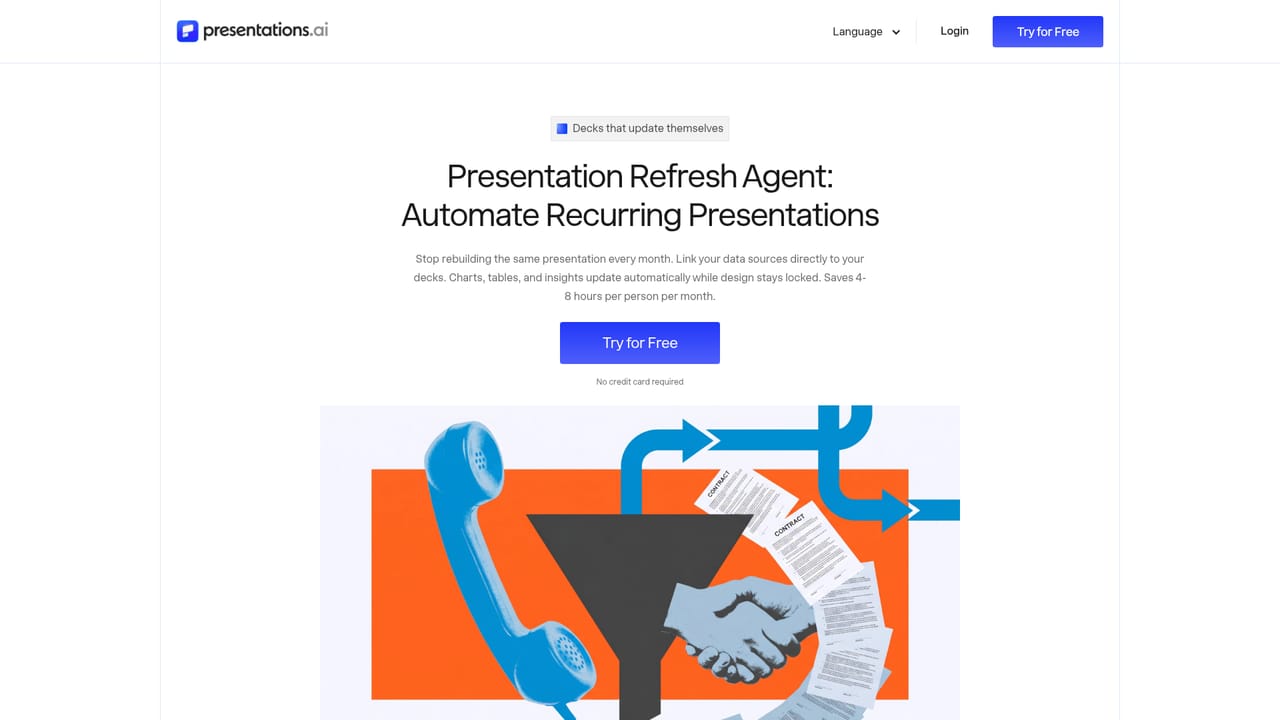
Presentations.AI is a web-based presentation platform built around a single idea: a deck should start from the content you already have rather than a blank canvas. You feed it a prompt, a PDF, a Word document, a Google Doc, an Excel file or a URL, and the engine returns a structured slide sequence with design already applied. The output is a fully editable .pptx file that opens cleanly in PowerPoint or Google Slides, so the work does not stay trapped inside the tool. The company reports more than 12 million users and holds SOC 2 Type II and GDPR compliance, which signals that enterprise buyers were part of the design brief from early on. The product is really a family of entry points sharing one engine. The AI Presentation Maker handles full decks end to end. The AI Slide Creator gives slide-by-slide drafting with drag and drop control for people who want to steer each page. The AI Pitch Deck Generator preloads the investor narrative order (problem, solution, market, traction, ask). A ChatGPT bridge converts an existing conversation or prompt into a finished deck, and template libraries offer both complete deck structures and single-slide layouts for gaps like timelines or team pages. Brand Sync pulls a logo, fonts and colors from a pasted website address so every slide matches the organization. The distinctive piece is the Refresh agent. A master deck can be wired to Salesforce, HubSpot, Google Sheets, Tableau, Looker, Snowflake, Postgres and a long list of other sources, then scheduled to update daily, weekly or monthly while design and narrative stay locked. The same mechanism produces per-prospect versions of a sales proposal with new names, numbers and context. For software builders, white-label and REST API access allow deck generation triggered by a form submission or a deal stage change. It suits founders, sales teams, product marketers, consultants and customer success groups who rebuild similar decks constantly. Compared with generic chatbots that output text outlines, Presentations.AI competes on structural sequencing, brand fidelity and native PowerPoint export. Compared with established design suites, it trades fine-grained visual authoring for speed and automated data refresh.
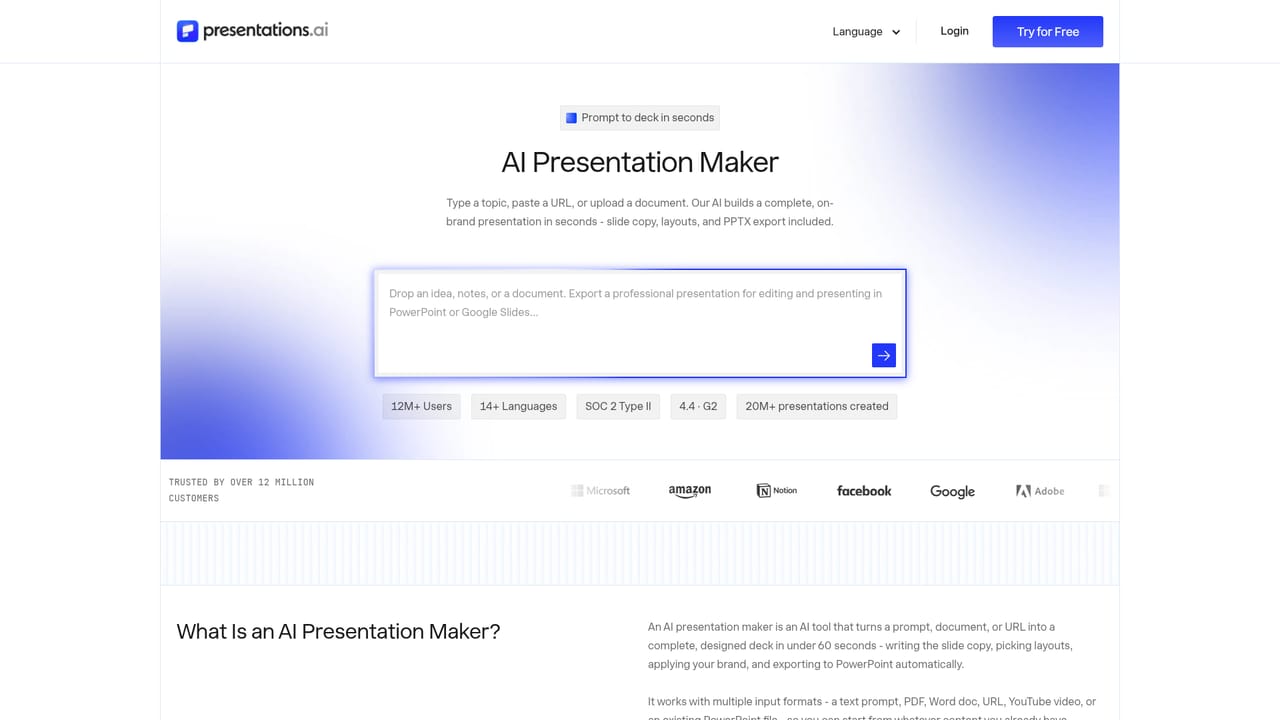
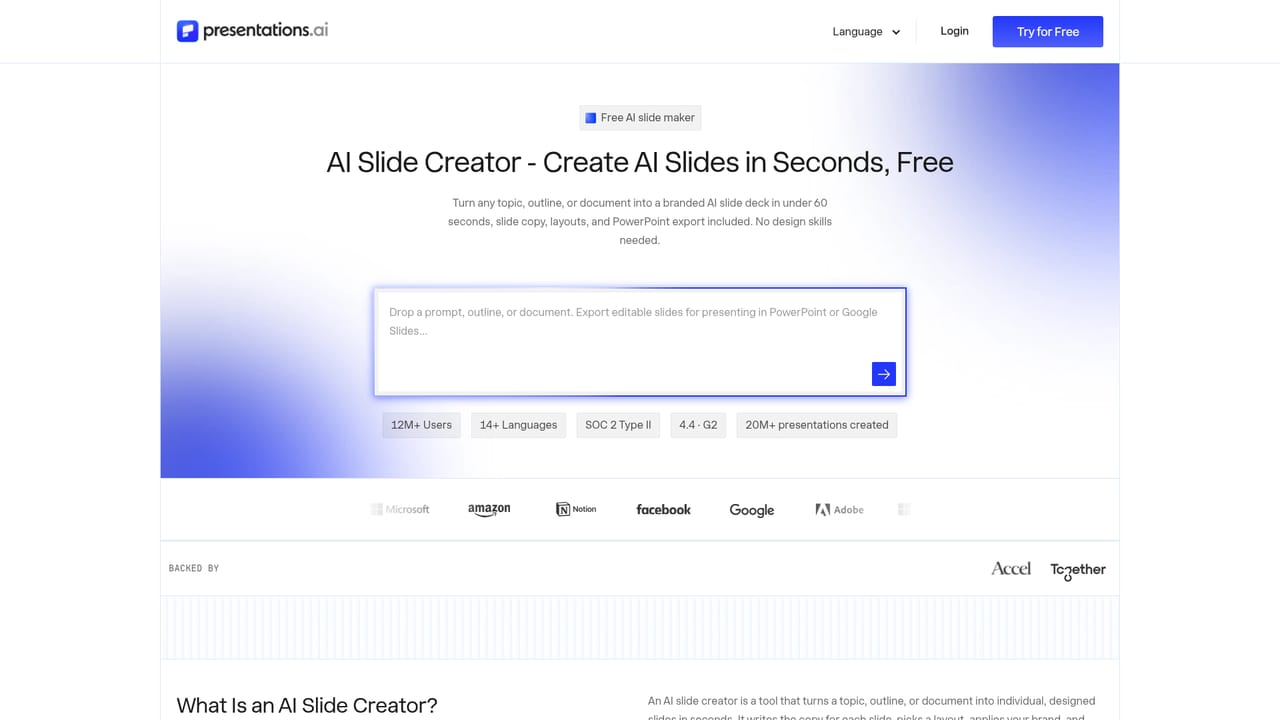
The homepage invites visitors to try the product for free through the app sign-in, but it does not state trial length or which features are included.
Learn moreThe Refresh agent connects to Salesforce, HubSpot, Google Sheets, Tableau, Looker, Databox, Mixpanel, PostgreSQL, MySQL, Snowflake and 50+ more sources. No-code triggers run through Zapier and Make, with REST API and webhooks for coded workflows.
Learn moreFull-deck generation from prompts, documents and URLs, slide-by-slide creation, an investor pitch generator, a ChatGPT to deck bridge, 1000+ deck templates plus single-slide layouts, Brand Sync for automatic logo and font matching, native PowerPoint export, scheduled data refresh from 50+ sources, per-prospect personalization at scale, white-label deployment and REST API access.
Learn more AI Angels400+ customizable AI girlfriends for NSFW chat, voice calls, and roleplay
 Candy AIExperience the future of companionship with AI friends who chat, role-play, and connect with you on a human level.
 ourdream.aiA vast AI roleplay platform with millions of characters for chat, images, video and voiceAI Angels400+ customizable AI girlfriends for NSFW chat, voice calls, and roleplayCandy AIExperience the future of companionship with AI friends who chat, role-play, and connect with you on a human level.ourdream.aiA vast AI roleplay platform with millions of characters for chat, images, video and voice