Free trial
Editing can be started for free without a credit card, though an account sign-in is needed to run edits. Free usage limits are not detailed on the page.
Learn moreEdit photos by typing what you want changed, no Photoshop needed
Own PiCrafts AI Image Editor? Verify ownership to get a dofollow link

PiCrafts AI Image Editor is an image editing tool that edits photos by typing what you want changed, no Photoshop needed. PiCrafts AI Image Editor is a web tool that edits photos from plain text prompts. Upload an image, describe the change, and download the result.
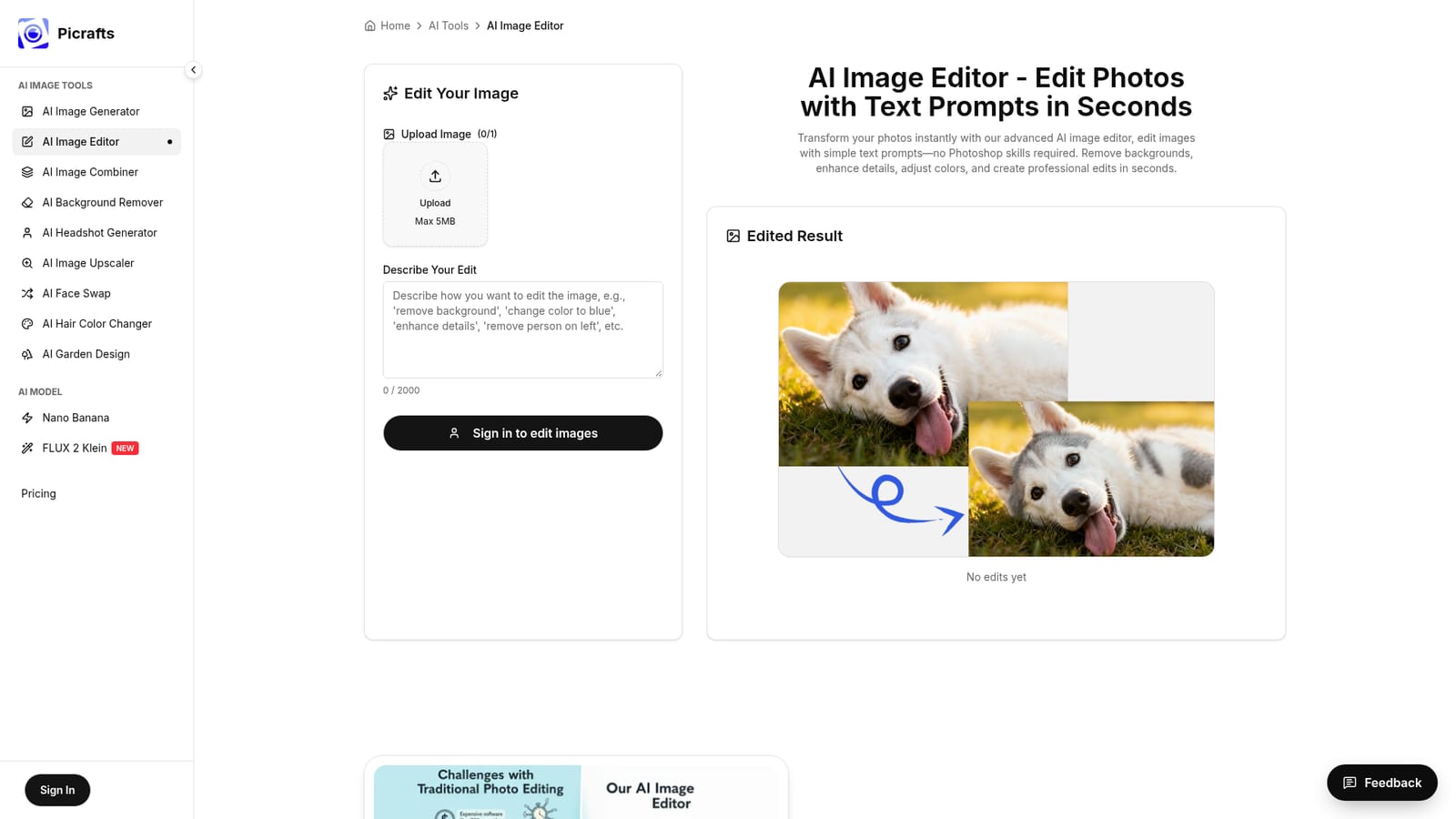
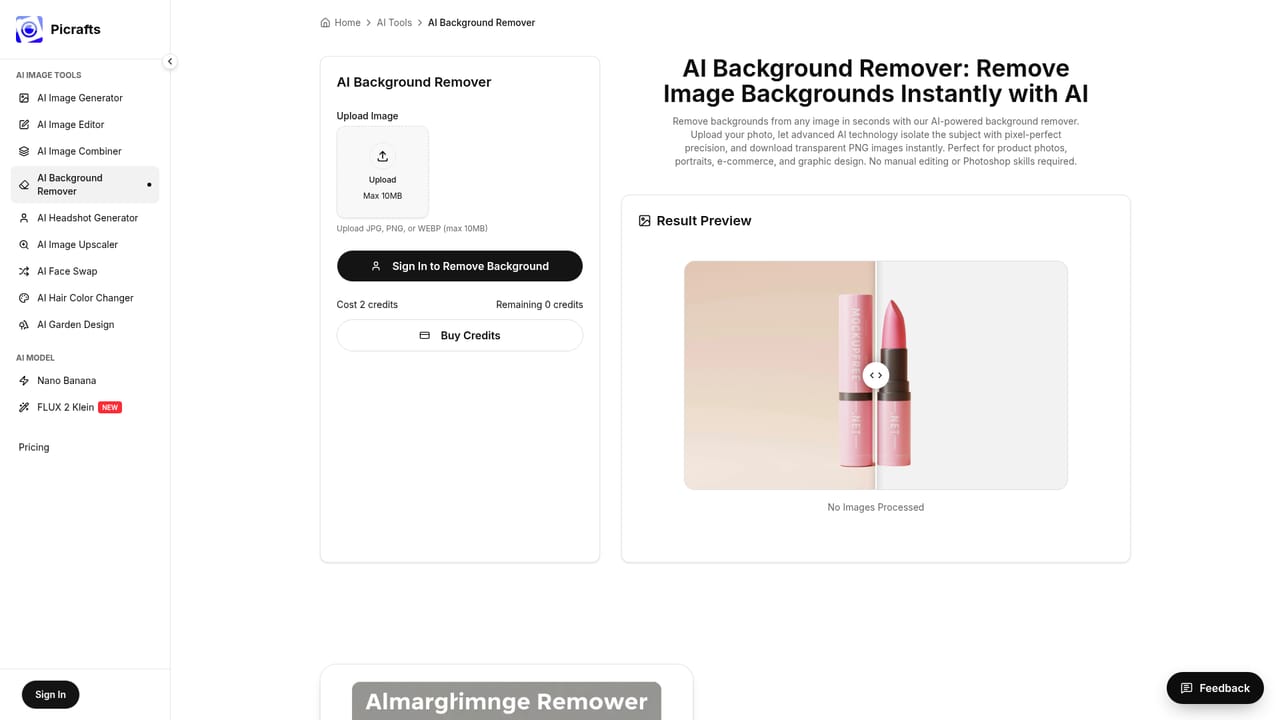
PiCrafts AI Image Editor is a browser-based photo editor that replaces manual tools with written instructions. A user uploads a picture, types a request such as removing a background, swapping a sky for a sunset, taking a person out of the frame or warming the colors, and the AI applies the change automatically. The page names Nano Banana as the model behind the edits, and the result is shown next to the original so it can be judged before saving. The audience is people who need usable images quickly but have no training in layer-based software. The testimonials on the page come from e-commerce sellers, social media managers, marketers, photographers, graphic designers and real estate agents, which points to product photos, ad creatives, property listings and quick client revisions as the typical jobs. The site stresses practical output for marketing and online selling over purely decorative generation, and it states that full commercial rights come with every image. In practice the workflow has three stages: upload, describe, download. Files in JPG, PNG or WebP format are accepted, the prompt field allows up to 2,000 characters, and a signed-in account is required to run an edit. If a result misses the mark, the user can regenerate it and then export a high-resolution PNG or JPG, or share it straight to social media. The site says editing takes seconds, and that starting does not require a credit card. Paid plans are listed on a separate pricing page. Among alternatives, it sits between heavyweight desktop editors and single-purpose web utilities. Photoshop offers finer manual control but demands skill and time, while one-click background removers cover only one task. PiCrafts handles many edit types through one prompt box, and it links to sibling tools on the same site for image generation, image combining and dedicated background removal. Prompt-driven editing means precision depends on how clearly the request is written, so it suits fast, good-enough edits better than pixel-exact retouching.
Editing can be started for free without a credit card, though an account sign-in is needed to run edits. Free usage limits are not detailed on the page.
Learn moreThe page says editing can be started free with no credit card, and it links to a separate pricing page for paid plans. Specific prices and credit limits are not given on the editor page.
Learn moreThe page includes an FAQ section and a Feedback link. No dedicated help centre, live chat or support contact is described.
No third-party integrations are listed. The site links to its own related tools: an image generator, image combiner and background remover.
Text-prompt photo editing powered by Nano Banana: background removal, object and person removal, sky and color changes, detail enhancement, regeneration of results, high-resolution PNG or JPG download, social sharing and commercial usage rights.


